
Introduction
This manual provides essential instructions for the safe and effective operation of your BMDSAE A1-P 48MP Digital Camera. Please read this manual thoroughly before using the camera and retain it for future reference.
The BMDSAE A1-P is designed for ease of use, featuring 48MP photo resolution, 1080P video recording, 16X digital zoom, anti-shake functionality, and various creative filters, making it suitable for children and beginners.
Package Contents
Verify that all items are present in the package:
- BMDSAE A1-P Digital Camera
- 64GB SD Card (pre-installed or separate)
- Lithium Batteries (x2)
- USB Charging Cable
- Wrist Strap / Lanyard
- Pouch / Carrying Bag
- User Manual
- Cleaning Cloth

Image: The BMDSAE A1-P digital camera in pink, shown with a 64GB SD card, two batteries, and two lanyards, illustrating the complete package contents.
Setup
1. Battery Installation and Charging
- Open the battery compartment cover located on the bottom or side of the camera.
- Insert a fully charged lithium battery, ensuring correct polarity as indicated inside the compartment.
- Close the battery compartment cover securely.
- To charge the battery, connect the camera to a USB power source using the provided USB cable. The charging indicator light will illuminate.
- A full charge typically takes approximately 2-3 hours. The indicator light will change or turn off when charging is complete.
2. SD Card Formatting
The camera comes with a 64GB SD card. For optimal performance and to ensure compatibility, it is recommended to format the SD card before first use.
- Turn on the camera.
- Navigate to the camera's menu settings.
- Locate the "Format" or "Format SD Card" option.
- Confirm the formatting process. Warning: Formatting will erase all data on the SD card.
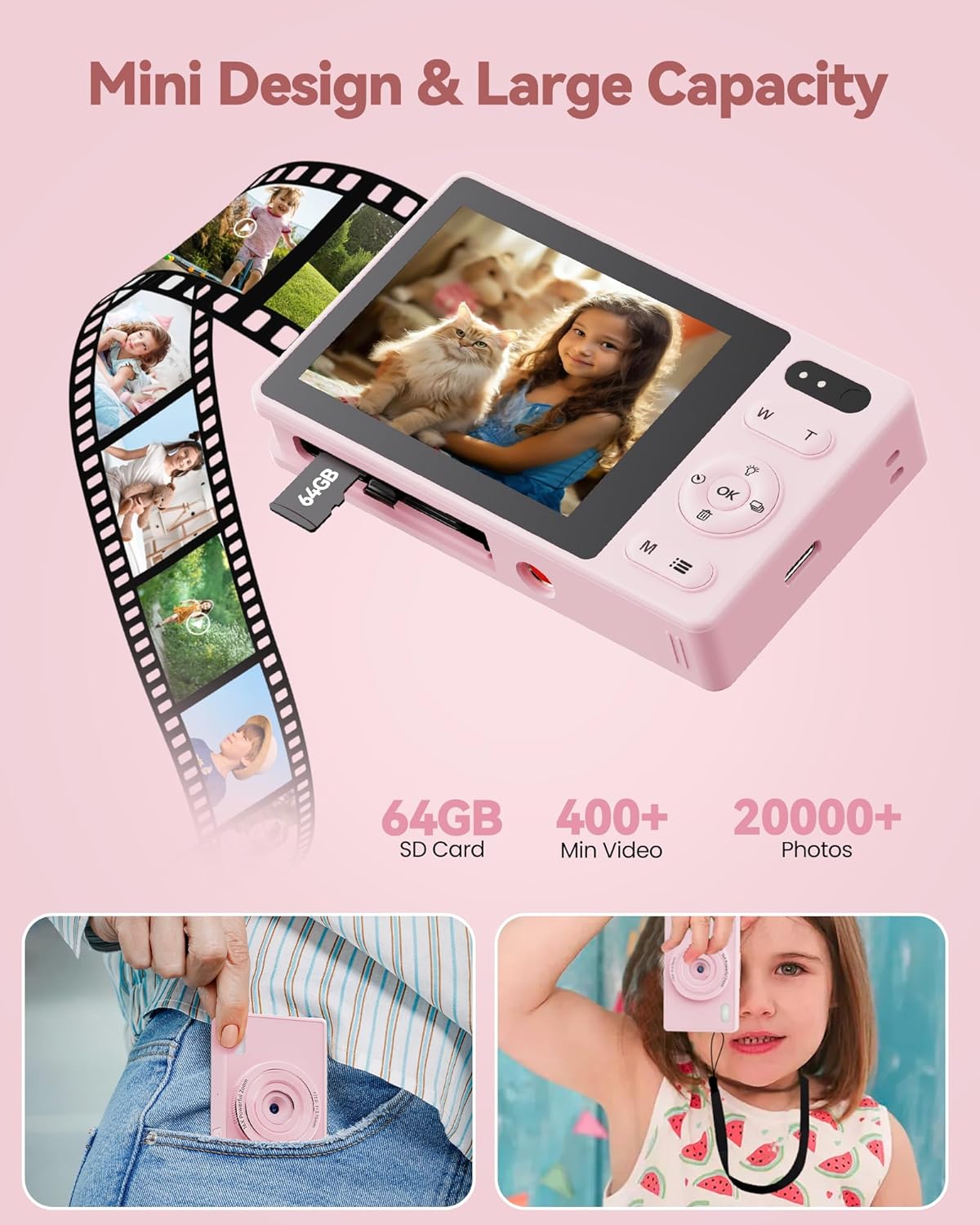
Image: A close-up view of the BMDSAE A1-P digital camera showing a 64GB SD card being inserted into its slot, illustrating the memory card installation process.
Operating Instructions
1. Power On/Off
Press and hold the Power button (usually marked with an ON/OFF symbol) to turn the camera on or off.
2. Taking Photos
- Turn on the camera.
- Frame your shot using the 2.4-inch IPS color screen.
- Press the Shutter button (typically located on top of the camera) to capture a photo.
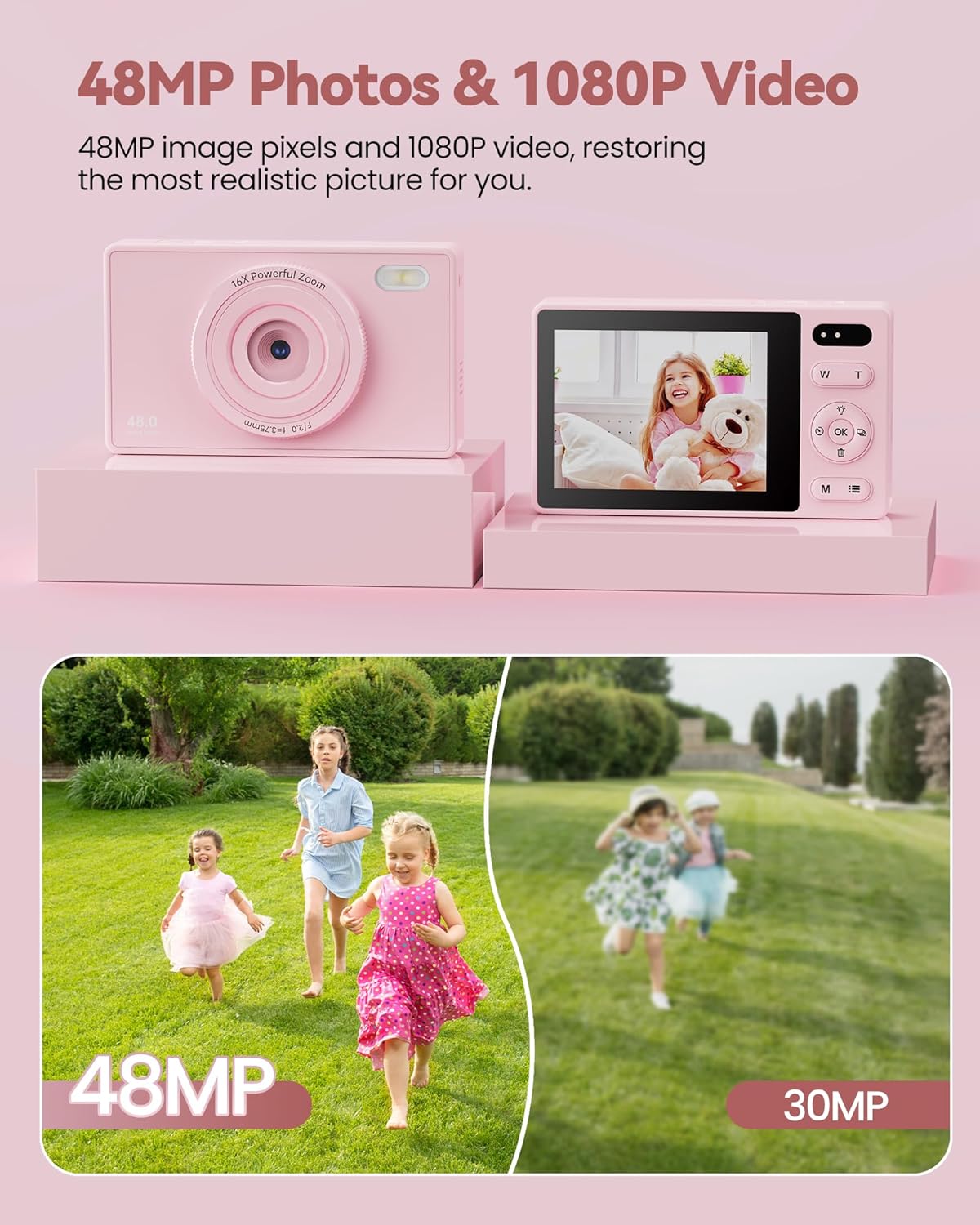
Image: The BMDSAE A1-P digital camera displaying a vibrant image of a child with a teddy bear on its screen, demonstrating its photo capture capability.
3. Recording Videos
- Turn on the camera.
- Switch to video mode (refer to the camera's on-screen icons or menu for the video mode option).
- Press the Shutter button to start recording. Press it again to stop recording.
4. Zoom Function (16X Digital Zoom)
Use the W (Wide) and T (Telephoto) buttons, usually located near the shutter, to adjust the digital zoom. Press T to zoom in and W to zoom out.
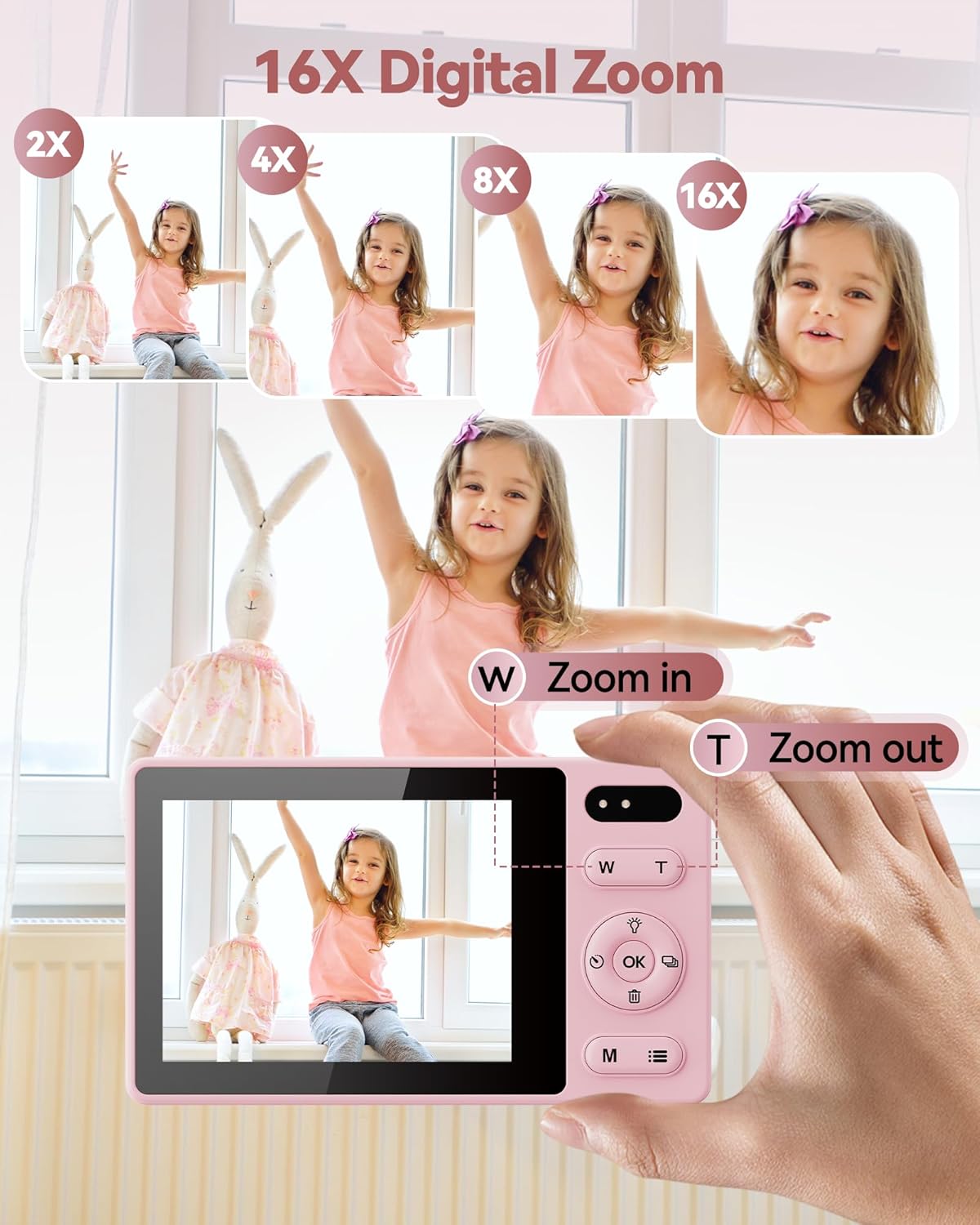
Image: A sequence of images showing a child being zoomed in from 2X to 16X using the BMDSAE A1-P digital camera, highlighting the 16X digital zoom feature.
5. Self-Timer and Continuous Shooting
Access these functions through the camera's menu. The self-timer typically offers 2, 5, or 10-second delays. Continuous shooting allows for multiple photos to be taken in quick succession.
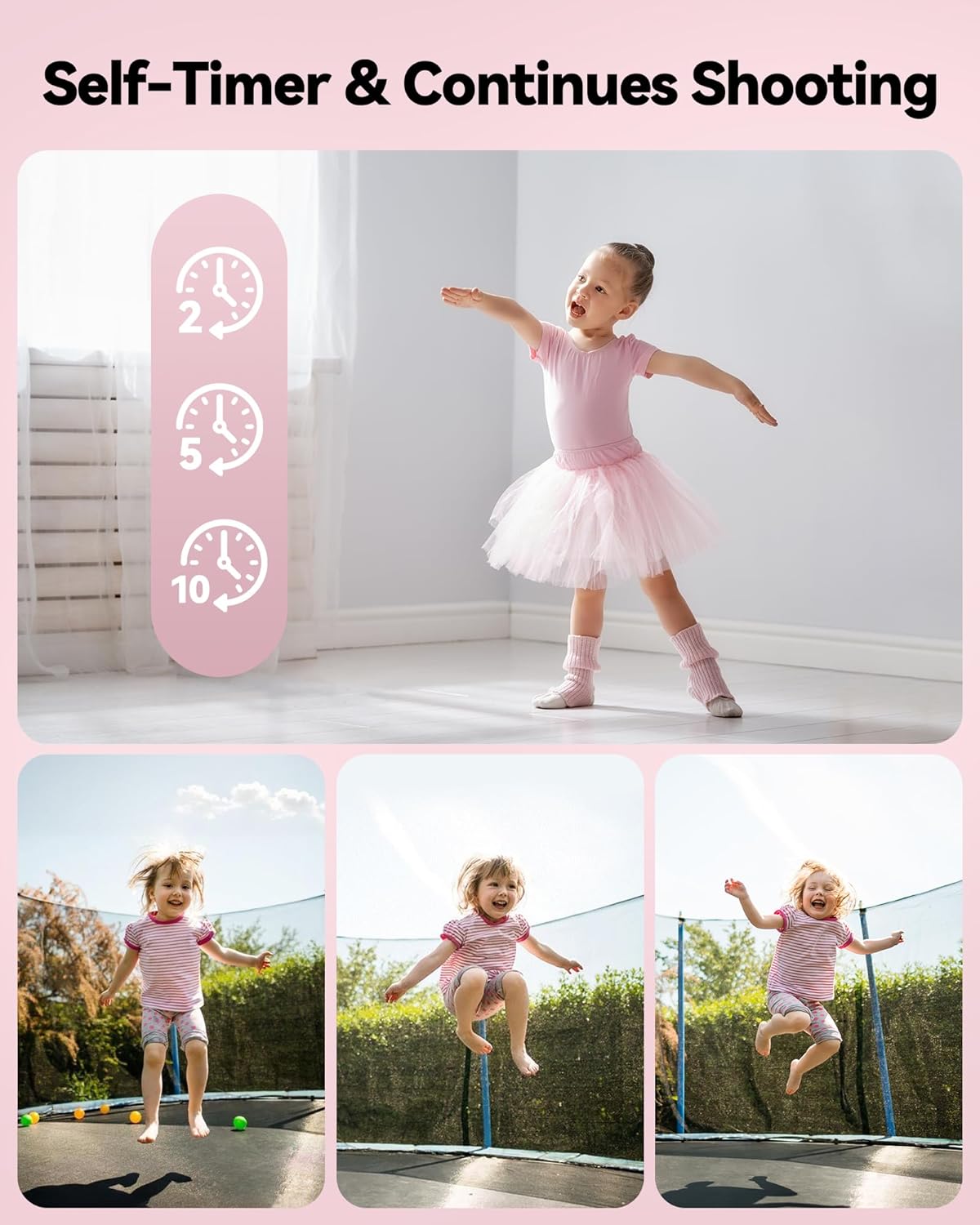
Image: A visual representation of the self-timer function with 2, 5, and 10-second options, and a series of three photos showing a child jumping on a trampoline, illustrating the continuous shooting feature of the BMDSAE A1-P digital camera.
6. Anti-Shake Function
This feature helps reduce blur caused by camera movement. It can usually be toggled on or off in the camera settings menu.
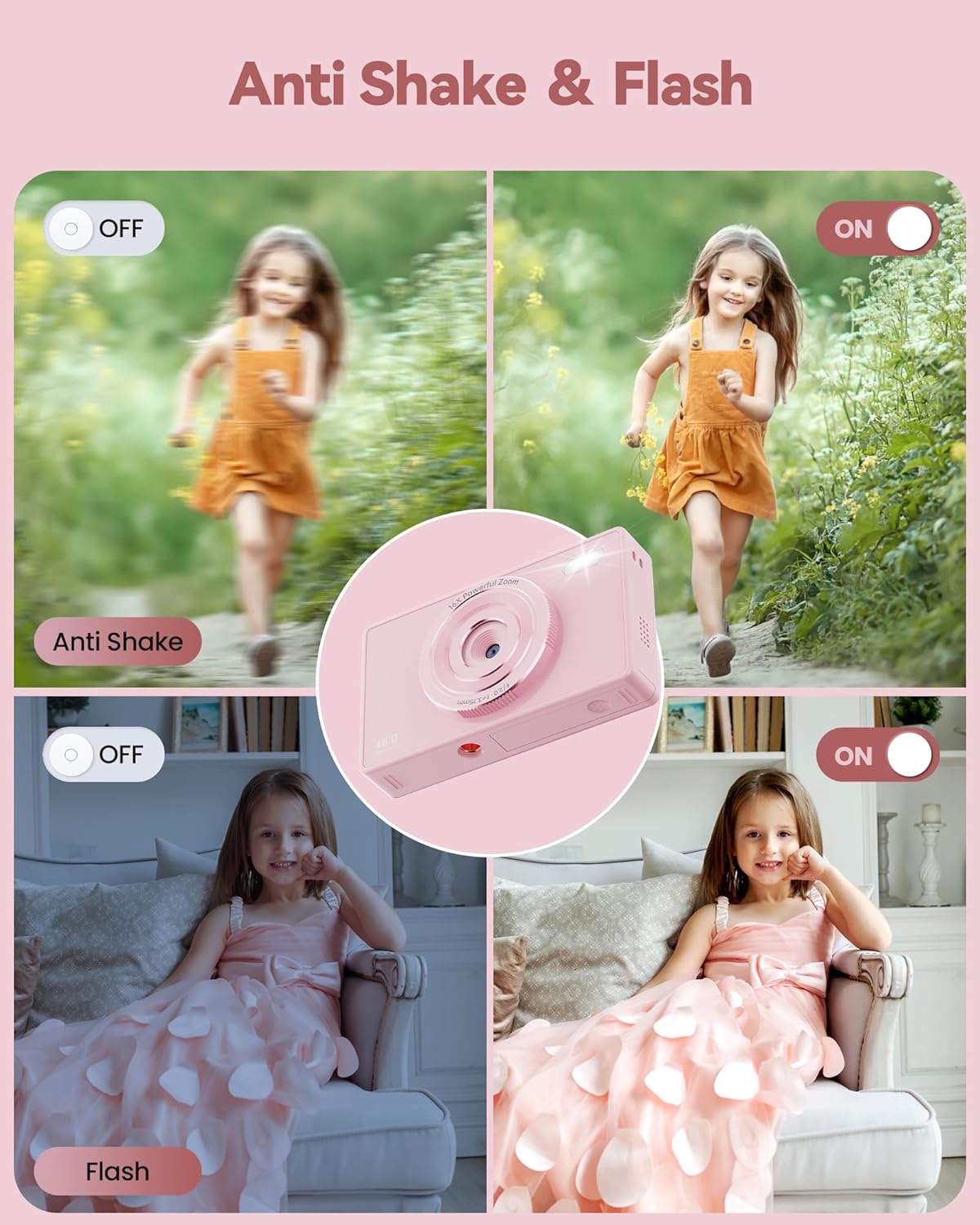
Image: A comparison showing the effect of the anti-shake function (blurry vs. clear image of a running child) and the flash function (dark vs. illuminated image of a child indoors) on the BMDSAE A1-P digital camera.
7. Flash Control
The built-in flash can be activated for low-light conditions. Look for a flash icon in the menu or a dedicated button to cycle through flash modes (Auto, On, Off).
8. Filters and Effects
The camera includes various filters (e.g., Black/White, Warm, Cold) to add creative effects to your photos. These can be selected from the camera's menu before taking a picture.

Image: A child holding a kitten, shown with four different filter effects: Normal, Black/White, Warm Filter, and Cold Filter, demonstrating the creative options of the BMDSAE A1-P digital camera.
9. Connecting to a Computer (Webcam Function)
Connect the camera to a computer using the USB cable. The camera can function as a webcam for live broadcasting on social media platforms. Select the "Webcam" option on the camera screen if prompted.
Maintenance
- Cleaning: Use the provided cleaning cloth to gently wipe the camera body and screen. Do not use liquid cleaners or abrasive materials.
- Storage: When not in use for extended periods, remove the battery and store the camera in a dry, cool place, away from direct sunlight and extreme temperatures.
- Battery Care: Recharge batteries regularly, even if not in frequent use, to maintain their lifespan. Avoid fully discharging batteries.
- SD Card: Handle the SD card carefully. Avoid touching the metal contacts. Eject the card safely from the camera or computer before removal.
Troubleshooting
| Problem | Possible Cause | Solution |
|---|---|---|
| Camera does not turn on. | Battery is dead or incorrectly inserted. | Charge the battery or re-insert it correctly. Ensure the battery compartment is closed. |
| Cannot take photos/videos. | SD card is full, not inserted, or not formatted. | Insert a formatted SD card, delete unnecessary files, or format the card (backup data first). |
| Blurry images. | Camera shake, low light, or subject too close/far. | Enable anti-shake function, use flash in low light, ensure proper distance to subject. |
| Camera freezes or becomes unresponsive. | Temporary software glitch. | Remove and re-insert the battery to reset the camera. |
Specifications
- Model: A1-P
- Photo Resolution: 48 Megapixels
- Video Resolution: 1080P
- Screen: 2.4-inch IPS Color Screen
- Zoom: 16X Digital Zoom
- Image Stabilization: Anti-shake
- Storage: Supports SD Card (64GB included)
- Battery: Lithium Metal (2 included)
- Connectivity: USB (for charging, data transfer, webcam)
- Dimensions: Approximately 17.4 x 12.8 x 3.7 cm
- Weight: Approximately 290 g
- Supported File Format: JPEG
- Photo Sensor Technology: CMOS
Warranty and Support
BMDSAE provides a one-year warranty for this product from the date of purchase. This warranty covers manufacturing defects and workmanship under normal use.
For technical support, warranty claims, or any inquiries, please contact BMDSAE customer support through the retailer where the product was purchased or refer to the contact information provided on the product packaging or official BMDSAE website.
Please retain your proof of purchase for warranty service.