
1. Introduction
The NOVOO Air Locator Tag is an ultra-slim, IP68 waterproof smart card designed exclusively for iOS devices. It seamlessly integrates with Apple's Find My app, providing a reliable solution for tracking your valuables. With its long-lasting 6-year battery, smart reminders, and lost mode functionality, this tracker ensures you can always locate your wallet, keys, bags, passports, and other important items with ease.

Image: The NOVOO Air Locator Tag, a sleek black card with the NOVOO logo and a power symbol.
2. Features
- Apple Find My Compatibility: Seamlessly integrates with Apple's "Find My" app for iOS devices, allowing you to track items across the vast Apple network. (Note: iOS only, not compatible with Android).
- Long-Lasting 6-Year Battery: Equipped with a 540mAh battery, requiring replacement only once every six years. No recharging needed.
- Ultra-Slim Design: At just 1.6mm thick, it's equivalent to two credit cards, fitting easily into wallets, purses, luggage tags, or backpacks.
- IP68 Waterproof & Dust Resistant: Designed to withstand splashes, rain, and submersion up to 1.5 meters for 30 minutes, ensuring reliable performance in various conditions.
- Smart Reminder Alert: Offers a Bluetooth range of up to 131 feet (40 meters) with an 80dB ringtone for easy location.
- Lost Mode and Smart Location Alerts: Activate Lost Mode to leverage Apple's network for finding lost items and receive notifications when the tracker moves out of Bluetooth range or is detected by another Apple device.
- Privacy Protection: Utilizes AES-128 encryption for data security and provides anti-tracking alerts if an unknown tracker is detected.

Image: Visual comparison highlighting the 1.6mm ultra-slim design of the NOVOO SmartCard.
3. Setup
Setting up your NOVOO Air Locator Tag is a straightforward process. Follow these steps to pair your device with the Apple Find My app:
- Activate the Tracker: Firmly press the center of the power button on the NOVOO SmartCard with your thumb. A tune will play, indicating that pairing mode has begun. (Note: Push harder if it doesn't turn on immediately).
- Open Find My App: On your iOS device, open the Apple "Find My" app.
- Enable Bluetooth: Ensure Bluetooth is enabled on your iOS device.
- Add New Item: In the "Find My" app, navigate to the "Items" tab and tap "Add Item" or the "+" icon. Select "Other Supported Item."
- Connect: The app will search for nearby compatible devices. Once "NOVOO Smart Tag" appears, tap "Connect."
- Name Your Item: Enter a name for your item (e.g., "Wallet," "Keys," "Bag") and choose an emoji to represent it.
- Agree to Link: Follow the on-screen prompts to agree to link the item to your Apple ID.
- Finish Setup: Tap "Finish" to complete the pairing process. Your NOVOO Air Locator Tag is now linked and ready to be tracked.
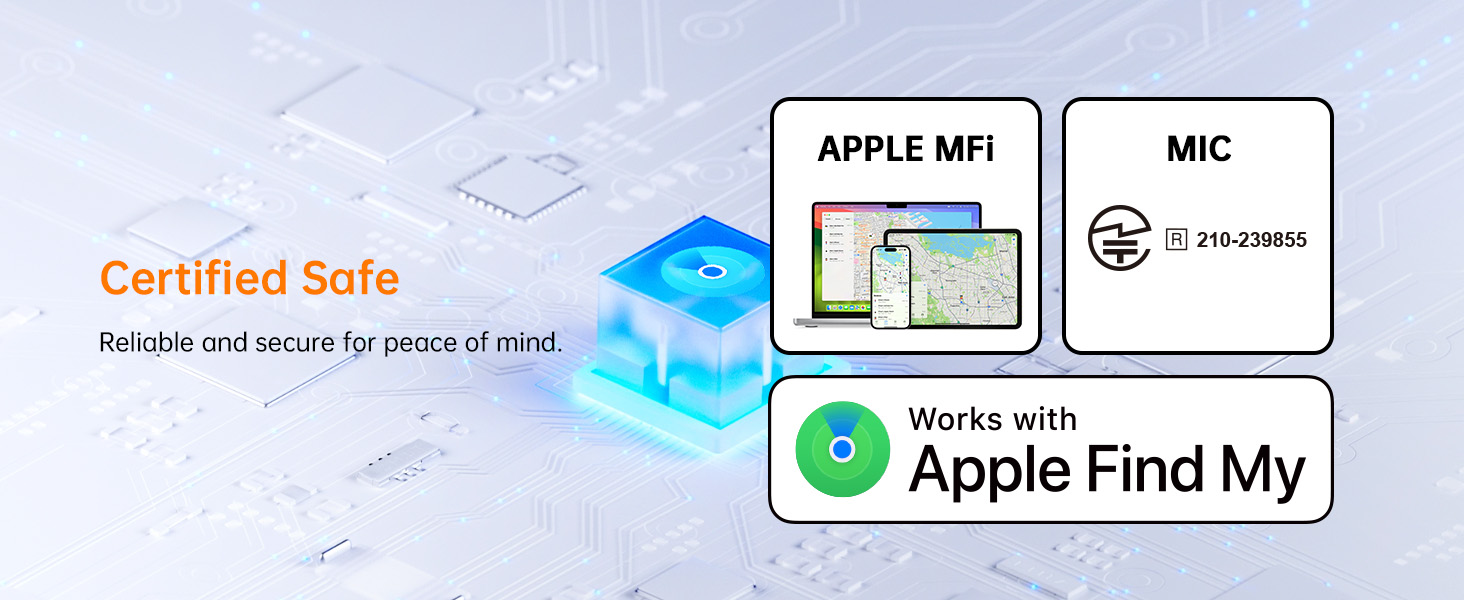
Image: Visual guide illustrating the four main steps to set up the NOVOO SmartCard with the Find My app.
Setup Video Guide
Video: An official NOVOO video demonstrating the setup process and key features of the SmartCard.
4. Operating Instructions
Locating Your Item (Play Sound)
If your NOVOO Air Locator Tag is within Bluetooth range (up to 131 feet or 40 meters), you can make it play a sound to help you find it:
- Open the "Find My" app on your iOS device.
- Select the NOVOO Smart Tag from your "Items" list.
- Tap "Play Sound." The tracker will emit an 80dB ringtone, guiding you to its location.
- You can also ask Siri to ring it by saying, "Hey Siri, find my wallet" (or whatever you named your tag).
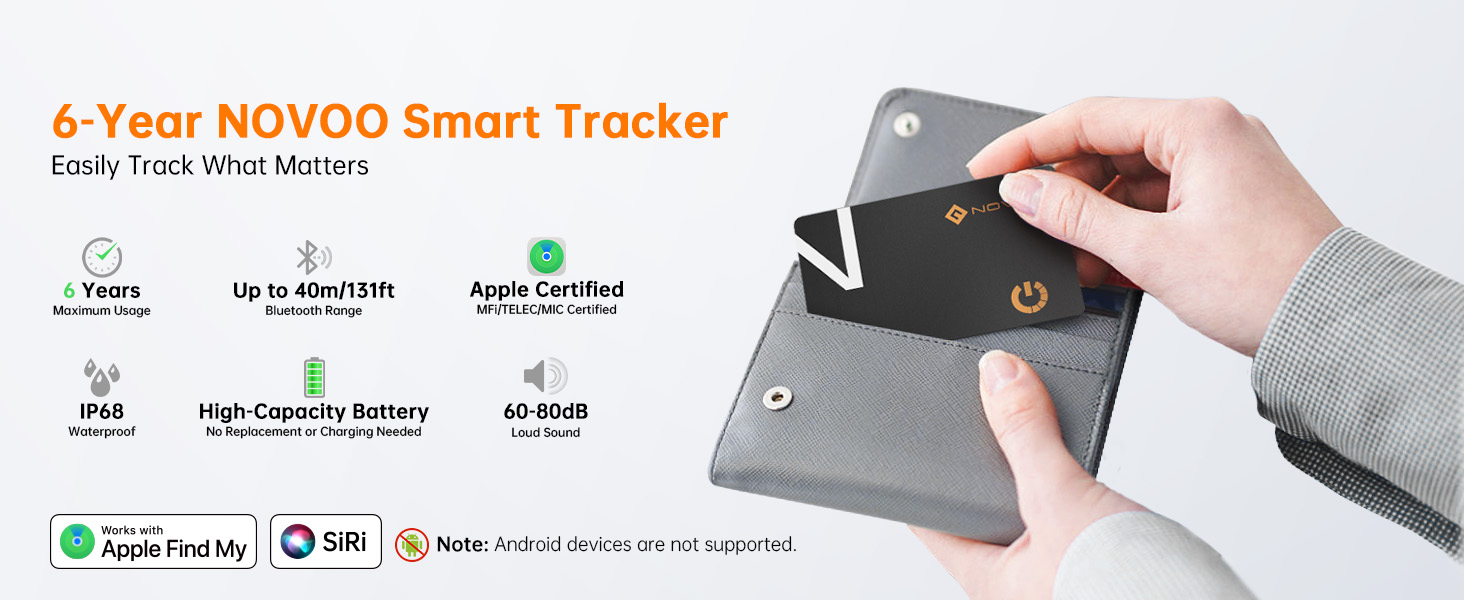
Image: A phone screen showing the Find My app with a sound wave icon, indicating the tracker is playing a sound to help locate a wallet.
Precise Location Tracking (Directions)
Even if your tracker is out of Bluetooth range, you can still view its last known location and get directions:
- In the "Find My" app, select your NOVOO Smart Tag.
- The app will display the last known location on a map.
- Tap "Directions" to open Apple Maps and receive navigation instructions to the tracker's last recorded position.
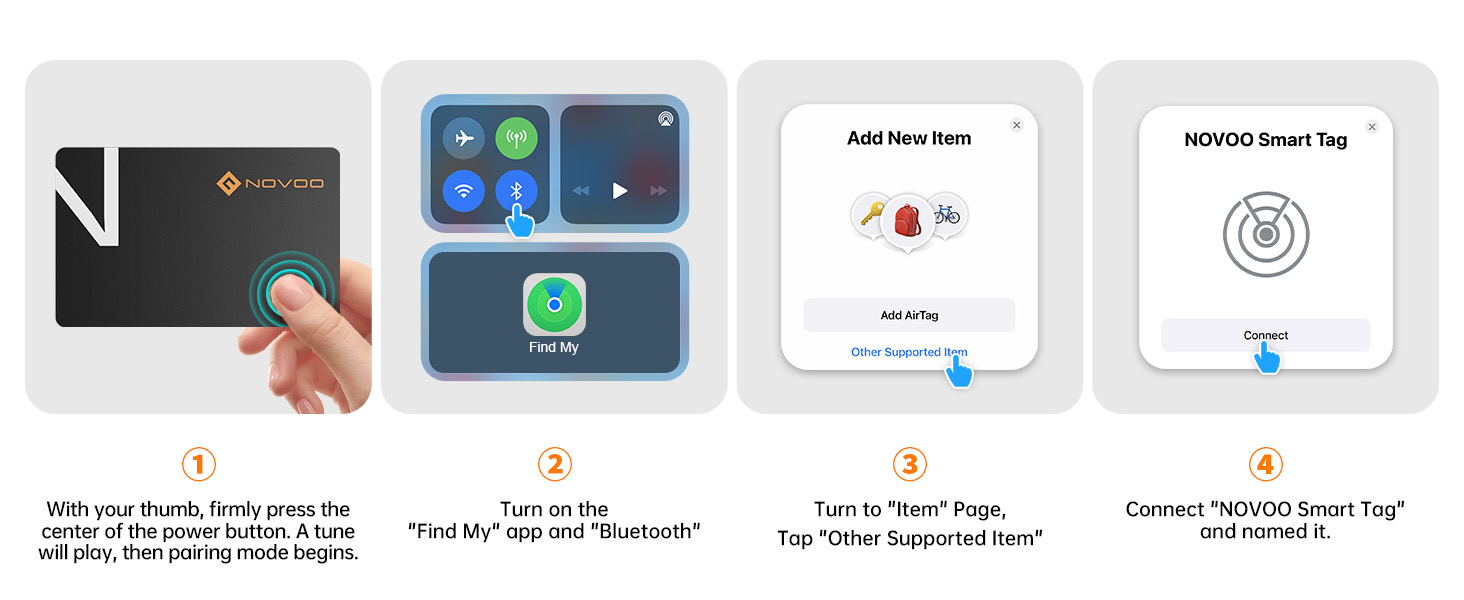
Image: A phone displaying a map with a route to the NOVOO SmartCard's location, indicating precise tracking capabilities.
Notify When Left Behind
Receive alerts if you accidentally leave your item behind:
- In the "Find My" app, select your NOVOO Smart Tag.
- Scroll down to "Notifications" and enable "Notify When Left Behind."
- You can set exceptions for trusted locations (e.g., home) where you don't want to receive alerts.
- Your iPhone will notify you when the tracker moves out of Bluetooth range from your device.
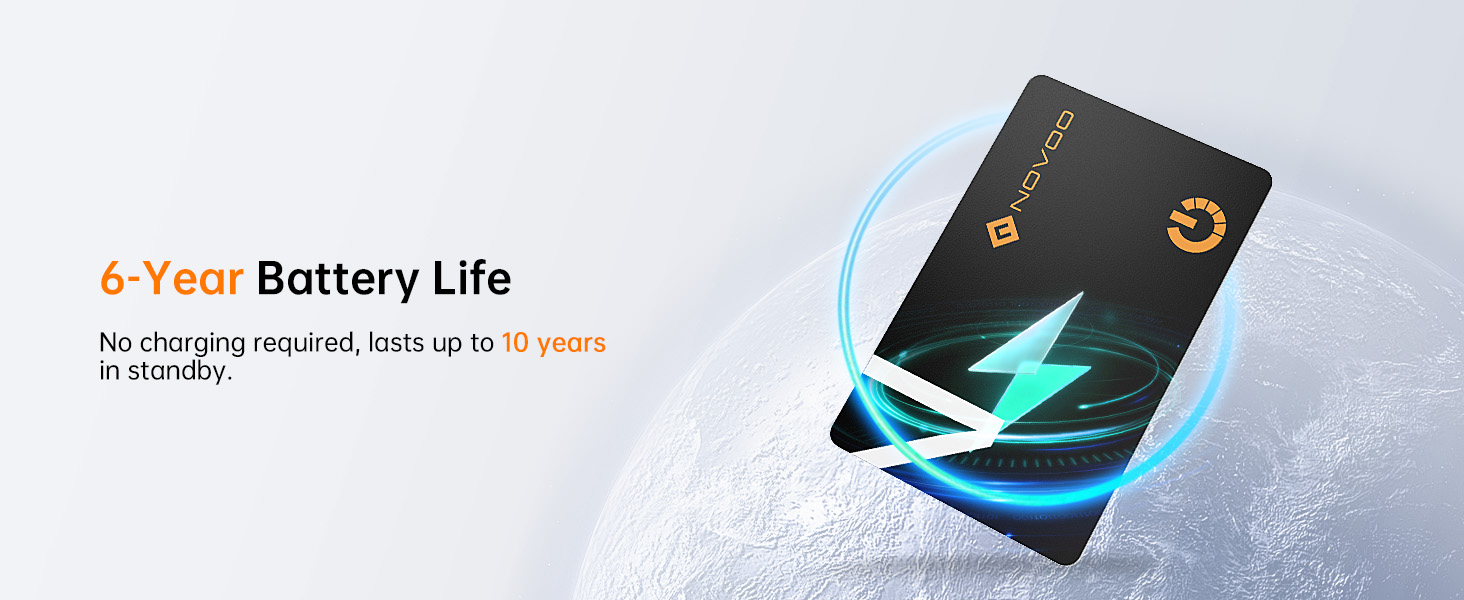
Image: A phone displaying a "Smart Tag left behind" notification, showing how the device alerts users when they move away from their tracked item.
Lost Mode
If your item is truly lost, activate Lost Mode to leverage the entire Apple Find My network:
- In the "Find My" app, select your NOVOO Smart Tag.
- Scroll down and tap "Enable" under "Lost Mode."
- You can enter a contact phone number or email address. If someone finds your tracker, they can use their Apple device to see your contact information and return the item.
- You will receive a notification when your lost tracker is detected by any Apple device on the Find My network.

Image: A phone screen showing the "Lost Mode" interface within the Find My app, allowing users to mark their item as lost and provide contact details.
Share with Friends and Family
You can share the location of your NOVOO Air Locator Tag with up to 5 other Apple devices via the Find My app:
- In the "Find My" app, select your NOVOO Smart Tag.
- Scroll down and tap "Share This Item."
- Add the contacts you wish to share the item's location with. This is useful for shared items like car keys or family bags.
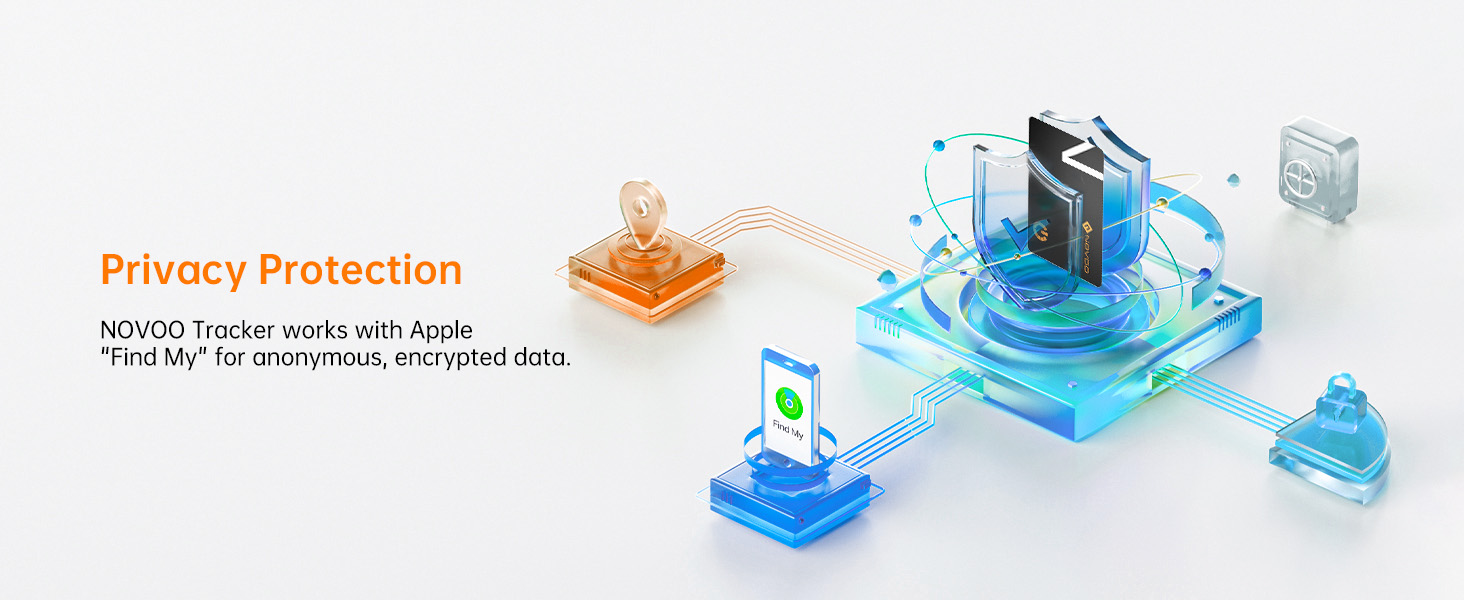
Image: A phone screen showing the "Share with Loved Ones" feature in the Find My app, allowing multiple users to track the same item.
5. Maintenance
Battery Life
The NOVOO Air Locator Tag features a non-rechargeable 540mAh battery designed to last for approximately 6 years. You can check the remaining battery life within the "Find My" app, and your smartphone will notify you when it drops below 20%.
No charging or battery replacement is required during its lifespan.
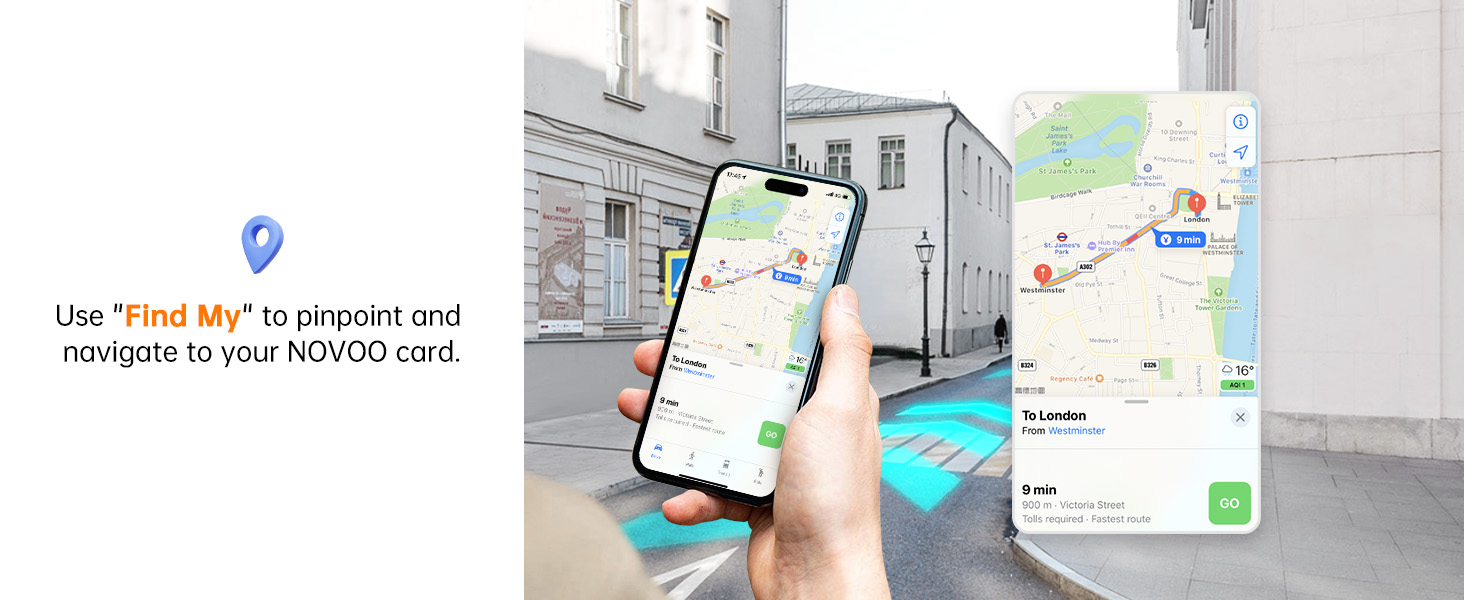
Image: A visual representation emphasizing the 6-year battery life of the NOVOO SmartCard.
Waterproof and Dust Resistant
With an IP68 rating, the NOVOO Air Locator Tag is highly resistant to water and dust. It can withstand submersion in up to 1.5 meters (4.92 feet) of water for 30 minutes. This makes it suitable for use in various environments and conditions.
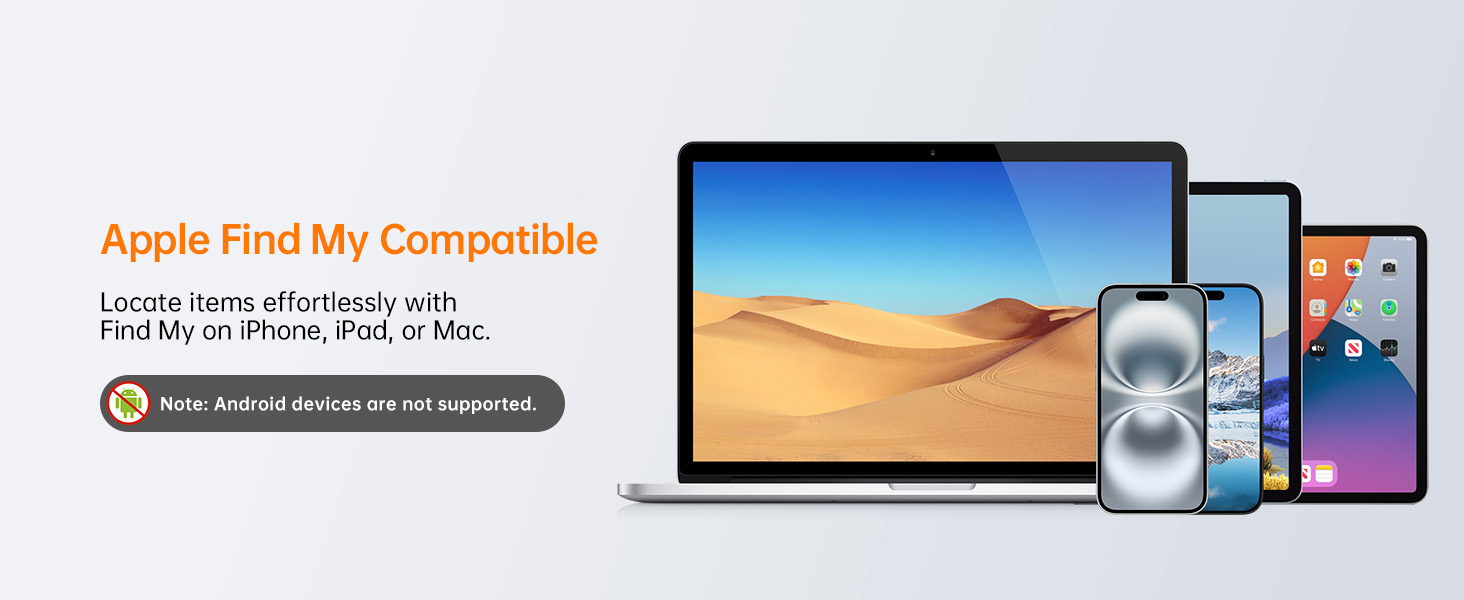
Image: The NOVOO SmartCard being splashed with water, illustrating its IP68 waterproof capability.
6. Troubleshooting
- Device Not Turning On: If the device does not turn on after pressing the power button, ensure you are pressing firmly on the center of the power symbol. Sometimes a more deliberate press is needed.
- Pairing Issues: If the device is not discoverable during setup, ensure Bluetooth is enabled on your iOS device and that the NOVOO Smart Tag is in pairing mode (indicated by the initial tune). Try moving the tag closer to your iOS device.
- Resetting the Device: To reset the NOVOO Smart Tag, press the button 5 times quickly until you hear three "Di-Di-Di" sounds. Then, hold the button for 6 seconds until you hear two "Di-Di" sounds, confirming a successful reset. This can help resolve connectivity issues.
- Location Inaccuracy: The accuracy of location tracking depends on the density of Apple devices in the Find My network. In areas with fewer Apple devices, the last known location might be less precise.
- Battery Notifications: The "Find My" app will notify you when the battery level drops below 20%. Since the battery is non-rechargeable, this indicates it's nearing the end of its 6-year lifespan.
- Unpairing: To unpair the NOVOO Smart Card, ensure Bluetooth is enabled on your Apple device and remove it via the Find My app. The card will provide feedback sounds upon successful removal.
Factory Reset Instructions

Image: A visual guide detailing the steps to perform a factory reset on the NOVOO SmartCard.
7. Specifications
| Attribute | Detail |
|---|---|
| Model Name | NC2-US |
| Product Dimensions | 3.36 x 2.12 x 0.07 inches |
| Item Weight | 0.48 ounces (13.61 g) |
| Battery | 1 Lithium Metal battery (non-rechargeable) |
| Battery Life | Up to 6 years |
| Waterproof Rating | IP68 |
| Bluetooth Range | Up to 131 feet (40 meters) |
| Ringtone Volume | 80dB |
| Compatibility | iOS Only (Apple Find My App) |
| Material | Acrylonitrile Butadiene Styrene (ABS) |
| Manufacturer | NOVOO |
| Country of Origin | China |
8. Warranty and Support
For warranty information and customer support, please refer to the official NOVOO website or the documentation included with your product packaging. You may also contact the seller directly for assistance with product-related inquiries.
Please retain your proof of purchase for any warranty claims.