1. Product Overview
The EYTSE VK100 is a portable karaoke machine designed for both professional and casual use, featuring a 14.1-inch HD touchscreen for lyrics display and an 800W peak power PA system. It includes two wireless microphones, DJ lights, and multiple connectivity options for a versatile entertainment experience.
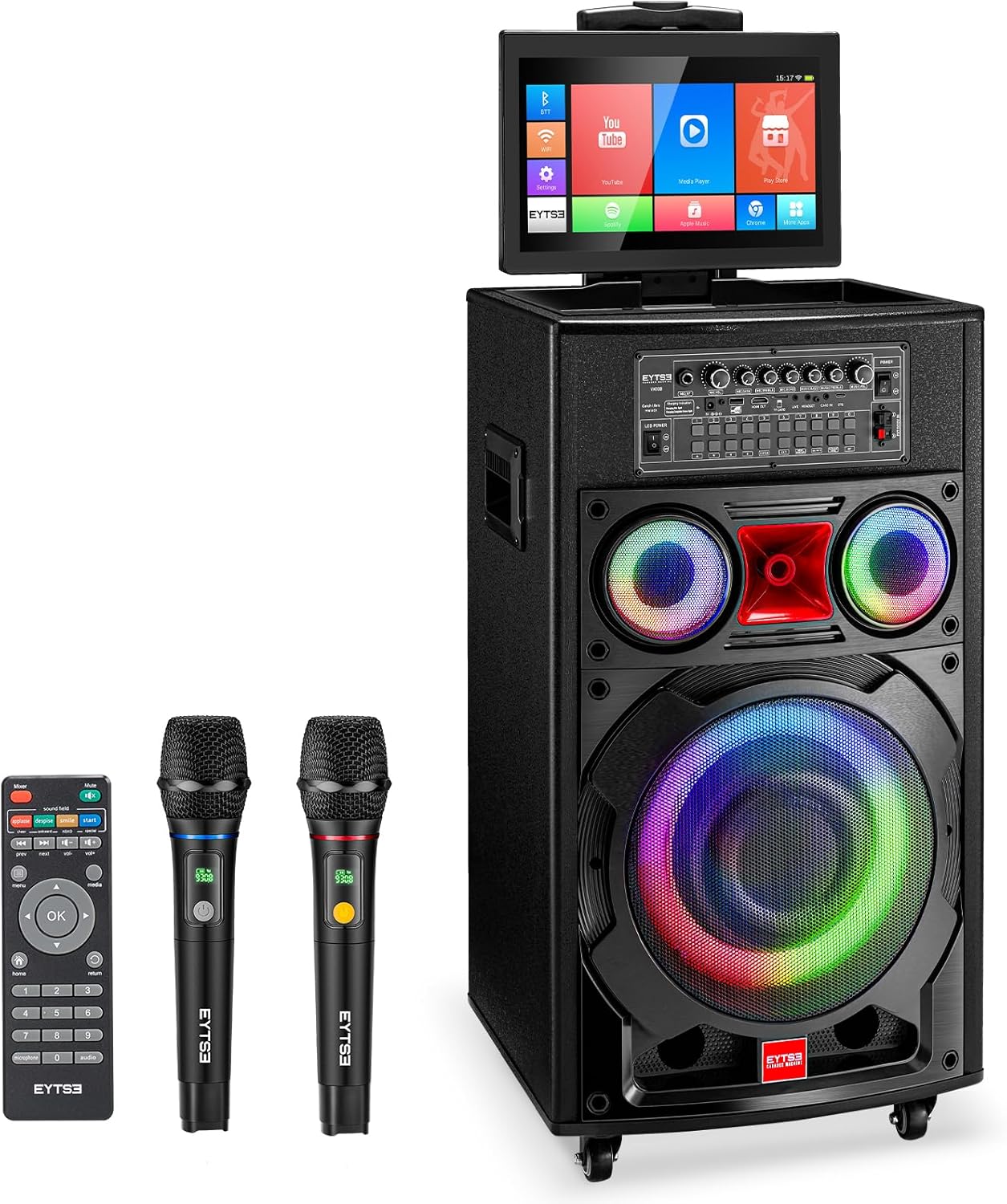
Figure 1: EYTSE VK100 Karaoke Machine with included accessories.
2. What's Included
Verify that all items are present in the package:
- Karaoke Machine (VK100) x 1
- Wireless UHF Microphone x 2
- Wireless Microphone Battery x 2
- Remote Control x 1
- HDMI Cable x 1
- Type-C Charging Cable x 1
- Power Adapter x 1
- User Manual x 1

Figure 2: Contents of the EYTSE VK100 package.
3. Setup
3.1 Powering On and Charging
- Connect the Power Adapter to the DC 15V input port on the back panel of the karaoke machine.
- Plug the Power Adapter into a suitable power outlet.
- Press the LED POWER switch to the ON position to power on the unit.
- The charging indicator light will show red during charging and turn green when fully charged.
3.2 Microphone Setup
- Insert the provided batteries into each wireless microphone.
- Turn on the microphones. They should automatically pair with the karaoke machine.
- Adjust microphone volume using the MIC.VOL knob on the control panel.

Figure 3: Wireless UHF Microphones with long battery life and anti-interference features.
3.3 Screen Adjustment
The 14.1-inch HD touchscreen can be rotated 180 degrees horizontally and 270 degrees vertically for optimal viewing angles.

Figure 4: Flexible 14.1-inch HD Touch Screen for versatile viewing.
4. Operating Instructions
4.1 Control Panel Overview
The main control panel is located on the top of the unit, providing access to various audio and system settings.

Figure 5: Detailed view of the control panel with multiple connectivity features.
- MIC/GT Input: For wired microphones or guitar.
- MIC.VOL: Adjusts microphone volume.
- MIC.BASS/MIC.TREBLE: Adjusts microphone bass and treble.
- MIC.ECHO: Controls microphone echo effect.
- MUSIC.BASS/MUSIC.TREBLE: Adjusts music bass and treble.
- MUSIC.VOL: Adjusts overall music volume.
- HDMI OUT: Connects to an external display (e.g., TV).
- USB/TF Card: For media playback from USB drives or TF cards.
- LIVE/HEADSET/C.MIC IN/OTG: Various audio input/output ports.
- Numeric Selection Keys (0-9): For song selection in USB/TF card mode.
- MENU/WIRETAPS: Short press for menu, long press for headphone function.
- MIC.PRITY: Microphone priority function.
- KARAOKE MODE: Switches between accompaniment and original vocals (if supported by video file).
- BT: Bluetooth pairing button.
4.2 Media Playback and Connectivity
The VK100 supports various playback options:
- Bluetooth: Pair your smartphone or tablet wirelessly to stream music.
- USB/TF Card: Insert a USB drive or TF card into the respective slot for direct media playback.
- HDMI: Connect the machine to a TV or external display using the HDMI OUT port for a larger viewing experience.
- AUX IN: Use the AUX IN port to connect external audio devices.
- Lyrics Display: The 14.1-inch touchscreen displays lyrics. The system also supports third-party software lyrics playback.
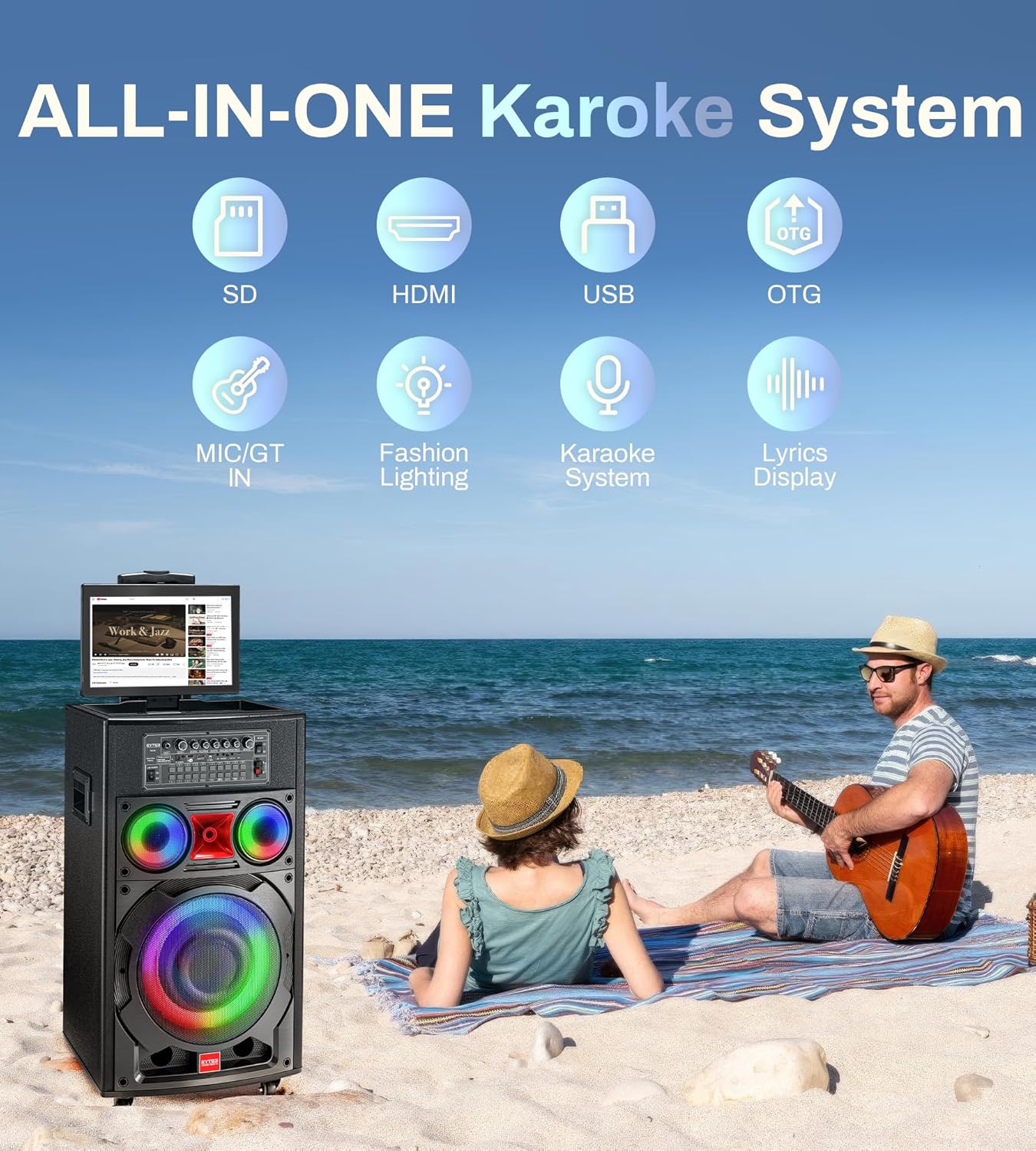
Figure 6: Multiple playback and input options for the VK100.

Figure 7: Connecting the karaoke machine to a TV via HDMI for an enhanced viewing experience.
4.3 DJ Lights
The integrated LED lights sync with the music, creating a dynamic atmosphere. These lights can be controlled or turned off via the system settings or remote control.

Figure 8: Colorful lights synchronized with dynamic music.
4.4 Portability
The VK100 is designed for easy transport with a sturdy pull rod and silent lock swivel wheels. Integrated handles also assist with lifting.

Figure 9: Portable design with pull rod and swivel wheels.
5. Maintenance
- Keep the unit dry and clean. Avoid exposure to water or excessive humidity.
- Clean the exterior with a soft, dry cloth. Do not use abrasive cleaners or solvents.
- Ensure proper ventilation around the unit during operation.
- Store the unit in a cool, dry place when not in use for extended periods.
- Regularly check cables for any signs of damage.
6. Troubleshooting
| Problem | Possible Cause | Solution |
|---|---|---|
| No power | Power adapter not connected; Power switch off; Low battery. | Ensure power adapter is securely connected and plugged in. Turn on the power switch. Charge the unit. |
| No sound from microphones | Microphones off; Batteries low/dead; Microphone volume too low; Not paired. | Turn on microphones. Replace batteries. Increase MIC.VOL. Re-pair microphones if necessary. |
| No music playback | Incorrect input source selected; Music volume too low; Corrupt media file. | Select the correct input source (Bluetooth, USB, TF Card, AUX). Increase MUSIC.VOL. Try a different media file. |
| Screen not displaying | Screen power off; Connection issue. | Ensure the screen is properly connected and powered. Restart the unit. |
| Lights not working | Light feature turned off in settings. | Check system settings or remote control for light activation. |
7. Specifications
| Feature | Detail |
|---|---|
| Model Number | VK100 |
| Screen Size | 14.1-inch HD Touch Screen (1280x800) |
| Peak Power | 800W |
| Speaker Configuration | Dual 100W Stereo Speakers (10" Woofer, 2x3" Tweeter) |
| Microphones | 2 Wireless UHF Microphones |
| Connectivity | Bluetooth, USB, TF Card, AUX IN, HDMI OUT, WiFi |
| Storage | 32GB (internal) |
| Battery Life | Up to 10 hours (playback) |
| Charging Time | 2-3 hours (microphones) |
| Item Weight | 17.46 pounds |
| Product Dimensions | 10 x 6 x 8 inches |

Figure 10: Speaker configuration and sound quality details.
8. Warranty and Support
For warranty information and technical support, please refer to the warranty card included in your package or contact EYTSE customer service directly. Keep your purchase receipt for warranty claims.
You can also visit the official EYTSE store for more information: EYTSE Store on Amazon.
9. Product Demonstration Video
Video 1: A demonstration of the EYTSE VK100 Karaoke Machine's features and operation, including sound and light effects.


