
1. Introduction
Thank you for choosing the OCOOPA UT2s and UT4 Young Hand Warmers. These portable, rechargeable devices are designed to provide warmth and comfort in cold conditions. Please read this manual thoroughly before use to ensure safe and optimal operation.

Image: A pair of OCOOPA UT2s and UT4 Young hand warmers, showcasing their compact design and the included lanyard for portability.
2. Setup
2.1 Charging the Hand Warmers
- Connect the provided charging cable to the charging port on the hand warmer.
- Connect the other end of the cable to a USB power source (e.g., wall adapter, computer, power bank).
- The indicator lights will illuminate to show the charging status. A full charge is indicated when all lights are solid.
- Allow approximately 3-4 hours for a full charge.
2.2 Attaching the Lanyard
Thread the lanyard through the designated loop on the hand warmer for convenient carrying and to prevent accidental drops.
3. Operating Instructions
3.1 Powering On/Off and Adjusting Heat Levels
- To power on, press and hold the power button for approximately 3 seconds until the indicator lights illuminate.
- To cycle through heat levels, short press the power button. Each press will change the heat setting.
- Low Heat: 100-108°F (up to 8 hours of warmth)
- Medium Heat: 109-117°F (up to 6 hours of warmth)
- High Heat: 118-125°F (up to 4 hours of warmth)
- To power off, press and hold the power button for approximately 3 seconds until the indicator lights turn off.

Image: The OCOOPA hand warmer emitting warmth, demonstrating its compact size and readiness for use.
3.2 Magnetic Connection (MagTwins Feature)
The UT2s and UT4 Young hand warmers feature a magnetic design, allowing them to snap together for easy storage and portability. This also enables them to function as a single unit or two separate units for warmth in both hands.
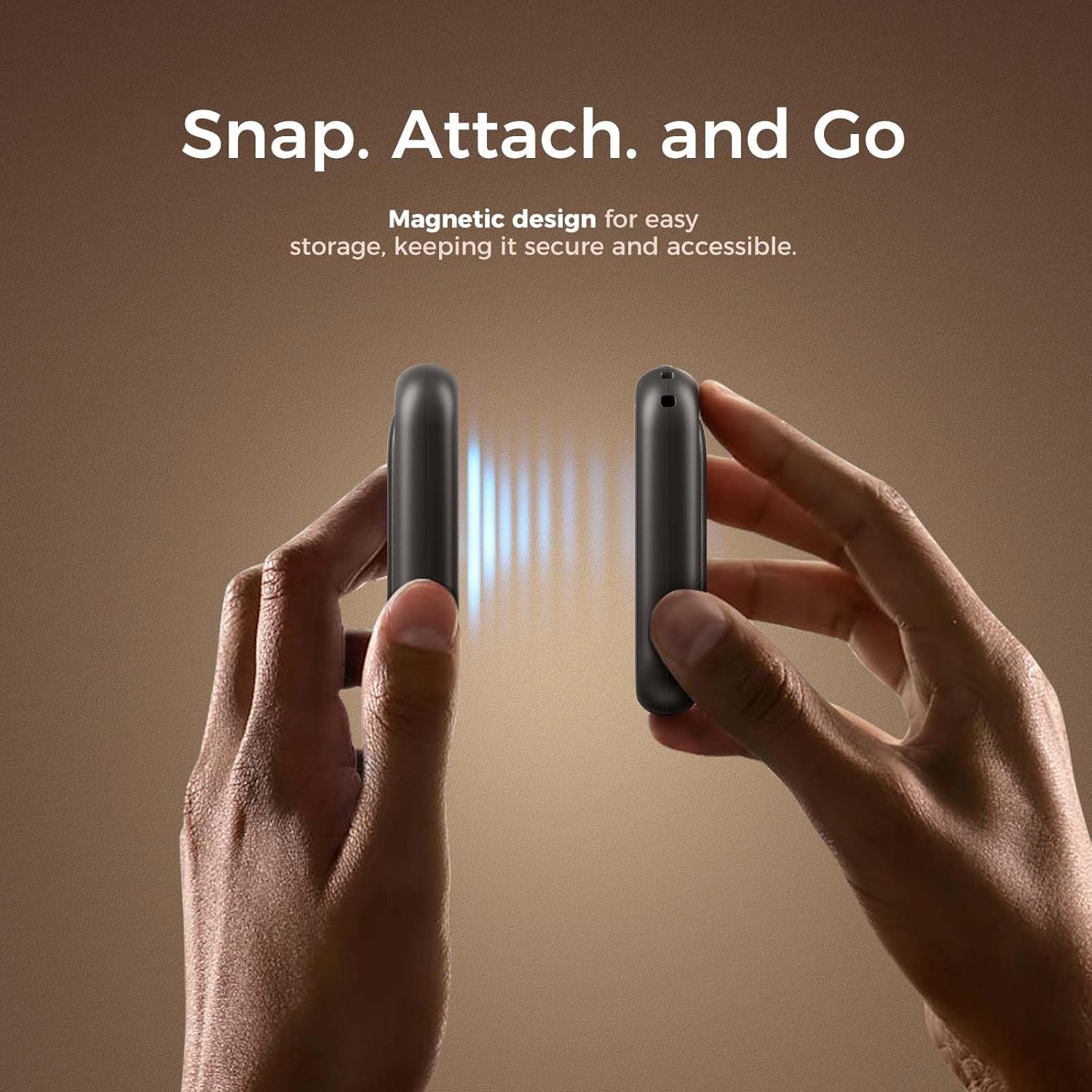
Image: Two hand warmers being brought together, showing the magnetic connection for combined use or storage.
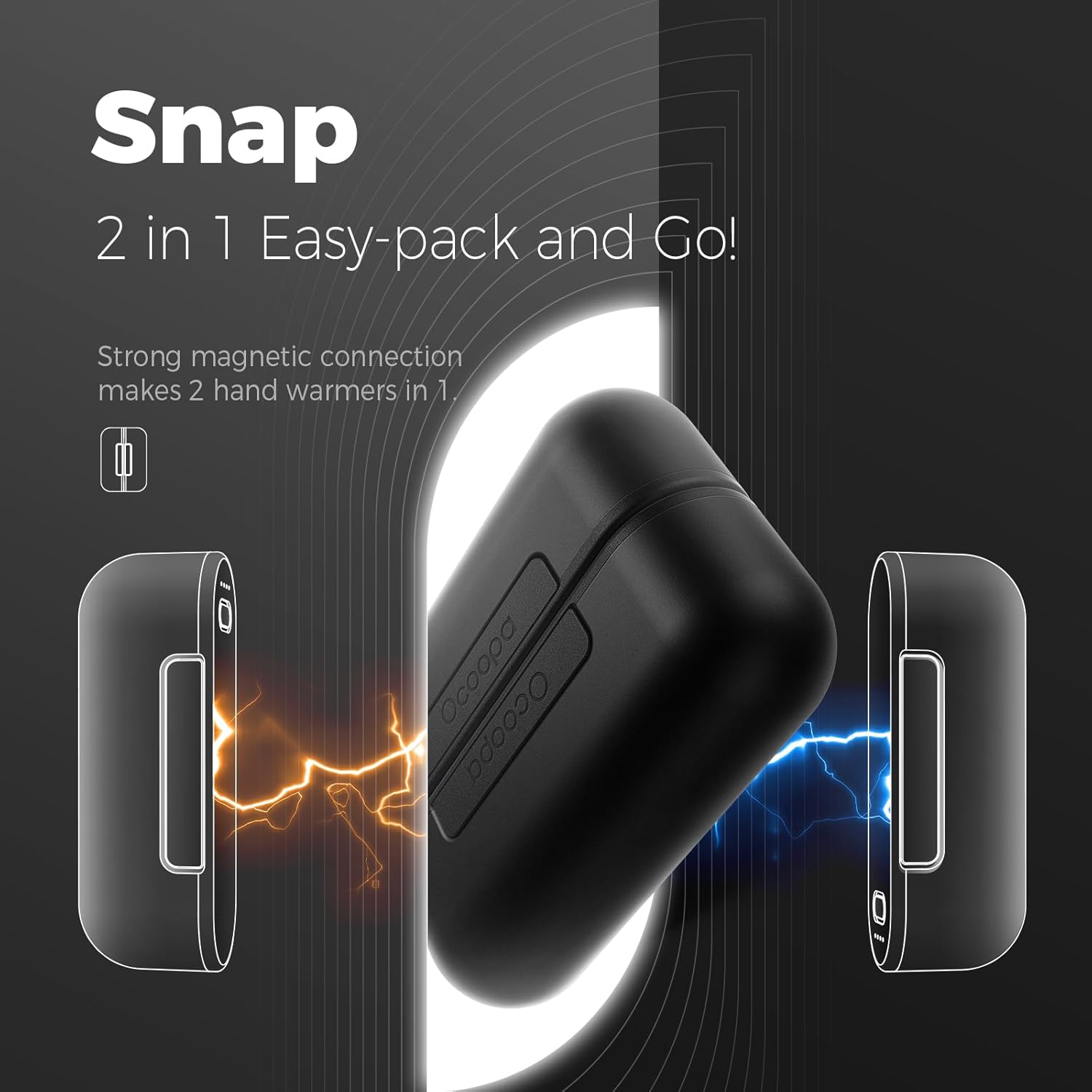
Image: A visual representation of the strong magnetic connection that allows two hand warmers to combine into one unit.
3.3 Usage in Cold Environments
These hand warmers are designed to fit comfortably in gloves or pockets, providing direct warmth to your hands. They are IP34 water-resistant, offering protection against splashes, and are TSA carry-on approved for travel.
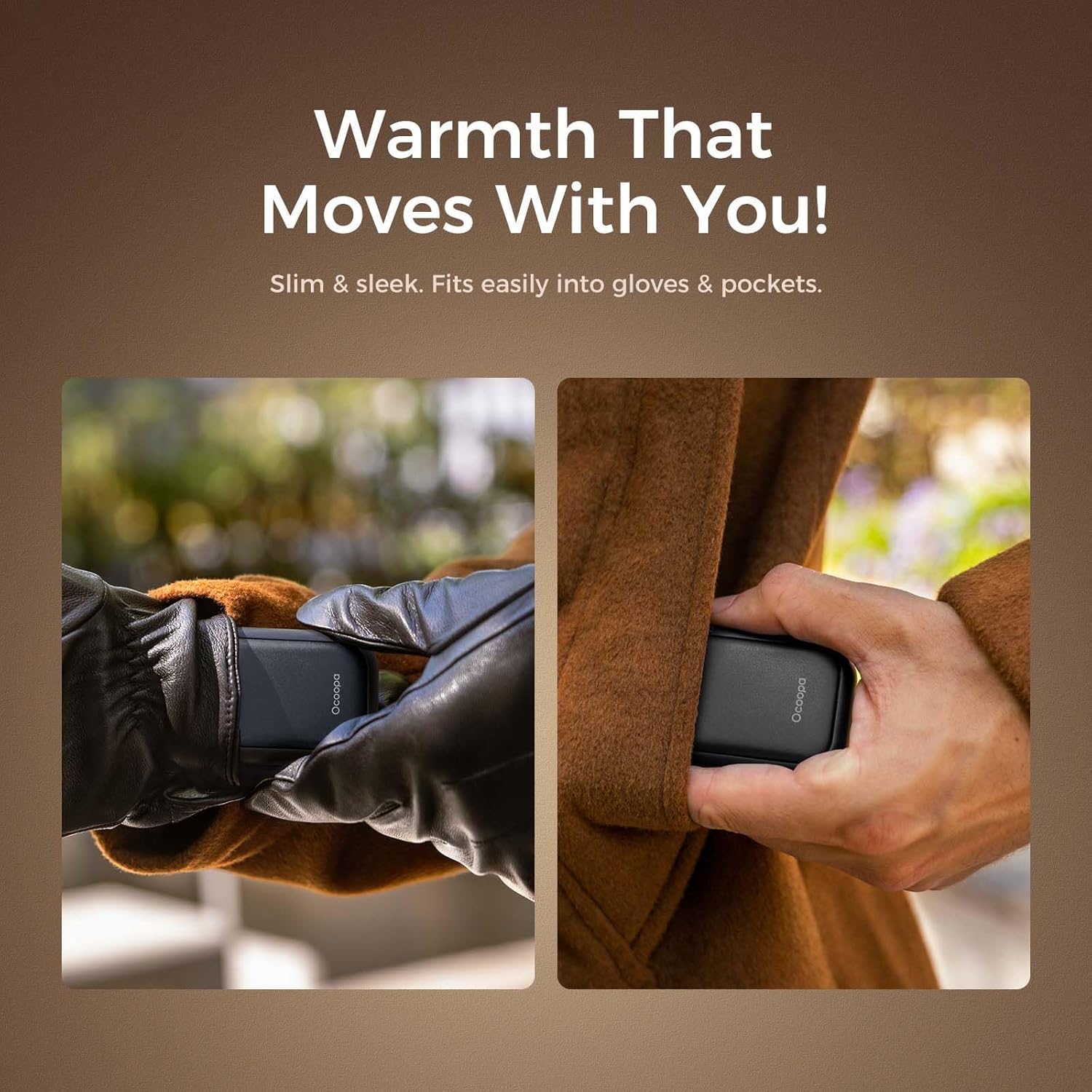
Image: Demonstrating how the compact hand warmers fit easily into gloves and pockets for warmth on the go.
Official Product Video: OCOOPA UT4 Young Hand Warmers Overview
Video: A detailed overview of the OCOOPA UT4 Young hand warmers, demonstrating their features, magnetic connection, heat settings, and portability. The video highlights the product's ease of use and suitability for various cold weather activities.
4. Maintenance
- Cleaning: Wipe the surface of the hand warmers with a soft, dry cloth. Do not use abrasive cleaners or immerse in water.
- Storage: Store the hand warmers in a cool, dry place when not in use. Ensure they are fully charged before long-term storage to preserve battery life.
- Battery Care: To maintain optimal battery performance, charge the devices at least once every three months, even if not in regular use.
5. Troubleshooting
| Problem | Possible Cause | Solution |
|---|---|---|
| Device does not turn on. | Low battery. | Charge the device fully. |
| Device not heating up. | Incorrect heat setting or device not fully on. | Ensure the device is powered on and cycle through heat settings. |
| Charging indicator lights not working. | Faulty cable or power source. | Try a different charging cable or USB power source. |
| Magnetic connection is weak. | Debris on magnetic surfaces. | Clean the magnetic surfaces of both units. |
6. Specifications
| Feature | Detail |
|---|---|
| Model | UT2s + UT4 Young |
| Brand | OCOOPA |
| Heat Settings | 3 levels: 100-108°F, 109-117°F, 118-125°F |
| Battery Life | Up to 8 hours (low heat), 6 hours (medium heat), 4 hours (high heat) |
| Water Resistance | IP34 (splash resistant) |
| Portability | Magnetic connection for 2-in-1 use/storage, TSA carry-on approved |
| Power Bank Function | 5000mAh (each unit) |
7. Warranty and Support
For warranty information and customer support, please refer to the official OCOOPA website or contact their customer service directly. Keep your purchase receipt for warranty claims.
Contact Information: Please visit OCOOPA's Amazon Store for more information or to contact support.


