
Introduction
Thank you for choosing the QWORK Automatic Fish Feeder. This device is designed to provide convenient and reliable feeding for your aquatic pets in both aquariums and ponds. With its versatile feeding modes and moisture-proof design, it ensures your fish are fed consistently, even when you are away. Please read this manual carefully before use to ensure proper operation and maintenance.
Product Overview
The QWORK Automatic Fish Feeder, model WD42494, features a 320ml capacity food container and offers flexible feeding schedules. Its robust design is built for durability and ease of use.
- Versatile Feeding Modes: Choose between 8-hour, 12-hour, or 24-hour intervals for automated feeding.
- Manual Feeding Option: A dedicated button allows for immediate, manual feeding at any time.
- Practical Design: Engineered to be moisture-proof and prevent food clogging, ensuring reliable dispensing.
- Flexible Installation: Multiple mounting options suitable for various aquarium and pond setups.
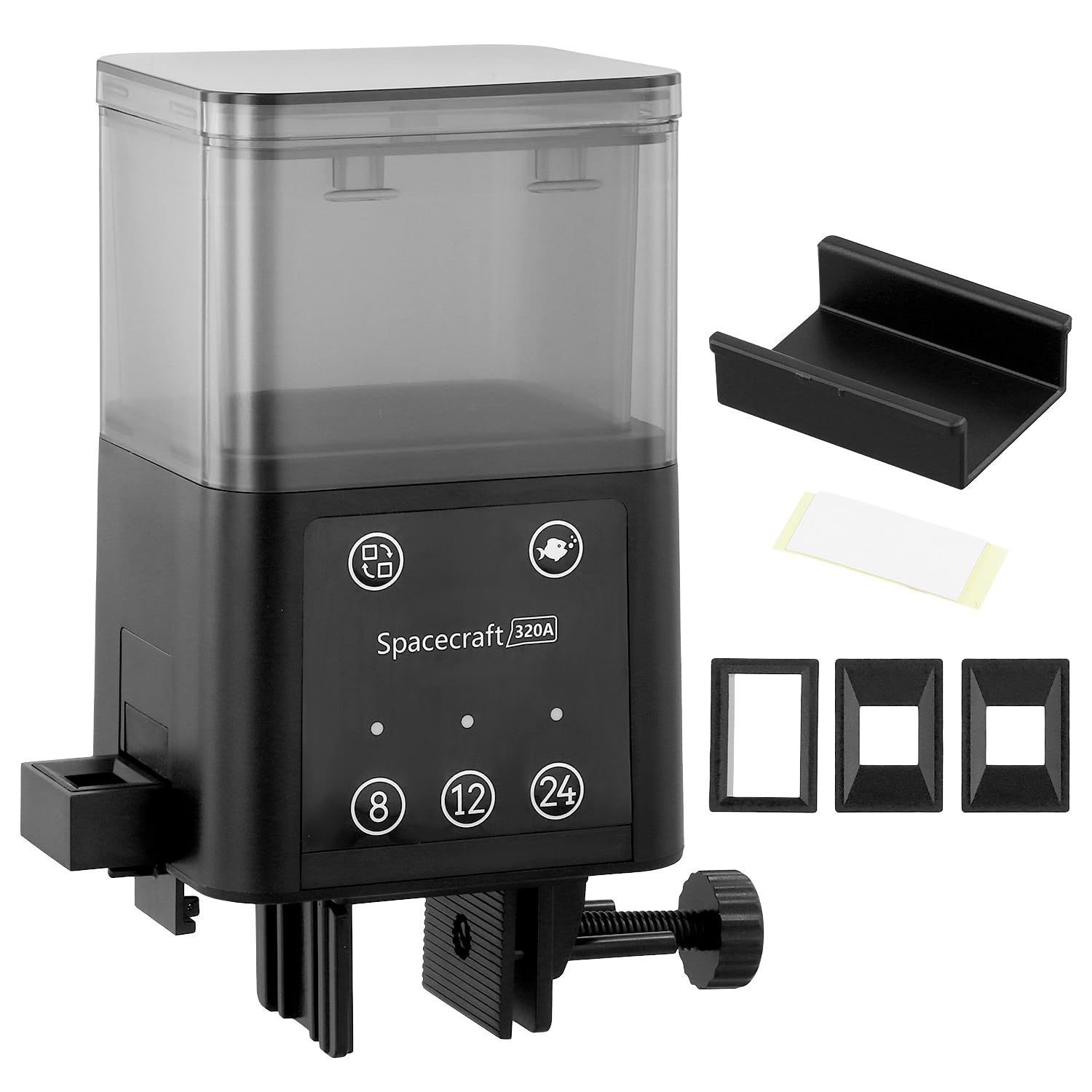
Image: Front view of the QWORK Automatic Fish Feeder, showing the transparent food container and control panel.
Setup
1. Battery Installation
- Locate the battery compartment on the device.
- Open the compartment cover.
- Insert the required batteries (not included), ensuring correct polarity (+/-).
- Close the battery compartment cover securely.
2. Loading Fish Food
- Open the lid of the food container.
- Fill the container with your preferred dry fish food (flakes, pellets, granules). Do not overfill.
- Close the lid firmly to maintain the moisture-proof seal.
3. Installation Methods
The feeder offers three flexible installation options:
- Clip and Stretch Installation: Ideal for fish tanks with stretchers. Secure the clip to the tank rim.
- Clamp Wall Mounted: Suitable for fish tanks with lids. Use the clamp to attach the feeder to the tank wall.
- Flat Fixed Installation: For flat surfaces or tank covers. Use the provided adhesive or screws to fix the base.

Image: Diagram illustrating the Clip and Stretch, Clamp Wall Mounted, and Flat Fixed installation methods.

Image: The QWORK Automatic Fish Feeder installed on the rim of an aquarium.
Operating Instructions
1. Setting Automatic Feeding Intervals
The control panel features buttons for 8-hour, 12-hour, and 24-hour feeding intervals. To set an automatic feeding schedule:
- Press the desired interval button (8, 12, or 24).
- An indicator light corresponding to your selection will illuminate, confirming the schedule is set.
- The feeder will dispense food automatically at the chosen interval from the time of activation.
- To change the interval, simply press a different interval button. The previous setting will be overwritten.
2. Manual Feeding
To dispense food immediately, press the dedicated manual feed button (often indicated by a square icon or similar). This will perform a single feeding cycle without affecting the programmed automatic schedule.
3. Adjusting Food Output
The feeder is designed to accommodate various food sizes and dispense appropriate portions. While there isn't an explicit adjustment dial, the design of the feeding openings allows for different food types:
- Small portions (e.g., 6x6mm food)
- Medium-sized portions (e.g., 8x8mm food)
- Large portions for special use (e.g., larger 8x8mm food)
Ensure the food type you use is compatible with the feeder's dispensing mechanism to prevent clogging and ensure consistent feeding.

Image: Close-up of the control panel showing feeding interval buttons and examples of different food sizes.
Maintenance
1. Cleaning the Food Container
Regular cleaning of the food container is essential to prevent bacterial growth and ensure fresh food for your fish.
- Remove the food container from the main unit.
- Empty any remaining food.
- Wash the container with warm water and a mild, non-toxic detergent. Rinse thoroughly to remove all soap residue.
- Allow the container to air dry completely before refilling with food and reattaching to the feeder.
2. Moisture Protection
The feeder features a moisture-proof design to keep food dry and prevent clumping. To maintain this feature:
- Always ensure the food container lid is securely closed after refilling.
- Avoid placing the feeder in areas of extremely high humidity or direct water splashes.
- If food appears to be clumping, check the lid seal and ensure the food itself is dry before loading.
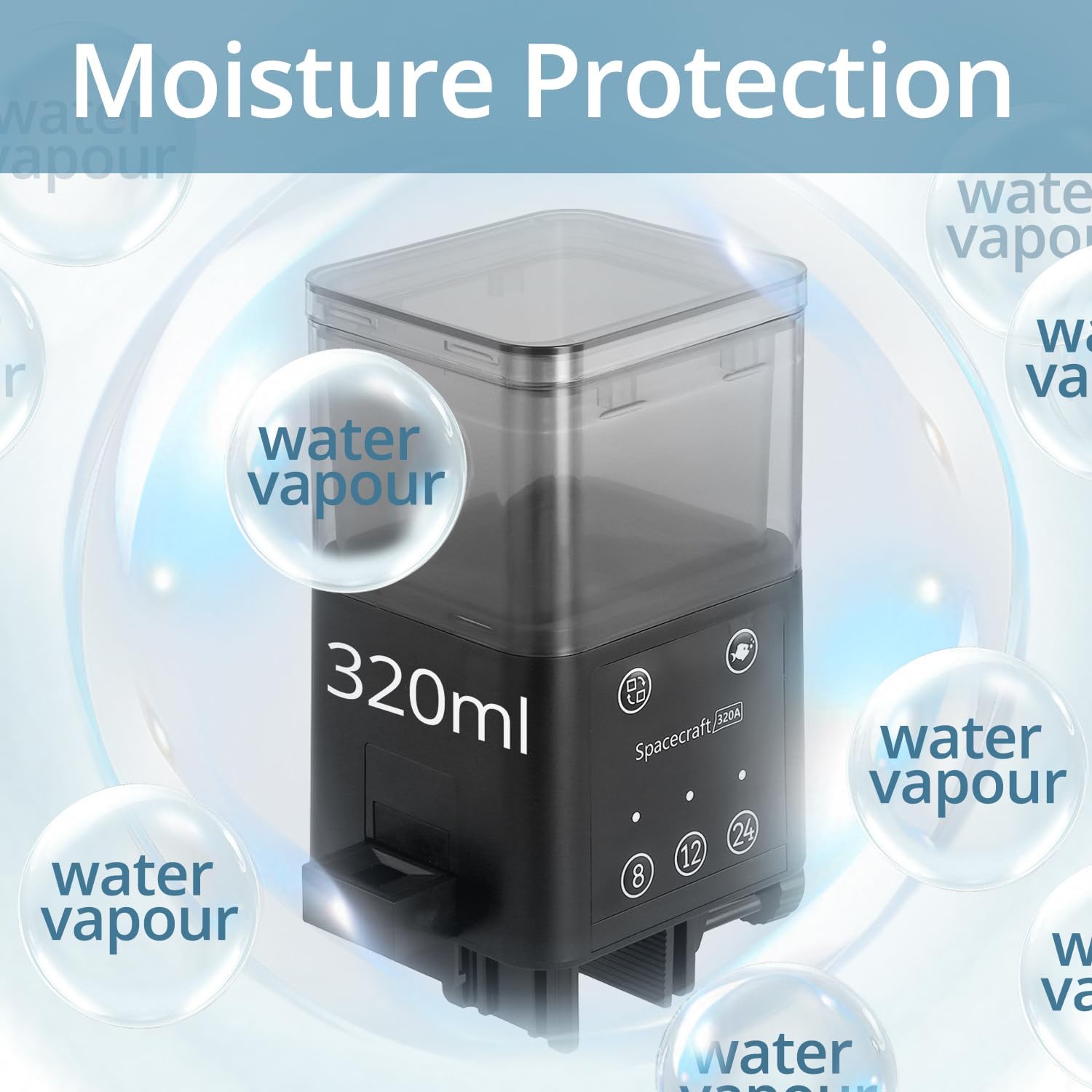
Image: Graphic illustrating the moisture protection feature, showing water vapor being kept out of the food container.
3. Battery Replacement
When the feeder's indicator lights dim or the dispensing mechanism becomes sluggish, it's time to replace the batteries. Follow the battery installation steps outlined in the Setup section.
Troubleshooting
- Feeder not dispensing food:
- Check if batteries are installed correctly and have sufficient power. Replace if necessary.
- Ensure the food container is not empty.
- Verify that the food is not clumped or stuck in the dispensing mechanism. Clean the container and mechanism if needed.
- Make sure the feeder is properly assembled and attached. - Food clogs or gets wet:
- Ensure the food container lid is securely closed to maintain the moisture-proof seal.
- Check the environment for excessive humidity. Consider relocating the feeder if possible.
- Use dry, appropriate-sized fish food. Avoid using moist or sticky food types.
- Clean the dispensing opening regularly to prevent buildup. - Automatic feeding not working:
- Confirm that an automatic feeding interval (8h, 12h, or 24h) has been selected and its indicator light is on.
- Check battery power. Low batteries can affect timed functions. - Feeder makes unusual noise:
- This could indicate an obstruction in the dispensing mechanism. Turn off the feeder, remove the food container, and inspect for any foreign objects or food blockages.
Specifications
| Brand | QWORK |
| Model Number | WD42494 |
| Capacity | 320 Milliliters |
| Material | Plastic |
| Color | Black |
| Operation Mode | Automatic and Manual |
| Special Features | Moisture-proof design, timed feeding, manual feeding option |
| Recommended Use | Indoor and Outdoor |
| Target Species | Fish |
| Product Weight | 234 Grams |
| Package Dimensions | 16 x 12 x 9 cm |
| Country of Origin | China |
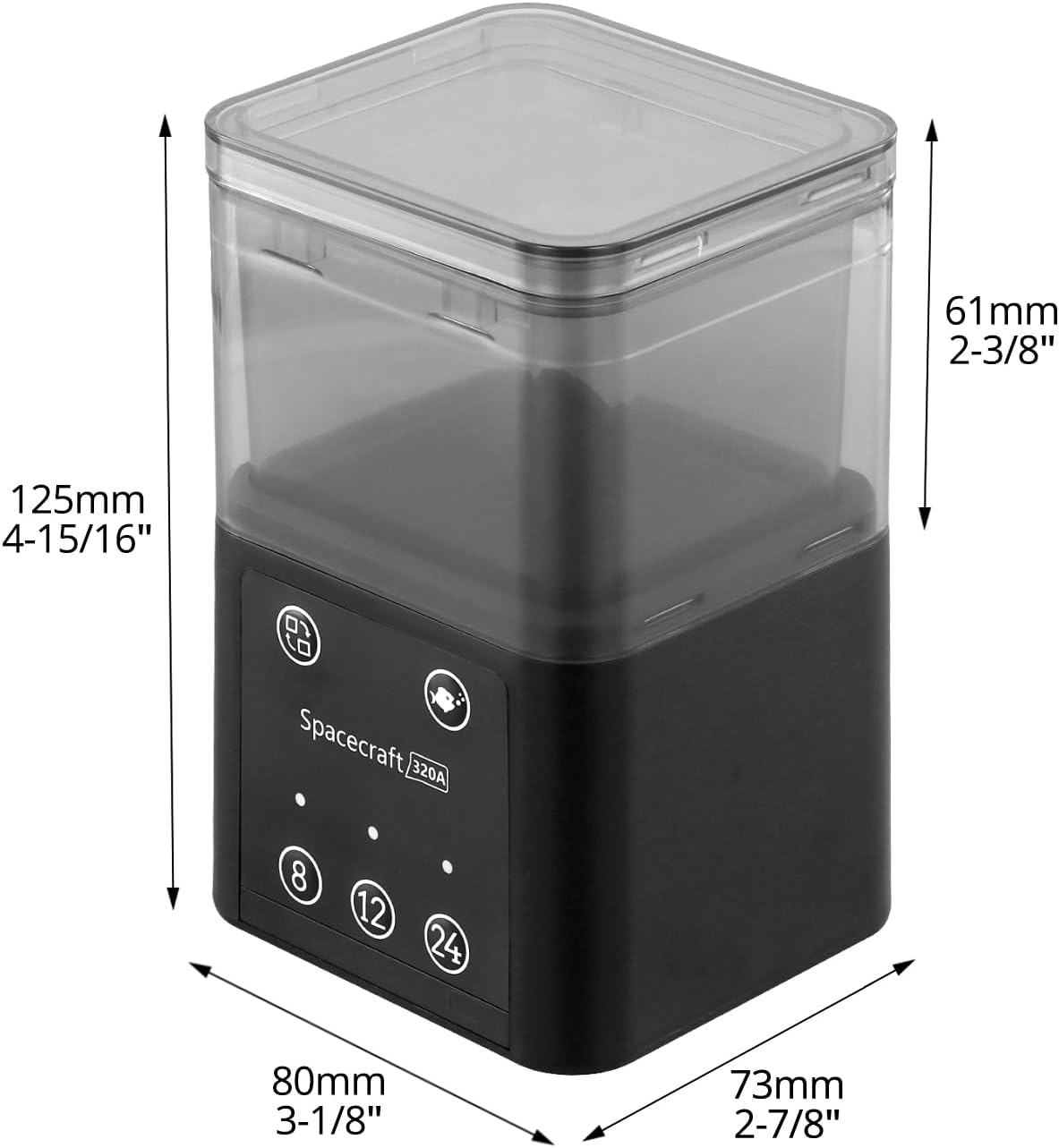
Image: Diagram showing the dimensions of the QWORK Automatic Fish Feeder.
Warranty and Support
For warranty information or technical support, please refer to the product packaging or contact QWORK customer service directly. Keep your purchase receipt as proof of purchase.