
Wancle CBG-8000
Wancle Electric Burr Coffee Grinder Instruction Manual
Brand: Wancle | Model: CBG-8000
Introduction
Thank you for choosing the Wancle Electric Burr Coffee Grinder. This professional-grade coffee grinder is designed to provide a consistent and precise grind for various brewing methods, ensuring optimal flavor extraction from your coffee beans. With 28 adjustable grind settings and on-demand control for 2-12 cups, this compact and user-friendly appliance is perfect for any coffee enthusiast. Please read this manual thoroughly before first use to ensure safe and efficient operation.
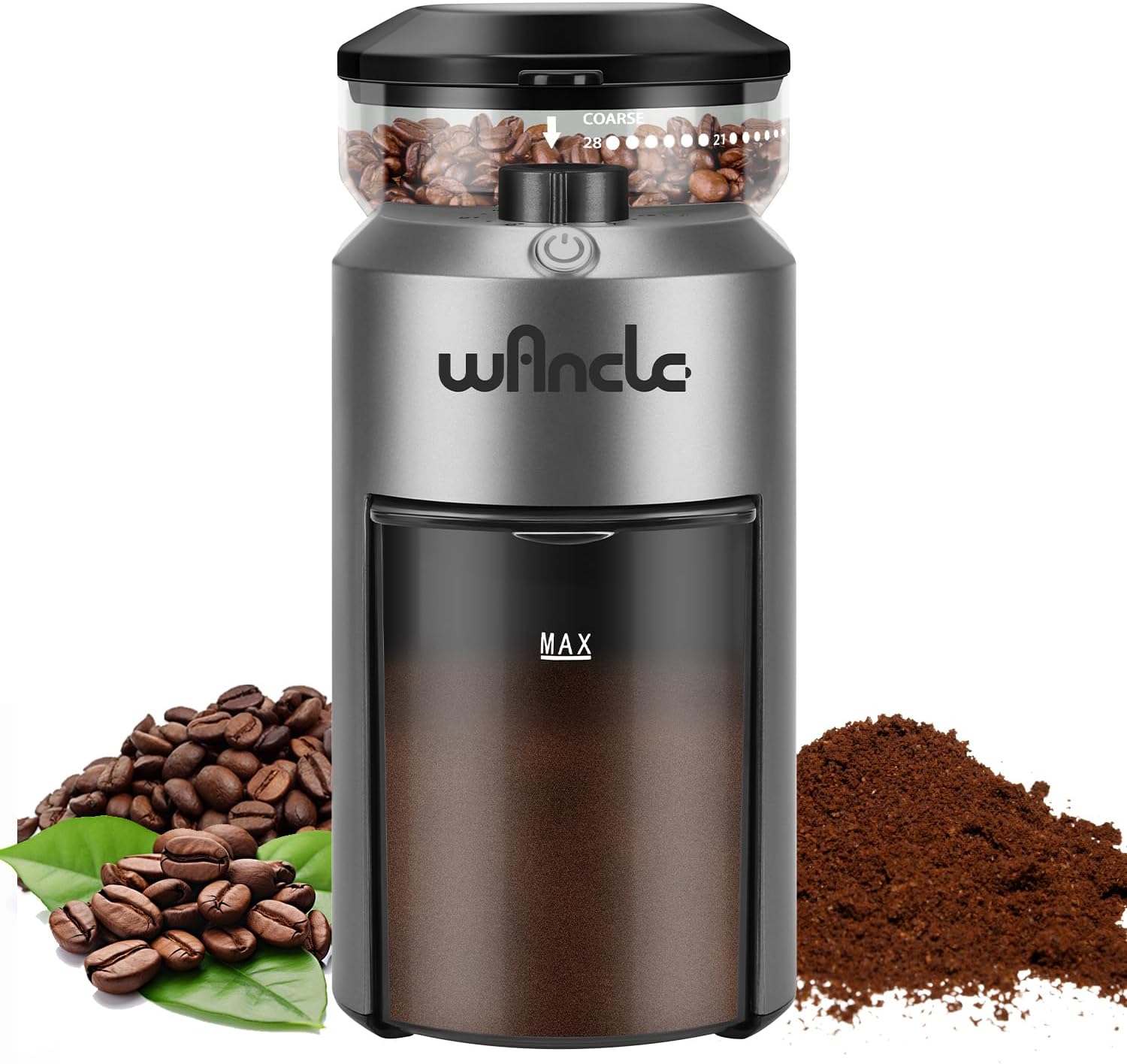
Image: The Wancle Electric Burr Coffee Grinder in grey, shown with whole coffee beans and ground coffee.
Important Safety Information
To reduce the risk of fire, electric shock, or injury, always follow these basic safety precautions when using electrical appliances:
- Read all instructions before operating the appliance.
- Do not immerse the motor base, cord, or plug in water or other liquids.
- Close supervision is necessary when any appliance is used by or near children.
- Unplug from outlet when not in use, before assembling or disassembling parts, and before cleaning.
- Avoid contact with moving parts.
- Do not operate any appliance with a damaged cord or plug, or after the appliance malfunctions or has been dropped or damaged in any manner.
- The use of attachments not recommended or sold by the manufacturer may cause fire, electric shock, or injury.
- Do not use outdoors.
- Do not let cord hang over edge of table or counter, or touch hot surfaces.
- Do not place on or near a hot gas or electric burner, or in a heated oven.
- Do not use appliance for other than intended use.
- Check the bean hopper for the presence of foreign objects before use.
- Ensure the lid of the bean hopper and the ground coffee container are properly secured before operation.
Product Components
Familiarize yourself with the parts of your Wancle Electric Burr Coffee Grinder:
- Bean Hopper: Holds whole coffee beans. Features a lid and a grind setting dial.
- Grind Setting Dial: Located on the bean hopper, allows adjustment of grind fineness from 1 (fine) to 28 (coarse).
- Power Button: Initiates and stops the grinding process.
- Cup Selection Dial: Located on the main unit, allows selection of desired coffee quantity (2-12 cups).
- Ground Coffee Container: Collects the ground coffee. Designed with anti-static properties.
- Burr Grinding Mechanism: The internal components responsible for grinding the beans.
- Cleaning Brush: Included for easy cleaning of the burrs and other parts.

Image: Visual representation of the 28 precise grind settings, from coarse to fine, suitable for various brewing methods.
Setup
Before using your Wancle Coffee Grinder for the first time, please follow these steps:
- Unpack: Carefully remove all components from the packaging. Retain packaging for future storage or transport.
- Clean: Wash the bean hopper lid and ground coffee container with warm, soapy water. Rinse thoroughly and dry completely. Wipe the exterior of the motor base with a damp cloth. Do not immerse the motor base in water.
- Assemble:
- Place the ground coffee container securely into its designated slot on the front of the grinder.
- Ensure the bean hopper is correctly seated and locked onto the motor base.
- Place the bean hopper lid firmly on top of the bean hopper.
- Placement: Place the grinder on a stable, flat, and dry surface.
- Power Connection: Plug the power cord into a standard 100-120V electrical outlet.
Operating Instructions
1. Adding Coffee Beans
Open the bean hopper lid and pour the desired amount of whole coffee beans into the hopper. Do not overfill. Ensure the lid is securely closed before operating.
2. Adjusting Grind Settings
The Wancle grinder offers 28 precise grind settings, allowing you to customize the fineness for your preferred brewing method. Rotate the grind setting dial on the bean hopper to select your desired setting:
- Fine (Settings 1-7): Ideal for Espresso, Moka Pot.
- Medium (Settings 8-20): Suitable for Drip Coffee, Pour Over, Aeropress.
- Coarse (Settings 21-28): Best for French Press, Cold Brew.

Image: A hand rotating the grind setting dial on the top of the bean hopper to select the desired fineness.
3. Selecting Coffee Quantity
Use the cup selection dial on the main unit to choose the amount of coffee you wish to grind, from 2 to 12 cups. The grinder will automatically stop once the selected quantity is reached.
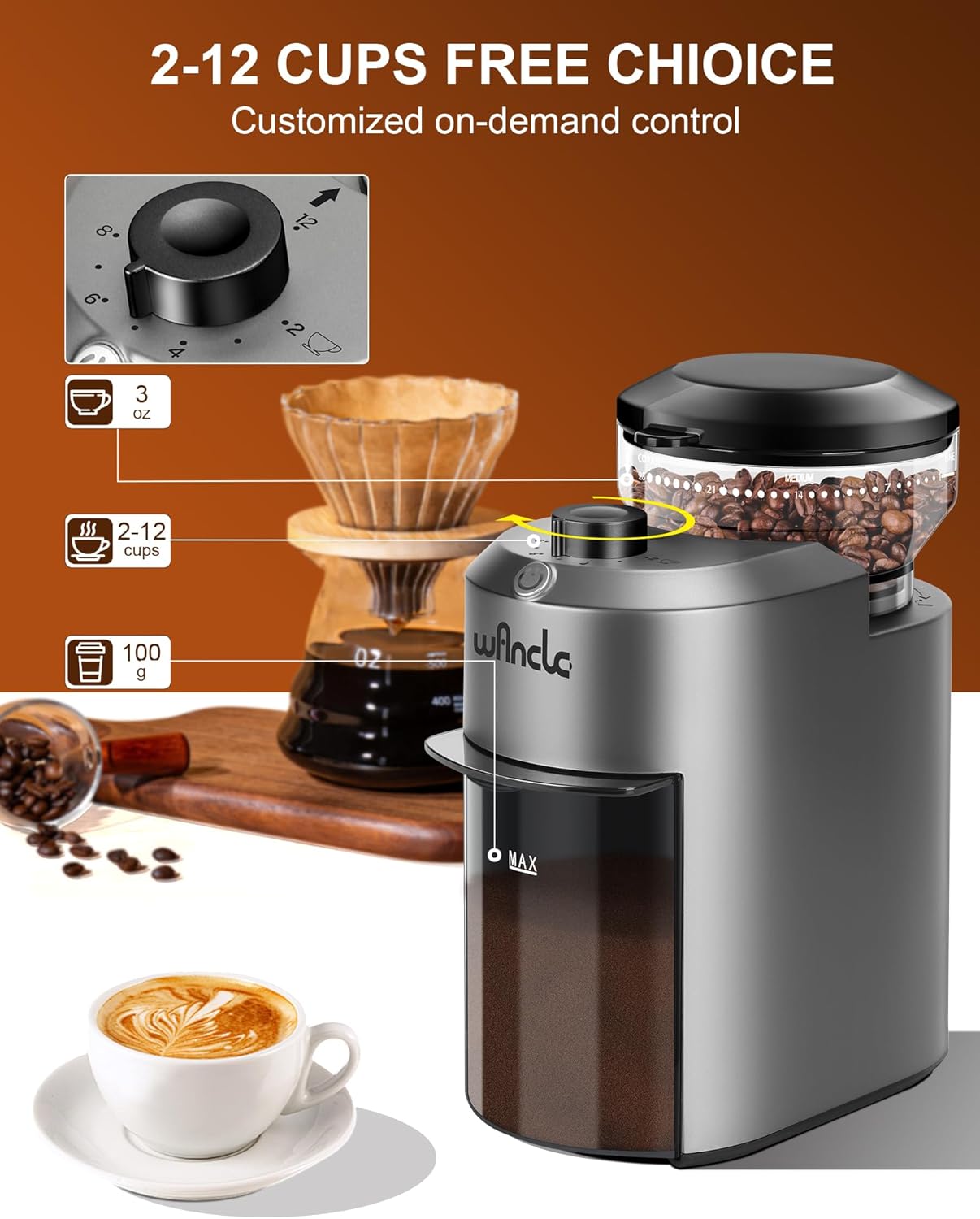
Image: The Wancle coffee grinder with an inset showing the cup selection dial, indicating settings for 2 to 12 cups.
4. Starting the Grinding Process
Once the beans are in the hopper, the grind setting is selected, and the cup quantity is set, press the Power Button to begin grinding. The grinder operates with low noise and features overheat protection for safe use.

Image: The Wancle coffee grinder in a kitchen setting, with icons indicating low noise and overheat protection during operation.
5. After Grinding
Once grinding is complete, unplug the appliance. Carefully remove the ground coffee container and use the freshly ground coffee immediately for best flavor.
Maintenance and Cleaning
Regular cleaning ensures optimal performance and extends the life of your Wancle Coffee Grinder.
Daily Cleaning
- After each use, remove the ground coffee container and empty it. The container is specially treated to prevent static electricity, minimizing coffee grounds sticking.
- Wipe the exterior of the grinder with a clean, damp cloth.
Deep Cleaning (Weekly/Bi-weekly)
- Unplug: Always ensure the grinder is unplugged from the power outlet before cleaning.
- Disassemble: Remove the bean hopper and the ground coffee container.
- Clean Burrs: Use the provided cleaning brush to remove any residual coffee grounds from the burr grinding mechanism. Pay attention to both the upper and lower burrs.
- Wash Parts: The bean hopper lid and ground coffee container can be washed with warm, soapy water. Rinse thoroughly and allow them to air dry completely before reassembling. Do not wash the main motor unit.
- Reassemble: Ensure all parts are dry and correctly reassembled before plugging the grinder back in.

Image: A hand demonstrating the cleaning process of the burr grinding mechanism using the provided brush.
Troubleshooting
If you encounter any issues with your Wancle Coffee Grinder, refer to the table below for common problems and solutions:
| Problem | Possible Cause | Solution |
|---|---|---|
| Grinder does not start. | Not plugged in; power outage; bean hopper or ground coffee container not properly secured. | Ensure the grinder is securely plugged into a working outlet. Check your home's circuit breaker. Verify that the bean hopper and ground coffee container are correctly assembled and locked into place. |
| Inconsistent grind. | Burrs are dirty or clogged; incorrect grind setting for bean type. | Clean the burr grinding mechanism thoroughly using the provided brush. Adjust the grind setting to a finer or coarser level as needed for your coffee beans and brewing method. |
| Excessive noise during operation. | Foreign object in the burrs; burrs are worn out. | Unplug the grinder and carefully inspect the burrs for any foreign objects. If the noise persists and the grinder is old, the burrs may need replacement (contact customer support). |
| Coffee grounds sticking to the container. | While the container has anti-static properties, some static can still occur, especially in dry environments. | Tap the container gently before opening to settle grounds. Use the cleaning brush to remove any remaining grounds. |
| Grinder stops mid-operation. | Overheat protection activated; motor overloaded. | Unplug the grinder and allow it to cool down for at least 30 minutes. Do not overfill the bean hopper. Grind smaller batches if necessary. |
Specifications
| Feature | Detail |
|---|---|
| Brand | Wancle |
| Model Number | CBG-8000 |
| Color | Grey |
| Product Dimensions | 15 x 9 x 18.2 cm (5.9 x 3.5 x 7.2 inches) |
| Capacity (Beans) | 80 g |
| Power/Wattage | 200 watts |
| Voltage | 100-120 Volts |
| Material | Plastic |
| Item Weight | 1.09 kg (2.4 lbs) |
| Grind Settings | 28 precise settings |
| Cup Selection | 2-12 cups |
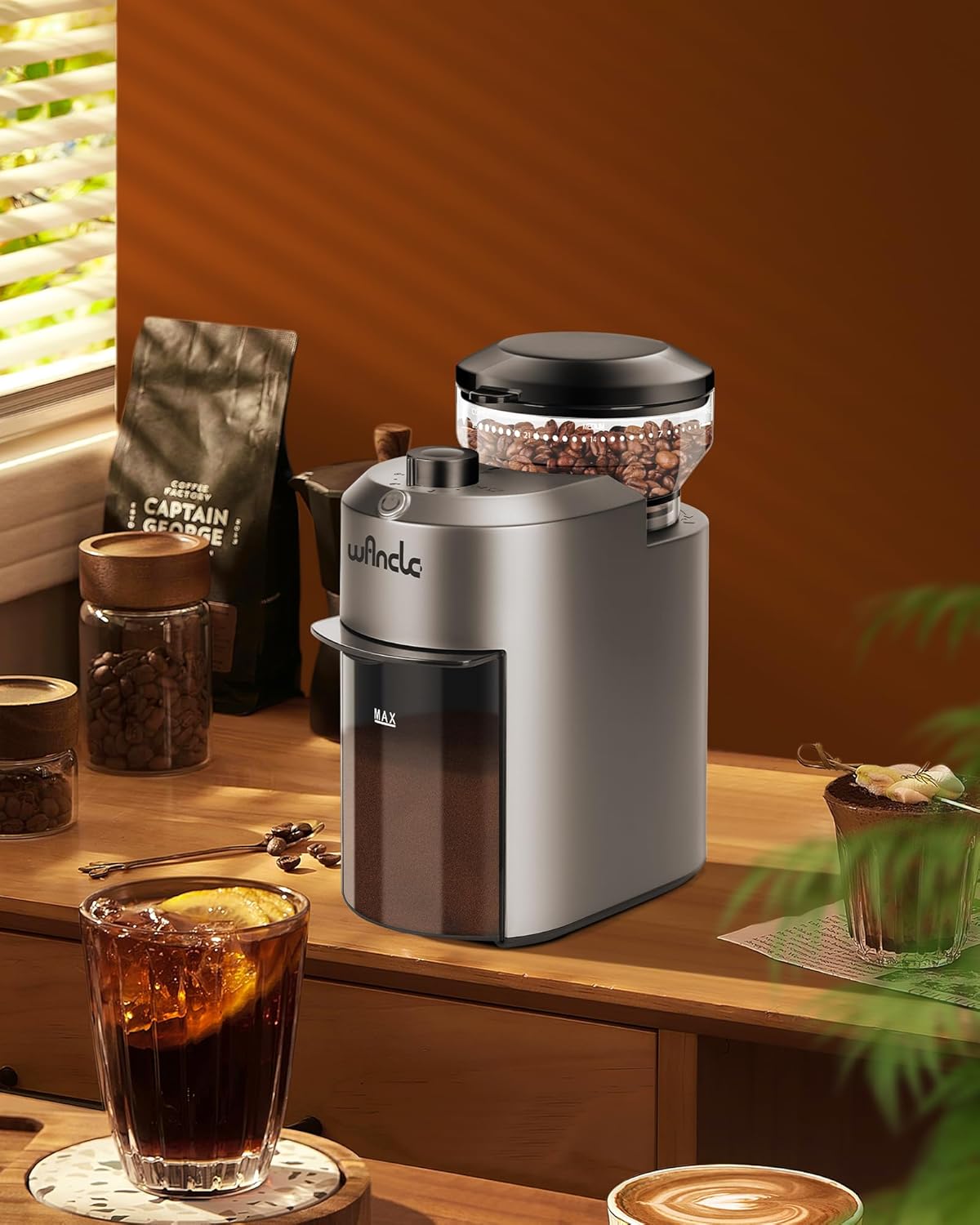
Image: The Wancle coffee grinder with its compact dimensions (190mm height, 90mm width, 162mm depth) highlighted.
Warranty and Support
For information regarding the product warranty, please refer to the warranty card included with your purchase or the retailer's policy where the product was acquired. If you require technical support, have questions about operation, or need assistance with troubleshooting beyond what is covered in this manual, please contact Wancle customer service through the contact information provided on the product packaging or the official Wancle website.
For the latest information and support, visit the official Wancle website: www.wancle.com (Note: This is a placeholder URL as no specific support link was provided in the product data.)
Related documentsCBG-8000


Ask a question about this manual
Ask about setup, troubleshooting, compatibility, parts, safety, or missing instructions. Manuals+ will review the question and use this page’s manual context to help answer it.