
1. Introduction
This manual provides instructions for the WUNIAK Tablet Case, designed specifically for the UGRIHACH A6H and FancyDay A6H Android 14 Tablet 11 Inch (2024 Upgraded Version). This case offers protection and enhanced functionality for your device.
Please ensure your tablet model matches the compatible devices listed to guarantee a proper fit and optimal performance.
2. Product Features
- Compatible Model: Specifically designed for UGRIHACH A6H/FancyDay A6H Android 14 Tablet 11 Inch 2024 Upgraded Version.
- Multi-functional Design: Features a built-in leather hand strap for secure one-handed operation, an external elastic band, and a magnetic buckle for enhanced closure.
- Premium Durable Material: Constructed from high-quality durable PU leather with a soft, non-slip interior, providing full body protection against scratches, impacts, fingerprints, and dust.
- Adjustable Stand Cover: The triple-fold design allows for multiple viewing angles, convenient for watching videos, typing, gaming, or learning.
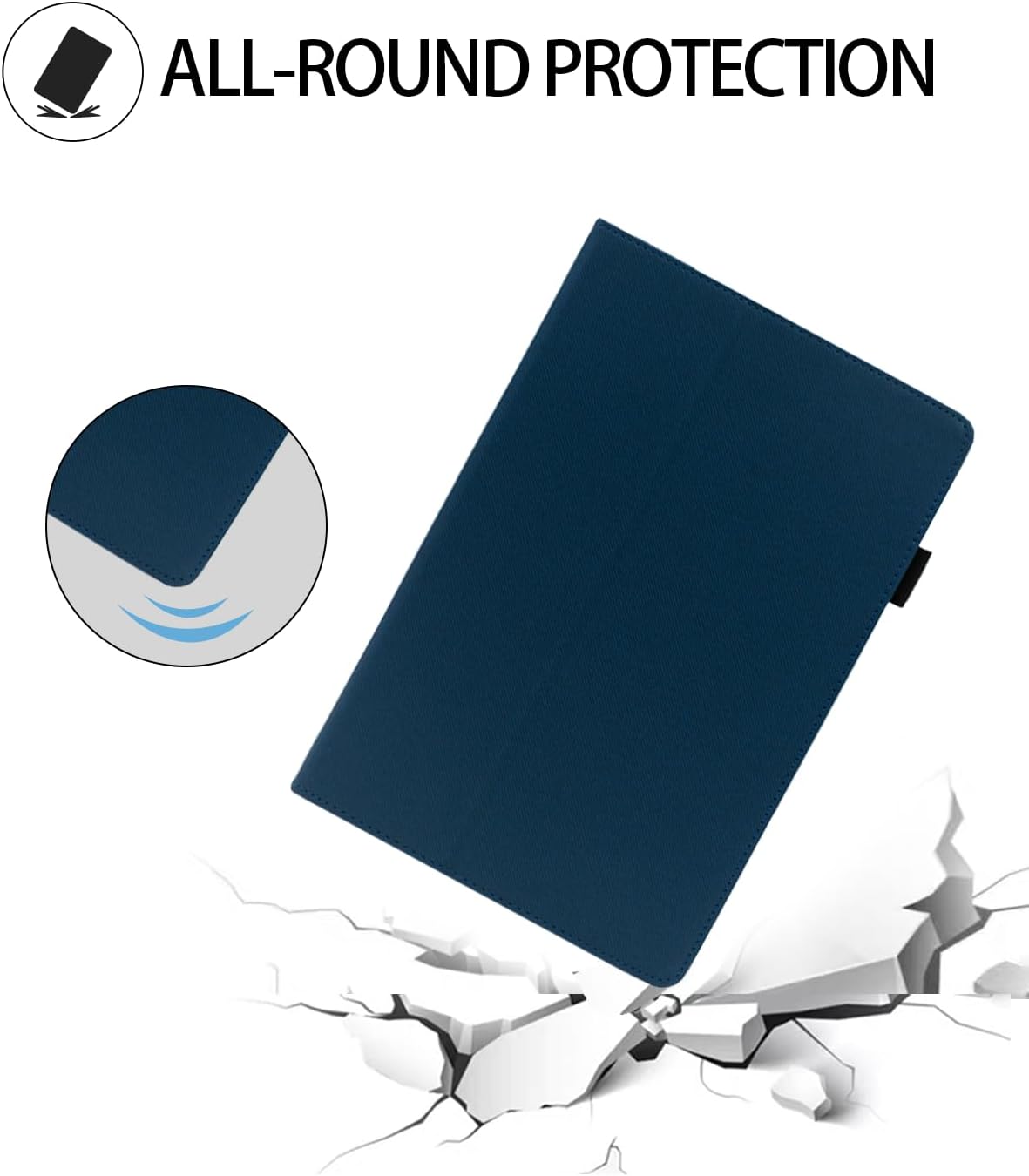
Figure 2.1: All-Round Protection. The case is designed to protect the tablet from drops and impacts, featuring reinforced corners.

Figure 2.2: Two Angle View. The foldable cover provides a sturdy stand for both viewing (65-degree angle) and typing (30-degree angle).

Figure 2.3: Slim & Lightweight Design. The case adds minimal bulk, making it easy to carry.

Figure 2.4: Back Hand Strap. The built-in strap allows for more convenient and secure one-handed usage.

Figure 2.5: Full Access to All Features. The case provides precise cutouts for speakers, cameras, ports, and buttons, ensuring full functionality.
3. Setup Instructions
- Unpack the Case: Carefully remove the tablet case from its packaging.
- Insert the Tablet: Align your UGRIHACH A6H/FancyDay A6H 11-inch tablet with the case. Gently push the tablet into the case, ensuring all corners and edges are securely seated within the protective frame.
- Check Fit: Verify that all ports, buttons, and camera cutouts align correctly with your tablet's features. The case should fit snugly without obstructing any functions.
4. Operating Instructions
- Using the Stand Function:
- To create a viewing stand, fold the front cover into a triangular shape and rest the tablet's edge in the groove.
- Adjust the fold to achieve either the 65-degree viewing angle or the 30-degree typing angle as desired.
- Using the Hand Strap: Slide your hand through the built-in leather strap on the back of the case for a secure grip, especially when holding the tablet with one hand.
- Securing the Case: The magnetic buckle and external elastic band help keep the case closed when not in use, protecting the screen.

Figure 4.1: Stand Usage. The tri-fold stand design allows for comfortable viewing and interaction.

Figure 4.2: Versatile Usage. The case supports various activities including entertainment, study, and work.
5. Maintenance
- Cleaning: To clean the faux leather exterior, wipe gently with a soft, damp cloth. Avoid using harsh chemicals or abrasive cleaners, as these may damage the material.
- Interior Care: For the soft, non-slip interior, use a dry, lint-free cloth to remove dust or debris.
- Avoid Extreme Conditions: Do not expose the case to extreme temperatures, direct sunlight for prolonged periods, or excessive moisture.
- Storage: When not in use, store the case in a cool, dry place.
6. Troubleshooting
- Tablet Does Not Fit: Ensure your tablet is the correct model (UGRIHACH A6H/FancyDay A6H Android 14 Tablet 11 Inch 2024 Upgraded Version). This case is not universal and is designed for specific dimensions.
- Stand is Unstable: Ensure the tri-fold stand is properly formed and the tablet is seated firmly in the groove. Uneven surfaces can also affect stability.
- Magnetic Closure Not Working: Check for any debris between the cover and the tablet that might prevent the magnets from engaging properly.
7. Specifications
| Brand | WUNIAK |
| Model Number | A6H |
| Compatible Devices | UGRIHACH A6H/FancyDay A6H Android 14 Tablet 11 Inch 2024 Upgraded Version |
| Form Factor | Case |
| Shell Type | Soft |
| Additional Features | Shockproof, Built-in Hand Strap, Multi-angle Stand |
| Enclosure Material | Faux Leather |
| Color | DARK BLUE |
8. Warranty and Support
For warranty information and customer support, please refer to the documentation provided with your purchase or contact the seller directly. WUNIAK is committed to providing timely technical support and customer service for any questions or concerns you may have regarding your product.
You can typically find contact information on the product packaging or the retailer's website where the item was purchased.