1. Introduction
The Linksys Velop Micro Mesh WiFi 6 Add-on Node is designed to seamlessly expand the coverage of your existing Linksys Cognitive Mesh WLAN Router. This dual-band WiFi 6 node enhances your home network by eliminating dead zones and providing faster, more reliable connectivity for over 150 devices.
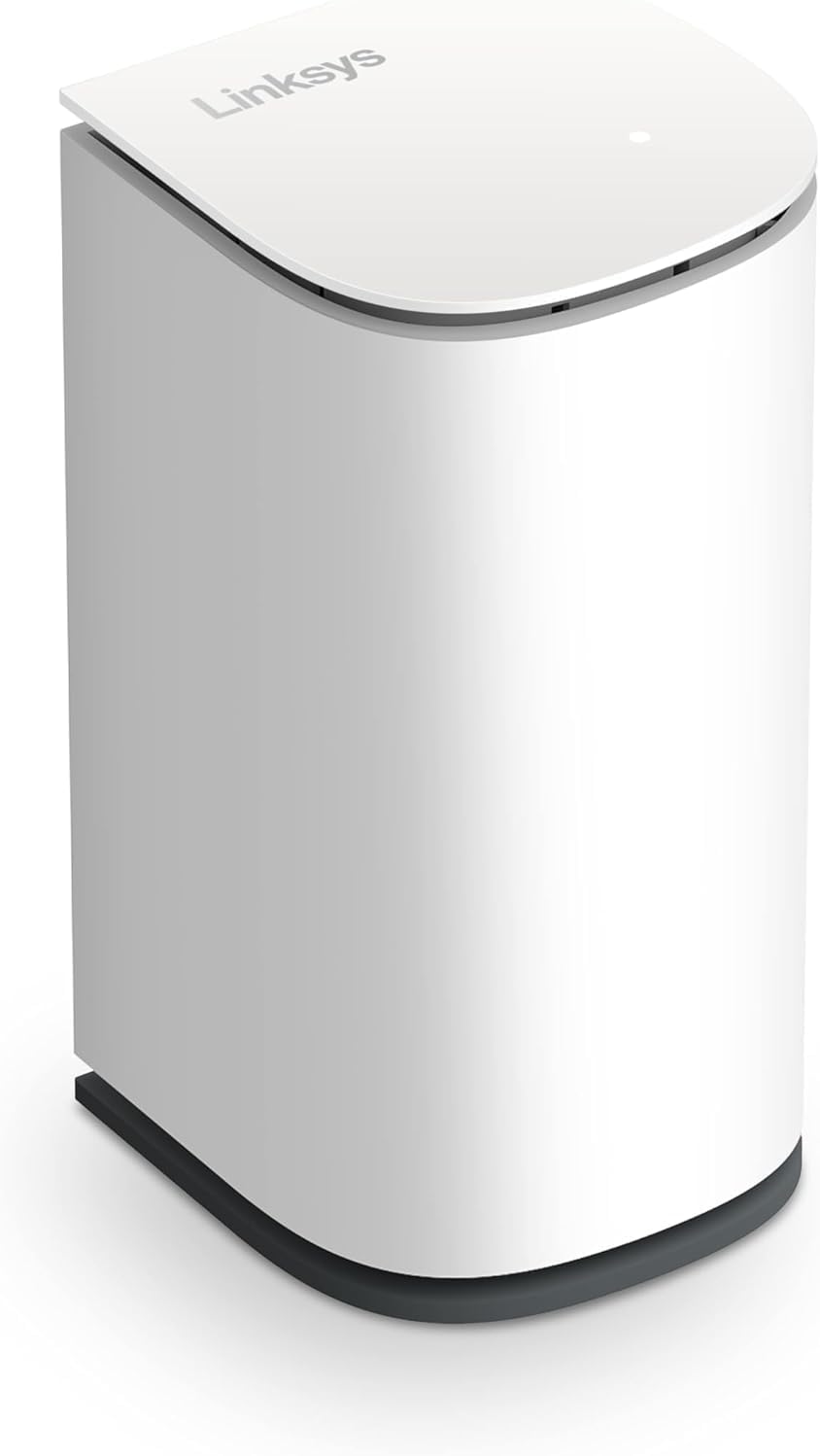
Image 1.1: Front view of the Linksys Velop Micro Mesh WiFi 6 Add-on Node.
2. What's in the Box
- Linksys Velop Micro Mesh WiFi 6 Add-on Node
- Power Adapter
3. Setup
Setting up your Linksys Velop Micro Mesh WiFi 6 Add-on Node is a simple two-step process designed for quick integration into your existing Velop system.
- Step 1: Plug into your Router. Connect the power adapter to your Velop Micro Node and plug it into an electrical outlet.
- Step 2: Scan the QR code. Use the Linksys App on your smartphone or tablet to scan the QR code found in the Quick Start Guide. Follow the on-screen instructions within the app to connect the node to your WiFi network.

Image 3.1: Visual representation of the two-step setup process: plug in and scan QR code.
For optimal performance, place the node in an open area, away from large metal objects, thick walls, and other sources of interference.
4. Operating Instructions
The Velop Micro Mesh WiFi 6 Add-on Node extends your WiFi coverage, ensuring a strong and stable connection throughout your home. It operates as part of your Linksys Cognitive Mesh network, intelligently managing your devices for optimal performance.
4.1. Enhanced Coverage and Performance
This add-on node provides up to an additional 1500 sq. ft. of coverage, seamlessly integrating with your existing Linksys Cognitive Mesh WLAN Router. It supports WiFi 6 (802.11ax) technology, offering:
- Expanded Coverage: Eliminates buffering and dropped connections in hard-to-reach areas.
- Faster Speeds: Optimized for high-bandwidth activities and connecting over 150 devices simultaneously.
- Seamless Roaming: Devices automatically connect to the strongest WiFi signal as you move around your home.

Image 4.1: Illustration of WiFi 6 technology providing enhanced capacity and reliability for multiple devices.
4.2. Cognitive Technologies
The Linksys Velop system utilizes Cognitive Technologies to deliver a superior WiFi experience:
- One Network: Your entire home operates under a single, unified WiFi network name.
- One Guest Network: Easily create a separate, secure network for guests.
- Self-learning and Optimizing: The system continuously learns and optimizes to deliver flawless experiences.
- Optimized: Ensures optimal connections for all your WiFi devices.
- Support for Wireless and Wired Backhaul: Provides flexible options for connecting nodes to your main router.

Image 4.2: Diagram illustrating how Cognitive Technologies create a unified and optimized home network.
4.3. Security, Parental Controls, and Privacy
The Velop Micro Node contributes to a secure and private home network:
- Security: Features auto firmware updates, easy and secure Guest Access, and integrated firmware safeguards.
- Parental Controls: Allows scheduling of internet bedtimes and provides safe browsing options without a subscription.
- Privacy: Designed with no tracking of app/online usage, no cookies, no data collection for AI, no account needed, and no sharing or selling of personal information.

Image 4.3: Overview of security, parental control, and privacy features integrated into the WiFi system.

Image 4.4: Emphasizing data privacy with no tracking, no cookies, and no data sharing.
4.4. Immersive Experiences
With the Velop Micro Node, you can enjoy multiple immersive experiences simultaneously:
- Stream multiple 4K and UltraHD videos at the same time.
- Engage in FaceTime or video chat without interruption.
- Dive into gaming experiences with real-time responsiveness.
- Benefit from high-speed downloading of films and files.

Image 4.5: Visual representation of various high-bandwidth activities supported simultaneously.
5. Maintenance
The Linksys Velop Micro Mesh WiFi 6 Add-on Node is designed for minimal maintenance. Key aspects include:
- Automatic Firmware Updates: The system automatically downloads and installs firmware updates to ensure optimal performance, security, and access to new features.
- Placement: For best performance, ensure the node is placed in an open area, free from obstructions that could interfere with the WiFi signal.
- Cleaning: Use a soft, dry cloth to clean the exterior of the device. Do not use liquid cleaners or aerosols.
6. Troubleshooting
If you encounter issues with your Linksys Velop Micro Mesh WiFi 6 Add-on Node, consider the following troubleshooting steps:
6.1. No Internet Connection or Weak Signal
- Check Power: Ensure the node's power adapter is securely plugged into both the node and a working electrical outlet.
- Node Placement: Try repositioning the node closer to your main Velop router or another existing node. Ensure there are no major obstructions (e.g., thick walls, large appliances) between the nodes.
- Router Connection: Verify that your main Linksys Velop router is functioning correctly and has an active internet connection.
- Restart Devices: Power cycle the Velop Micro Node by unplugging it for 10 seconds and then plugging it back in. You may also try restarting your main Velop router.
6.2. Device Not Connecting to WiFi
- Verify WiFi Password: Ensure you are entering the correct WiFi password for your network.
- Forget Network: On your device, 'forget' the WiFi network and then try to reconnect.
- Device Compatibility: Confirm your device supports the WiFi standards used by the Velop system (802.11ax/WiFi 6, 802.11ac, 802.11n, etc.).
6.3. Still Having Issues?
If the above steps do not resolve your issue, please visit the official Linksys support website or contact Linksys customer service for further assistance. Provide your model number (LN1201) and a detailed description of the problem.
7. Specifications
| Feature | Specification |
|---|---|
| Brand | Linksys |
| Model Name | LN1201 |
| Wireless Type | 802.11ax (WiFi 6) |
| Frequency Band Class | Dual-Band |
| Connectivity Technology | Wi-Fi |
| Item Weight | 1.32 pounds |
| Package Dimensions | 9.57 x 6.54 x 2.72 inches |
| Compatible Devices | Personal Computer (and other WiFi-enabled devices) |
| Recommended Uses | Home |
| Included Components | Power Adapter |
| Special Feature | Guest Mode |
8. Warranty and Support
Linksys products are designed for reliability and performance. For detailed warranty information, please refer to the warranty card included with your product or visit the official Linksys website.
8.1. Protection Plans
Additional protection plans may be available for purchase to extend coverage beyond the standard manufacturer's warranty. These plans typically offer:
- 3-Year Protection Plan
- 4-Year Protection Plan
- Complete Protect (monthly plan covering eligible purchases)
Please check with your retailer or Linksys for specific terms and availability of these plans.
8.2. Environmental Responsibility
Linksys is committed to planet-friendly design. The Velop Micro Node features:
- 60%+ recycled plastic
- 100% recyclable aluminum
- 60%+ recycled paper used for packaging
- 100% foam-free packaging
The product is returnable to Linksys for free after 3 years for recycling, re-fresh, or re-use.
Image 8.1: Overview of the product's eco-friendly design and packaging.


