
Product Overview
The Yamnweo K-9 UHF Wireless Microphone System (Model K911) is a versatile audio solution designed for various applications including karaoke, singing, parties, weddings, DJ events, and speeches. This system provides flexibility with its wireless operation and ensures clear sound quality. It features a rechargeable microphone and receiver, offering convenient plug-and-play functionality.

An image showing the K-9 wireless microphone, the receiver with a 6.35mm jack, and a smaller 3.5mm adapter.
What's in the Box
- Handheld Microphone (1)
- Receiver
- 6.35mm Audio Cable
- Charging Cable
- User Manual

This image displays the complete contents of the package, including the wireless microphone, receiver, antennas, 6.35mm audio cable, charging cable, and user manual.
Setup
- Charge the Devices: Ensure both the microphone and receiver are fully charged using the provided Type-C charging cable. The microphone and receiver each contain a 1200mAh rechargeable battery.
- Connect Antennas: Attach the antennas to the designated ANT-A and ANT-B ports on the receiver for optimal signal reception.
- Connect Receiver to Audio System:
- For 6.35mm input: Plug the receiver directly into your audio mixer, karaoke machine, or PA system's 6.35mm jack.
- For other inputs: Use the appropriate adapter (e.g., 6.35mm to 3.5mm adapter if included or required) to connect the receiver to your audio device.
- Power On: Press the power button on the receiver and then on the microphone. The devices should automatically pair.
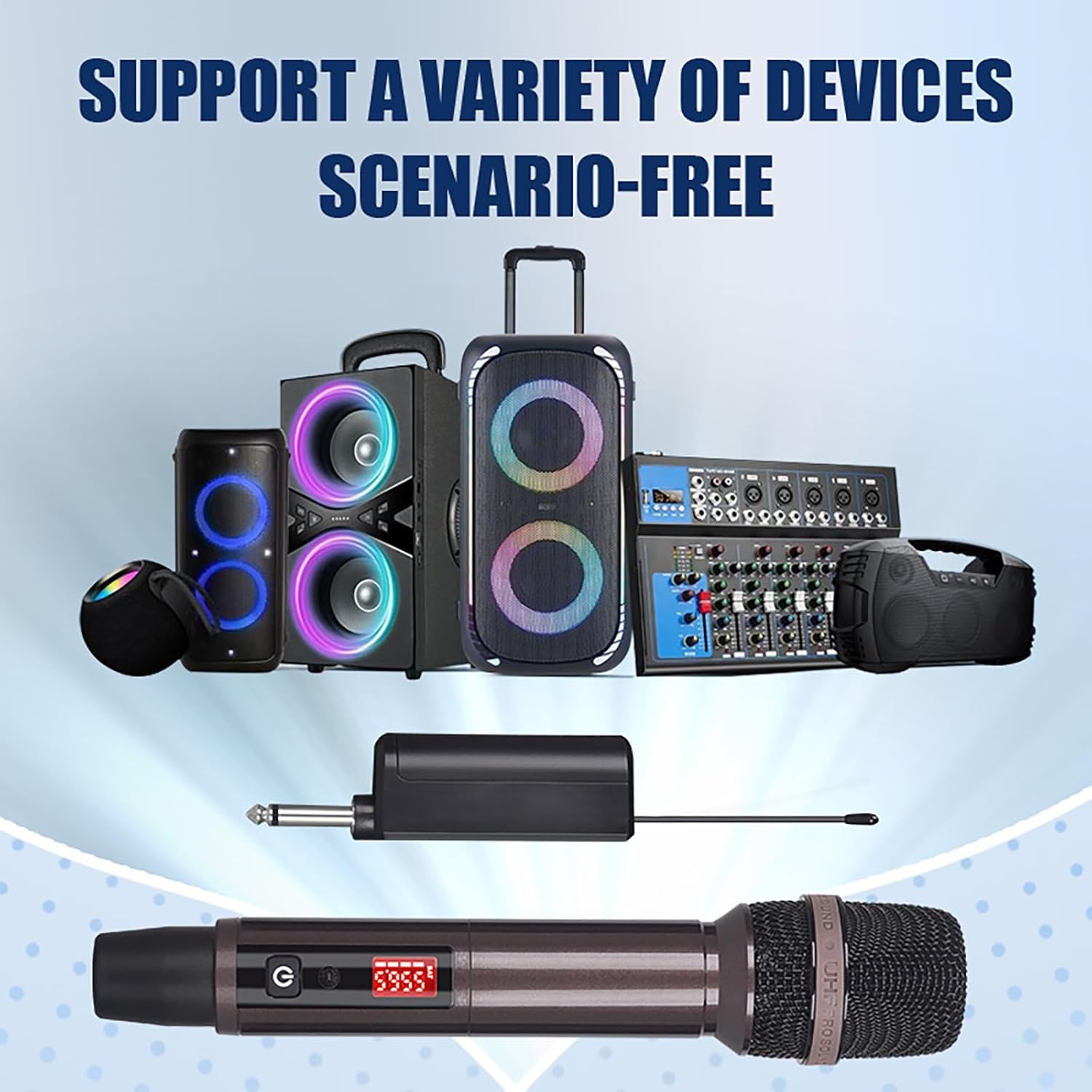
The image illustrates the versatility of the K-9 system, showing the microphone and receiver connected to different audio equipment such as speakers, mixers, and karaoke machines.

A visual guide demonstrating the plug-and-play setup process, showing the receiver plugging into an audio device and automatic pairing with the microphone.
Operating Instructions
Microphone Operation
The microphone features a power button and an RF level indicator.
- Power On/Off: Press and hold the power button to turn the microphone on or off.
- Battery Installation: To install or replace batteries, unscrew the bottom part of the microphone. The microphone uses rechargeable batteries (included).
Receiver Operation
The receiver has a power button, input ports (DC IN, ANT-A, ANT-B, Balanced A, Balanced B, Mixed), and output ports.
- Power On/Off: Press the power button on the receiver to activate or deactivate it.
- Volume Control: Adjust the volume levels for each microphone channel (A and B) using the dedicated controls on the receiver.
- Signal Indicators: Monitor the signal strength and battery status on the receiver's display.
The system offers a stable signal operational transmission distance of up to 200 meters, allowing for free movement without wired restrictions.
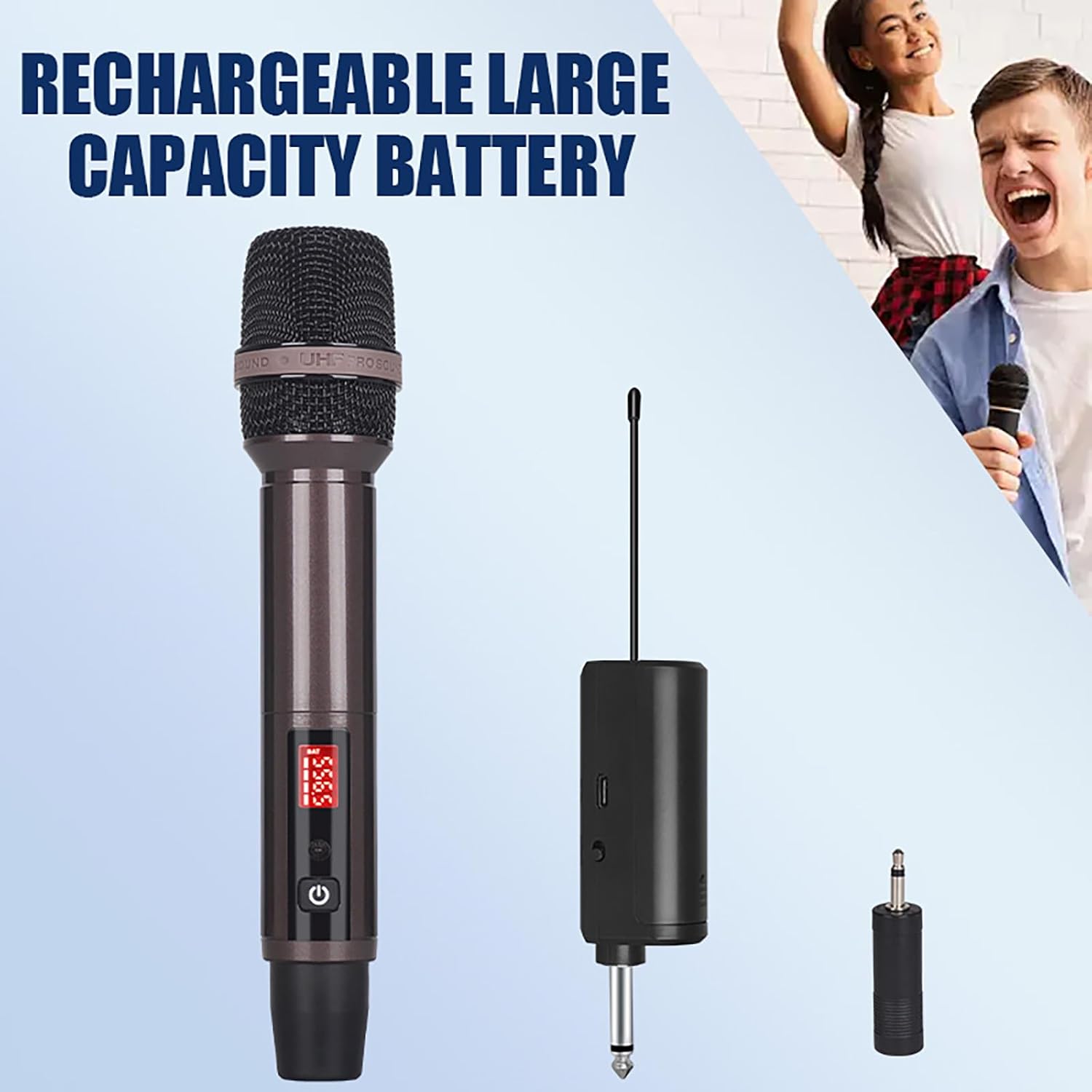
This image highlights the rechargeable battery feature of the microphone and receiver, showing the microphone's display and the receiver's compact design.

A close-up view of the receiver, detailing its battery compartment, Type-C charging port, and 6.35mm connector.
Maintenance
- Cleaning: Use a soft, dry cloth to clean the microphone and receiver. Avoid using harsh chemicals or abrasive materials.
- Storage: Store the system in a cool, dry place away from direct sunlight and extreme temperatures when not in use.
- Battery Care: For optimal battery life, fully charge the devices before extended storage and recharge them periodically if not used for a long time.
Troubleshooting
No Sound Output
- Check Power: Ensure both the microphone and receiver are powered on.
- Battery Level: Verify that the batteries in both devices are charged.
- Connections: Confirm all cables are securely connected between the receiver and the audio system.
- Volume Levels: Adjust the volume on the receiver and your audio system.
- Pairing: Ensure the microphone and receiver are properly paired.
Poor Sound Quality / Interference
- Antenna Position: Adjust the receiver antennas for better signal reception.
- Distance: Ensure the microphone is within the operational range (up to 200 meters) of the receiver.
- Obstructions: Minimize physical obstructions between the microphone and receiver.
- Interference Sources: Move away from other electronic devices that might cause interference.
Microphone Not Pairing
- Restart Devices: Turn off and then restart both the microphone and receiver.
- Check Manual: Refer to the user manual for specific pairing instructions if automatic pairing fails.
Specifications
| Feature | Detail |
|---|---|
| Model Number | K911 |
| Brand | Yamnweo |
| Connectivity Technology | UHF Wireless, XLR |
| Connector Type | 6.35 mm Jack |
| Special Feature | Rechargeable |
| Compatible Devices | Audio Mixer, Karaoke Machine, PA System |
| Batteries | 2 Lithium Ion batteries required (included) |
| Battery Type | Lithium Metal |
| Transmission Distance | Up to 200 meters (stable signal) |
| UPC | 762736654246 |
Warranty and Support
For warranty information and technical support, please refer to the documentation included with your product or contact Yamnweo customer service.
You can visit the Yamnweo Store on Amazon for additional product information and resources.