1. Introduction
Thank you for choosing KAISUPJX HEPA filters. This manual provides important information regarding the proper installation, operation, and maintenance of your replacement filters. These filters are specifically designed to be compatible with Dibea DW200, TT8, and M500 cordless vacuum cleaner models, ensuring continued high performance and effective air filtration.
Regular replacement of your vacuum cleaner's filter is crucial for maintaining optimal suction power and ensuring clean exhaust air. Our multi-layer HEPA filters are engineered for superior filtration efficiency and durability.
2. Product Features
- Compatibility: Designed for a perfect fit with Dibea DW200, TT8, and M500 cordless vacuum cleaners.
- Enhanced Filtration: Utilizes a multi-layer filter system for improved dust and impurity capture.
- Optimized Performance: Helps maintain strong vacuum suction by preventing clogging.
- Extended Service Life: Constructed for durability, reducing the frequency of replacements.
- Consistent Efficiency: Maintains effective filtration over time without easily clogging or detaching.
3. Setup and Installation
Follow these steps to properly install your new KAISUPJX HEPA filter:
- Power Off: Ensure your Dibea cordless vacuum cleaner is turned off and unplugged from any charging source before beginning.
- Locate Filter Compartment: Refer to your vacuum cleaner's original manual to locate the filter compartment. This is typically found within the dust cup or at the exhaust vent.
- Remove Old Filter: Carefully remove the old, used filter. Dispose of it according to local regulations.
- Insert New Filter: Place the new KAISUPJX HEPA filter into the compartment. Pay attention to the 'UP' indicator on the filter to ensure correct orientation. The filter should fit snugly without forcing.
- Secure Compartment: Close and secure the filter compartment or dust cup according to your vacuum cleaner's design.
- Test: Power on your vacuum cleaner to confirm proper operation.

Figure 3.1: A detailed view of one KAISUPJX HEPA filter, showing the fine white filtration mesh and the sturdy black outer ring. The 'UP' label is visible on the filter's surface, indicating proper orientation for installation.
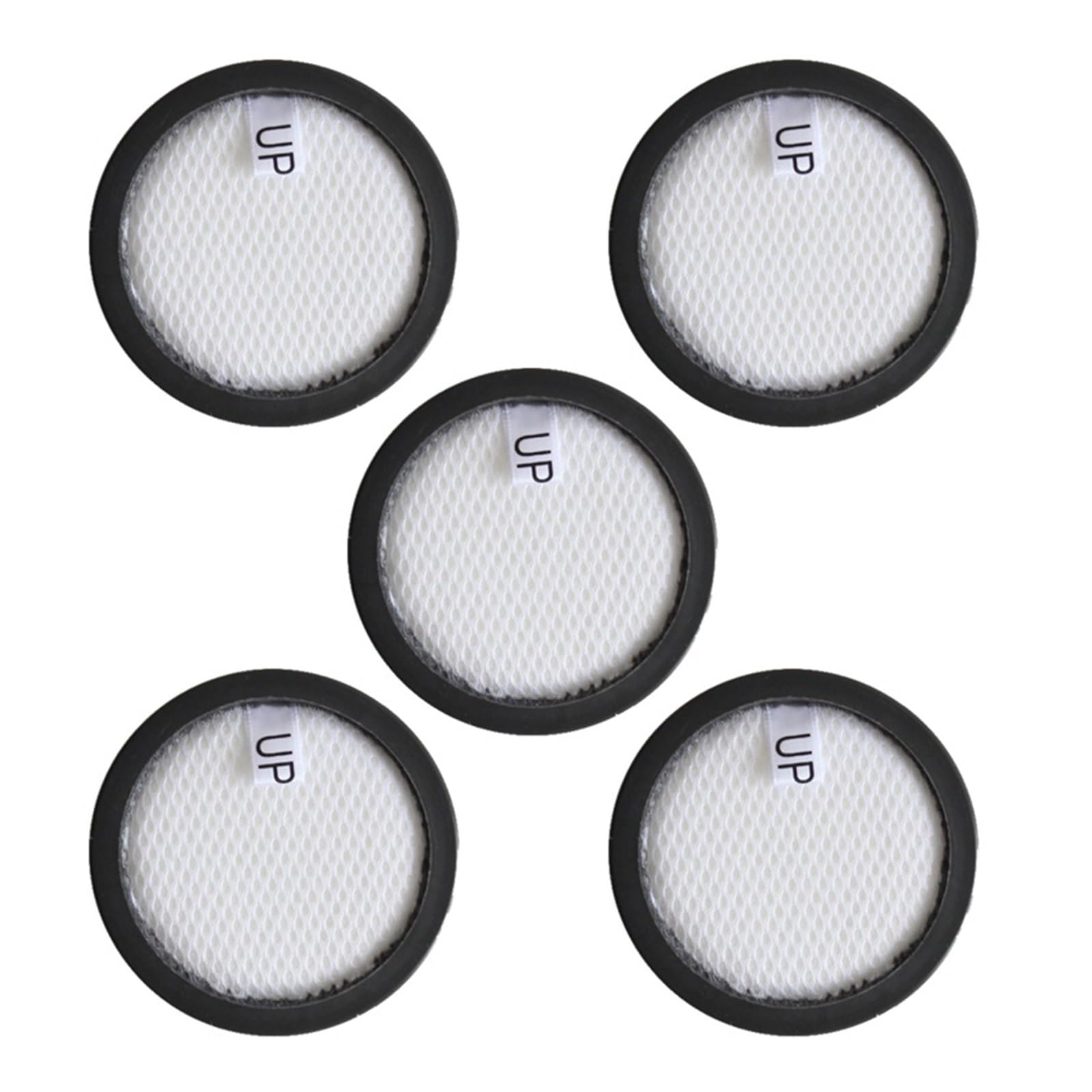
Figure 3.2: This image displays five individual KAISUPJX HEPA filters, each designed for compatibility with Dibea DW200, TT8, and M500 cordless vacuum cleaners. The filters are circular with a white filtration material and a black frame, and each has an 'UP' indicator.
4. Operating Considerations
Once installed, the HEPA filter operates passively within your vacuum cleaner. Its primary function is to capture fine dust particles, allergens, and other impurities from the air as it passes through the vacuum system. This ensures that the air expelled back into your environment is cleaner.
No specific operational steps are required for the filter itself beyond proper installation. The filter works automatically as your vacuum cleaner operates.
5. Maintenance
Proper maintenance of your HEPA filter ensures the longevity and efficiency of your vacuum cleaner.
Filter Replacement
- It is recommended to replace your HEPA filter every 3 to 6 months, depending on usage frequency and the amount of debris collected.
- If you notice a significant decrease in suction power, even after emptying the dust cup, or if the filter appears visibly dirty or damaged, it is time for a replacement.
- Refer to Section 3 for detailed filter installation instructions.
Cleaning the Filter
- These HEPA filters are generally not designed for washing with water. Washing can damage the filtration material and reduce its effectiveness.
- For light cleaning between replacements, you may gently tap the filter against a hard surface to dislodge loose dust and debris. Do this outdoors or over a trash can to avoid re-releasing particles into your home.
- Do not use brushes or abrasive materials on the filter, as this can damage the delicate filter media.
6. Troubleshooting
If you encounter issues related to your vacuum cleaner's performance after filter installation, consider the following:
- Reduced Suction Power:
- Ensure the filter is installed correctly and the dust cup is properly sealed.
- Check if the filter is heavily clogged. If so, replace it with a new one.
- Verify that the vacuum cleaner's dust cup is empty and there are no blockages in the hose or attachments.
- Unusual Odors:
- If the vacuum emits unusual odors, the filter may have absorbed strong smells or be harboring bacteria. Replace the filter.
- Filter Does Not Fit:
- Double-check the compatibility of the filter with your specific Dibea vacuum model (DW200, TT8, or M500).
- Ensure the filter is oriented correctly, paying attention to the 'UP' indicator.
7. Specifications
Key specifications for the KAISUPJX HEPA Filter:
| Attribute | Value |
|---|---|
| Brand | KAISUPJX |
| Product Type | HEPA Filter (Replacement Accessory) |
| Compatibility | Dibea DW200, TT8, M500 Cordless Vacuum Cleaners |
| Package Quantity | 5 Filters |
| Item Weight (per filter) | Approximately 1.76 ounces (50 grams) |
| Dimensions (Outer Diameter) | 77 mm |
| Dimensions (Inner Filter Diameter) | 70 mm |
| Dimensions (Thickness) | 8.7 mm |

Figure 7.1: This image provides the precise measurements of the KAISUPJX HEPA filter. It shows an overall diameter of 77mm, an inner filter diameter of 70mm, and a thickness of 8.7mm, crucial for ensuring proper fit.
8. Warranty and Support
KAISUPJX is committed to providing high-quality products. If you have any questions regarding the installation, compatibility, or performance of your HEPA filters, please contact your retailer or the manufacturer directly for assistance.
Please retain your proof of purchase for any warranty claims or support inquiries.


