
1. Introduction
This manual provides detailed instructions for the safe and effective use of your Comfytemp Wireless Heating Pad, Model HP-9234. Designed for targeted relief of discomfort in areas such as the waist, lower back, abdomen, and hip, this device combines heat and vibration therapy. Please read this manual thoroughly before first use and retain it for future reference.

The Comfytemp Wireless Heating Pad is designed for targeted relief across various body areas, including the waist, lower back, abdomen, and hip.
2. Important Safety Instructions
To reduce the risk of burns, electric shock, fire, and injury, this product must be used in accordance with the following instructions:
- Read all instructions before using this heating pad.
- Do not use on infants, individuals with sensitive skin, or persons who are incapacitated, asleep, or unconscious.
- Consult a physician before use if you have medical conditions such as diabetes, circulatory problems, nerve damage, or are pregnant.
- Never use the heating pad while sleeping.
- Do not fold, crush, or sit on the heating pad during use.
- Keep out of reach of children.
- Do not use pins or other metallic objects to fasten the heating pad.
- Never operate if the product or charging cable is damaged.
- Disconnect from power source when not in use or before cleaning.
3. Package Contents
Verify that all items are present in your package:
- Comfytemp Wireless Heating Pad (Model HP-9234)
- USB Charging Cable
- Extension Belt (if included with your model)
- User Manual
4. Product Features
The Comfytemp Wireless Heating Pad offers several features for enhanced comfort and usability:
- Wireless Operation: Enjoy freedom of movement while receiving therapy.
- Adjustable Design: Features a larger design and an extension belt for a comfortable, secure fit for various body types.
- Long Battery Life: Provides 3-8 hours of continuous use on a single charge, depending on settings.
- Dual Control Options: Control settings via intuitive on-device buttons or through a smart app.
- Multiple Vibration Modes: Offers 3 vibration modes via button control and 5 modes with 3 intensity levels via app control.
- Adjustable Heat Levels: Provides 3 heat levels via button control and 10 heating levels via app control.
- Auto-Off Timer: Includes a 30-minute auto-off function for safety and convenience (button control) and a customizable 10-60 minute timer via app.
- Dual Adjustable Strap: Ensures a snug and customizable fit.

The Comfytemp heating pad features an adjustable design with an extension belt for a wider range of fit.
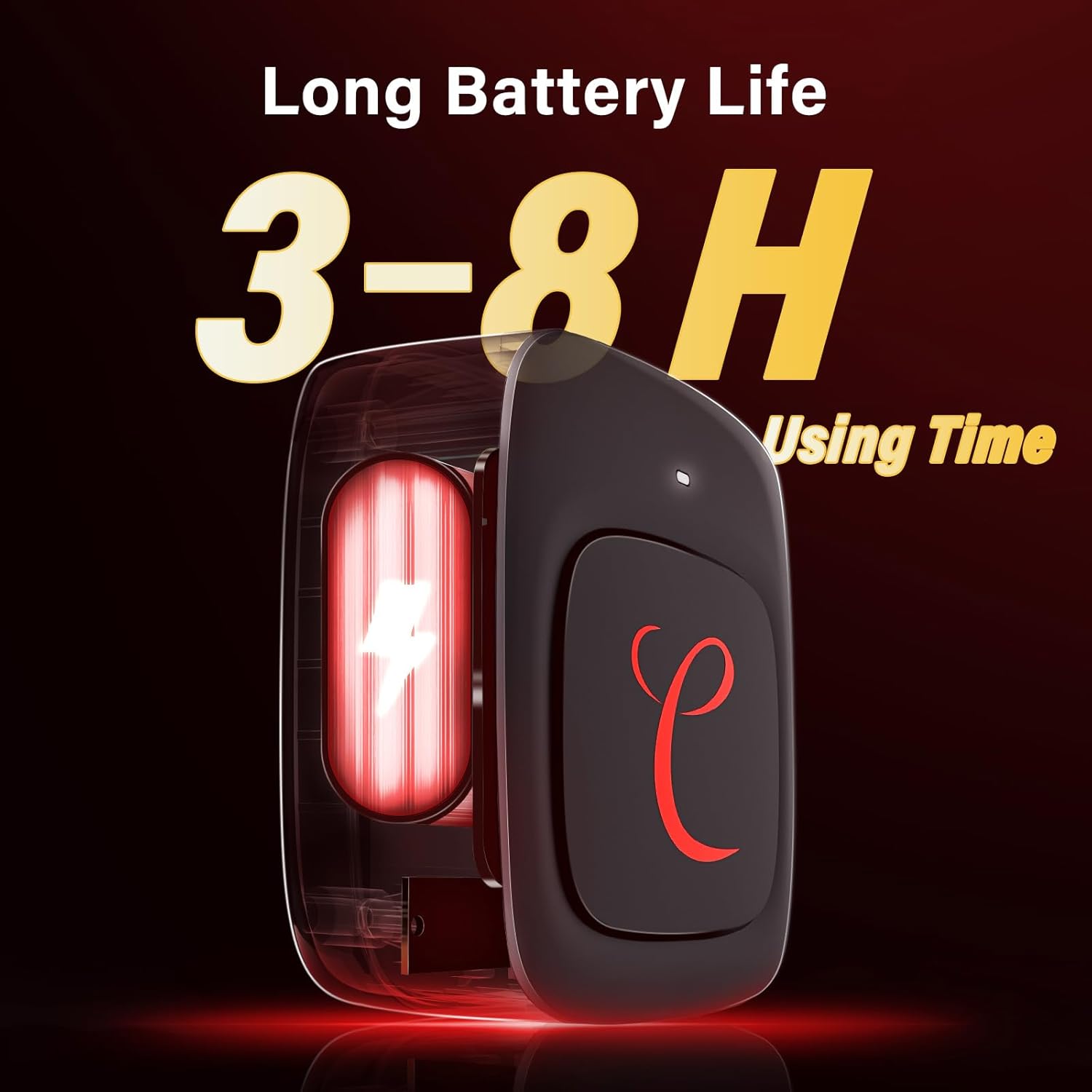
The device offers a long battery life, providing 3 to 8 hours of usage depending on the selected settings.

The cordless design allows for use anytime, anywhere, providing flexibility during daily activities.
5. Setup
5.1 Charging the Device
Before first use, fully charge the heating pad. Connect the USB charging cable to the charging port on the device and plug the other end into a compatible USB power adapter (not included) or a computer USB port. The indicator light will show charging status and turn solid when fully charged.
5.2 Attaching the Belt
Wrap the heating pad around the desired area (waist, lower back, abdomen, or hip). Use the dual adjustable straps to secure the pad snugly but comfortably. If needed, attach the extension belt for a larger fit.

The dual adjustable strap allows for a customized and secure fit around the body.
5.3 App Download (Optional)
For advanced control and customization, download the Comfytemp app from your smartphone's app store. Follow the in-app instructions to pair your device via Bluetooth.
6. Operating Instructions
6.1 Using On-Device Buttons
The control panel on the heating pad allows for basic operation:
- Power Button: Press and hold to turn the device on/off.
- Heat Button: Press to cycle through 3 heat levels (Low, Medium, High).
- Vibration Button: Press to cycle through 3 vibration modes.
- The device features a 30-minute auto-off function for safety.

The on-device control panel provides easy access to 3 vibration modes, 3 heat levels, and a 30-minute auto-off timer.
6.2 Using the Comfytemp App (Smart Control)
For more precise control and additional features, use the Comfytemp app:
- Vibration Modes: Select from 5 vibration modes and 3 intensity levels.
- Heating Levels: Choose from 10 heating levels for personalized warmth.
- Timer Function: Set a custom timer from 10 to 60 minutes.
- Follow the app's interface for intuitive adjustments.

The Comfytemp app offers versatile setup options, including 5 vibration modes, 3 vibration intensities, 10 heating levels, and a customizable timer from 10 to 60 minutes.
7. Maintenance
7.1 Cleaning
Ensure the device is turned off and unplugged before cleaning. Wipe the surface of the heating pad with a soft, damp cloth. Do not immerse the device in water or use harsh chemical cleaners. Allow to air dry completely before storage or next use.
7.2 Storage
Store the heating pad in a cool, dry place, away from direct sunlight and extreme temperatures. Avoid placing heavy objects on the device to prevent damage.
8. Troubleshooting
If you encounter issues with your Comfytemp Wireless Heating Pad, refer to the following common problems and solutions:
- Device not turning on: Ensure the battery is charged. Connect to the charging cable and allow sufficient time to charge.
- No heat or vibration: Check if the device is powered on and the respective functions are activated via buttons or the app. Ensure the battery level is sufficient.
- App connectivity issues: Ensure Bluetooth is enabled on your smartphone and the device is within range. Try restarting both the device and the app.
- Vibration is too noisy: Some vibration settings may produce audible noise. If the noise is excessive or unusual, contact customer support.
If the problem persists after attempting these solutions, please contact Comfytemp customer support.
9. Specifications
| Model Number | HP-9234 |
| Brand | Comfytemp |
| Color | Black |
| Approx. Package Dimensions | 41.7 x 25.4 x 8.3 cm |
| Approx. Weight | 1.3 kilograms |
| Manufacturer | Shenzhen Yicai Health Technology Co., Ltd |
10. Warranty and Support
Comfytemp products are manufactured with quality and care. For warranty information or technical support, please refer to the warranty card included with your product or visit the official Comfytemp website. Please have your model number (HP-9234) and purchase details ready when contacting support.