
CNBRO M80A
CNBRO M80A Handsfree Bluetooth Headset User Manual
Model: M80A
Introduction
This manual provides detailed instructions for the proper use and maintenance of your CNBRO M80A Handsfree Bluetooth Headset. Please read this manual carefully before use to ensure optimal performance and longevity of your device.
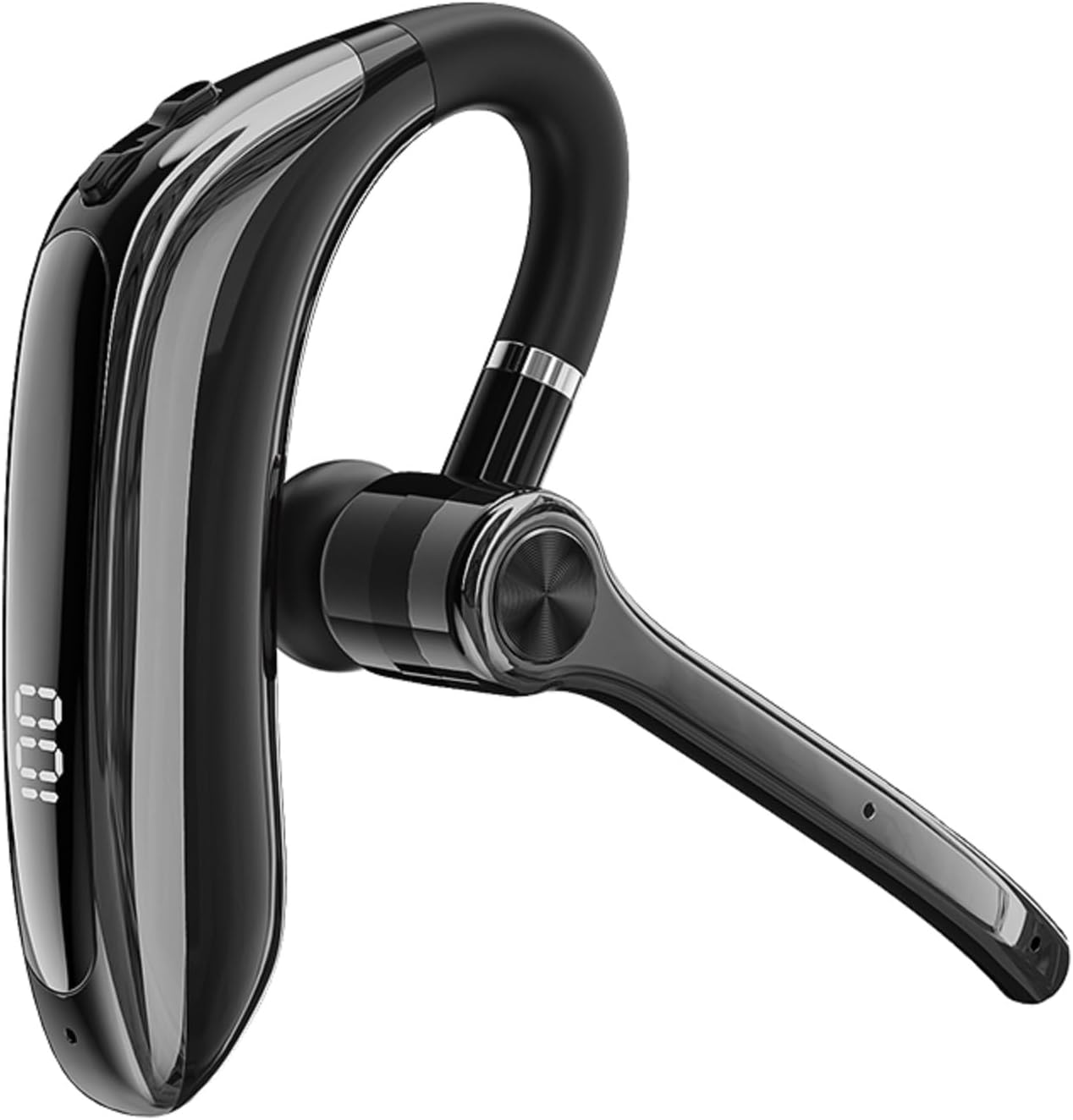
Image: CNBRO M80A Handsfree Bluetooth Headset. This image displays the overall design of the headset, featuring a sleek black finish, an ear hook design, and an integrated microphone arm.
Setup
1. Charging the Headset
Before first use, fully charge the headset. The headset has a built-in battery with a capacity of 150 mAh.
- Connect the provided TYPE-C cable to the charging port on the headset and to a compatible USB power source.
- The charging time is approximately 2 hours.
- A full charge provides up to 20 hours of playtime.
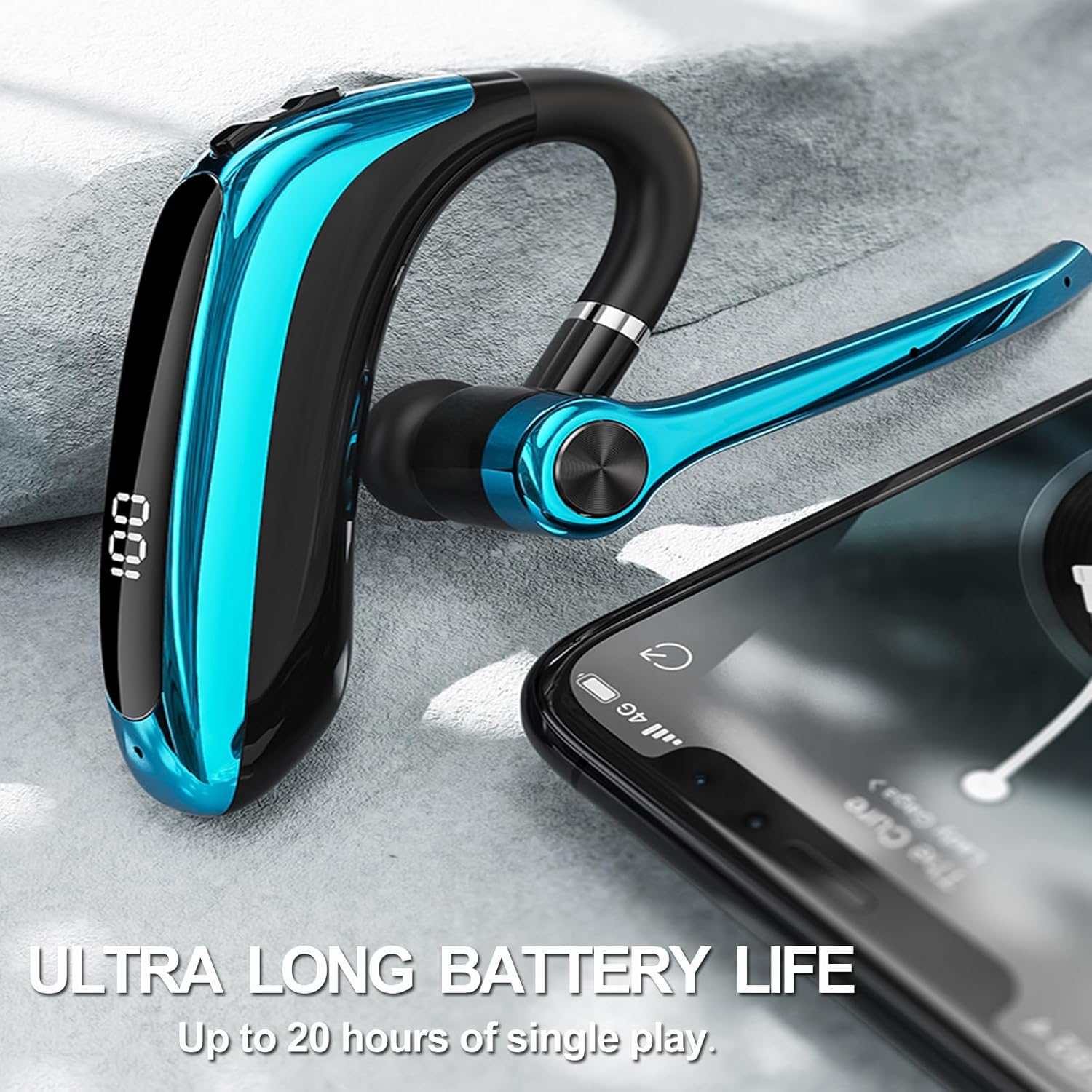
Image: Ultra-Long Battery Life. This image shows the headset with a digital display indicating "100" for battery level, emphasizing its extended usage time. A smartphone is placed nearby, suggesting connectivity.
2. Pairing with a Device
The headset uses Bluetooth version 5.3 for stable and efficient connection.
- Ensure the headset is charged and powered off.
- Press and hold the Multifunction Button (usually the main power button) for 3 seconds until the indicator light flashes, indicating pairing mode.
- On your device (smartphone, tablet, laptop), enable Bluetooth and search for available devices.
- Select "M80A" (or similar name) from the list of found devices to connect.
- Once connected, the indicator light will change, and you may hear a confirmation tone.
The transmission distance is approximately 12 meters (39 feet) in an open environment.
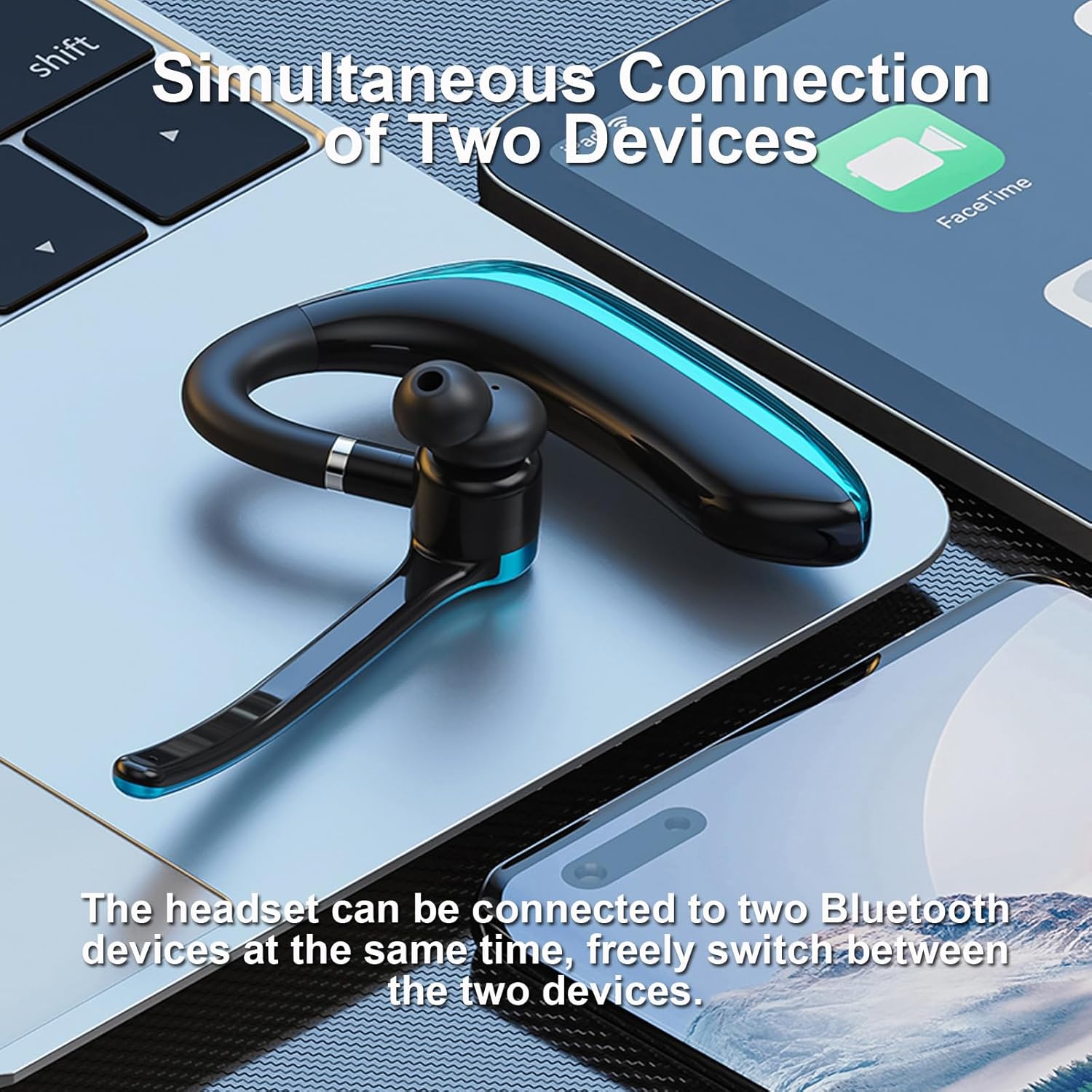
Image: Simultaneous Connection of Two Devices. This image illustrates the headset's ability to connect to two Bluetooth devices concurrently, such as a laptop and a smartphone, allowing for seamless switching.
Simultaneous Connection of Two Devices: This headset can connect to two Bluetooth devices simultaneously. After pairing with the first device, disable Bluetooth on the first device, then pair with the second device. Once the second device is paired, re-enable Bluetooth on the first device, and the headset should connect to both. You can then switch between them as needed.

Image: Widely Compatible. This image highlights the headset's broad compatibility with all Bluetooth-enabled smart devices, including both iOS and Android systems.
Wide Compatibility: The headset supports all devices and mobile phones that have Bluetooth functionality, including iOS and Android systems.
Operating Instructions
1. Wearing the Headset
The headset is designed for universal use on both the left and right ear.
- The microphone arm can be rotated 270° to position it optimally for your mouth.
- The earpiece angle can be rotated 180° to comfortably fit your ear.
- Adjust the headset for a secure and comfortable fit.
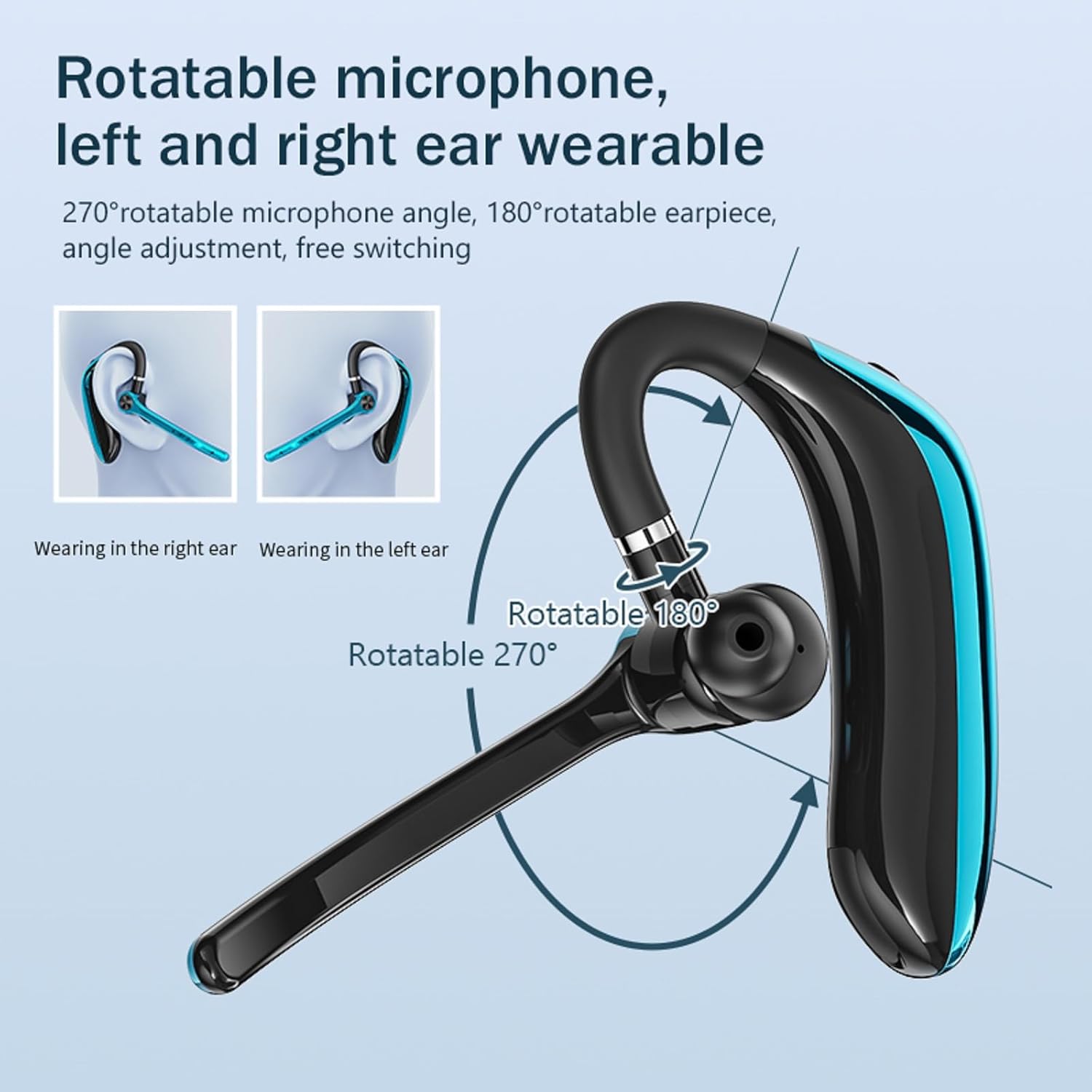
Image: Rotatable Microphone and Earpiece. This diagram illustrates the headset's adjustable features, including a 270° rotatable microphone and a 180° rotatable earpiece, allowing it to be worn comfortably on either the left or right ear.
2. Button Functions
The headset features intuitive controls for various functions:

Image: Multiple Functions. This image provides a detailed guide to the headset's buttons and their corresponding functions, including volume control, track navigation, call management, voice assistant activation, and power on/off.
- '+' Key:
- Long press: Volume increase
- Short press: Previous song
- '-' Key:
- Long press: Volume decrease
- Short press: Next song
- Multifunction Button:
- One click: Play/Pause music, Answer/End call
- Double-click: Last number redial
- Click three times: Activate Game mode
- Press for 1 second: Wake up voice assistant
- Hold for 3 seconds: Power On/Off
3. Making and Receiving Calls
The headset features ENC (Environmental Noise Cancelling) technology for clear calls.
- Answering a Call: Press the Multifunction Button once.
- Ending a Call: Press the Multifunction Button once during a call.
- Rejecting a Call: Press and hold the Multifunction Button for approximately 2 seconds.
- Redialing Last Number: Double-click the Multifunction Button.
- Voice Assistant: Press and hold the Multifunction Button for 1 second to activate your device's voice assistant.

Image: ENC Dual Microphone Noise Reduction. This image shows a person wearing the headset, highlighting its ENC dual microphone technology designed to reduce ambient noise and ensure clear, high-definition calls.
The ENC Noise Cancellation Technology effectively reduces ambient noise, ensuring your calls are clear even in noisy environments.
Maintenance
- Cleaning: Use a soft, dry cloth to clean the headset. Avoid using abrasive cleaners or solvents.
- Water Resistance: The headset has an IPX5 waterproof rating, meaning it is protected against low-pressure water jets from any direction. It is resistant to sweat and light splashes but should not be submerged in water.
- Storage: Store the headset in a cool, dry place away from direct sunlight and extreme temperatures.
- Battery Care: To prolong battery life, avoid fully discharging the battery frequently. Charge the headset regularly, even if not in use for extended periods.
Troubleshooting
| Problem | Possible Cause | Solution |
|---|---|---|
| Headset does not power on. | Low battery. | Charge the headset for at least 30 minutes. |
| Cannot pair with device. | Bluetooth is off on device; headset not in pairing mode; too far from device. | Ensure Bluetooth is enabled. Put headset in pairing mode (hold Multifunction Button for 3s). Move headset closer to device (within 12m). |
| No sound or poor sound quality. | Volume too low; headset not properly connected; interference. | Increase volume on headset and device. Re-pair the headset. Move away from sources of interference. |
| Call quality is poor. | Microphone not positioned correctly; environmental noise. | Adjust the microphone closer to your mouth. Ensure ENC is active. Move to a quieter environment if possible. |
Specifications
| Model Name | M80A |
| Bluetooth Version | 5.3 |
| Headphone Battery Capacity | 150 mAh |
| Playing Time | Up to 20 hours |
| Charging Time | Approximately 2 hours |
| Transmission Distance | Approximately 12 meters (39 feet) |
| Waterproof Level | IPX5 |
| Connectivity Technology | Wireless (Bluetooth) |
| Compatible Devices | All Bluetooth-enabled devices (iOS, Android) |
| Special Features | ENC Noise Cancelling, Rotatable Microphone, Universal Ear Fit, Lightweight |
| Item Weight | 0.64 ounces |
| Dimensions | 1 x 1 x 1 inches (Product) |
Warranty and Support
Your satisfaction is important to us. While specific warranty details are not provided in this manual, we encourage you to contact us if you encounter any issues.
- If you receive a defective product, please contact customer support immediately.
- For any questions or assistance during use, please feel free to contact our support team.
- Please refer to your purchase documentation or the seller's information for specific warranty terms and contact details.
Ask a question about this manual
Ask about setup, troubleshooting, compatibility, parts, safety, or missing instructions. Manuals+ will review the question and use this page’s manual context to help answer it.