
1. Product Overview
The PGYTECH XS Camera Insert Bag is designed to provide secure and organized storage for your camera equipment. It features a unique frame structure for stability, high-density foam for shock absorption, and a water-resistant exterior. This insert can be used independently as a shoulder bag or integrated into a larger backpack.
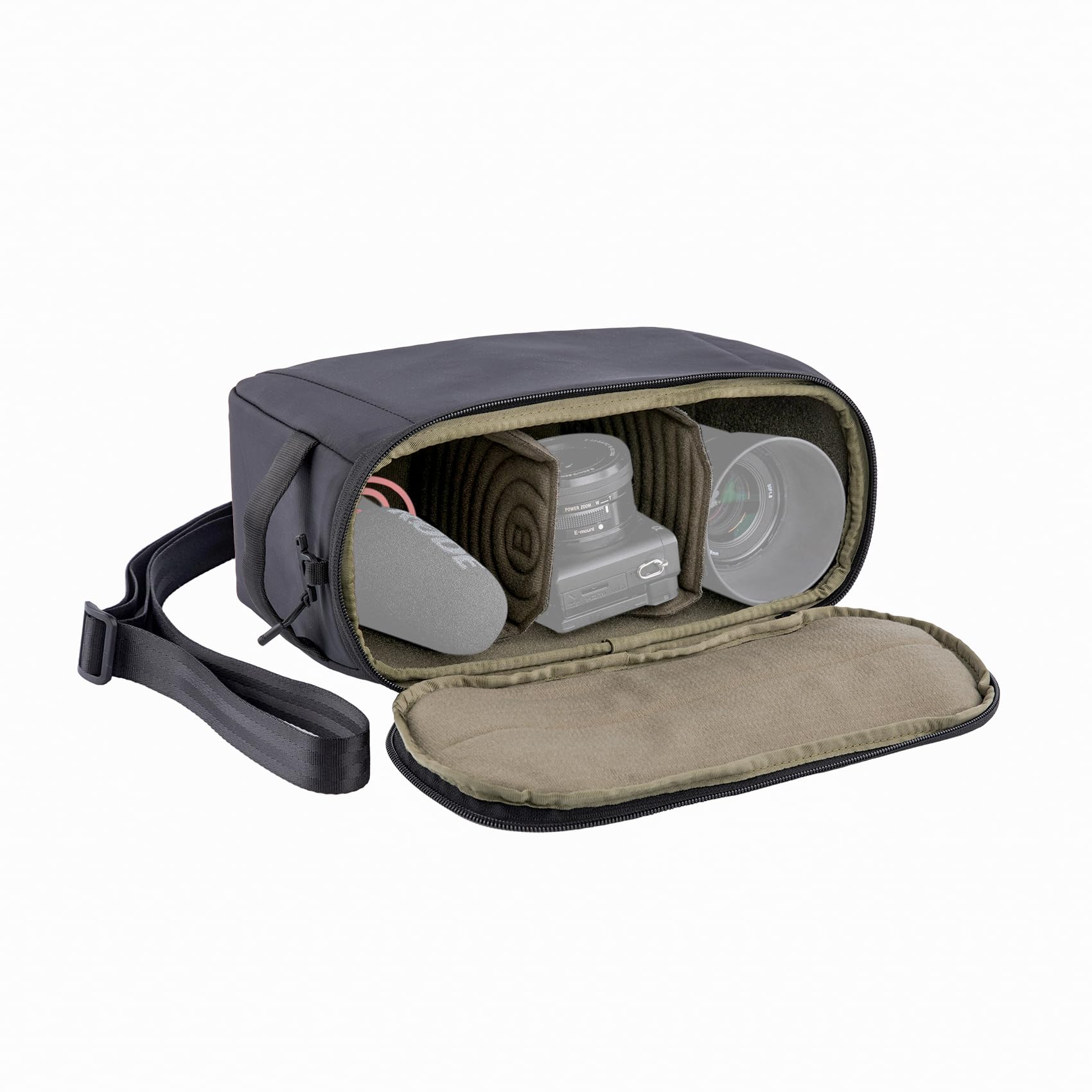
Figure 1: PGYTECH XS Camera Insert Bag, showcasing its compact design and durable build.
Key Features:
- Stable and Non-Deformable: Features an embedded steel frame at the opening to maintain shape and provide stable protection.
- Enhanced Protection: Constructed with high-density foam for shock absorption, a water-resistant surface, and soft Velcro lining to prevent scratches.
- DIY Dividers: Includes a molded compartment with customizable dividers for organized and secure storage of various equipment.
- Convertible Design: Comes with a shoulder strap, allowing easy conversion into a standalone shoulder bag.
- Reliable Zippers: Equipped with YKK splash-proof zippers for durability and security.
2. Setup and Configuration
2.1 Unpacking and Initial Inspection
Carefully remove the camera insert bag from its packaging. Inspect the bag for any signs of damage. Ensure all components, including the shoulder strap and dividers, are present.
2.2 Customizing Dividers
The interior of the PGYTECH XS Camera Insert Bag features adjustable dividers. These can be rearranged to create custom compartments that perfectly fit your camera body, lenses, and accessories, providing optimal protection and organization.
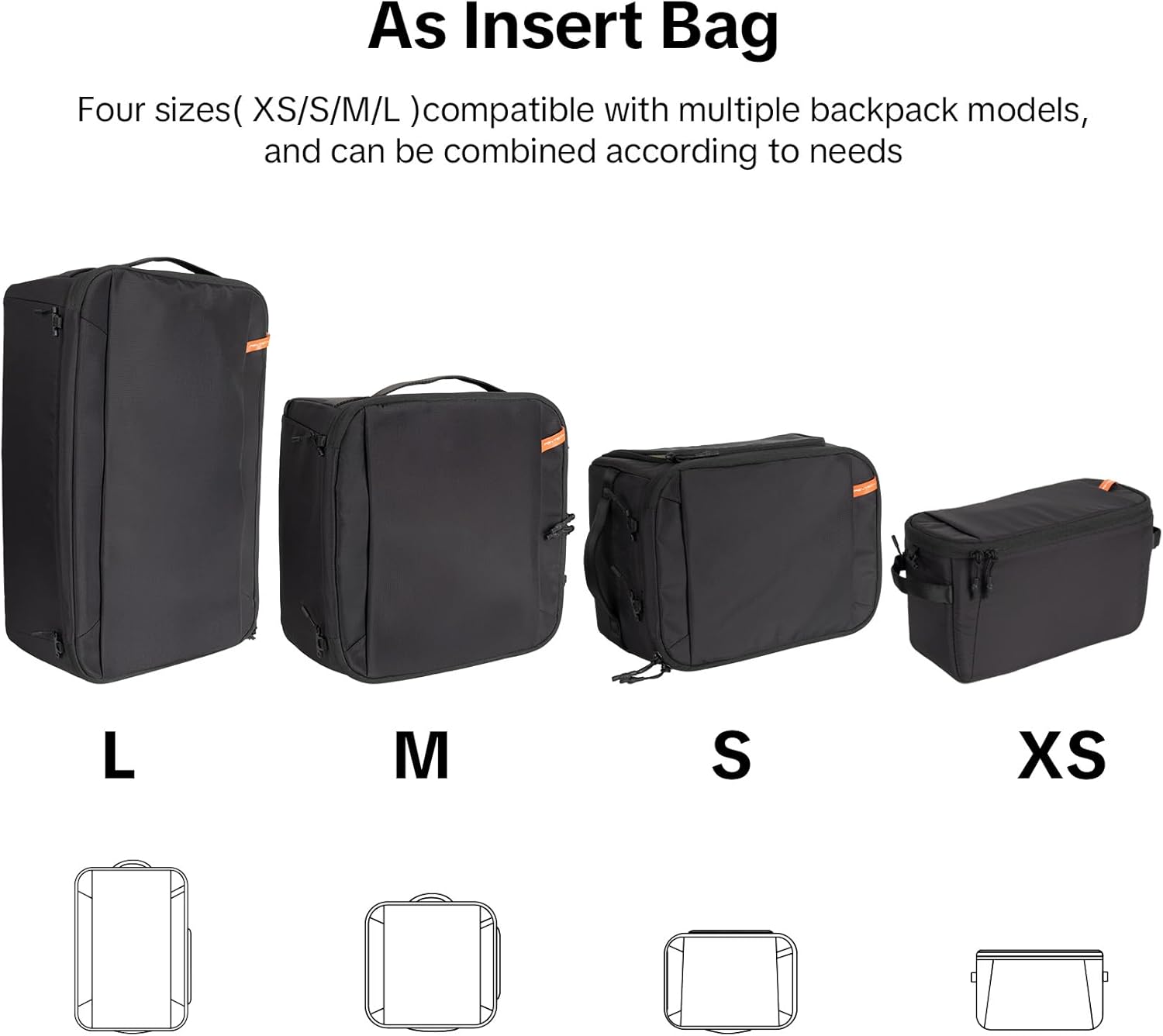
Figure 2: Interior view of the PGYTECH XS Camera Insert Bag with adjustable dividers configured for lenses.

Figure 3: Detailed view of the customizable interior dividers for secure equipment organization.
2.3 Converting to a Shoulder Bag
To use the insert as a standalone shoulder bag, attach the included shoulder strap to the designated attachment points on the sides of the bag. Ensure the strap is securely fastened before carrying your equipment.

Figure 4: The PGYTECH XS Camera Insert Bag configured as a shoulder bag for easy portability.
Video 1: Demonstration of converting the camera insert bag into a shoulder bag and adjusting straps.
3. Operation
3.1 Inserting into a Backpack
The PGYTECH XS Camera Insert Bag is designed to fit into various backpack models. Place the filled insert bag into your backpack, ensuring it sits snugly to prevent movement during transport. The compact size of the XS model allows for versatile integration.

Figure 5: The PGYTECH XS Camera Insert Bag placed inside a larger backpack, demonstrating its modular use.
3.2 Accessing Equipment
When the insert bag is placed in a backpack, ensure the opening is easily accessible for quick retrieval of your camera or lenses. The design facilitates efficient access to your gear when needed.

Figure 6: User accessing camera equipment from the insert bag within a backpack.
3.3 Utilizing Protection Features
The bag's embedded steel frame provides structural integrity, preventing deformation. The high-density foam body and soft Velcro lining protect against impacts and scratches. The water-resistant surface and YKK splash-proof zippers offer defense against light moisture.

Figure 7: Close-up of the YKK splash-proof zipper and side buckle design for secure fastening.
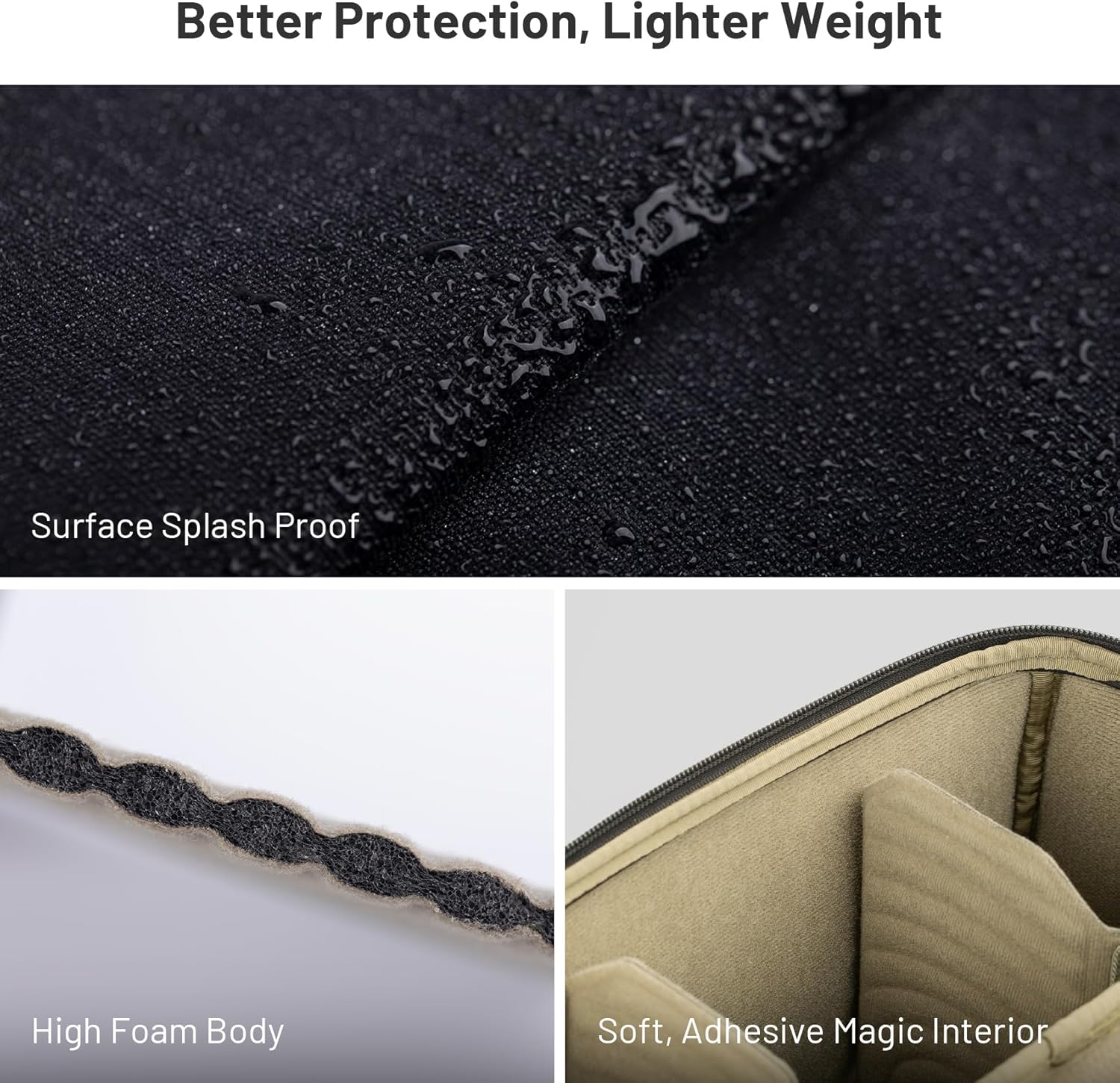
Figure 8: Water-resistant exterior material of the camera insert bag, showing water repellency.

Figure 9: Detail of the embedded steel frame structure providing stability and protection.
4. Maintenance
4.1 Cleaning Instructions
- Exterior: Wipe the exterior surface with a damp cloth and mild soap if necessary. Avoid harsh chemicals or abrasive cleaners.
- Interior: Use a soft brush or a small vacuum cleaner to remove dust and debris from the interior and dividers.
- Drying: Allow the bag to air dry completely in a well-ventilated area, away from direct sunlight or heat sources.
4.2 Storage
Store the camera insert bag in a cool, dry place when not in use. Avoid storing it in areas with extreme temperatures or high humidity to preserve its materials and protective properties.
5. Troubleshooting
5.1 Equipment Not Fitting
If your equipment does not fit as expected, try rearranging the adjustable dividers. Ensure you have selected the correct size variant (XS, S, M, L) for your specific gear configuration. Refer to the specifications section for dimensions.
5.2 Zipper Issues
If a zipper becomes difficult to operate, check for any fabric or debris caught in the teeth. Gently remove any obstructions. If the zipper still sticks, a small amount of zipper lubricant can be applied.
5.3 Water Exposure
While the bag features a water-resistant surface and splash-proof zippers, it is not fully waterproof. In case of exposure to significant moisture, immediately wipe the bag dry and allow any damp interior components to air dry thoroughly to prevent damage to your equipment.
6. Specifications
The following table outlines the key specifications for the PGYTECH XS Camera Insert Bag (Model QP-CB-250):
| Feature | Detail |
|---|---|
| Model Number | QP-CB-250 |
| Size | XS |
| Closure Type | Zipper |
| Strap Type | Shoulder (removable) |
| Handle Type | Web Handle |
| Number of Compartments | 3 (adjustable with dividers) |
| Color | Black |
| Material Type | Polyamide |
| Shell Type | Hard (with embedded frame) |
Figure 10: Approximate dimensions of the PGYTECH XS Camera Insert Bag (290mm x 120mm x 170mm).
7. Warranty Information
For detailed warranty information regarding your PGYTECH XS Camera Insert Bag, please refer to the official PGYTECH website or the warranty card included with your product. Warranty terms and conditions may vary by region and product.
8. Support
If you require further assistance, have questions, or encounter issues not covered in this manual, please contact PGYTECH customer support through their official channels:
- Official Website: Visit the PGYTECH Store on Amazon or the main PGYTECH website for support resources, FAQs, and contact information.
- Email Support: Refer to your product packaging or the official website for specific customer service email addresses.