
1. Introduction
The Creality Filament Dryer Box 2.0 is designed to effectively remove moisture from 3D printer filaments. This process helps to prevent common printing issues such as stringing, clogging, and poor adhesion, thereby improving overall print quality. The dryer box features a 360° hot-air circulation system, adjustable temperature settings, and a programmable drying timer for various filament types.
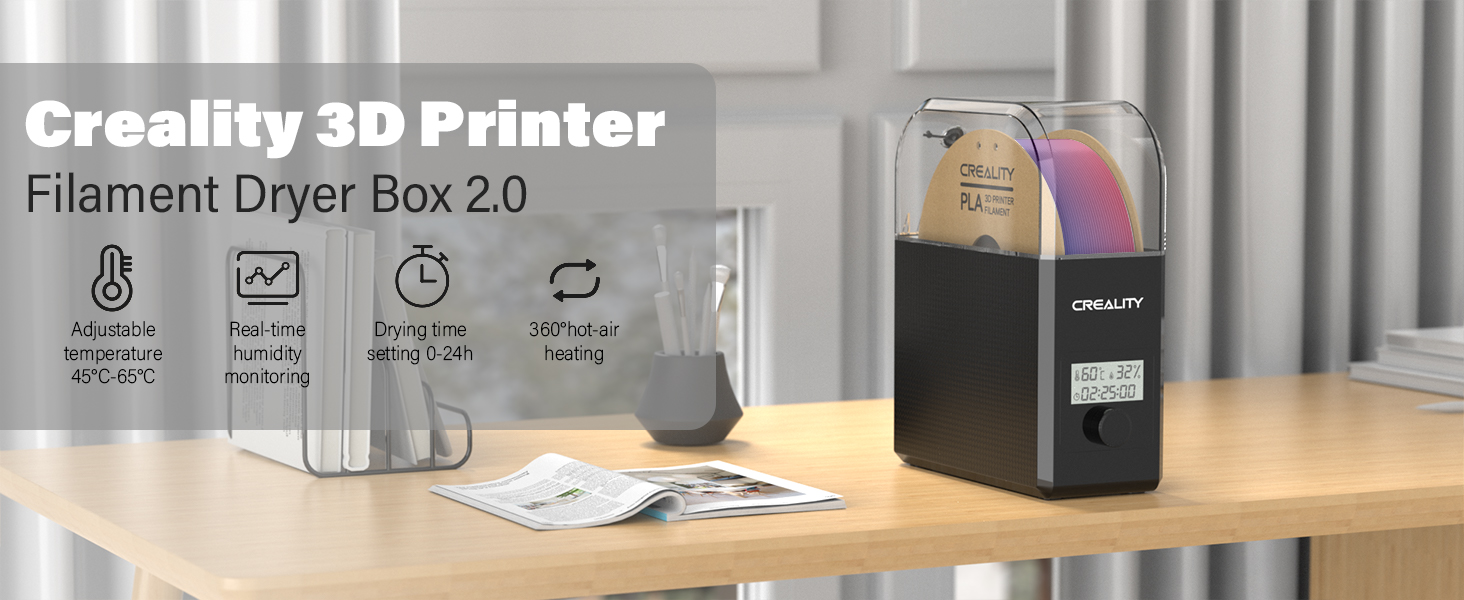
Image: Overview of the Creality Filament Dryer Box 2.0, showcasing its adjustable temperature, real-time humidity monitoring, 0-24h drying time setting, and 360° hot-air heating capabilities.
2. Safety Instructions
- Ensure the power supply matches the device's requirements.
- Do not operate the device with wet hands.
- Keep the device away from water or other liquids.
- Do not block the ventilation openings during operation.
- The thermal insulation cotton on both sides of the filament dryer box is designed to prevent burns, but exercise caution when handling the device during or immediately after operation.
- Unplug the device when not in use or before cleaning.
3. Package Contents
Please check the package contents upon receipt. Typically, the package includes:
- Creality Filament Dryer Box 2.0
- Power Adapter
- User Manual
4. Setup
- Connect Power: Plug the power cord into the dryer box and then into a power outlet. Turn on the power switch located on the back of the unit.
- Load Filament: Open the transparent lid of the drying box. Place your filament spool inside the box.
- Thread Filament: Guide the filament through the designated outlet hole on the lid.
- Close Lid: Securely close the lid.
For a visual guide on setup and operation, please refer to the video below:
Video: Creality Filament Dry Box 2.0 Unboxing and Operation. This video demonstrates the steps for unboxing, connecting power, loading filament, and initial operation of the dryer box.
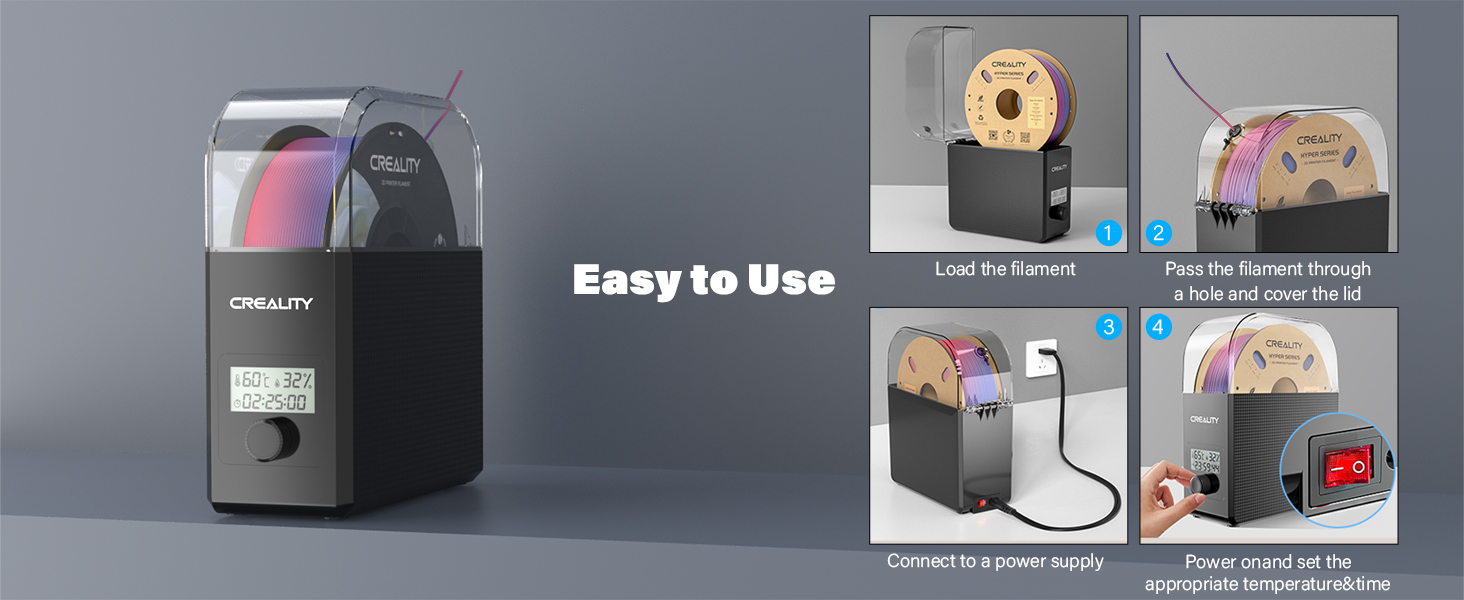
Image: Step-by-step guide illustrating how to load filament, thread it through the outlet, connect to power, and set temperature/time.
5. Operating Instructions
5.1 Temperature Setting
- Turn the control knob. The temperature icon on the display will flash.
- Press the knob once. The temperature number will flash.
- Rotate the knob to set the desired drying temperature (range: 45℃-65℃).
5.2 Time Setting
- Turn the control knob. The time icon on the display will flash.
- Press the knob once. The time number will flash.
- Rotate the knob to set the desired drying time (range: 0-24 hours).
The drying process will begin automatically after the temperature and time are set. The built-in fan circulates hot air through 360° inside the chamber, ensuring even heating. The box can reach 65℃ within 15 minutes.

Image: Illustration of the 360° hot-air circulation system within the dryer box, highlighting its rapid heating capability.
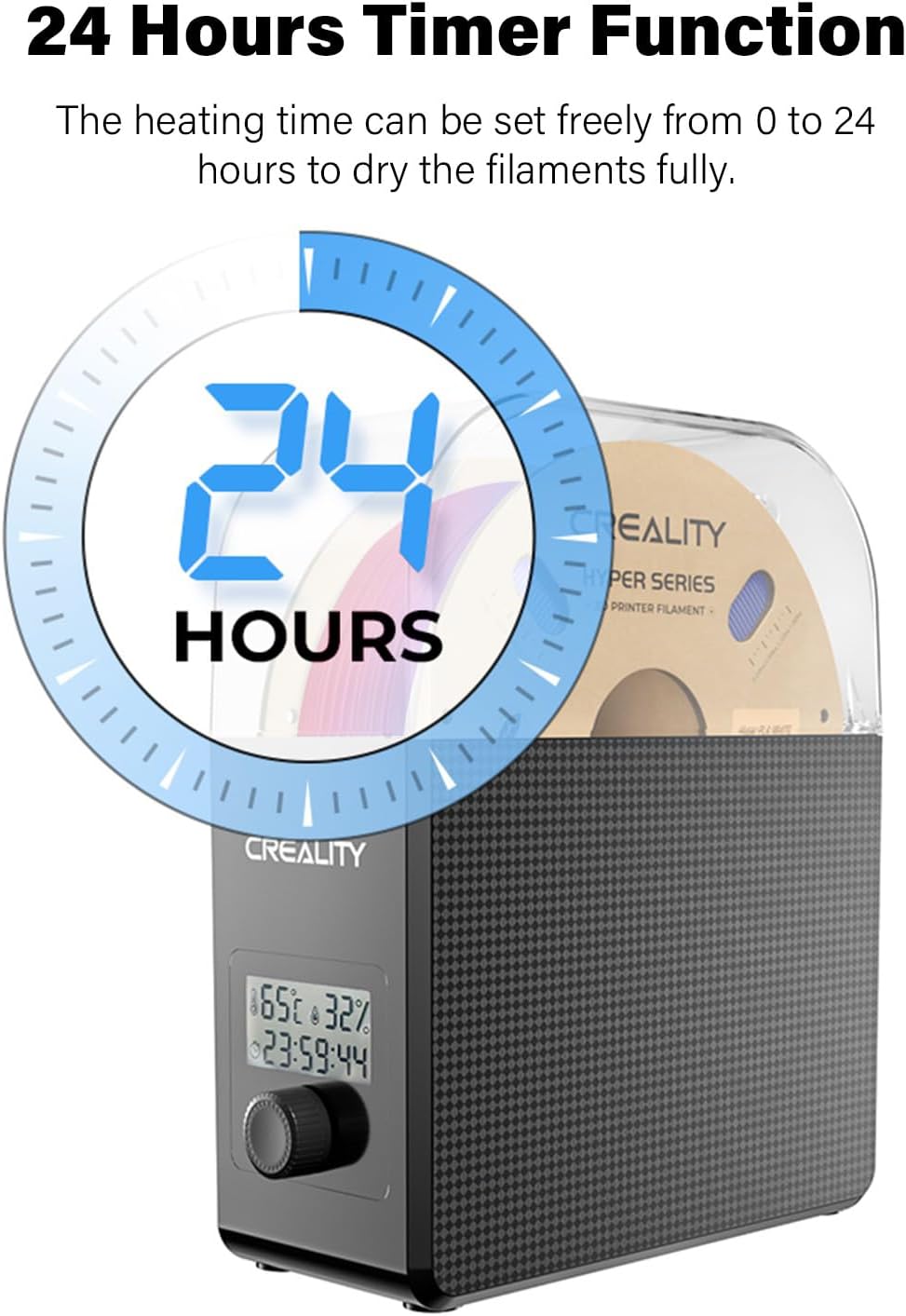
Image: Visual representation of the 24-hour timer function, allowing users to set precise drying durations.
5.3 Real-time Monitoring
The display screen provides real-time monitoring of temperature, humidity, and the drying countdown, allowing you to track the drying conditions effectively.
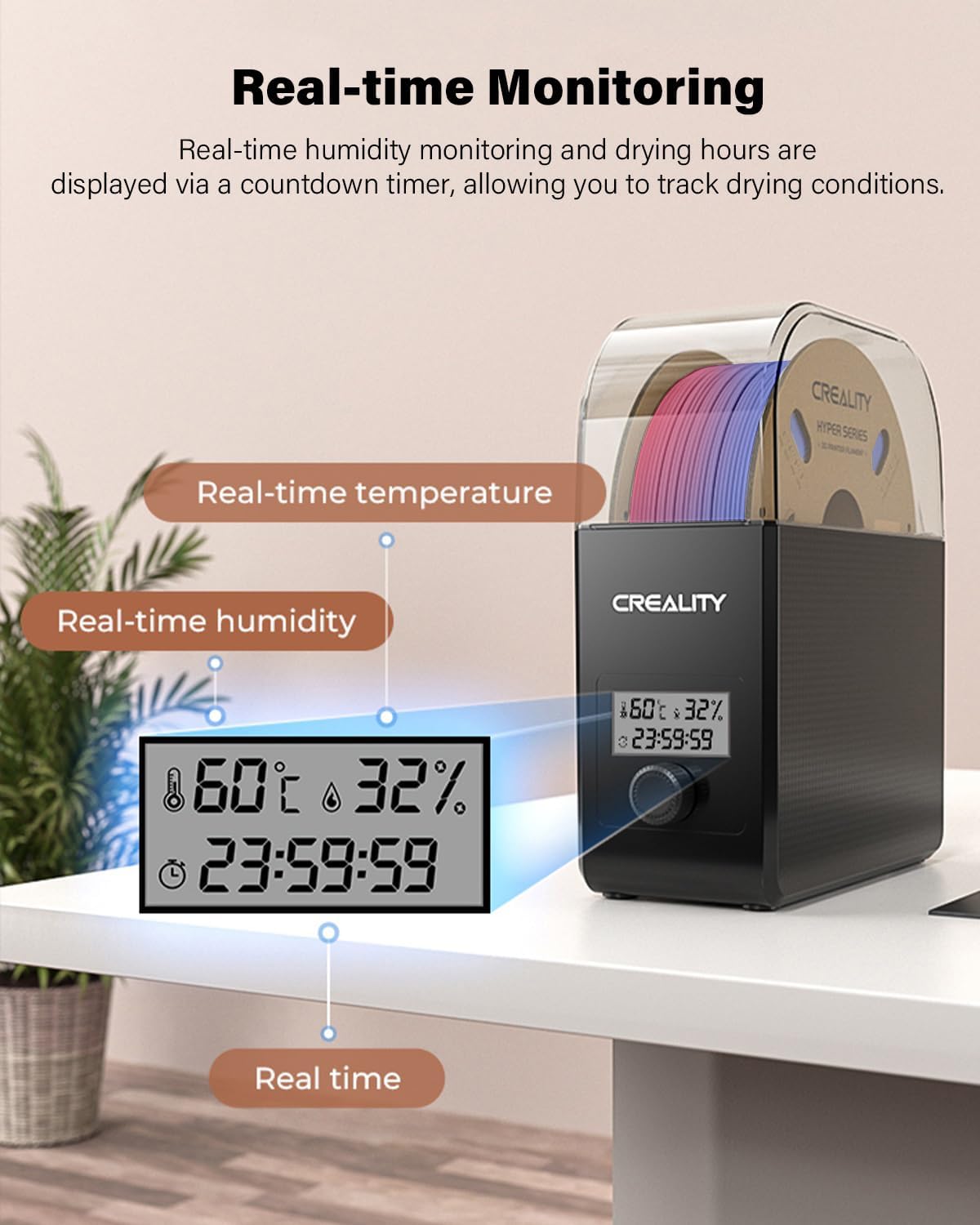
Image: Close-up of the dryer box display showing real-time temperature, humidity, and drying time countdown.
5.4 Printing While Drying
The design of two rollers inside the box allows for continuous printing while the filament is being dried, ensuring optimal material condition throughout your print job.

Image: Comparison showing a 3D printer producing a clean print using dried filament from the dryer box versus a print with moisture-affected filament.
5.5 Filament Compatibility and Recommended Settings
The Creality Filament Dryer Box 2.0 is compatible with most filament types and diameters on the market, including 1.75mm and 2.85mm. This includes materials such as PLA, PETG, ABS, TPU, ASA, PP, PC, and PA.
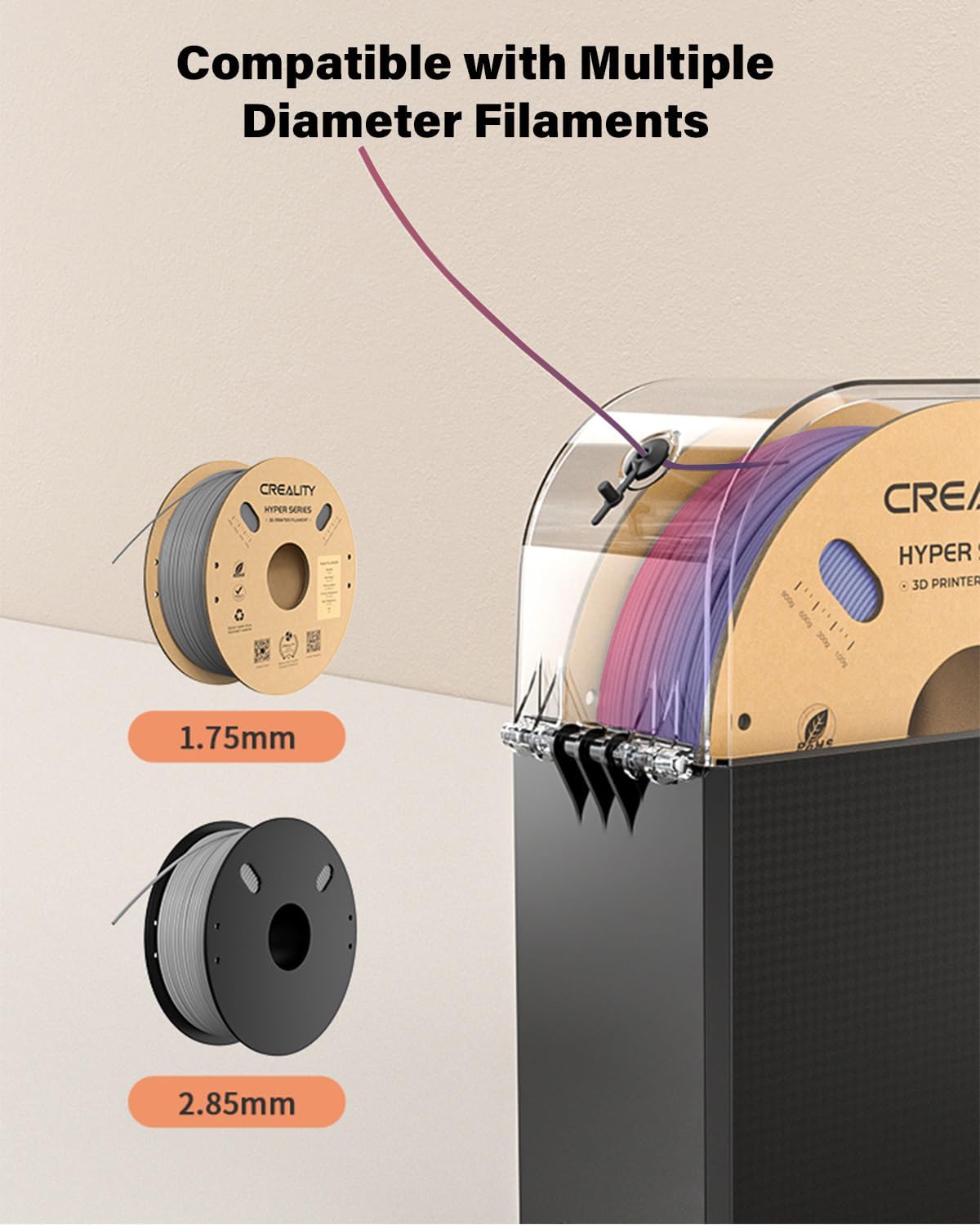
Image: The dryer box shown with different filament spools, illustrating compatibility with 1.75mm and 2.85mm diameter filaments.
| Filament Type | Temperature | Minimum Time |
|---|---|---|
| PLA | 50℃ | ≥4h |
| TPU | 55℃ | ≥4h |
| PP | 55℃ | ≥6h |
| ABS | 60℃ | ≥2h |
| ASA | 60℃ | ≥4h |
| PETG | 65℃ | ≥2h |
| PC | 65℃ | ≥8h |
| PA | 65℃ | ≥12h |
Table: Recommended drying temperatures and times for various filament types to achieve optimal results.
6. Maintenance
- Cleaning: Regularly wipe the exterior of the dryer box with a soft, dry cloth. Do not use abrasive cleaners or solvents.
- Storage: When not in use, store the dryer box in a cool, dry place away from direct sunlight.
- Filament Storage: For best results, store filaments in a sealed container with desiccant packs when not actively drying or printing.
7. Troubleshooting
- Filament still exhibiting moisture issues (stringing, bubbles, poor adhesion) after drying:
Ensure the correct temperature and sufficient drying time were selected for your specific filament type. Refer to the recommended settings table. The minimum humidity display value is fixed at 15%; this does not mean the filament is not fully dry. - Dryer box not heating:
Check if the power cord is securely plugged in and the power switch is turned on. Verify that the temperature setting is above the ambient temperature. - Display not working:
Ensure the device is powered on. If the issue persists, contact customer support.
8. Specifications
| Feature | Detail |
|---|---|
| Brand | Creality |
| Model Number | CR-DB002 |
| Item Weight | 2.34 pounds (1060 Grams) |
| Product Dimensions | 9.33 x 3.9 x 10.47 inches (237 x 266 x 99 mm) |
| Material | Metal |
| Color | 2.0 Filament Dryer |
| Filament Diameter Compatibility | 1.75 mm, 2.85 mm |
| Heating Temperature Range | 45℃ - 65℃ |
| Heating Time Range | 0 - 24 hours |
| Heating Method | 360° Hot-air Circulation with Fan |
| Display | Real-time temperature, humidity, and countdown |
9. Warranty and Support
For warranty information, technical support, or service inquiries, please refer to the official Creality website or contact their customer service directly. Keep your purchase receipt as proof of purchase for warranty claims.
Official Website: www.creality.com