Introduction
The BLU G33 is a modern Android smartphone designed for everyday use, offering a vibrant display, reliable performance, and essential camera capabilities. This manual provides comprehensive instructions to help you set up, operate, maintain, and troubleshoot your device, ensuring an optimal user experience.
What's in the Box
Upon unboxing your BLU G33, please verify that all the following items are included:
- BLU G33 Smartphone
- USB Cable
- Quick Start Guide (if applicable, not listed in provided data)
- Protective Case (if applicable, not listed in provided data)
- Screen Protector (pre-installed or included, if applicable, not listed in provided data)
If any items are missing or damaged, please contact BLU customer support.
Setup
1. Inserting SIM and MicroSD Cards
The BLU G33 supports GSM Quad Band and various LTE bands for cellular connectivity. It also supports a MicroSD card for expandable storage up to 128GB.
- Locate the SIM tray on the side of the device.
- Insert the SIM ejector tool (if provided) into the small hole next to the tray to open it.
- Carefully place your Nano-SIM card(s) and/or MicroSD card into the designated slots on the tray, ensuring correct orientation.
- Gently push the tray back into the phone until it is flush with the device body.
2. Initial Power On and Setup
After inserting your cards, you can power on your device for the first time.
- Press and hold the Power button located on the side of the phone until the BLU logo appears.
- Follow the on-screen prompts to complete the initial setup process. This typically includes selecting your language, connecting to a Wi-Fi network, setting up your Google account, and configuring security features.
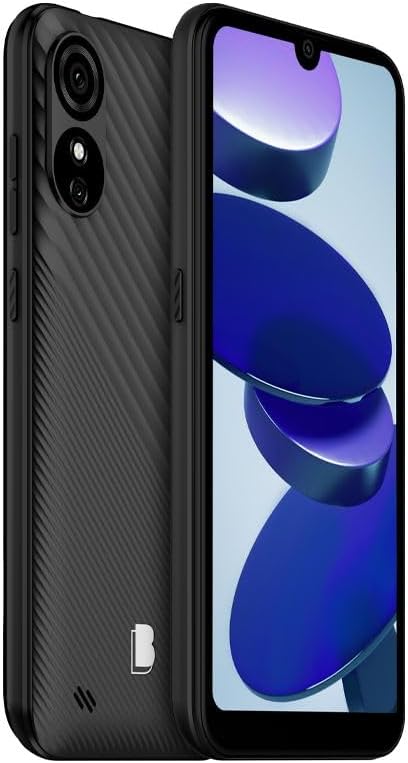
Figure 1: Front and back view of the BLU G33 smartphone, highlighting its design and camera placement.
Operating Your Device
Display and Navigation
The BLU G33 features a 6.26-inch Curved Glass display with a resolution of 480 x 960 pixels. Navigate the interface using touch gestures such as tapping, swiping, pinching, and spreading.
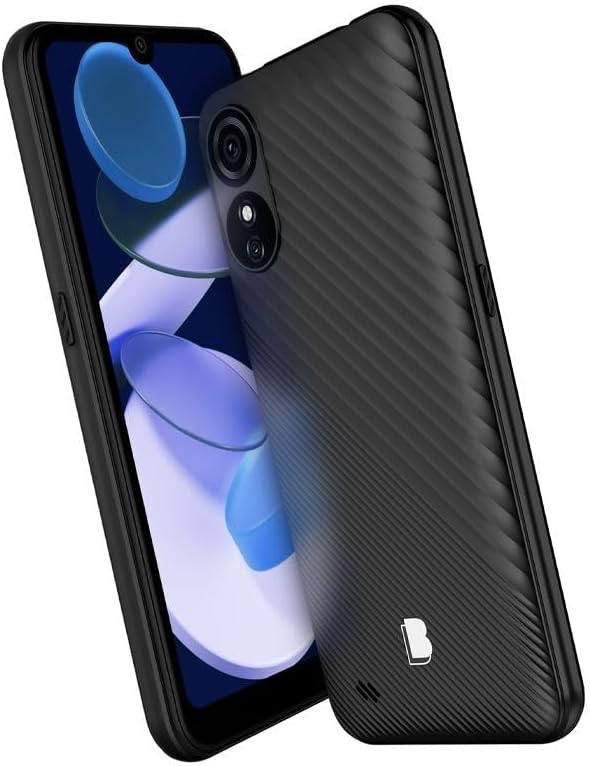
Figure 2: Angled view of the BLU G33, showcasing its 6.26-inch display and ergonomic design.
Camera Functionality
Capture moments with the G33's Dual 5MP rear camera with LED Flash and a 5MP selfie camera. The device supports video capture at 1080p at 30 frames per second.
- Taking Photos: Open the Camera app, frame your shot, and tap the shutter button.
- Recording Videos: Switch to video mode in the Camera app and tap the record button to start/stop.
- Selfies: Switch to the front camera for self-portraits.
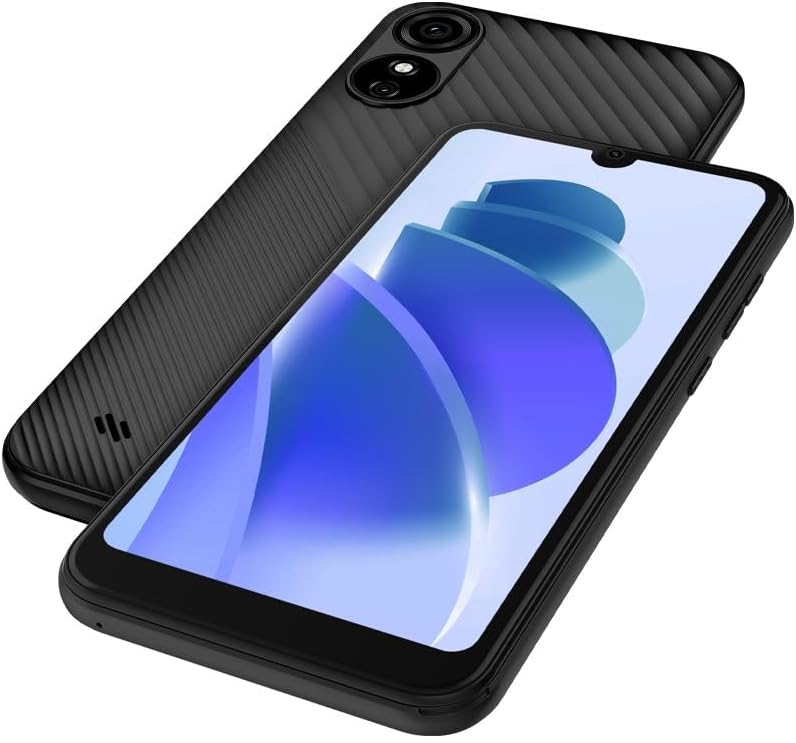
Figure 3: Rear and front view of the BLU G33, emphasizing the camera system.
Performance and Storage
The G33 is powered by a UNISOC 9863 chipset with a 1.6GHz Quad-Core CPU. It comes with 32GB of internal storage and 2GB of RAM, ensuring smooth operation for daily tasks. Storage can be expanded with a MicroSD card up to 128GB.
Connectivity
The device supports GSM Quad Band, 3G (850/900/1700/1900), and LTE (2/4/5/12/17/25/26/41/66/71) for robust cellular connectivity. Bluetooth is also available for connecting to wireless accessories.
Operating System
The BLU G33 runs on Android 13, providing a user-friendly interface and access to a wide range of applications via the Google Play Store.
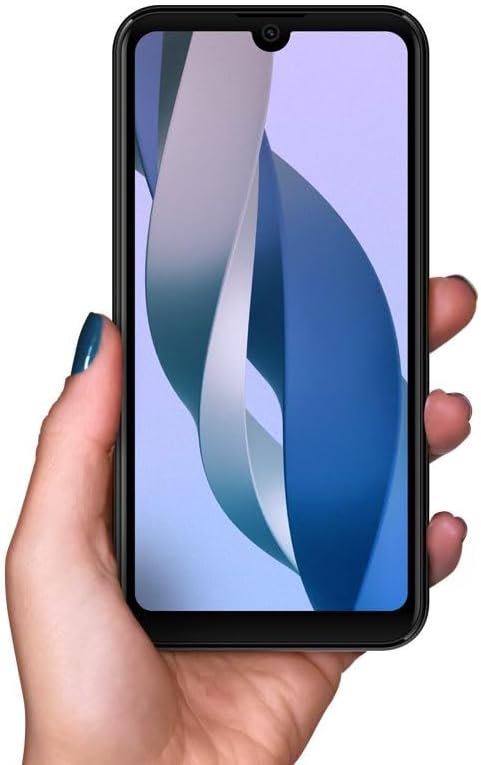
Figure 4: The BLU G33 held in hand, illustrating its comfortable grip and display size.
Maintenance
Battery Care
The BLU G33 is equipped with a 3000 mAh battery. To prolong battery life:
- Avoid extreme temperatures.
- Use the provided USB cable for charging.
- Avoid fully discharging the battery frequently.
- Manage background app usage and screen brightness.
Cleaning Your Device
Use a soft, lint-free cloth to clean the screen and body of your phone. Avoid using harsh chemicals or abrasive materials.
Software Updates
Regularly check for and install software updates to ensure your device has the latest features, security patches, and performance improvements. Navigate to Settings > System > System update to check for updates.
Troubleshooting
This section addresses common issues you might encounter with your BLU G33.
| Problem | Solution |
|---|---|
| Device not powering on | Ensure the battery is charged. Connect to a charger for at least 15 minutes, then try powering on again. |
| Slow performance or freezing | Close unused apps, clear cache, restart the device. Consider uninstalling rarely used applications to free up RAM and storage. |
| Cannot connect to Wi-Fi/Cellular network | Toggle Wi-Fi/Cellular data off and on. Restart the device. Verify SIM card is properly inserted. Check network settings. |
| Battery drains quickly | Reduce screen brightness, disable unnecessary features (Bluetooth, GPS), limit background app refresh, check battery usage in settings. |
Specifications
Detailed technical specifications for the BLU G33 smartphone:
| Feature | Detail |
|---|---|
| Model Name | G33 |
| Item Model Number | G0890UU |
| Operating System | Android 13.0 |
| Screen Size | 6.26 Inches |
| Resolution | 480 x 960 pixels |
| CPU Speed | 1600 MHz (1.6 GHz Quad-Core) |
| RAM Memory Installed Size | 2 GB |
| Memory Storage Capacity | 32 GB (Internal), MicroSD up to 128GB |
| Rear Camera | Dual 5MP + LED Flash |
| Front Camera | 5MP Selfie Camera |
| Video Capture Resolution | 1080p@30fps |
| Battery Capacity | 3000 Milliamp Hours |
| Wireless Communication Technologies | Cellular (GSM Quad Band, 3G: 850/900/1700/1900, LTE: 2/4/5/12/17/25/26/41/66/71) |
| Connectivity Technologies | Bluetooth |
| Color | Black | 32 GB |
| Item Weight | 14 ounces |
| Package Dimensions | 7 x 4 x 2 inches |
Warranty and Support
BLU products typically come with a limited manufacturer's warranty. For specific warranty terms and conditions, please refer to the warranty card included with your product or visit the official BLU website. For technical support, troubleshooting assistance beyond this manual, or service inquiries, please contact BLU customer support through their official channels.
You can find more information and support resources on the BLU Store on Amazon or the official BLU website.


