
1. Introduction
The FrSky TANDEM X20 PRO AW is an advanced 24-channel remote control system designed for professional and enthusiast unmanned aerial vehicle (UAV) applications. This manual provides essential information for the safe and effective operation, setup, and maintenance of your TANDEM X20 PRO AW.
Key features include a dual-band internal RF module (TD-ISRM PRO) for robust communication, high-precision Hall-Sensor MC20R gimbals for accurate control, and an outdoor high-brightness touchscreen for clear visibility. This system is built with a durable CNC machined metal shell and carbon fiber center panel, ensuring longevity and reliability.
2. Safety Information
Always prioritize safety when operating any remote control equipment. Failure to follow these guidelines may result in injury, property damage, or voiding of warranty.
- Read the Manual: Thoroughly read and understand this entire manual before initial use.
- Environmental Conditions: Operate the device within the specified temperature range of -10°C to 60°C. Avoid extreme temperatures, direct sunlight for prolonged periods, and wet conditions.
- Battery Safety: Use only the recommended 2S Li-ion battery. Do not overcharge, short-circuit, or expose batteries to fire or extreme heat. Always charge in a safe, supervised area.
- Interference: Be aware of potential radio interference from other devices. Always perform a range check before flight.
- Physical Damage: Handle the transmitter with care. Avoid dropping or subjecting it to strong impacts.
- Children: This product is not a toy. Keep out of reach of children. Operation should only be performed by adults or under strict adult supervision.
- Legal Compliance: Ensure compliance with all local laws and regulations regarding UAV operation and radio frequency usage.
3. Components and Package Contents
The FrSky TANDEM X20 PRO AW package includes the following items:
- FrSky TANDEM X20 PRO AW Transmitter
- USB Type-C Cable
- Memory Card (8GB built-in flash storage)
- Necessary accessories for operation (e.g., antenna, neck strap if included in specific package)

Figure 3.1: Overview of the FrSky TANDEM X20 PRO AW package contents. This image displays the main transmitter unit, a carrying case, a USB Type-C cable, a screwdriver tool, and various receiver modules, illustrating the comprehensive nature of the product offering.
4. Initial Setup
4.1 Charging the Battery
The TANDEM X20 PRO AW is equipped with a 2S Li-ion battery. Before first use, ensure the battery is fully charged.
- Locate the USB Type-C port on the transmitter.
- Connect the provided USB Type-C cable to the transmitter and a compatible USB power source (e.g., computer USB port, USB wall adapter).
- The charging indicator will show the charging status. Charging current is ≤1A ±200mA.
- Once fully charged, disconnect the cable.
4.2 Powering On/Off
To power on the transmitter, press and hold the power button located on the front panel until the screen illuminates. To power off, press and hold the power button again until the shutdown prompt appears, then confirm.

Figure 4.1: Top view of the FrSky TANDEM X20 PRO AW transmitter, highlighting the antenna ports (ANT1, ANT2), headphone jack, USB-C port, and DSC port. This view is crucial for understanding connectivity options.
5. Operating Instructions
5.1 Understanding the Controls
The TANDEM X20 PRO AW features a comprehensive set of controls designed for precise operation.
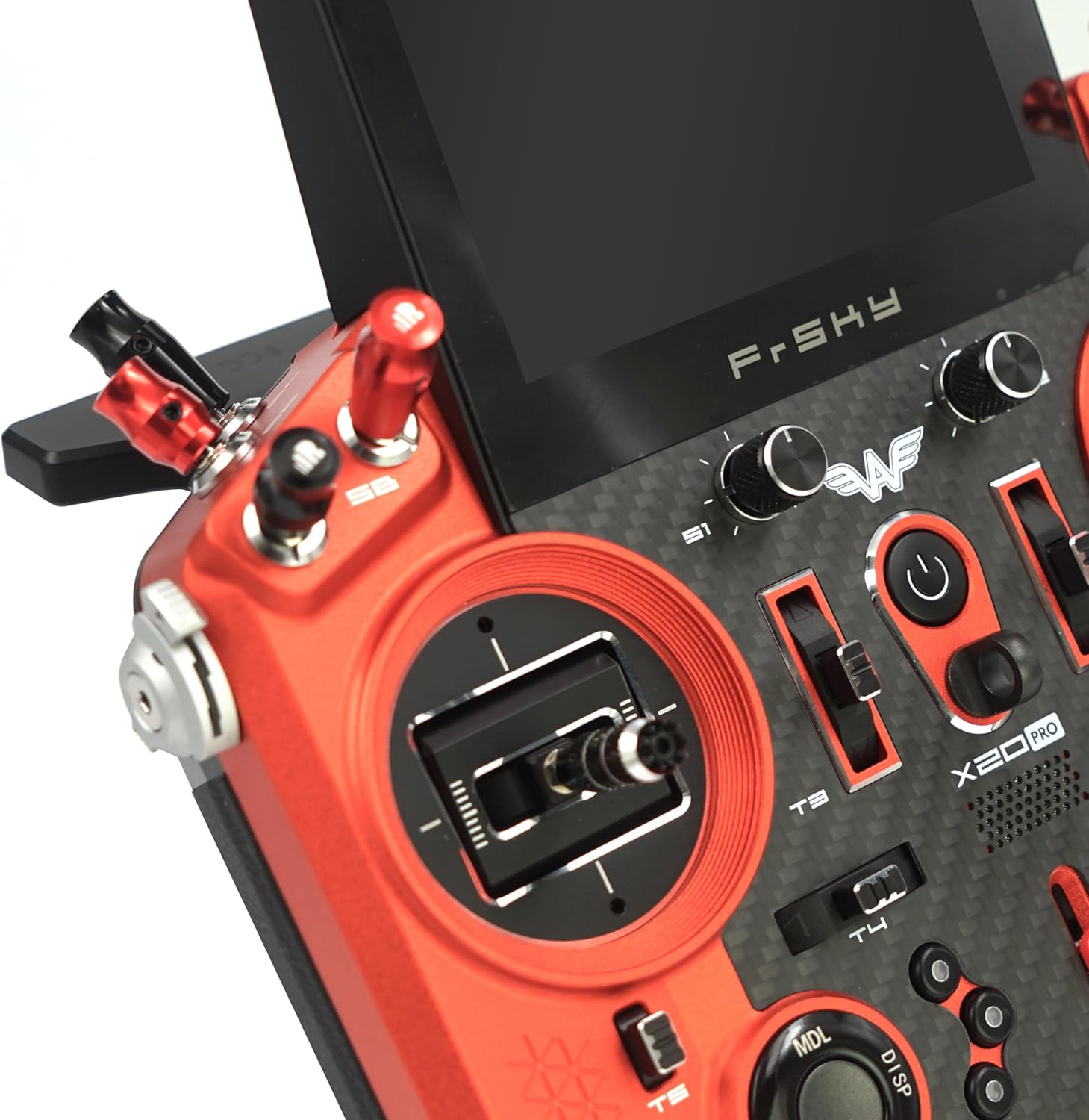
Figure 5.1: Detailed view of the FrSky TANDEM X20 PRO AW's high-precision Hall-Sensor MC20R gimbals and surrounding switches. This image emphasizes the ergonomic design and the quality of the control sticks, essential for fine motor control of UAVs.
- MC20R Gimbals: The high-precision Hall-Sensor MC20R gimbals with 10 ball-bearings provide smooth and accurate control inputs. Calibrate gimbals periodically for optimal performance.
- Switches and Sliders: Utilize the various switches (e.g., SA, SB, SC, SD, SE, SF, SG, SH) and the left-side multi-position CNC flaps slider lever and right-side angle adjustable CNC extended slider lever for assigning auxiliary functions.
- Touchscreen Display: The 800x480 resolution outdoor high brightness touchscreen is the primary interface for navigation and configuration. Tap, swipe, and use gestures as indicated by the Ethos operating system.
5.2 RF Module and Connectivity
The integrated TD-ISRM PRO internal RF module supports dual-band operation, offering super low-latency and long-range control with telemetry feedback.
- Receiver Compatibility: Compatible with ACCST D16, ACCESS, TD, and TW receivers. Ensure your receiver firmware is up-to-date and compatible with the transmitter's RF module.
- Binding: Refer to your receiver's specific manual for binding procedures with the TANDEM X20 PRO AW.
- Telemetry: The system provides real-time telemetry data, allowing you to monitor critical parameters of your UAV during flight.
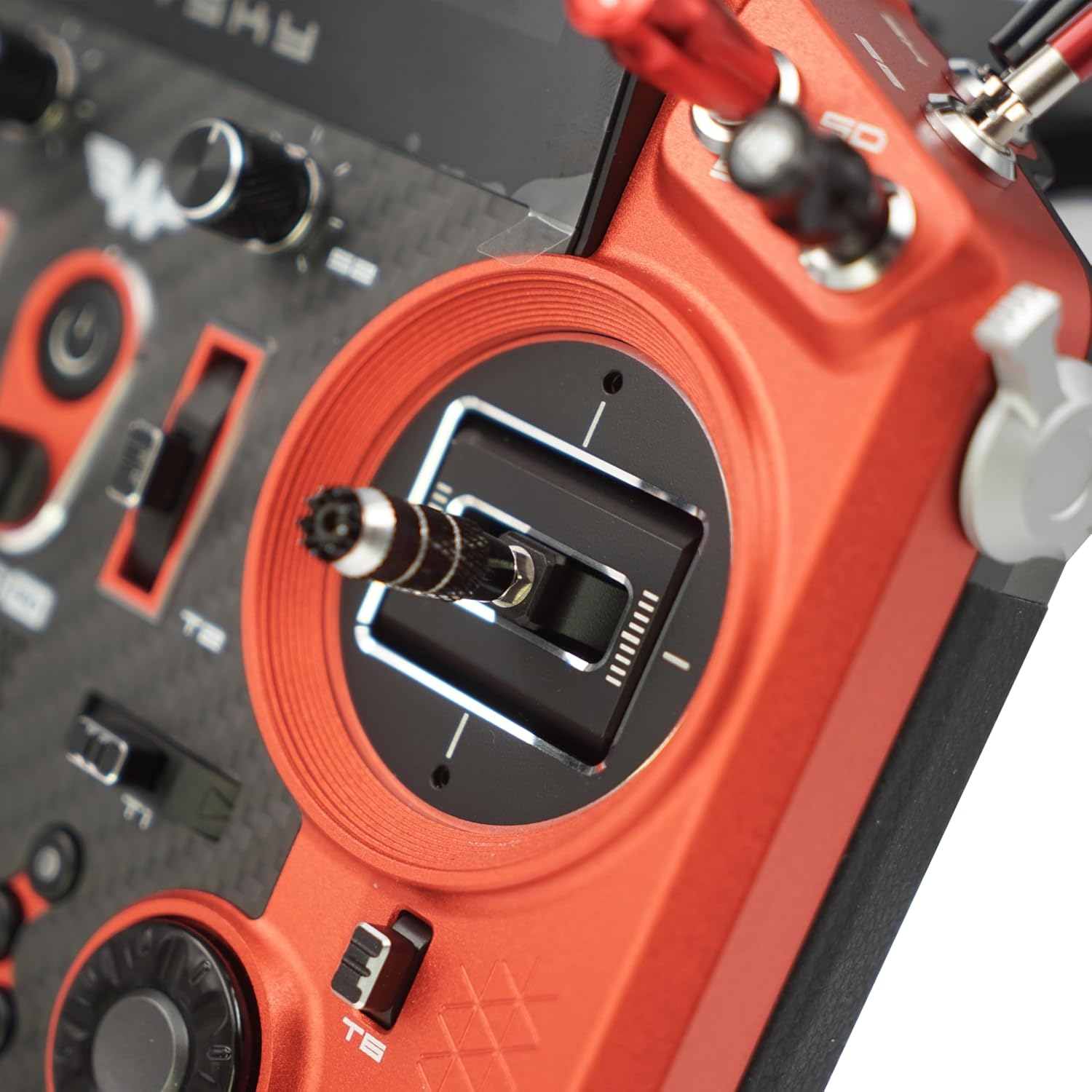
Figure 5.2: A different perspective of the FrSky TANDEM X20 PRO AW's gimbal and control layout, emphasizing the precision and tactile feedback of the controls. This angle highlights the robust construction and the placement of various trim tabs and buttons.
5.3 Advanced Features
- Haptic Vibration Feedback: Provides tactile alerts for warnings, timers, or other customizable events.
- Text-to-Speech (TTS) Function: Voice alerts for telemetry data, switch positions, and other system messages.
- Digital Audio Power Amplifier: Enhances audio output for clear voice prompts and alerts.
- High-Speed PARA Wireless Training System: Allows for wireless trainer/student setups, facilitating learning and shared control.
- Built-in Audio Wireless Module: For wireless audio output to compatible devices.

Figure 5.3: Side profile of the FrSky TANDEM X20 PRO AW, showcasing the placement of various switches and the ergonomic design of the handles. This view provides insight into the accessibility of controls during operation.
6. Maintenance
6.1 Cleaning
Regular cleaning helps maintain the appearance and functionality of your transmitter.
- Use a soft, dry, lint-free cloth to wipe the exterior surfaces, including the CNC machined metal shell and carbon fiber panel.
- For the touchscreen, use a screen-specific cleaner and a microfiber cloth. Avoid abrasive materials or harsh chemicals.
- Do not use excessive moisture or allow liquids to enter the device.
6.2 Battery Care and Storage
- Store the transmitter in a cool, dry place away from direct sunlight and extreme temperatures.
- If storing for extended periods, ensure the battery is charged to approximately 50% to 60% capacity.
- Avoid fully discharging the battery, as this can reduce its lifespan.
7. Troubleshooting
This section addresses common issues you might encounter with your FrSky TANDEM X20 PRO AW.
| Problem | Possible Cause | Solution |
|---|---|---|
| Transmitter does not power on. | Low or depleted battery. | Charge the transmitter battery using the USB Type-C cable. |
| No signal to receiver. | Receiver not bound, out of range, or incorrect RF protocol. | Ensure receiver is properly bound. Check range. Verify RF protocol settings (ACCST D16, ACCESS, TD, TW). |
| Gimbal inputs are erratic. | Gimbal calibration required or physical obstruction. | Perform gimbal calibration through the system settings. Check for debris around gimbals. |
| Touchscreen unresponsive. | Software glitch or extreme temperature. | Restart the transmitter. Ensure operating within specified temperature range. |
If you encounter issues not listed here, please refer to the official FrSky support resources or contact customer service.
8. Technical Specifications
| Feature | Detail |
|---|---|
| Model Name | TANDEM X20 PRO AW |
| Brand | FrSky |
| Internal RF Module | TD-ISRM PRO (Dual-Band) |
| Gimbals | High-Precision Hall-Sensor MC20R with 10 Ball-Bearings |
| Channels | Up to 24 Channels |
| Display | Outdoor High Brightness Touchscreen (800x480 resolution) |
| Storage | Built-in 8GB Flash Storage |
| Battery | 2S Li-ion (Rechargeable via USB Type-C) |
| Charging Current | ≤1A ±200mA |
| Operating Temperature | -10°C to 60°C |
| Material | CNC Machined Metal Shell, Carbon Fiber Center Panel |
| Connectivity | USB Type-C, High-Speed PARA Wireless Training System, Built-in Audio Wireless Module |
| Dimensions | 11"L x 10"W x 12"H (Product Dimensions) |
| Item Weight | 5.5 pounds (2.5 Kilograms) |
9. Support & Warranty
9.1 Customer Support
For technical assistance, troubleshooting beyond this manual, or general inquiries, please contact FrSky customer support. Visit the official FrSky website for the most up-to-date contact information and support resources.
You can also refer to the FrSky store on Amazon for additional product information and seller details: FrSky Amazon Store.
9.2 Warranty Information
FrSky products are manufactured to high standards. For specific warranty terms and conditions, please refer to the warranty card included with your product or visit the official FrSky website. Keep your proof of purchase for warranty claims.
Protection plans may also be available for purchase separately, offering extended coverage. Please check with your retailer for details on available protection plans.