
Product Overview
The AKCISOT Atomic 10 Inch Wall Clock is designed for precise timekeeping by automatically synchronizing with the atomic clock signal. Its silent sweep movement ensures a quiet environment, making it ideal for various indoor settings. The clear, easy-to-read display features bold numbers for excellent visibility.

Figure 1: Front view of the AKCISOT Atomic 10 Inch Wall Clock.
Setup
1. Battery Installation
To power your AKCISOT Atomic Wall Clock, you will need one (1) AA alkaline battery (not included). Follow these steps for proper installation:
- Locate the battery compartment on the back of the clock.
- Insert one AA alkaline battery, ensuring the positive (+) and negative (-) terminals align correctly with the markings inside the compartment.
- Close the battery compartment cover securely.
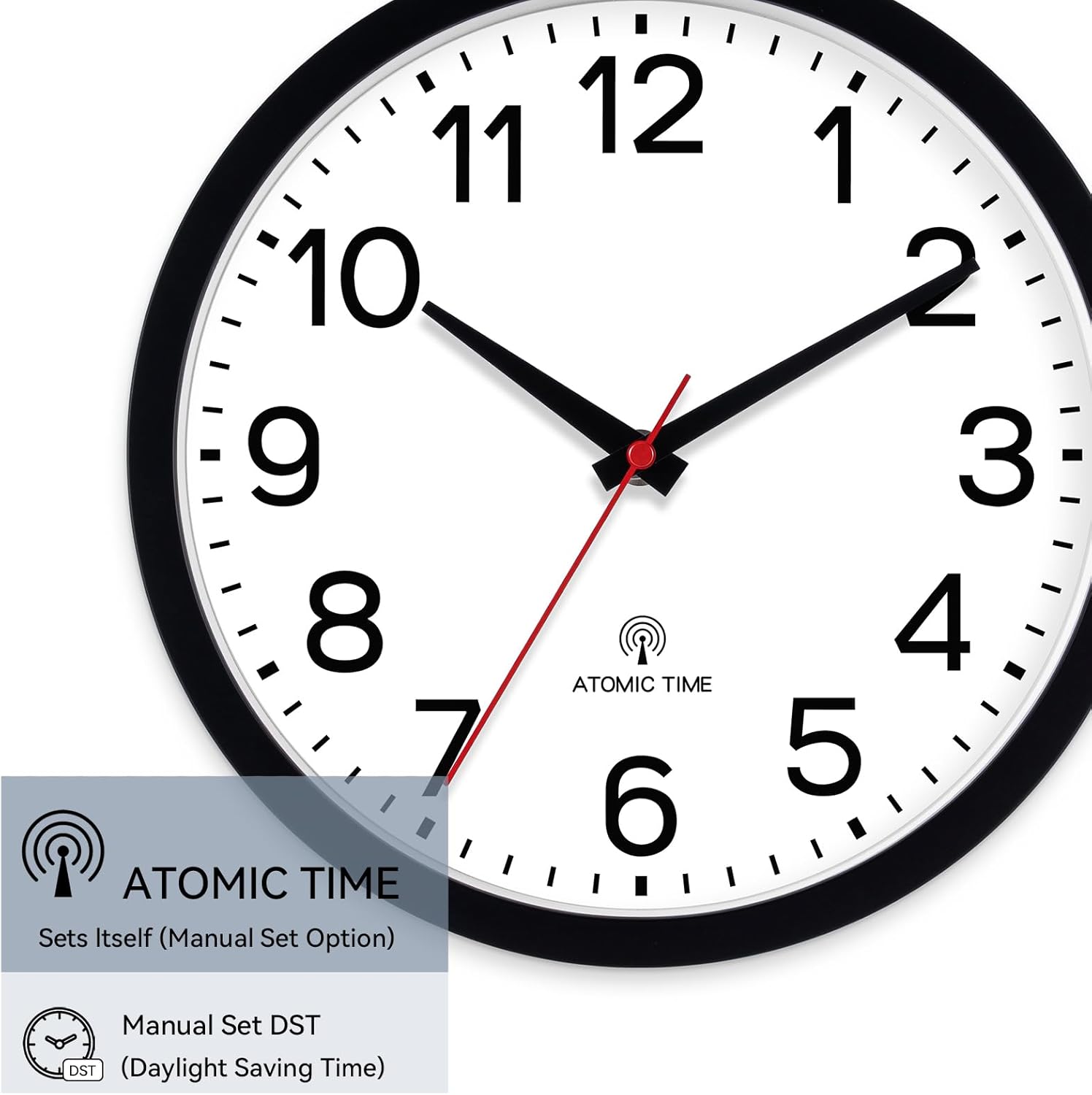
Figure 2: Rear view with battery compartment and controls.
2. Initial Synchronization
Upon battery installation, the clock will automatically attempt to receive the atomic time signal. This process may take several minutes to an hour, depending on your location and signal strength. For best reception, place the clock near a window and away from large metal objects or electronic devices that may cause interference.
The clock will set itself to the correct time once a stable signal is received. The second hand will typically move to the 12 o'clock position and pause until synchronization is complete, then it will move to the correct time.
Operating Instructions
The AKCISOT Atomic Wall Clock features simple controls located on the back for manual adjustments if needed.

Figure 3: Control buttons on the back of the clock.
1. Setting Time Zone
The clock allows you to select your specific time zone. Use the ZONE switch on the back of the clock to choose from the following options:
- PT - Pacific Time
- MT - Mountain Time
- CT - Central Time
- ET - Eastern Time
Select the appropriate time zone for your region. The clock will adjust accordingly after successful signal reception.
2. Daylight Saving Time (DST) Adjustment
The clock can be manually set to account for Daylight Saving Time. Use the DST switch on the back of the clock to toggle this function On or Off. Ensure this setting matches your local DST observance.
3. Manual Time Adjustment (M.SET) and Forced Reception (REC)
- M.SET: In rare cases where the atomic signal is not available or you need to set the time manually, use the M.SET button to advance the time. Press and hold to move the hands quickly.
- REC: To manually force the clock to attempt receiving the atomic signal, press the REC button. This can be useful if you suspect the clock has lost synchronization.
- RESET: The RESET button is used to reset the clock's internal mechanism, typically after battery replacement or if the clock is not functioning correctly.
Maintenance
1. Cleaning
To maintain the appearance of your clock, wipe it with a soft, dry cloth. Do not use abrasive cleaners, solvents, or chemical sprays, as these may damage the finish or internal components.
2. Battery Replacement
Replace the AA alkaline battery annually or when the clock's movement becomes erratic or stops. Always use a fresh, high-quality alkaline battery for optimal performance.
Troubleshooting
If you encounter issues with your AKCISOT Atomic Wall Clock, refer to the table below for common problems and their solutions.
| Problem | Possible Cause | Solution |
|---|---|---|
| Clock not setting time automatically. | Weak or no atomic signal reception. |
|
| Clock hands are not moving or are stuck. | Low battery or incorrect battery installation. |
|
| Time is incorrect after initial setup. | Incorrect time zone setting or DST setting. |
|
| Clock makes ticking noise. | This model features a silent sweep movement. | The AKCISOT Atomic Wall Clock is designed with a silent sweep second hand. If you hear ticking, please ensure you have the correct model. If the issue persists, contact customer support. |
Product Specifications
| Feature | Detail |
|---|---|
| Brand | AKCISOT |
| Model Number | AKCISOT483 |
| Color | Atomic_black |
| Display Type | Analog |
| Style | Modern |
| Special Feature | Silent Clock, Atomic Time Synchronization |
| Product Dimensions | 10"W x 1.38"H |
| Power Source | Battery Powered (1 AA alkaline battery, not included) |
| Room Type | Bathroom, Bedroom, Home Office, Kitchen, Living Room |
| Shape | Round |
| Indoor/Outdoor Usage | Indoor, Outdoor (covered area recommended for outdoor) |
| Material | Plastic |
| Frame Material | Plastic |
| Item Weight | 14.1 ounces |
| Watch Movement | Quartz |
| Operation Mode | Atomic |
Warranty and Support
Warranty Information
This product is sold without a specific manufacturer's warranty. Please refer to the retailer's return policy for any issues within the return period.
Customer Support
For further assistance or inquiries not covered in this manual, please contact AKCISOT customer support through the retailer's platform where the product was purchased. Provide your product model number (AKCISOT483) and a detailed description of your issue for efficient support.