
1. Introduction
Thank you for choosing the Rainbuvvy Smart Watch. This device is designed to enhance your daily life with its advanced features, including a built-in GPS, a vibrant 1.78-inch AMOLED HD display, Bluetooth calling capabilities, and comprehensive health tracking. This manual provides essential information for setting up, operating, and maintaining your new smartwatch to ensure optimal performance and longevity.
2. What's in the Box
- Rainbuvvy Smart Watch
- Charging Cable
- User Manual
3. Product Overview
The Rainbuvvy Smart Watch combines intelligent features with a sleek design. It features a durable CNC aluminum alloy frame and an optoelectronic rotary encoder for intuitive navigation.
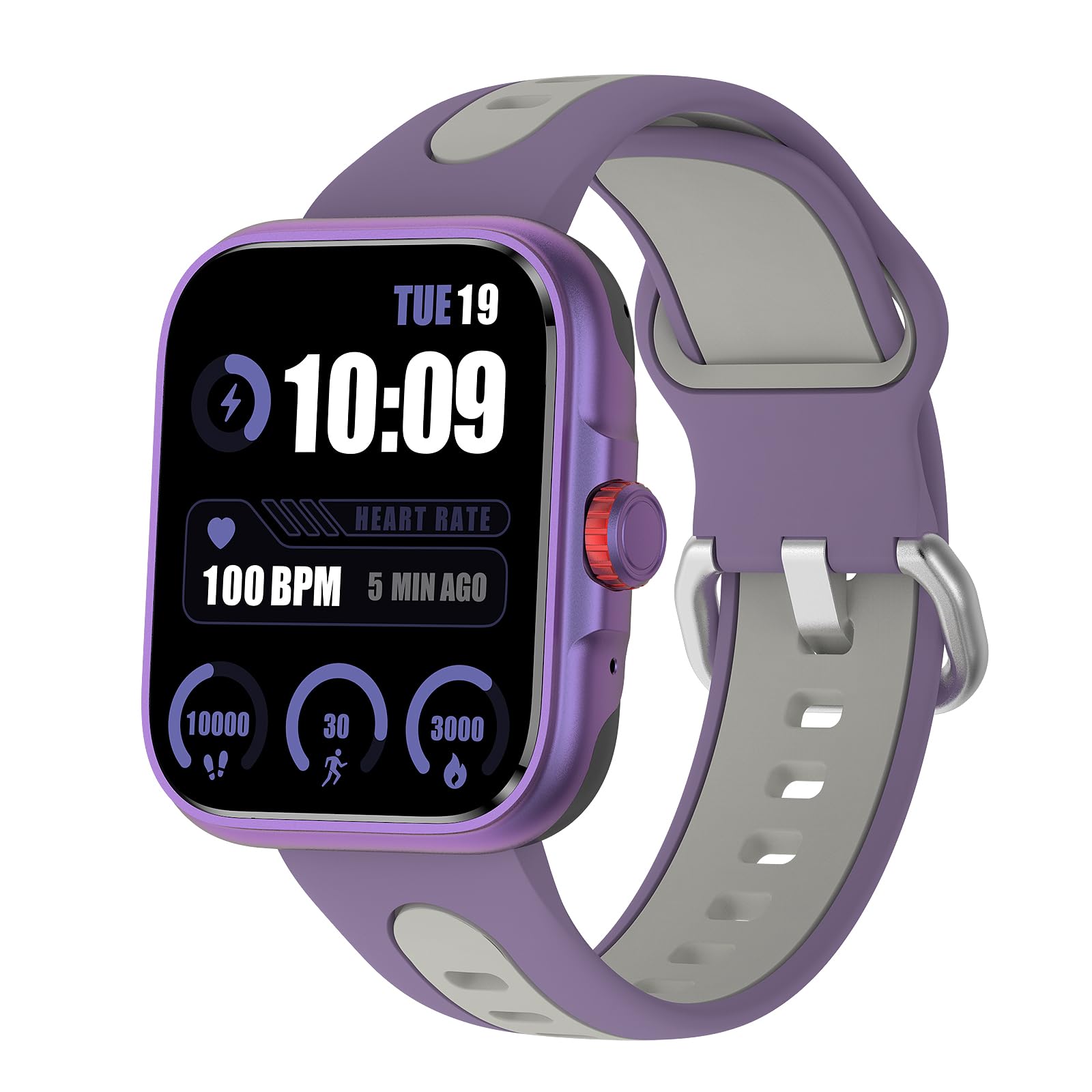
Image: The Rainbuvvy Smart Watch displaying its main interface.
Key Features:
- 1.78-inch AMOLED HD Display: Offers clear visuals and vibrant colors, with adjustable brightness for visibility in various lighting conditions.
- Built-in GPS: Accurately tracks distance, pace, and workout routes.
- Bluetooth Call & Message Reminder: Make and receive calls directly from your wrist and get notifications for SMS, email, and social media.
- Voice Assistant: Integrated voice assistant for news, weather, and setting reminders.
- 100+ Sports Modes: Supports a wide range of activities including running, cycling, hiking, and swimming.
- 100+ Customizable Dials: Personalize your watch face through the companion app.
- IP68 Waterproof: Designed to withstand daily water exposure and suitable for swimming.
4. Setup Guide
4.1 Initial Charging
Before first use, fully charge your smartwatch. Connect the charging cable to the watch's charging port and a USB power adapter (not included). The watch display will indicate charging status.
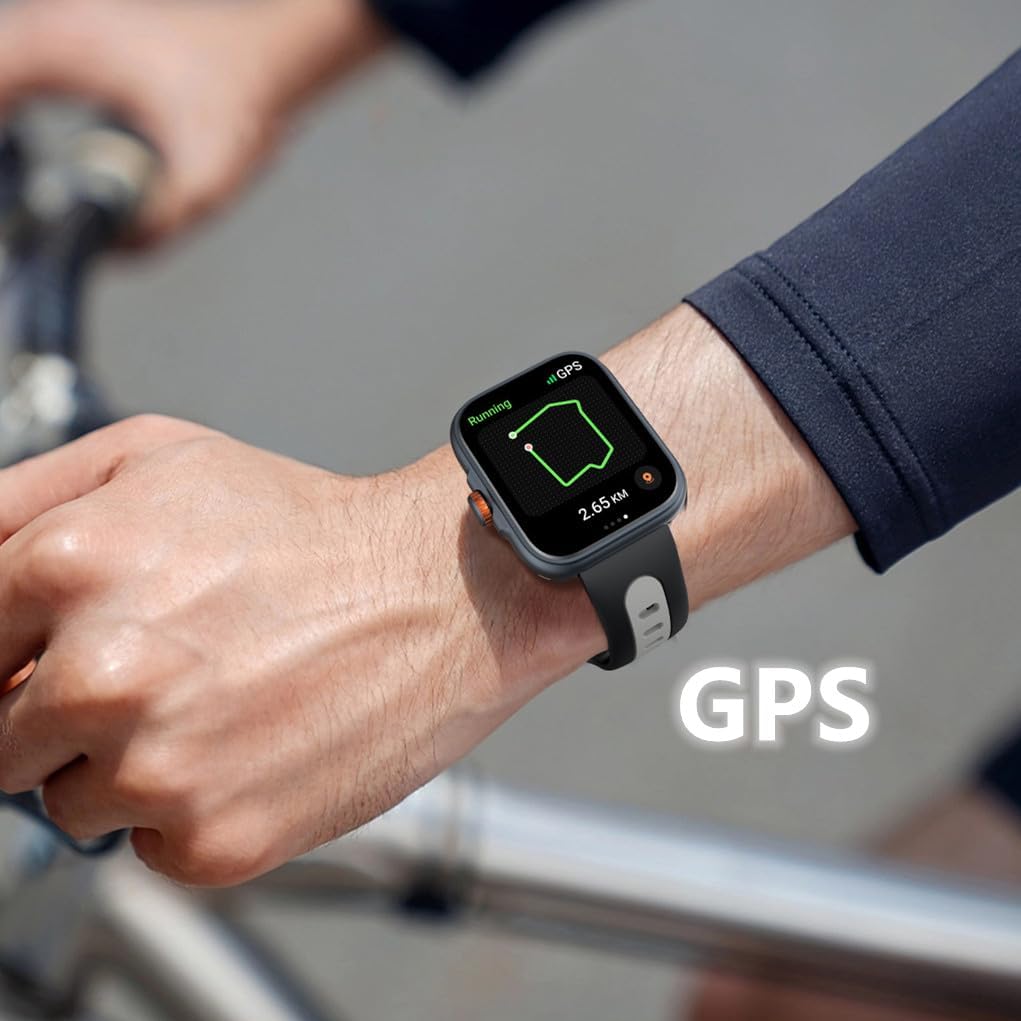
Image: The smartwatch connected to its charging cable.
4.2 App Download and Installation
To unlock the full potential of your smartwatch, download the "Fitbeing" app from the App Store (iOS) or Google Play Store (Android). Search for "Fitbeing" and install the application on your smartphone.
4.3 Device Pairing
- Ensure Bluetooth is enabled on your smartphone.
- Open the "Fitbeing" app and follow the on-screen instructions to create an account or log in.
- In the app, navigate to the device pairing section and select your Rainbuvvy Smart Watch from the list of available devices.
- Confirm the pairing request on both your smartphone and the smartwatch.
5. Operating Instructions
5.1 Basic Navigation
- Swipe Up/Down: Scroll through menus and notifications.
- Swipe Left/Right: Access quick functions or widgets.
- Tap: Select an item or open an application.
- Side Button/Crown: Press to return to the home screen or activate specific functions (refer to app settings for customization). Rotate the crown for scrolling.

Image: Detail of the smartwatch's optoelectronic rotary encoder for navigation.
5.2 Bluetooth Call & Message Functions
Once paired, your smartwatch allows you to manage calls and messages directly from your wrist.
- Making Calls: Access the phone dialer or contacts list on your watch to initiate a call.
- Receiving Calls: Answer or reject incoming calls directly from the watch screen.
- Message Notifications: View incoming SMS, email, and social media notifications.
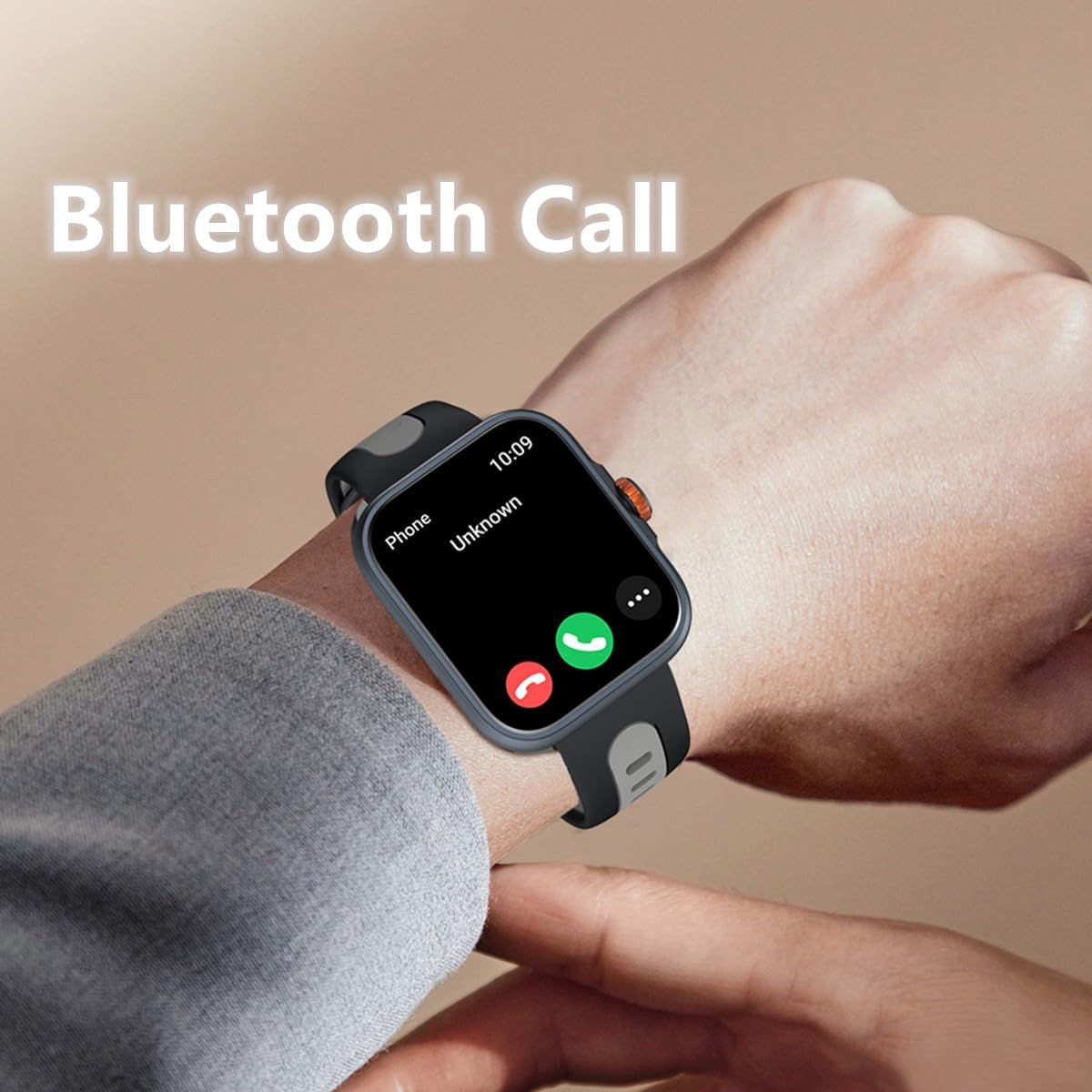
Image: The smartwatch showing an incoming call via Bluetooth.
5.3 GPS & Sports Modes
The built-in GPS accurately tracks your outdoor activities. Select from over 100 sports modes to record your workouts.
- Starting a Workout: Navigate to the 'Workout' app on your watch, select your desired activity (e.g., running, cycling), and tap 'Start'.
- GPS Tracking: For outdoor activities, ensure GPS is active. The watch will record your route, distance, and pace. View detailed maps and data in the Fitbeing app.
- Ending a Workout: Swipe right or press the side button to pause or end your workout.
Video: An official product video demonstrating the smartwatch's GPS tracking and various sports modes, including accurate calculation of route, distance, and speed.
5.4 Health Monitoring
Monitor your health metrics directly from your wrist.
- Heart Rate: Access the Heart Rate app to measure your current heart rate.
- Blood Oxygen (SpO2): Use the Blood Oxygen app for on-demand SpO2 measurements.
- Stress Monitoring: The watch can help monitor your stress levels.
- Sleep Tracking: Wear the watch to bed to track your sleep patterns, including sleep duration and stages.

Image: The smartwatch screen showing sleep duration and sleep stages.
5.5 Other Smart Functions
Your smartwatch offers a variety of convenient daily functions:
- Voice Assistant: Activate the built-in voice assistant to ask questions, check weather, or set alarms.
- Music Control: Control music playback on your smartphone directly from your watch.
- Find Phone: Use this feature to locate your paired smartphone.
- Weather Forecast: Get real-time weather updates.
- Alarm Clock & Timer: Set alarms and timers for various needs.
- Camera Remote: Use your watch as a remote shutter for your phone's camera.
- Sedentary Reminder: Receive alerts to move if you've been inactive for too long.

Image: The smartwatch interface showing icons for timer, world clock, photograph (camera remote), find phone, weather, and stopwatch functions.
6. Maintenance & Care
- Cleaning: Wipe the watch and strap regularly with a soft, dry cloth. For stubborn dirt, use a slightly damp cloth and mild soap, then rinse and dry thoroughly.
- Water Resistance: The watch is IP68 waterproof. It is suitable for swimming and daily water exposure. Avoid hot water, steam, or prolonged submersion in deep water.
- Avoid Chemicals: Do not expose the watch to strong chemicals, detergents, or solvents, as these can damage the materials.
- Storage: Store the watch in a cool, dry place when not in use.
7. Troubleshooting
7.1 Watch Not Turning On
- Ensure the watch is fully charged. Connect it to the charger for at least 30 minutes.
- Press and hold the side button for several seconds to power on.
7.2 Connectivity Issues (Bluetooth)
- Make sure Bluetooth is enabled on your smartphone and the watch.
- Ensure the watch is within the Bluetooth range of your phone (typically 10 meters).
- Restart both your watch and smartphone.
- Try unpairing and re-pairing the device through the "Fitbeing" app.
7.3 Inaccurate Health Data
- Ensure the watch is worn snugly on your wrist, not too tight or too loose.
- Clean the sensors on the back of the watch.
- Avoid excessive movement during measurements.
7.4 App Not Syncing Data
- Check your phone's internet connection.
- Ensure the "Fitbeing" app has all necessary permissions enabled in your phone's settings.
- Close and reopen the "Fitbeing" app.
8. Specifications
| Feature | Specification |
|---|---|
| Model Number | Smartwatch |
| Display Size | 1.78 Inches |
| Display Type | AMOLED HD Color Screen |
| Operating System Compatibility | iOS 12 or above, Android OS 7 or above |
| Connectivity | Bluetooth 5.3 |
| GPS | Built-in GPS |
| Water Resistance | IP68 |
| Battery Capacity | 350 Milliamp Hours (Lithium Polymer) |
| Item Weight | 4.8 ounces |
| Package Dimensions | 9.8 x 3.7 x 0.8 inches |

Image: The smartwatch displaying its screen and illustrating its physical dimensions.
9. Warranty and Support
For warranty information and customer support, please refer to the documentation included with your purchase or contact Rainbuvvy customer service through their official channels. Keep your purchase receipt for warranty claims.


