
1. Introduction
This instruction manual provides essential information for the proper installation, operation, and maintenance of your AQUA CREST WF283-R water filter. This filter is designed as a replacement for Elkay® 51300C, Elkay® ezH20®, and Halsey Taylor® Bottle Filling Stations with WaterSentry filtration systems. Please read this manual thoroughly before installation and retain it for future reference.
The AQUA CREST WF283-R filter is IAPMO certified against NSF/ANSI 372 for lead-free materials and NSF/ANSI 42 for the reduction of chlorine, taste, and odor. It is constructed from premium BPA-free and lead-free materials, utilizing activated carbon derived from natural coconut shells. Users with coconut allergies should be aware of this material.
2. Setup and Installation
Follow these steps to install your AQUA CREST WF283-R water filter. Ensure you have the correct replacement filter for your system.

Figure 2.1: The AQUA CREST WF283-R filter is designed to fit Elkay ezH20 and Halsey Taylor bottle filling stations.
- Turn off water supply and release pressure: Locate the water supply valve to your bottle filling station and turn it off. Dispense water from the unit to release any remaining pressure in the system.
- Remove top cap and insert new filter: Remove the protective cap from the new AQUA CREST WF283-R filter. Insert the filter upward with the "CHIP SIDE" facing inward towards the unit.
- Rotate and lock filter: Rotate the filter counterclockwise approximately 1/4 turn until it is securely locked into place and the blue label is visible.
- Reset filter indicator: After installation, the filter indicator should reset automatically. If your specific model does not have a chip system, refer to your Elkay® manual for instructions on how to manually reset the filter life indicator.

Figure 2.2: Step-by-step visual guide for filter installation.
Installation Video Guide
Video 2.1: Official installation guide for the AQUA CREST WF283-R replacement filter. This video demonstrates the process of preparing and installing the new filter into a compatible bottle filling station.
3. Operating Instructions
The AQUA CREST WF283-R water filter utilizes a multi-stage filtration process to improve water quality. Once installed, water flows through the filter, which is designed to reduce various impurities.
- Chlorine Reduction: Significantly reduces chlorine content, which can affect water taste and odor.
- Taste and Odor Improvement: Enhances the overall taste and eliminates unpleasant odors from your drinking water.
- Heavy Metals Reduction: Filters out certain heavy metals, contributing to safer drinking water.
- Sediment Removal: Reduces sediments and particulate matter, leading to clearer water.
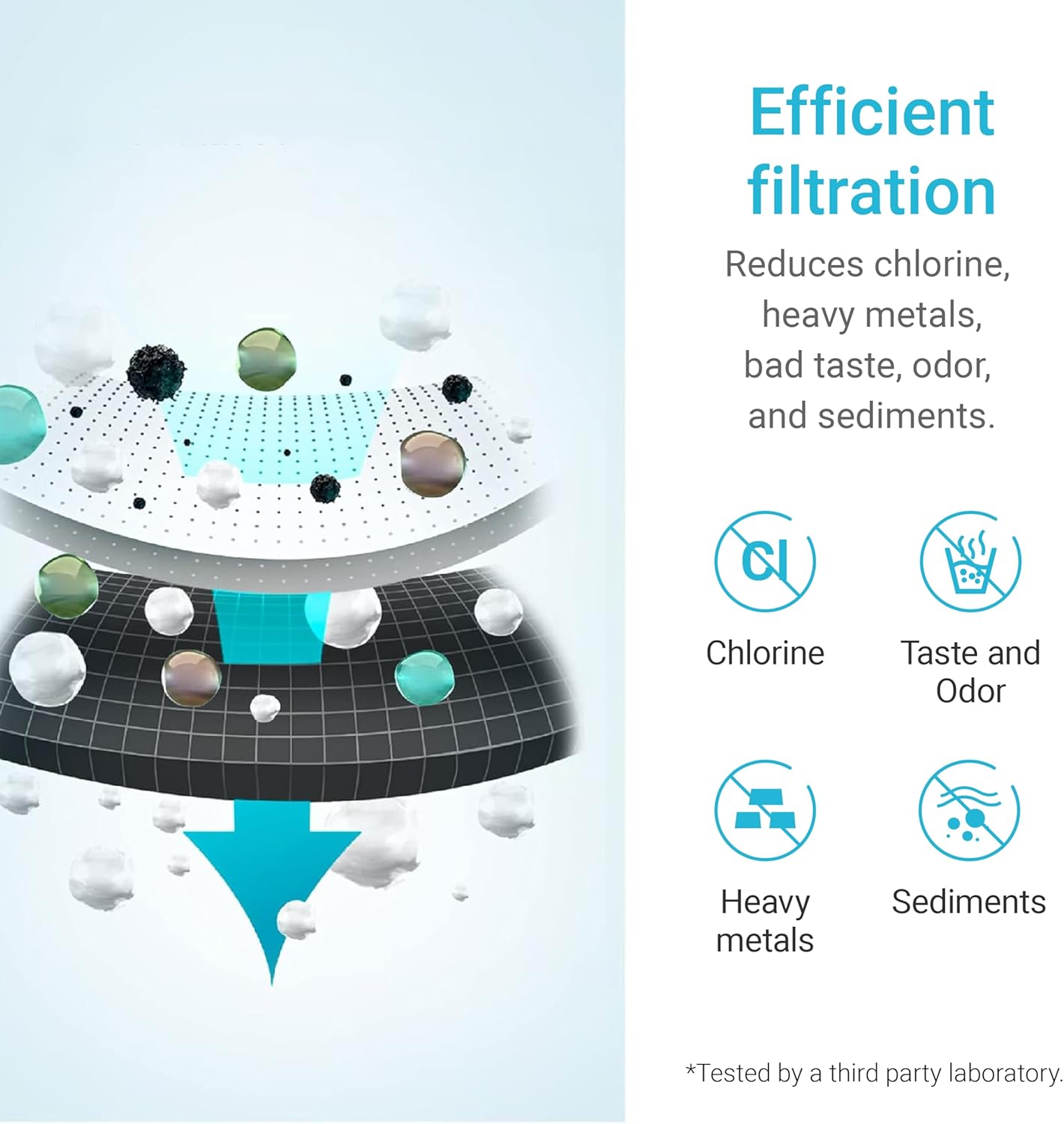
Figure 3.1: Illustration of the filter's efficient filtration capabilities.
4. Maintenance
Regular filter replacement is crucial to maintain optimal water quality and system performance. The AQUA CREST WF283-R filter has a specified lifespan.
- Filter Lifespan: The filter is designed to last for up to 3,000 gallons or 12 months, whichever comes first.
- Replacement Frequency: The actual lifespan may vary depending on local water quality and usage volume. It is recommended to replace the filter at least every 12 months or when the filter indicator light signals replacement, or if you notice a decrease in water flow or quality.
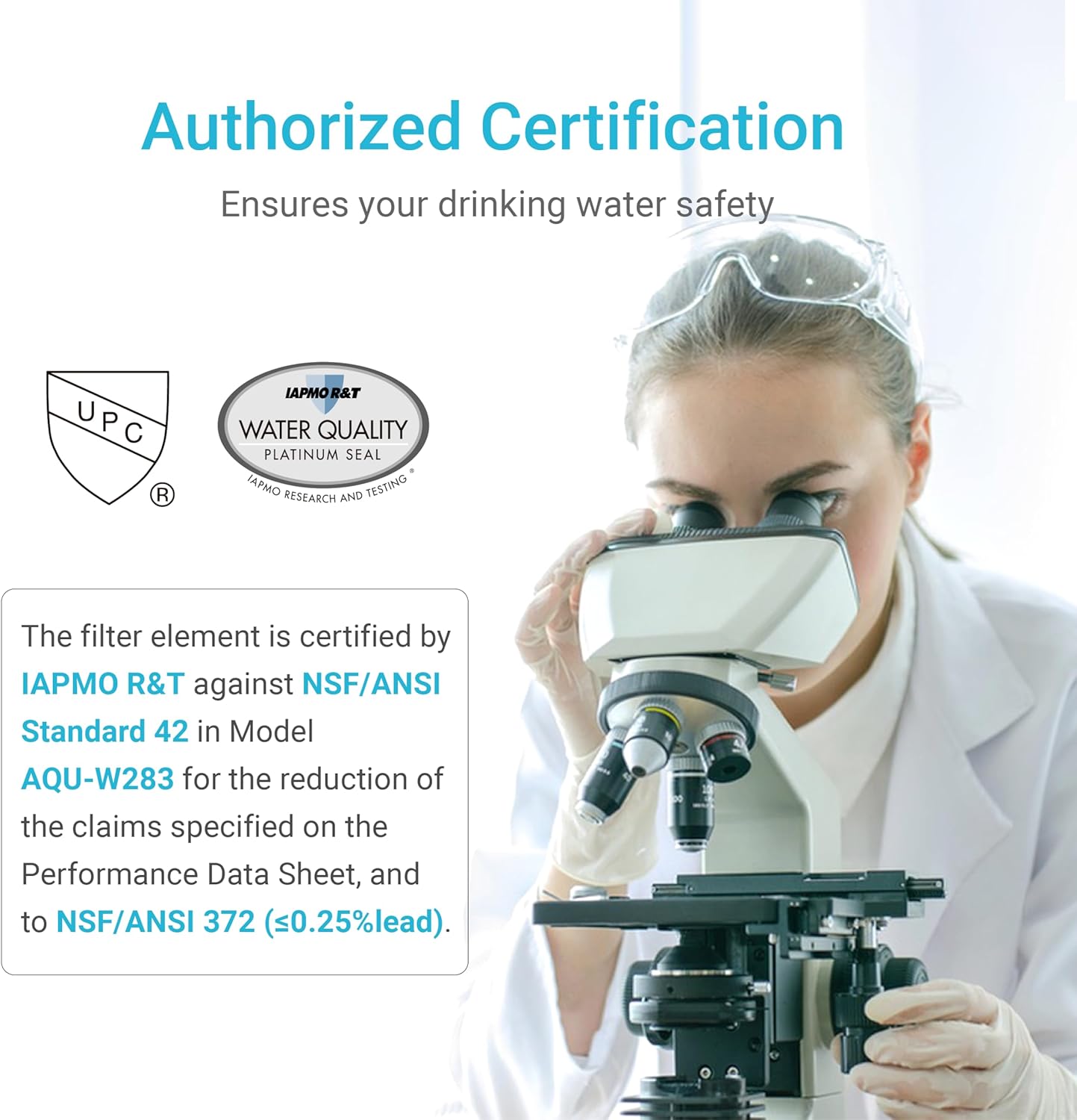
Figure 4.1: Recommended filter replacement interval.
5. Troubleshooting
If you encounter issues with your AQUA CREST WF283-R filter, consider the following:
- Filter Indicator Light Not Resetting: Ensure the filter is installed correctly with the "CHIP SIDE" facing inward. If your bottle filling station does not have a chip detection system, you may need to manually reset the filter indicator according to your Elkay® unit's manual.
- Bad Taste or Odor After Replacement: If water quality does not improve or worsens after replacement, ensure the filter is correctly seated and the water supply is fully open. Flush the filter by dispensing several gallons of water to remove any air or loose carbon particles. If the issue persists, contact customer support.
- Reduced Water Flow: A significant reduction in water flow can indicate a clogged filter. If the filter is new, ensure proper installation. If the filter has been in use for an extended period, it may be time for a replacement.
6. Specifications
| Feature | Detail |
|---|---|
| Model Number | AQU-WF283-R |
| Product Dimensions | 3.34"D x 3.34"W x 10.27"H |
| Material | NSF/ANSI Approved Material Components (BPA-free, Lead-free, Coconut Shell Carbon) |
| Certifications | IAPMO certified against NSF/ANSI 372 and NSF/ANSI 42 |
| Product Benefits | Reduces Chlorine, Bad Taste & Odor, Heavy Metals, Sediments |
| Filter Lifespan | Up to 3,000 gallons or 12 months |
| Included Components | Water Filter |

Figure 6.1: Dimensions of the AQUA CREST WF283-R filter.

Figure 6.2: Authorized certifications for the AQUA CREST WF283-R filter.
7. Safety Information
Your AQUA CREST WF283-R filter is manufactured with safety in mind:
- The filter materials are BPA-free and lead-free, meeting NSF/ANSI 372 standards for material safety.
- The activated carbon is derived from natural coconut shells. If you have a known allergy to coconut, please exercise caution or consult a healthcare professional before use.
- Do not use with water that is microbiologically unsafe or of unknown quality without adequate disinfection before or after the system.
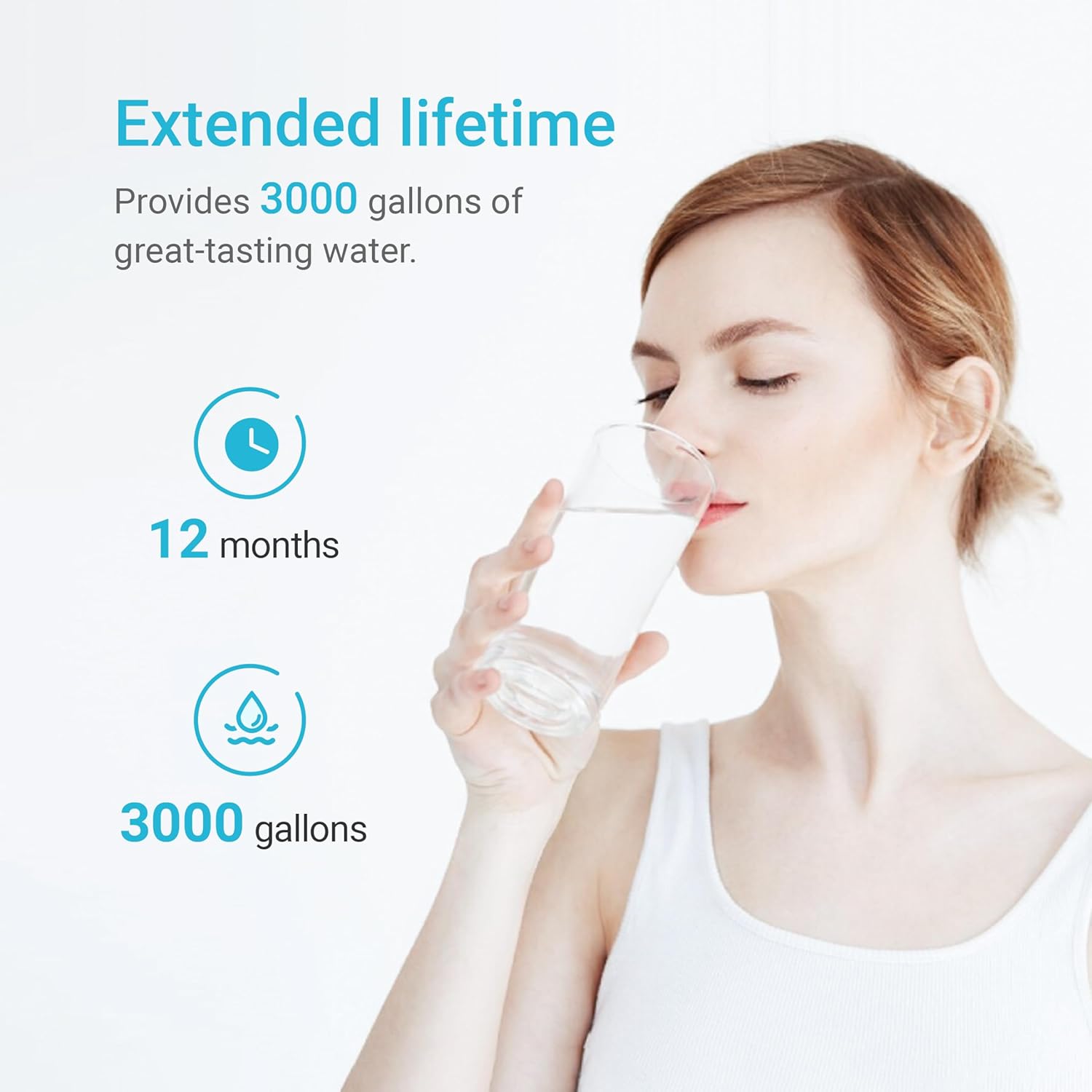
Figure 7.1: Material composition of the filter.
8. Warranty and Support
For warranty information or technical support regarding your AQUA CREST WF283-R water filter, please contact AQUA CREST customer service directly. Details on specific warranty terms and conditions can typically be found on the manufacturer's official website or by contacting their support team.

Figure 8.1: For assistance, contact AQUA CREST customer service.