
Matane LS-CL-G4-24W-Dim-APPICRGB
Matane Smart LED Ceiling Light User Manual
Model: LS-CL-G4-24W-Dim-APPICRGB
Product Overview
The Matane Smart LED Ceiling Light is a versatile 12-inch RGB flush mount light fixture designed to enhance your living space with customizable lighting. It offers smart control via the "Smart Life" app, voice commands through Alexa and Google Home, and a wide range of color and brightness options. This manual provides detailed instructions for installation, operation, and maintenance.

Image: The Matane Smart LED Ceiling Light displaying various RGB colors, with smart home devices like Amazon Echo and Google Home Mini shown below, indicating compatibility.
What's in the Box
- Matane Smart LED Ceiling Light
- Mounting Hardware
- User Manual (this document)
Specifications
| Feature | Detail |
|---|---|
| Brand | Matane |
| Model Name | LS-CL-G4-24W-Dim-APPICRGB |
| Color | White |
| Material | Polycarbonate |
| Product Dimensions | 12"L x 12"W x 0.98"H |
| Power Source | Corded Electric |
| Installation Type | Flush Mount |
| Light Source Type | LED |
| Wattage | 24 watts |
| Brightness | 2400 Lumen |
| Color Temperature | 3000K-6500K (Adjustable) |
| Control Method | App, Voice Control (Alexa, Google Home) |
| Connectivity Protocol | Wi-Fi |
| Indoor/Outdoor Usage | Indoor |
Setup and Installation
Before beginning installation, ensure the power to the circuit is turned off at the circuit breaker. It is recommended to have a qualified electrician perform the installation if you are unsure.
Installation Steps:
- Secure the Base Plate: Secure the base plate to the junction box using flat-head screws.
- Hang the Light: Hang the light fixture onto the base plate using the provided safety chain.
- Connect the Wires: Connect the electrical wires one by one, ensuring proper polarity (live, neutral, ground). Use wire nuts to secure connections.
- Fix the Light: Rotate the light fixture counterclockwise to securely fix it in place on the base plate.

Image: A visual guide illustrating the four steps for installing the ceiling light: securing the base plate, hanging the light with a safety chain, connecting wires, and rotating to fix the light.
App Setup:
Download the "Smart Life" app from your device's app store (iOS and Android). Follow the in-app instructions to add your Matane Smart LED Ceiling Light. Ensure your Wi-Fi network is 2.4GHz for initial pairing.
Operating Instructions
Smart App Control:
Use the "Smart Life" app to control all functions of your ceiling light. This includes adjusting brightness, color temperature, RGB backlight, and setting schedules.
Adjustable Brightness and Color Temperature:
The main light can be adjusted from 1% to 100% brightness, reaching up to 2400 lumens. The color temperature can be changed from a warm 3000K to a cool 6500K to suit various moods and activities.
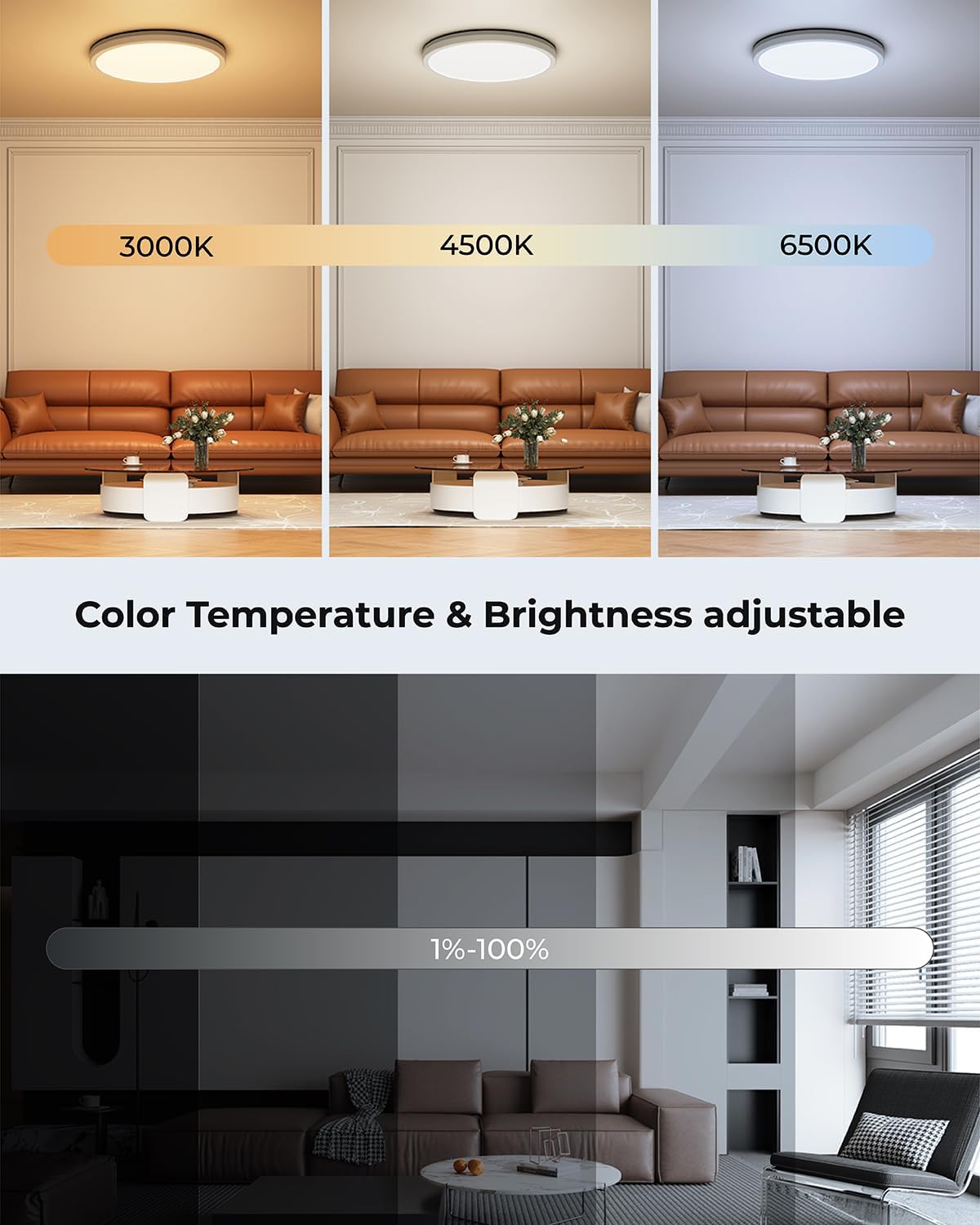
Image: Demonstrates the adjustable color temperature (3000K warm to 6500K cool) and brightness (1% to 100%) of the ceiling light.
DIY RGB Lighting:
Transform your space with 16 million RGB backlight colors. The RGB backlight can display multiple colors simultaneously, allowing for unique and customized lighting effects through the app. The main light and backlight can operate concurrently.
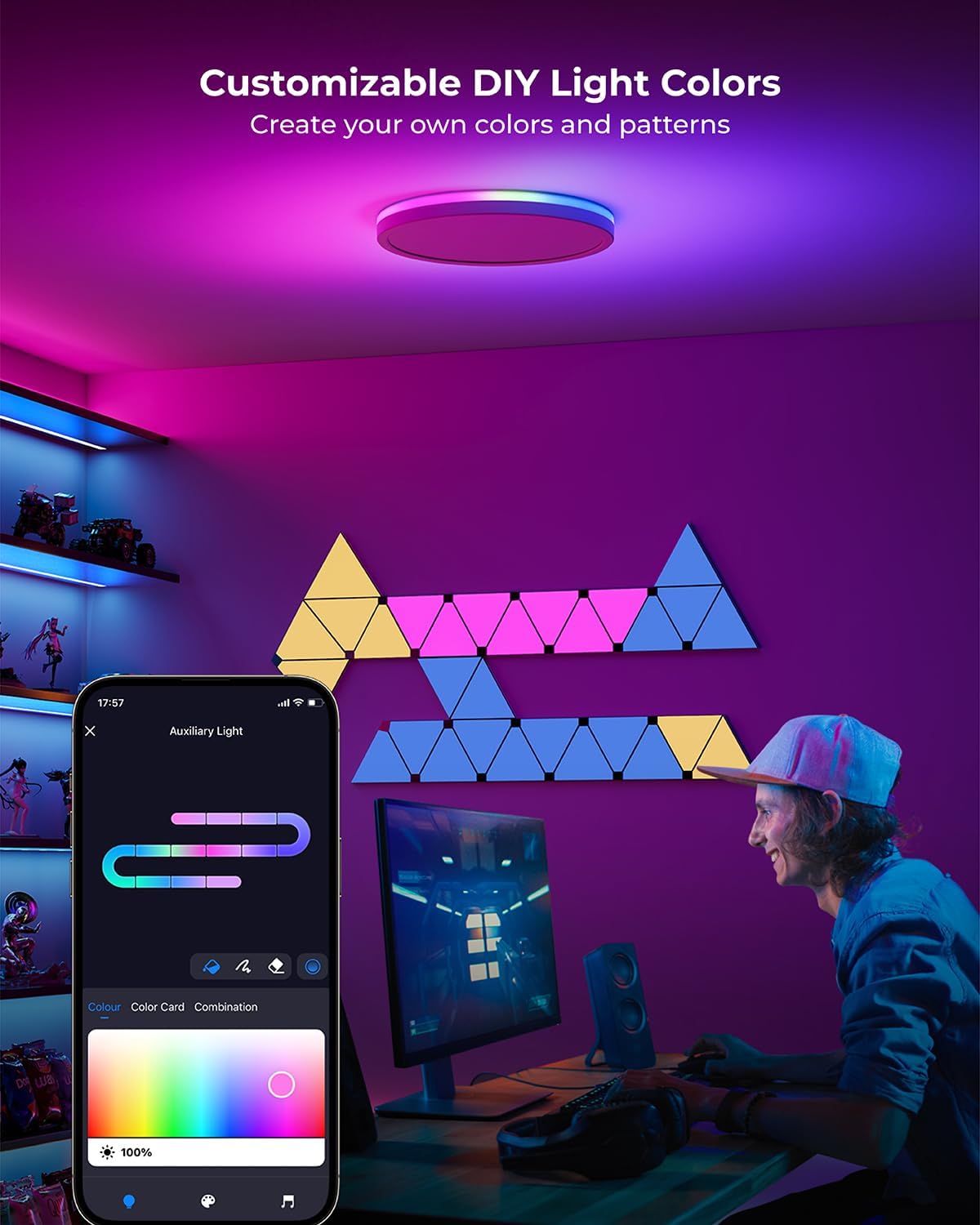
Image: A user customizing the RGB backlight colors of the ceiling light using the "Smart Life" app on their smartphone, creating a vibrant atmosphere in a room.
Music Sync Feature:
The light can sync with music, changing dynamically to the beat. This feature is ideal for parties, gaming, or watching movies.
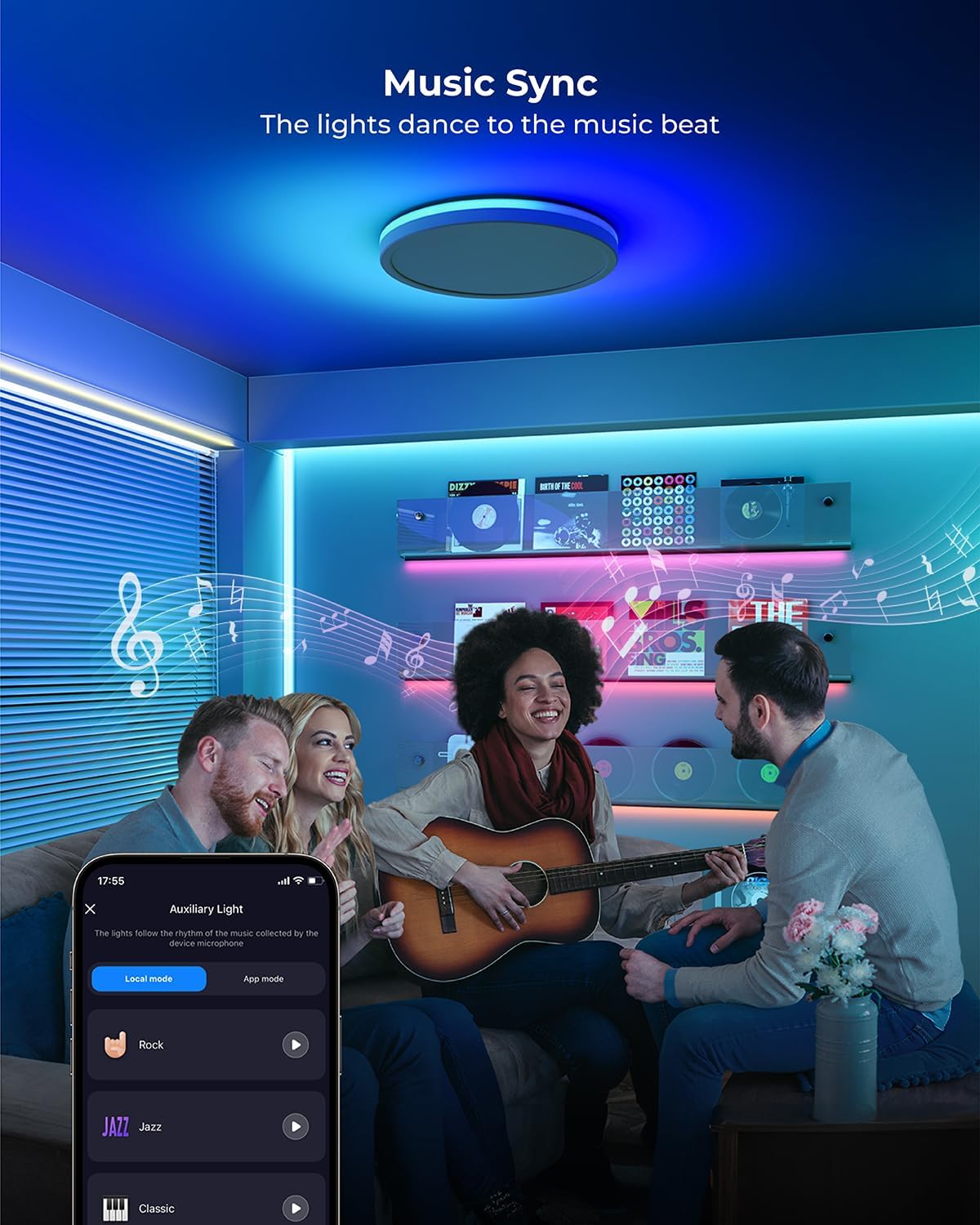
Image: A group of friends enjoying music, with the Matane Smart LED Ceiling Light above them displaying dynamic lighting effects synchronized to the music.
Multiple Scene Modes & Rhythm Lighting:
Choose from 44 built-in scene modes within the app, suitable for various occasions like romantic dinners, festivals, or casual gatherings. You can also customize any lighting effect to match your desired ambiance.
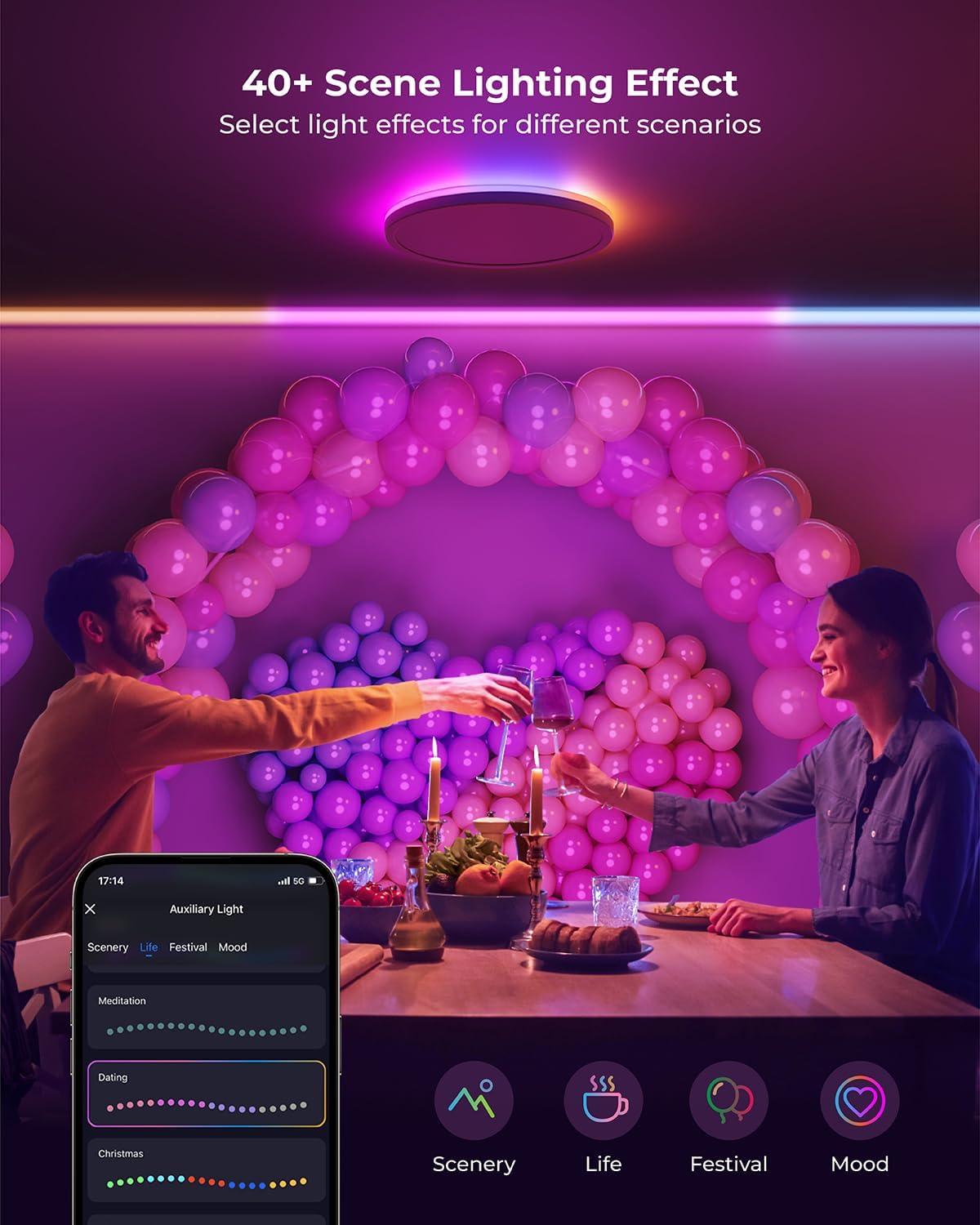
Image: A couple enjoying a meal in a room illuminated by the Matane Smart LED Ceiling Light, which is set to a vibrant scene mode, creating a festive atmosphere.
Video: Demonstrates the adjustable color temperature, dimmable features, and various scene modes of the Matane Smart LED Ceiling Light, including "Glacier express," "Fireworks at sea," "Christmas Eve," "Holiday," "Party," and "Neon world."
Scheduling and Timers:
Set schedules for the light to automatically turn on or off at specific times, ensuring convenience and energy efficiency.

Image: A person sleeping peacefully, while a smartphone screen displays the "Timing" feature of the app, showing scheduled turn-on (8:00) and turn-off (22:30) times for the light.
Voice Control:
The light is compatible with Alexa and Google Home. Use voice commands for hands-free operation, such as "Alexa, turn on the ceiling light" or "Hey Google, set the ceiling light to 50% brightness."
Note: Not compatible with external dimmers or smart switches.

Image: A person in a hallway, with the Matane Smart LED Ceiling Light overhead, demonstrating voice control compatibility with Alexa and Google Assistant.
Maintenance
To ensure the longevity and optimal performance of your Matane Smart LED Ceiling Light, follow these maintenance guidelines:
- Cleaning: Before cleaning, ensure the light is turned off and cool. Use a soft, dry cloth to wipe the surface. Do not use abrasive cleaners, solvents, or liquids directly on the fixture.
- Inspection: Periodically check the light fixture for any signs of damage, loose connections, or wear. If any issues are found, consult a qualified electrician.
- Environment: This product is designed for indoor use only. Avoid exposure to excessive moisture or extreme temperatures.
Troubleshooting
| Problem | Possible Cause | Solution |
|---|---|---|
| Light does not turn on. | No power supply; Loose wiring; Faulty fixture. | Check circuit breaker. Ensure all wires are securely connected. If problem persists, contact customer support. |
| Cannot connect to Wi-Fi/App. | Incorrect Wi-Fi password; Router is 5GHz only; Light is too far from router. | Verify Wi-Fi password. Ensure your Wi-Fi network is 2.4GHz. Move the light closer to the router or use a Wi-Fi extender. Reset the light and try pairing again. |
| Voice control not working. | Incorrect device name in app; Voice assistant not linked. | Check the device name in the "Smart Life" app. Ensure your voice assistant (Alexa/Google Home) is properly linked to your "Smart Life" account. |
| Light flickers or dims unexpectedly. | Incompatible dimmer switch; Unstable power supply. | This light is not compatible with external dimmers. Ensure it's connected to a standard on/off switch. Check for stable power supply. |
Warranty and Support
For warranty information and customer support, please refer to the product listing page on Amazon or contact Matane customer service directly. You can also find additional support and a downloadable PDF version of this user manual at the following link:
Related documentsLS-CL-G4-24W-Dim-APPICRGB

Ask a question about this manual
Ask about setup, troubleshooting, compatibility, parts, safety, or missing instructions. Manuals+ will review the question and use this page’s manual context to help answer it.