
Introduction & Safety Warnings
This manual provides essential information for the safe operation, assembly, and maintenance of your Jasion RetroVolt Electric Bike. Please read it thoroughly before your first ride and keep it for future reference. Failure to follow these instructions can result in serious injury or product damage.
General Safety Guidelines:
- Always wear a helmet and appropriate safety gear when riding.
- Familiarize yourself with local traffic laws and regulations.
- Perform a pre-ride inspection before each use, checking brakes, tires, and battery.
- Do not ride under the influence of alcohol or drugs.
- Ensure the battery is securely locked in place before riding.
- Avoid riding in extreme weather conditions or on excessively rough terrain unless the bike is designed for it.
Setup & Assembly
Your Jasion RetroVolt Electric Bike comes 90% pre-assembled. Follow these steps to complete the assembly and prepare for your first ride.
What's in the Box:
- Jasion RetroVolt Electric Bike (partially assembled)
- Removable Battery
- Battery Charger
- Lighting System (Headlight, Taillights)
- Toolkit (for assembly)
- Pedals
- Front Fender
Assembly Steps:
- Unboxing and Unpacking: Carefully remove the bike and all components from the packaging. Remove all protective wrapping and zip ties.
Video: Jasion RetroVolt Electric Bike Installation Guidance. This video demonstrates the unboxing and initial assembly steps for the Jasion RetroVolt electric bike.
- Install the Front Wheel:
- Inflate the tire to the recommended pressure.
- Locate the quick-release lever on the front fork. Remove the thumb nut, safety hook, and cone spring from the side opposite the lever. Keep the washer and other safety hook/cone spring in place on the lever side.
- Line up the fork with the axle at the center of the wheel. Ensure there's a spacer between the fork and wheel on each side. Install the safety hook, gasket, and nut in turn.
- Tighten the nut onto the fork with a No. 15 wrench.
- Install the front fork cover.
- Install the Handlebar:
- Loosen the screws to remove the front fork sleeve.
- Insert the handlebar stem into the fork.
- Tighten the screws to fix the stem in place.
- After ensuring the stem is aligned with the direction of the tire, tighten the clamping screws below the stem to fix the direction.
- Tighten the screws to fix the handlebar in place.
- Install the Front Fender & Headlight:
- Take out the headlight and screws (including 1x Bolt, 1x Washer, and 1x Nut).
- Slide the fender through the fork. Reattach the bolt, washers, fender, and headlight (in that order) with an 8mm wrench.
- Connect the headlight cable.
- Install the Pedals:
- Locate the right-side (marked "R") and left-side (marked "L") pedals.
- Thread the right pedal onto the right crank gently by hand, turning clockwise. Tighten with a wrench.
- Thread the left pedal onto the left crank gently by hand, turning counter-clockwise. Tighten with a wrench.
- Initial Battery Charge:
- Ensure the battery is fully charged before your first ride. The 48V 13Ah battery offers up to 70 miles of travel (PAS mode) on a single charge (4 hours).
- The battery can be charged directly on the bike or removed for charging.
- Connect the charger to the battery charging port, then plug it into a power outlet. The charger indicator light will change when fully charged.
Operating Instructions
Understand the various modes and controls of your Jasion RetroVolt Electric Bike for an optimal riding experience.
Power On/Off & Display:
- Ensure the battery is installed and locked, and the battery's power switch is in the "ON" position.
- Long press the power button on the handlebar control panel for 5 seconds to turn on the intelligent LCD display.
- The LCD display provides real-time comprehensive driving data including speed, battery level, and mode.

Image: The intelligent LCD display shows speed, battery level, and current riding mode.
Video: Power on procedure for an electric bike, demonstrating how to activate the display.
Cycling Modes:
The Jasion RetroVolt offers 4 cycling modes and 1 cruise mode:
- Pure Electric Mode: Use the throttle for propulsion without pedaling.
- Electric Assist Mode (PAS): The motor provides assistance as you pedal. Adjust assist levels using the control panel.
- Pure Pedal Mode: Ride the bike like a traditional bicycle, using only pedal power.
- Cruise Mode: Maintain a stabilized speed without continuous throttle input or pedaling.
- Walking Mode: Provides low-speed assistance for pushing the bike.
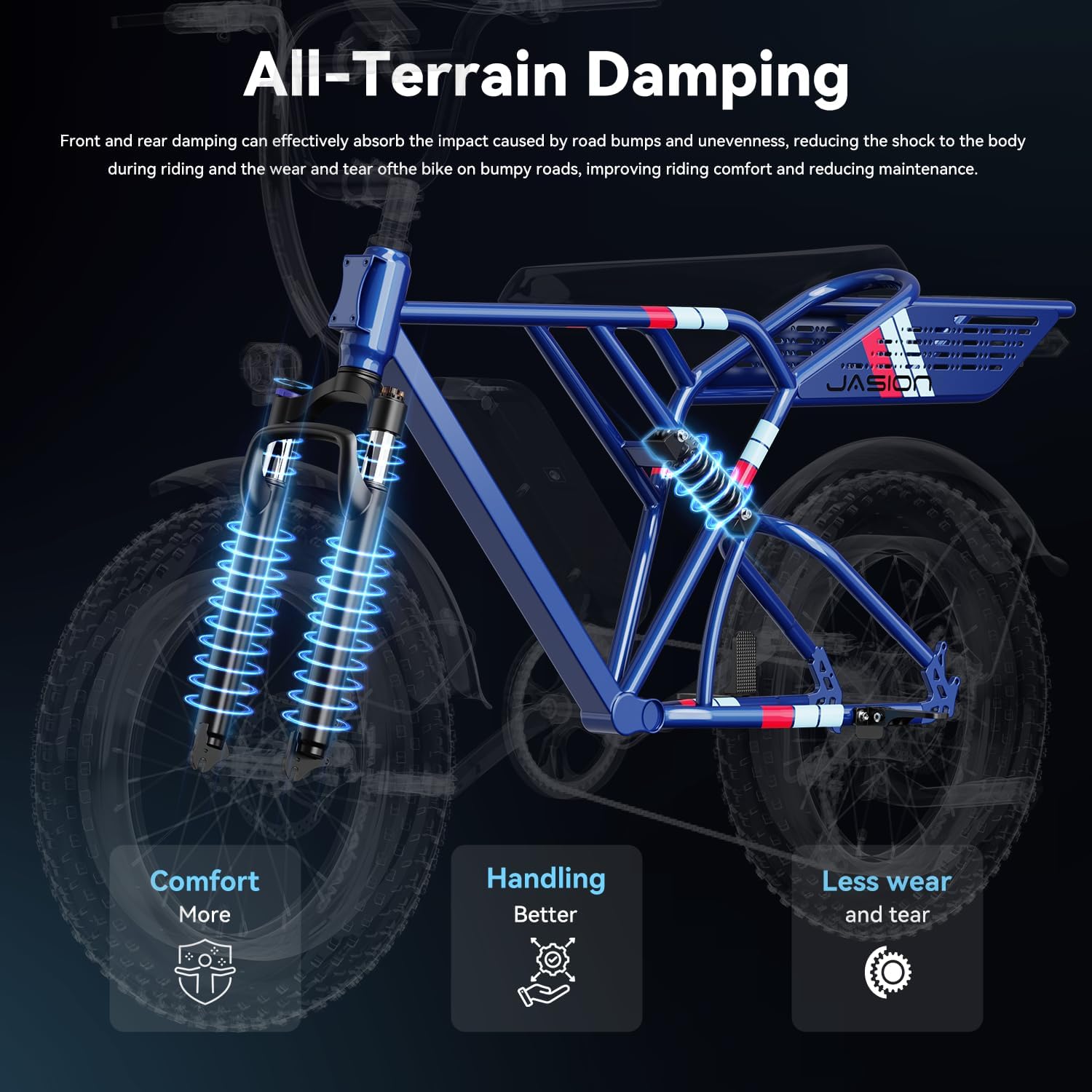
Image: Illustration of the four riding modes (Pedaling, Pedal-Assist, Throttle, Walking) and Cruise Mode available on the Jasion RetroVolt.
Braking System:
The bike is equipped with front and rear dual mechanical disc brakes for reliable stopping power. Always apply both brakes evenly for safe deceleration.
Maintenance
Regular maintenance ensures the longevity and safe operation of your Jasion RetroVolt Electric Bike.
- Battery Care:
- Charge the battery regularly, even if not in use, to maintain its health.
- Avoid completely draining the battery.
- Store the battery in a cool, dry place.
- The battery is IPX6 waterproof, but avoid submerging it.
- Tire Pressure: Check tire pressure before each ride. The 20"x 4" fat tires require specific pressure for optimal performance and comfort.
- Brake Inspection: Regularly check brake pads for wear and ensure brake levers engage smoothly and effectively. Adjust as needed.
- Chain Lubrication: Keep the chain clean and lubricated for smooth gear changes and to prevent rust.
- Fastener Checks: Periodically check all bolts and nuts for tightness, especially on the handlebars, wheels, and seat.
- Cleaning: Clean the bike with a damp cloth. Avoid using high-pressure water jets directly on electrical components.
Troubleshooting
Here are some common issues and their solutions. For more detailed troubleshooting, please refer to the full user manual or contact support.

Image: A visual guide to common troubleshooting procedures for electric bikes, including solutions for power, connections, and brakes.
| Problem | Possible Cause | Solution |
|---|---|---|
| Bike not powering on | Insufficient battery power, faulty connections, battery not fully seated. | Charge the battery, clean and repair connectors, install battery correctly. |
| Motor not assisting | Pedal assist level too low, improper turn-on sequence. | Increase PAS level, turn on bike with proper sequence. |
| Brakes not working effectively | Brakes are applied (locked), worn brake pads, loose cables. | Disengage brakes, replace brake pads, adjust brake cables. |
| Lights not working | Loose connection, blown fuse. | Check connections, replace discharge fuse. |
For more detailed troubleshooting steps, please consult our after-sales technical support.
Specifications
Key technical specifications for the Jasion RetroVolt Electric Bike.
| Feature | Specification |
|---|---|
| Bike Type | Electric Bike |
| Motor | Peak 1500W Brushless Motor |
| Max Speed | 30 MPH |
| Battery | 48V 13Ah (624WH) Removable, IPX6 Waterproof |
| Max Range | Up to 70 Miles (PAS mode) |
| Charging Time | Approx. 4 hours |
| Frame Material | High Carbon Steel |
| Wheel Size | 20 Inches (20"x 4" Fat Tires) |
| Suspension Type | Dual (Full Front & Rear) |
| Brake Style | Dual Mechanical Disc Brakes |
| Number of Speeds | 7-speed Transmission |
| Max Weight Recommendation | 330 LBS |
| Included Components | Removable Battery, Battery Charger, Lighting System |
| Special Features | Accessory pockets, Disc brakes, LCD-Display, Front Basket + Rear Seat Cushion |
Warranty & Support
Jasion provides a 12-month warranty for the RetroVolt Electric Bike. For any inquiries, technical assistance, or warranty claims, please contact our support team.
- Call Center: 1 (888) 825 6366 (9am-6pm, Mon-Fri. EST)
- Email Support: support@jasionbike.com
- Online Resources: For an e-manual and additional support, visit the official Jasion website.


