
1. Introduction
Thank you for choosing the Gxzsk Handheld Vacuum Cleaner. This manual provides essential information for the safe and efficient operation, maintenance, and troubleshooting of your new device. Please read it thoroughly before first use and retain it for future reference.
2. Product Overview
2.1. Package Contents
Upon unpacking, please ensure all items listed below are present and in good condition:
- 1 x Handheld Vacuum Cleaner
- 1 x User Manual
- 1 x Type-C Charging Cable
- 2 x HEPA Filter (one pre-installed, one spare)
- 1 x Metal Filter (pre-installed)
- 1 x Suction Nozzle
- 1 x Brush Attachment
- 1 x Extended Hose

Figure 2.1: What's in the box.
2.2. Key Features
- 15000PA Strong Suction Power: Equipped with an advanced high-speed motor providing powerful suction up to 15kPa for thorough cleaning of dirt, dust, and pet hair.
- Professional Accessories: Includes a suction nozzle for tight spaces, a brush attachment for pet hair and carpets, and an extended hose for hard-to-reach areas.
- Fast Charging & Long Battery Life: Features a 6000mAh battery with fast charging technology (3 hours for full charge) providing up to 30 minutes of continuous power. Battery indicator light displays current charge level.
- Dual Filtration System: Utilizes a washable and reusable HEPA filter and an upgraded coarse steel mesh to prevent clogging and maintain strong suction.
- Portable & Compact Design: Weighs only 1.52 lbs, offering cordless convenience for cleaning in various locations such as cars, kitchens, bedrooms, and offices.

Figure 2.2: Gxzsk Handheld Vacuum Cleaner and its components.

Figure 2.3: Demonstrating 15000PA strong suction power.

Figure 2.4: Multi-purpose nozzles for versatile cleaning.
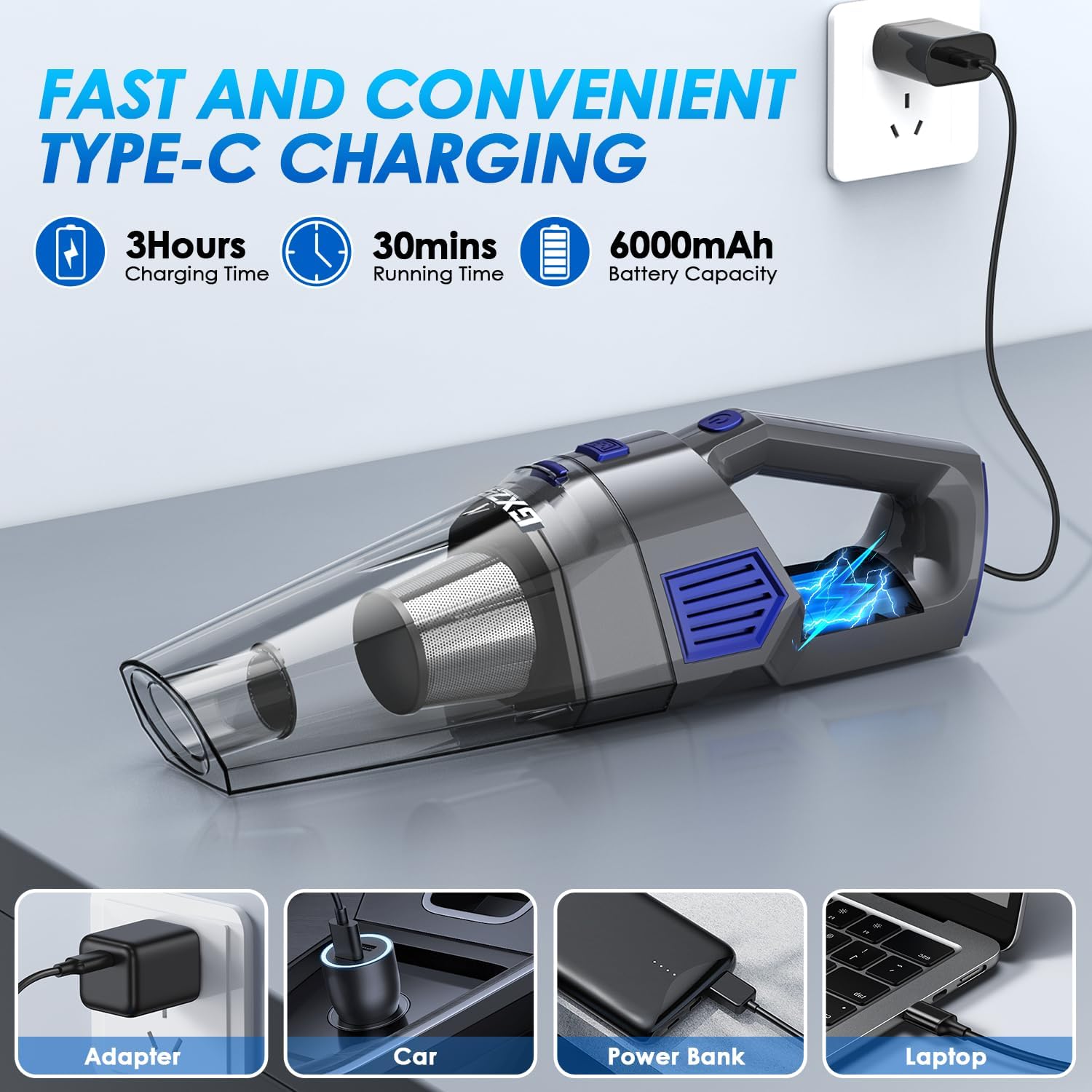
Figure 2.5: Fast and convenient Type-C charging.
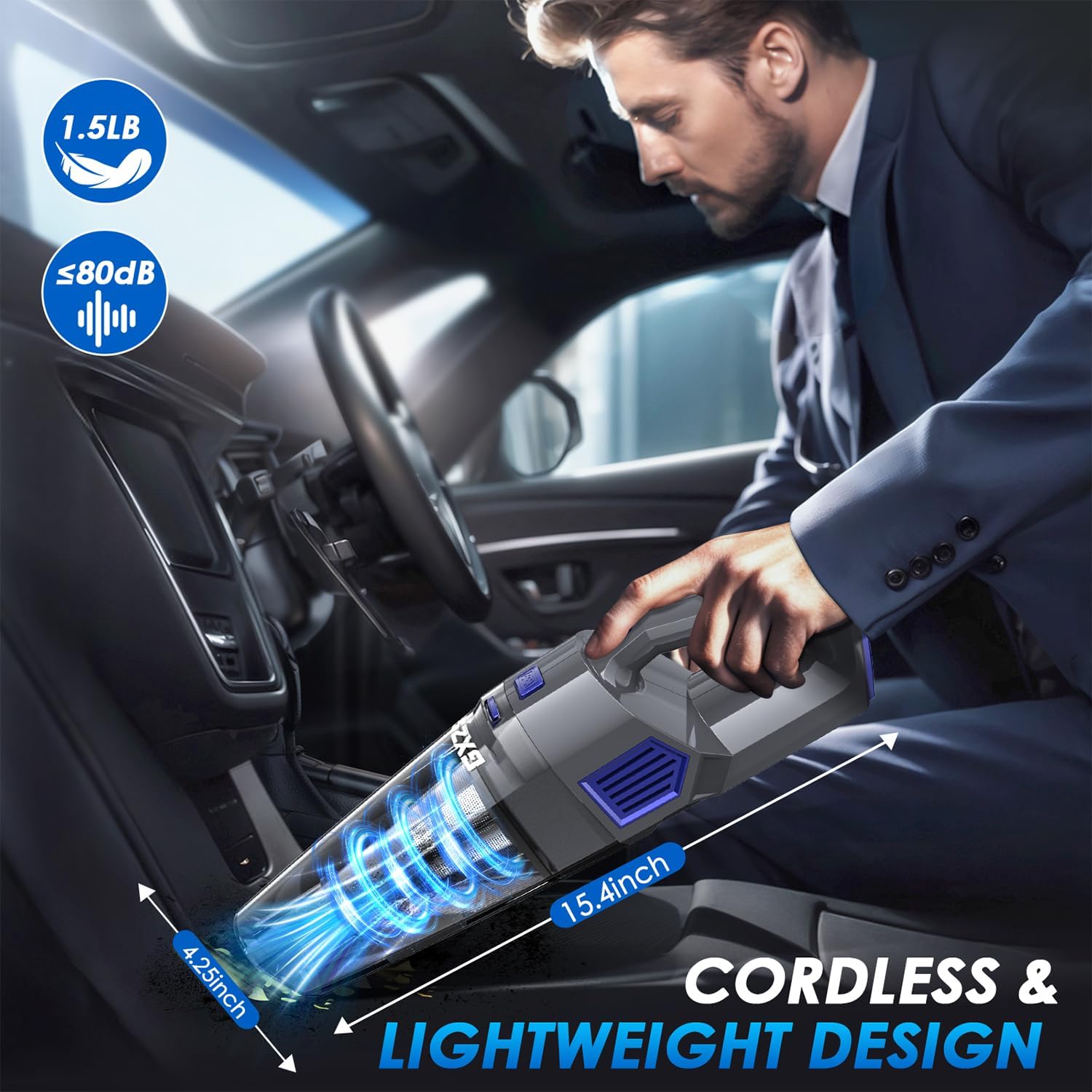
Figure 2.6: Cordless and lightweight design for easy portability.
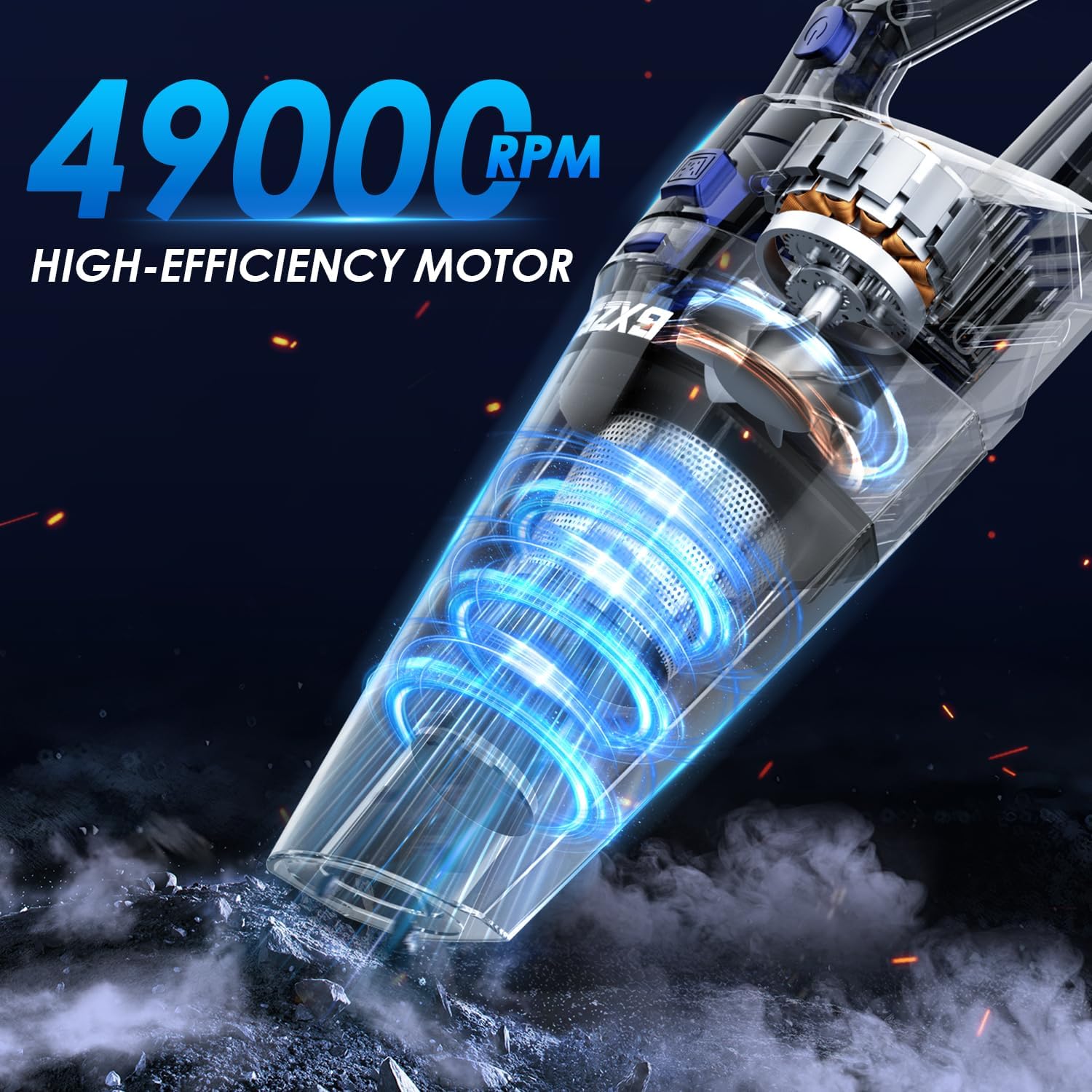
Figure 2.7: High-efficiency motor for powerful suction.
3. Setup
3.1. Initial Charging
Before first use, fully charge the vacuum cleaner. Connect the Type-C charging cable to the vacuum's charging port and plug the other end into a compatible USB power source (e.g., adapter, car charger, power bank, laptop). The battery indicator light will show the charging status. A full charge takes approximately 3 hours.
3.2. Attaching Accessories
Select the appropriate nozzle or brush for your cleaning task. Align the accessory with the vacuum's suction inlet and push firmly until it clicks into place. For extended reach, attach the extended hose first, then the desired nozzle or brush to the end of the hose.
4. Operating Instructions
4.1. Power On/Off
Press the power switch button located on the handle to turn the vacuum cleaner on. Press it again to turn it off.
4.2. Cleaning Tips
- For general debris on flat surfaces, use the vacuum without any attachments.
- Use the Suction Nozzle for narrow gaps, corners, and hard-to-reach areas like car seats, cabinet corners, or sofa gaps.
- The Brush Attachment is ideal for cleaning upholstery, keyboards, air vents, and effectively picking up pet hair from carpets and fabrics.
- The Extended Hose provides flexibility to reach awkward angles and high places, especially when combined with other nozzles.
- Monitor the dust collection cup and empty it regularly to maintain optimal suction performance.
Video 4.1: Official Gxzsk Handheld Vacuum demonstration, showcasing its features and ease of use in various cleaning scenarios.
Video 4.2: Detailed demonstration of the Gxzsk Handheld Cordless Vacuum Cleaner's performance and versatility in different environments.
5. Maintenance
5.1. Emptying the Dust Bin
To empty the dust bin, press the dust bin release button (usually located near the handle) and detach the dust bin from the main unit. Dispose of the collected debris into a trash can.
5.2. Cleaning the Filters
The Gxzsk Handheld Vacuum features a dual filtration system with a metal filter and a HEPA filter. Regular cleaning is crucial for maintaining suction power.
- After emptying the dust bin, separate the metal filter from the HEPA filter.
- Rinse both filters under running water until clean. Do not use harsh detergents.
- Allow the filters to air dry completely before reassembling. Ensure they are thoroughly dry to prevent mold or damage to the vacuum.
- Reassemble the filters and reattach the dust bin to the vacuum cleaner.
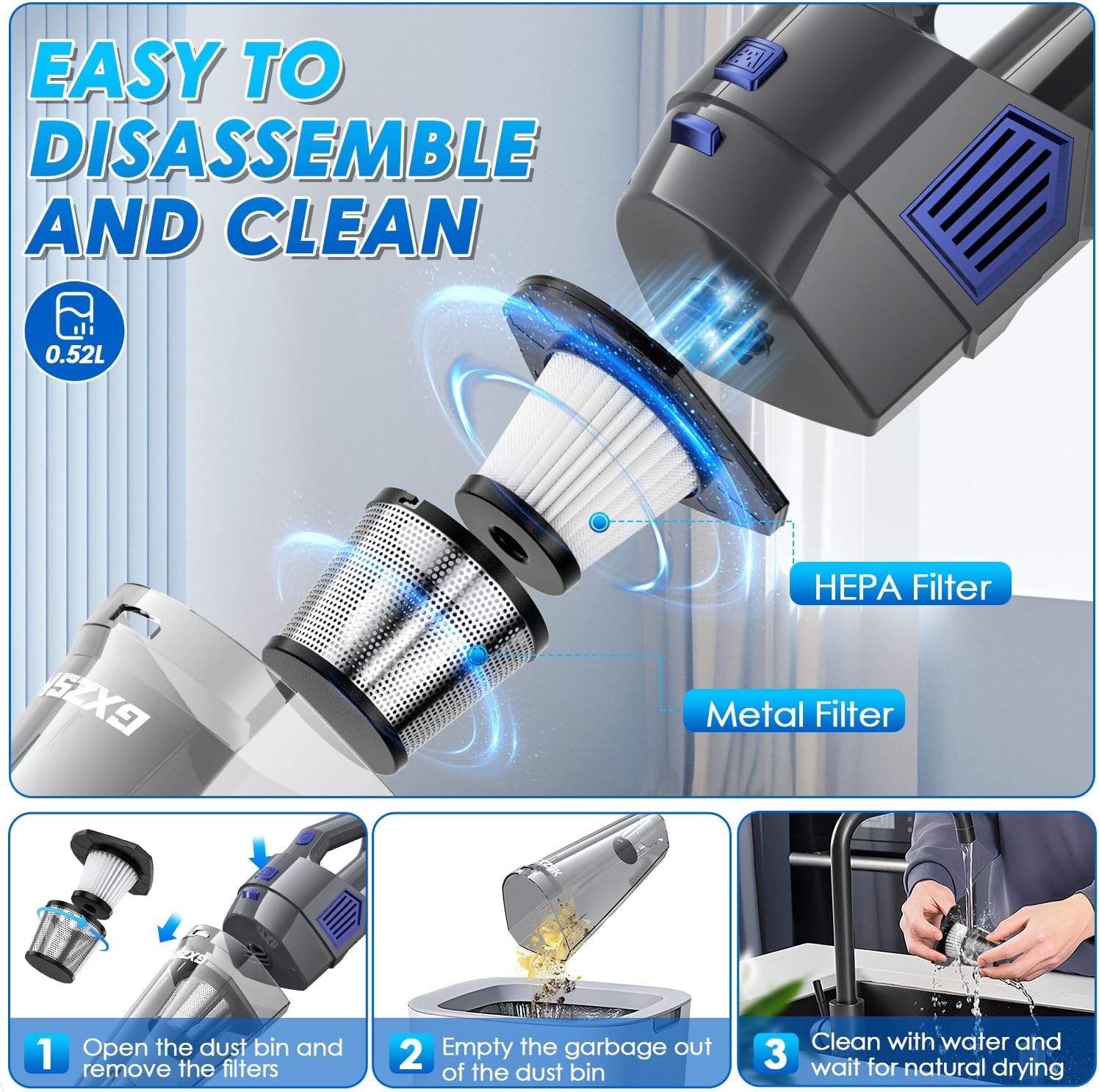
Figure 5.1: Easy to disassemble and clean the dust bin and filters.

Figure 5.2: How to disassemble and clean the vacuum's filtration system.
6. Troubleshooting
If you encounter any issues with your Gxzsk Handheld Vacuum Cleaner, please refer to the following common problems and solutions:
| Problem | Possible Cause | Solution |
|---|---|---|
| Vacuum does not turn on | Low battery; Power switch off | Charge the vacuum fully; Ensure power switch is in the 'ON' position. |
| Reduced suction power | Full dust bin; Clogged filters; Blocked nozzle/hose | Empty the dust bin; Clean and dry the filters; Check and clear any blockages in the nozzles or hose. |
| Short battery life | Battery not fully charged; Aging battery | Ensure full 3-hour charge; If issue persists after prolonged use, battery may need replacement (contact support). |
| Unusual noise during operation | Blockage in suction path; Loose parts | Check for and remove any blockages; Ensure all parts are securely assembled. |
If the problem persists after trying these solutions, please contact Gxzsk Customer Support for further assistance.
7. Specifications
| Feature | Detail |
|---|---|
| Brand | Gxzsk |
| Model Name | LT-143 |
| Suction Power | 15000 PA |
| Motor Speed | 49000 RPM |
| Battery Capacity | 6000mAh |
| Charging Time | 3 hours |
| Runtime | 30 minutes |
| Dust Bin Capacity | 520 Milliliters |
| Filter Type | HEPA Filter, Metal Filter |
| Item Weight | 1.52 pounds |
| Product Dimensions | 15.4"L x 4.25"W x 4.1"H |
| UPC | 762949440759 |
8. Warranty and Support
8.1. Customer Support
Gxzsk is committed to providing high-quality products and excellent customer service. If you have any questions, concerns, or require assistance with your cordless vacuum cleaner, please do not hesitate to contact us. We welcome your inquiries and will do our utmost to assist every customer.
For contact information, please refer to the product packaging or the official Gxzsk website.
8.2. Protection Plans
Extended protection plans may be available for your product. Please check with your retailer or refer to the product's purchase page for details on available 2-Year or 3-Year Protection Plans.


