
KoolMore MDR-2GD-45C
KoolMore MDR-2GD-45C Commercial Merchandiser Refrigerator User Manual
Model: MDR-2GD-45C
Brand: KoolMore
1. Important Safety Information
Please read all instructions carefully before operating this appliance to ensure safe and efficient use. Retain this manual for future reference.
- Ensure the refrigerator is placed on a stable, level surface.
- Do not block ventilation openings in the appliance enclosure or in the built-in structure.
- Do not use mechanical devices or other means to accelerate the defrosting process, other than those recommended by the manufacturer.
- Do not damage the refrigerant circuit.
- Only qualified personnel should service this appliance.
- Disconnect power before cleaning or performing maintenance.
2. Product Overview
The KoolMore MDR-2GD-45C is a 53-inch commercial merchandiser refrigerator designed for displaying a wide range of products. It features two swinging glass doors, 45 cu. ft. capacity, and LED lighting.
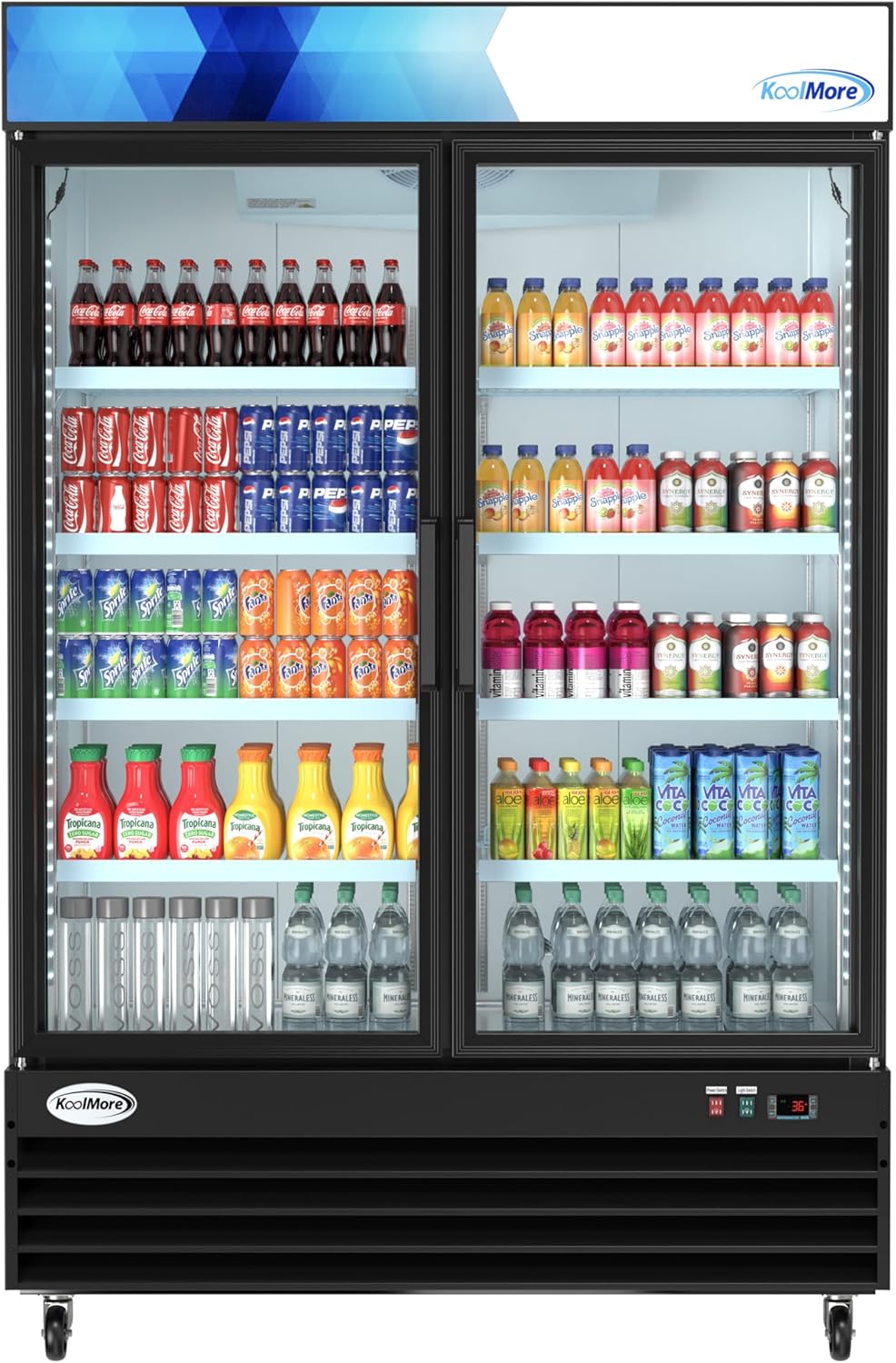
Figure 2.1: Front view of the refrigerator with products displayed.
This image shows the KoolMore MDR-2GD-45C commercial merchandiser refrigerator from the front, with its two glass doors closed. The interior is illuminated by LED lighting, showcasing various beverages and food items neatly arranged on the shelves. The black exterior and clear glass doors highlight its design for product display.
Key Features:
- Spacious Capacity: Generous 45 cu. ft. of storage space.
- Adjustable Shelving: Eight heavy-duty epoxy-coated shelves, each holding up to 88 lbs.
- Efficient Cooling System: Maintains a consistent temperature range of 33-40°F with a powerful compressor and automatic defrost.
- LED Interior Lighting: Energy-efficient lighting for optimal product visibility.
- Self-Closing Dual Glass Doors: Clear dual glass doors for visibility and cold air retention.
- Mobility: Equipped with sturdy casters for easy movement.
- Easy Maintenance: Removable panel for condenser access.
3. Setup and Installation
3.1 Unpacking
Carefully remove all packaging materials. Inspect the refrigerator for any shipping damage. Report any damage immediately to your carrier and supplier.
3.2 Placement
This unit is designed for freestanding installation. Ensure adequate clearance around the unit for proper ventilation. Avoid placing the refrigerator in direct sunlight or near heat-generating appliances.

Figure 3.1: Refrigerator dimensions for placement planning.
This image displays a side view of the KoolMore MDR-2GD-45C refrigerator, highlighting its key dimensions: 79.4 inches in height, 53.1 inches in width, and 31.9 inches in depth. These measurements are crucial for planning the installation space.
3.3 Leveling and Mobility
The refrigerator comes equipped with sturdy casters for easy movement. Before operation, ensure the unit is level to prevent door misalignment and ensure proper cooling. The casters also feature locks to secure the unit in place once positioned.
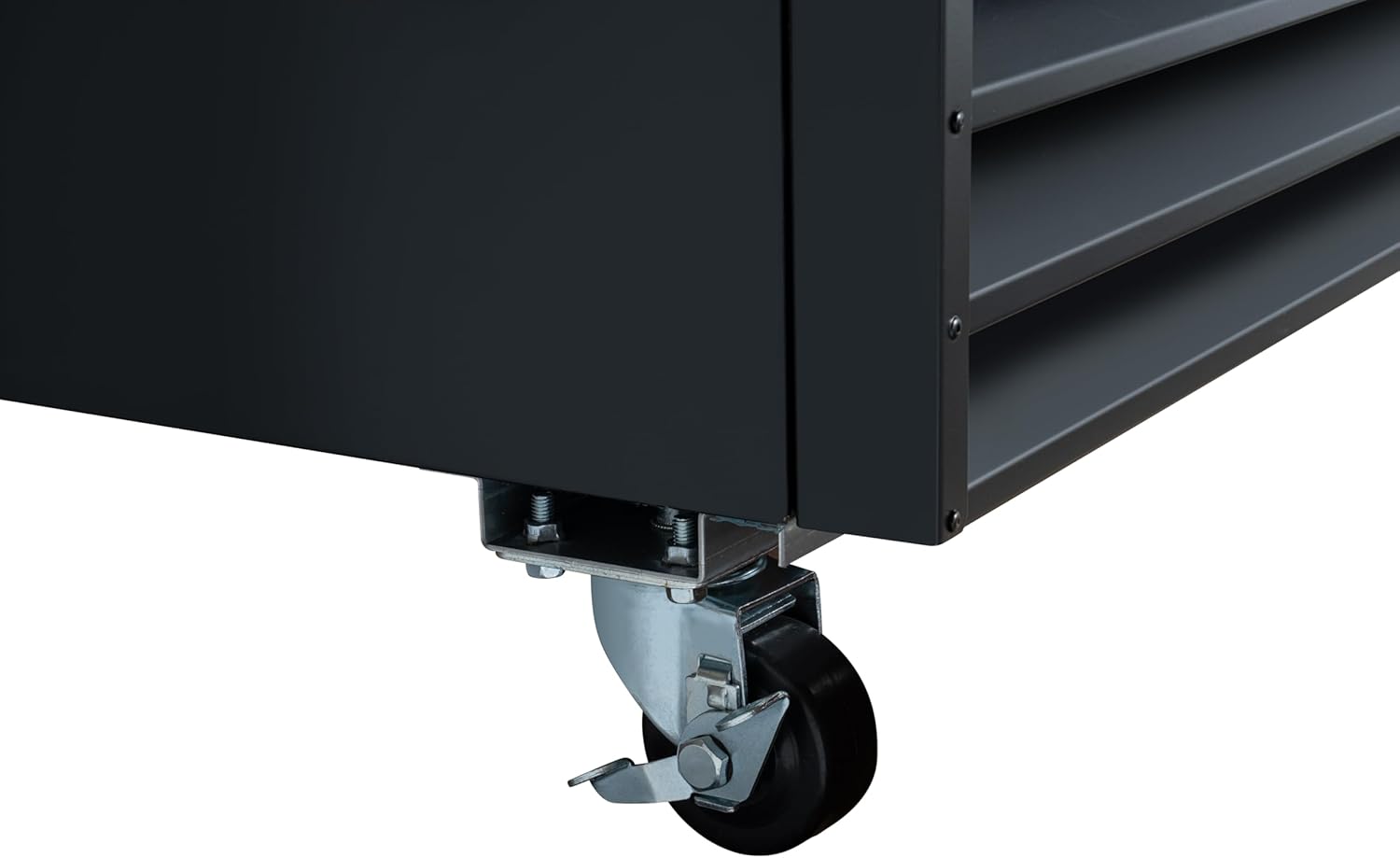
Figure 3.2: Close-up of a caster wheel with locking mechanism.
This image provides a detailed view of one of the sturdy caster wheels located at the base of the refrigerator. The caster includes a locking mechanism, allowing the user to secure the unit in a fixed position after it has been moved to its desired location.
3.4 Shelf Installation
The unit includes 8 adjustable heavy-duty epoxy-coated shelves. Insert the shelf clips into the desired slots on the interior side walls, ensuring they are level. Then, place the shelves onto the clips. Each shelf can support up to 88 lbs.
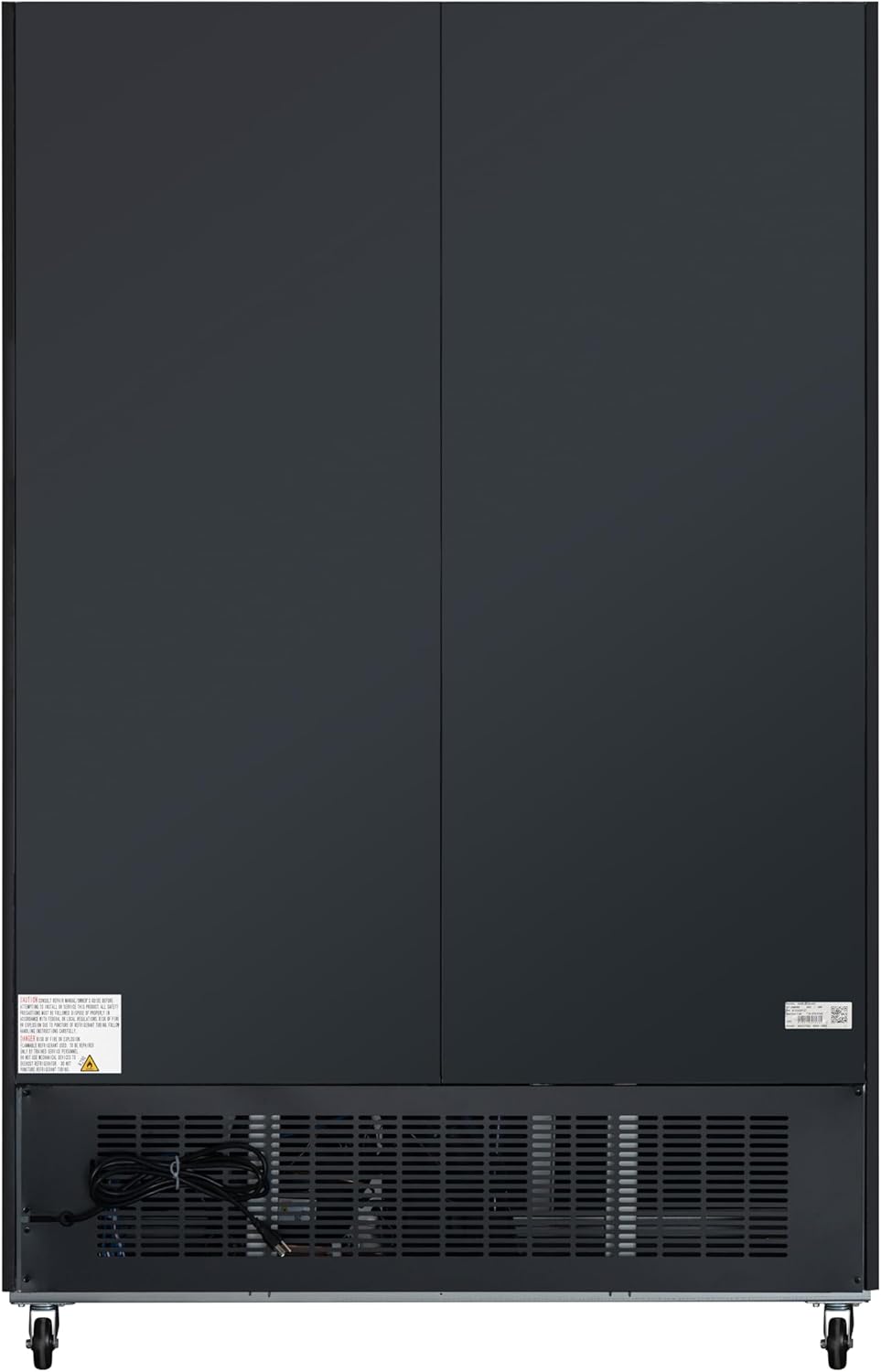
Figure 3.3: Interior with adjustable shelves.
This image shows the interior of the KoolMore refrigerator with both glass doors fully open. The eight adjustable, heavy-duty epoxy-coated shelves are visible, demonstrating the flexible storage configuration. The bright LED interior lighting is also apparent, illuminating the empty space.
3.5 Electrical Connection
Connect the refrigerator to a dedicated 115 Volts power outlet. Do not use extension cords or adapter plugs. Ensure the electrical supply matches the requirements listed on the appliance's rating label.
4. Operating Instructions
4.1 Control Panel
The control panel is located at the bottom front of the unit and includes a power switch, a light switch, and a digital temperature display with controls.
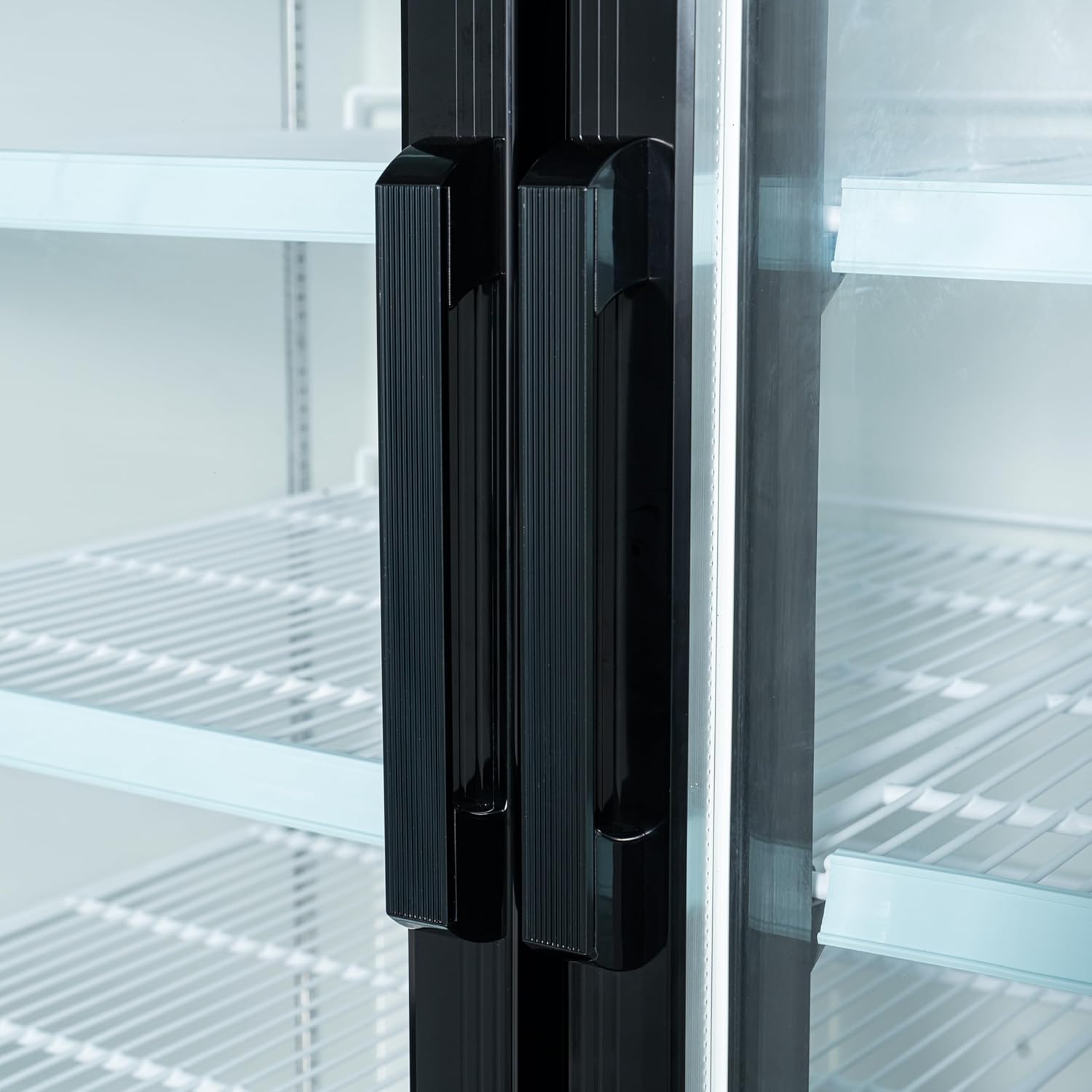
Figure 4.1: Control panel with switches and digital display.
This image provides a close-up view of the refrigerator's control panel. It clearly shows the red power switch, the green light switch, and the digital display unit. The display shows "36°F" and is labeled "REFRIGERATOR Dixell," indicating the current temperature and controller brand.
4.2 Powering On/Off
To turn the refrigerator on, flip the red power switch to the 'ON' position. To turn it off, flip the switch to the 'OFF' position.
4.3 Temperature Control
The refrigerator maintains a consistent temperature range of 33-40°F (0.5-4.4°C). The digital display shows the current internal temperature. Refer to the specific instructions for the Dixell controller for advanced temperature adjustments, typically involving the 'SET' button.
4.4 Interior Lighting
The energy-efficient LED interior lighting can be controlled by the green light switch on the control panel. Turn it on to illuminate the products for display and off when not needed.
4.5 Self-Closing Doors
The unit is equipped with self-closing dual glass doors. Ensure the doors close completely after each use to maintain optimal temperature and energy efficiency. The doors also feature anti-condensation properties.

Figure 4.2: Self-closing door handles.
This image provides a close-up view of the two black, vertical door handles located on the center mullion of the refrigerator's glass doors. The handles are designed for easy grip and complement the unit's overall black finish.
5. Maintenance
5.1 Cleaning the Interior
Regularly clean the interior of the refrigerator with a mild soap and water solution. Remove shelves and clean them separately. Rinse thoroughly and dry before replacing. Do not use abrasive cleaners or sharp objects.
5.2 Cleaning the Exterior
Wipe down the exterior surfaces with a soft cloth and a mild cleaner. For glass doors, use a glass cleaner. Avoid spraying water directly onto the control panel or electrical components.
5.3 Condenser Coil Cleaning
The condenser coils should be cleaned regularly (every 3-6 months) to ensure efficient operation. A removable panel provides easy access to the condenser. Disconnect power before cleaning. Use a brush or vacuum cleaner to remove dust and debris from the coils.
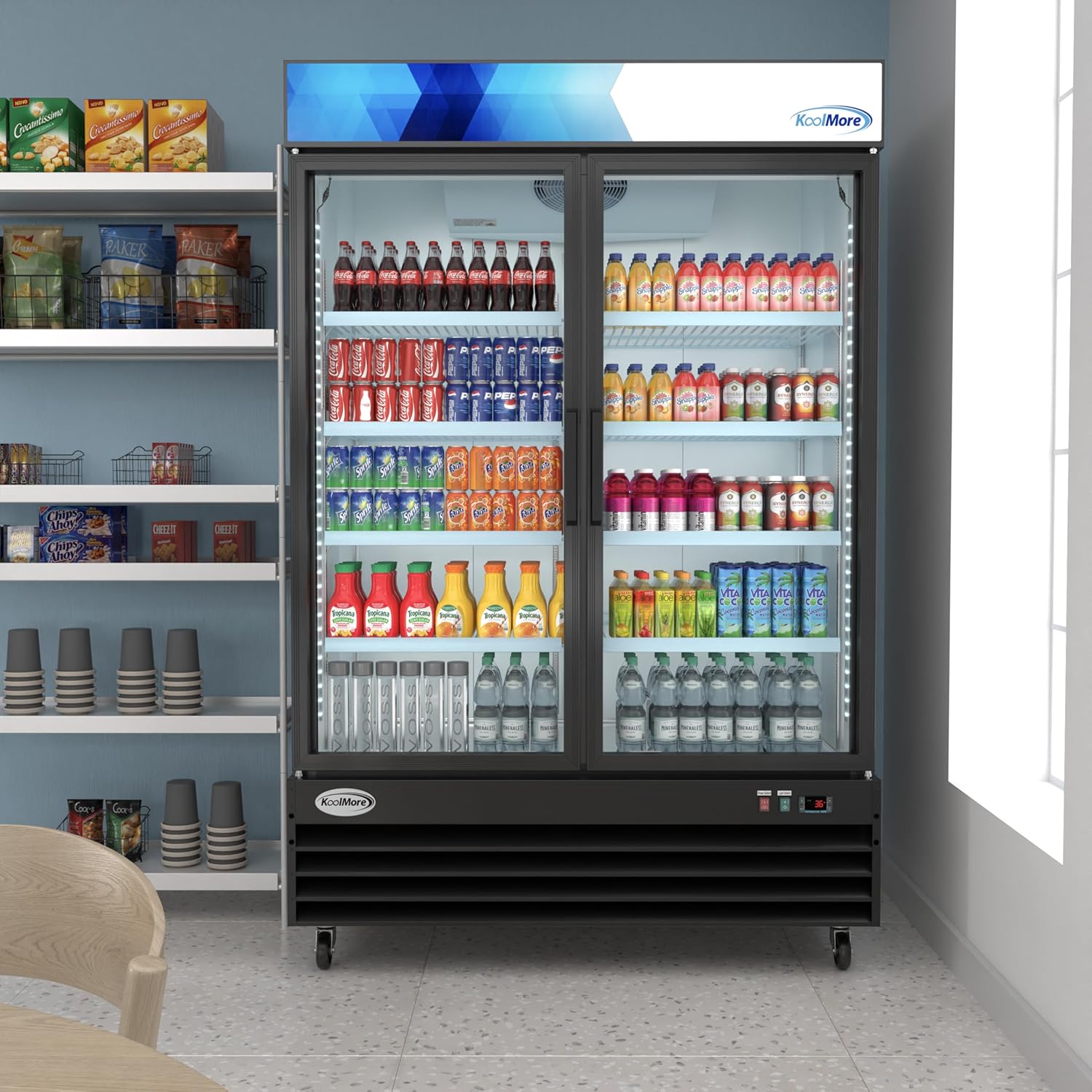
Figure 5.1: Rear view with condenser access.
This image displays the rear of the KoolMore refrigerator. The lower section features a vented panel, which provides access to the condenser unit for cleaning and maintenance. The power cord is also visible near the bottom.
5.4 Automatic Defrost
This refrigerator features an automatic defrost system, minimizing the need for manual defrosting. If excessive ice buildup occurs, ensure doors are closing properly and seals are intact.
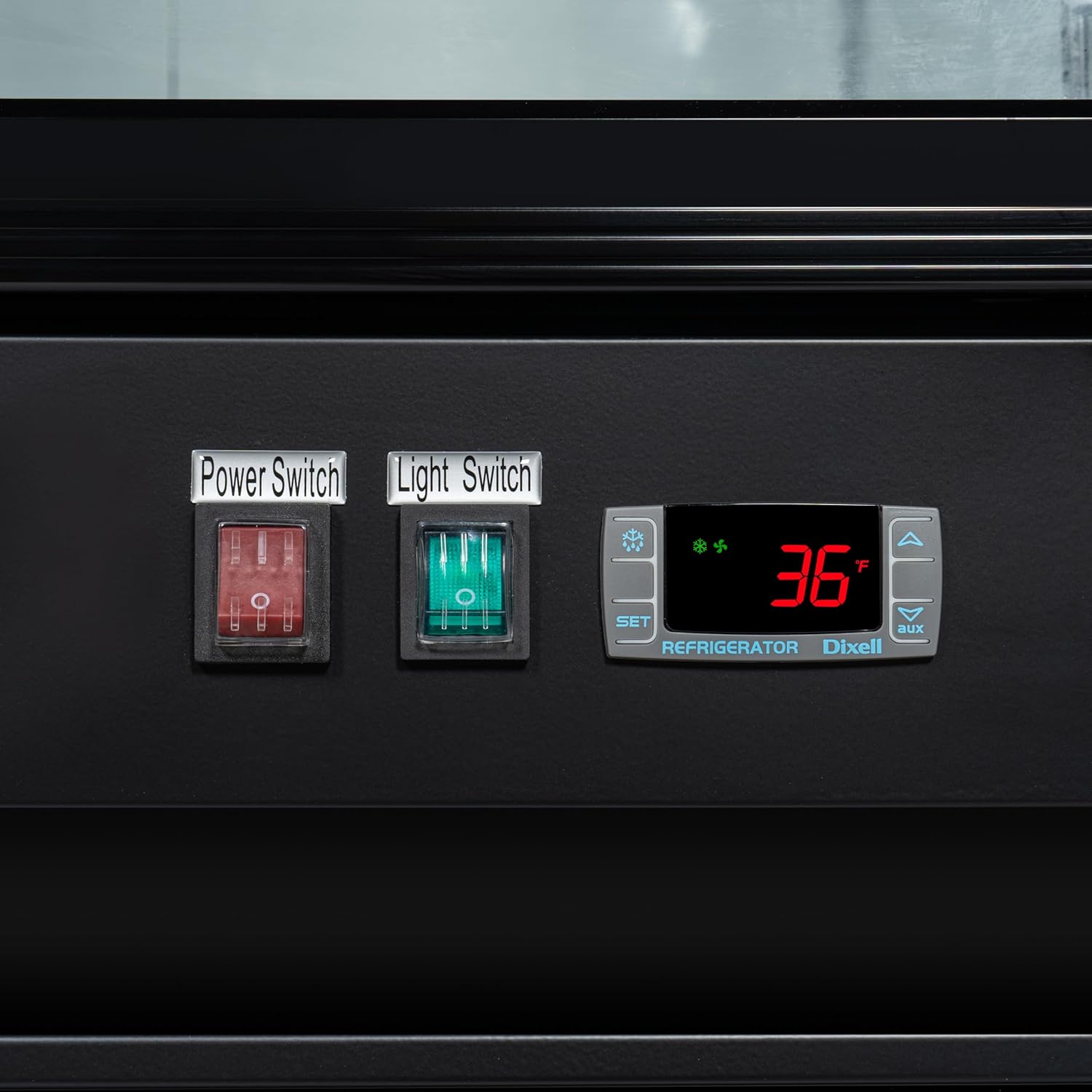
Figure 5.2: Interior cooling unit.
This image shows a close-up of the interior top section of the refrigerator, revealing the cooling fan and evaporator unit. This component is part of the automatic defrost system, ensuring consistent temperature and preventing ice buildup.
6. Troubleshooting
Before contacting customer support, please refer to the following common issues and their potential solutions:
| Problem | Possible Cause | Solution |
|---|---|---|
| Refrigerator not cooling |
|
|
| Excessive noise |
|
|
| Interior light not working |
|
|
7. Specifications
| Attribute | Value |
|---|---|
| Brand Name | KoolMore |
| Model Info | MDR-2GD-45C |
| Item Weight | 440 pounds |
| Product Dimensions (D x W x H) | 31.9 x 53.1 x 79.4 inches |
| Capacity | 45 Cubic Feet |
| Annual Energy Consumption | 1278 Kilowatt Hours Per Year |
| Installation Type | Freestanding |
| Form Factor | Compact |
| Special Features | 4 Casters, High weight capacity shelves, LED lighting, Self-Closing Doors |
| Color | Black |
| Voltage | 115 Volts |
| Defrost System | Automatic |
| Door Material Type | Glass |
| Number of Shelves | 8 |
| Certification | ETL |
| Number Of Doors | 2 |
| Included Components | Commercial Two Door Refrigerator, 8 Shelves |
8. Warranty and Support
For warranty information and technical support, please contact KoolMore customer service. Refer to the product packaging or the official KoolMore website for the most up-to-date contact details.
Extended protection plans may be available for purchase separately. Please consult your retailer for details on these plans.
Related documentsMDR-2GD-45C


Ask a question about this manual
Ask about setup, troubleshooting, compatibility, parts, safety, or missing instructions. Manuals+ will review the question and use this page’s manual context to help answer it.