
1. Introduction
The X-Sense XC0C-iR is a smart carbon monoxide (CO) detector designed to provide early warning of dangerous CO levels in your home or while traveling. Featuring a 10-year electrochemical sensor, an LCD digital display, and Wi-Fi connectivity for real-time alerts, this device offers reliable protection. Please read this manual thoroughly before installation and use to ensure proper operation and safety.
2. Important Safety Information
Carbon monoxide is a colorless, odorless, and tasteless gas that can be fatal. This detector is designed to alert you to the presence of carbon monoxide. It is not a substitute for proper maintenance of fuel-burning appliances, including ventilation and exhaust systems. Always ensure adequate ventilation in areas where fuel-burning appliances are used.
- Never ignore an alarm. Investigate the source of the CO.
- Do not paint the detector. Paint can clog the vents and interfere with sensor operation.
- Do not block the detector's vents. Ensure proper airflow for accurate detection.
- Test the detector regularly. Perform weekly tests to confirm functionality.
3. Package Contents
Verify that all items are included in your package:
- 1 × X-Sense XC0C-iR Carbon Monoxide Detector
- 2 × AA Batteries (pre-installed)
- 2 × Screws
- 2 × Anchor Plugs
- 1 × Drilling Hole Spacing Label
- 1 × User Manual

Image: The X-Sense XC0C-iR detector, its retail box, a CR123A battery, mounting screws, and the user manual, illustrating the complete package contents.
4. Product Features
- 10-Year Sensor Life: Equipped with a durable electrochemical sensor designed to last for 10 years, providing long-term peace of mind.

Image: A close-up of the X-Sense XC0C-iR detector highlighting its 10-year sensor life with an internal chip illustration.
- Wi-Fi Connectivity (2.4 GHz): Connects directly to the X-Sense Home Security app via a 2.4 GHz Wi-Fi network for smart features and remote monitoring. (Note: Does not work with a base station).
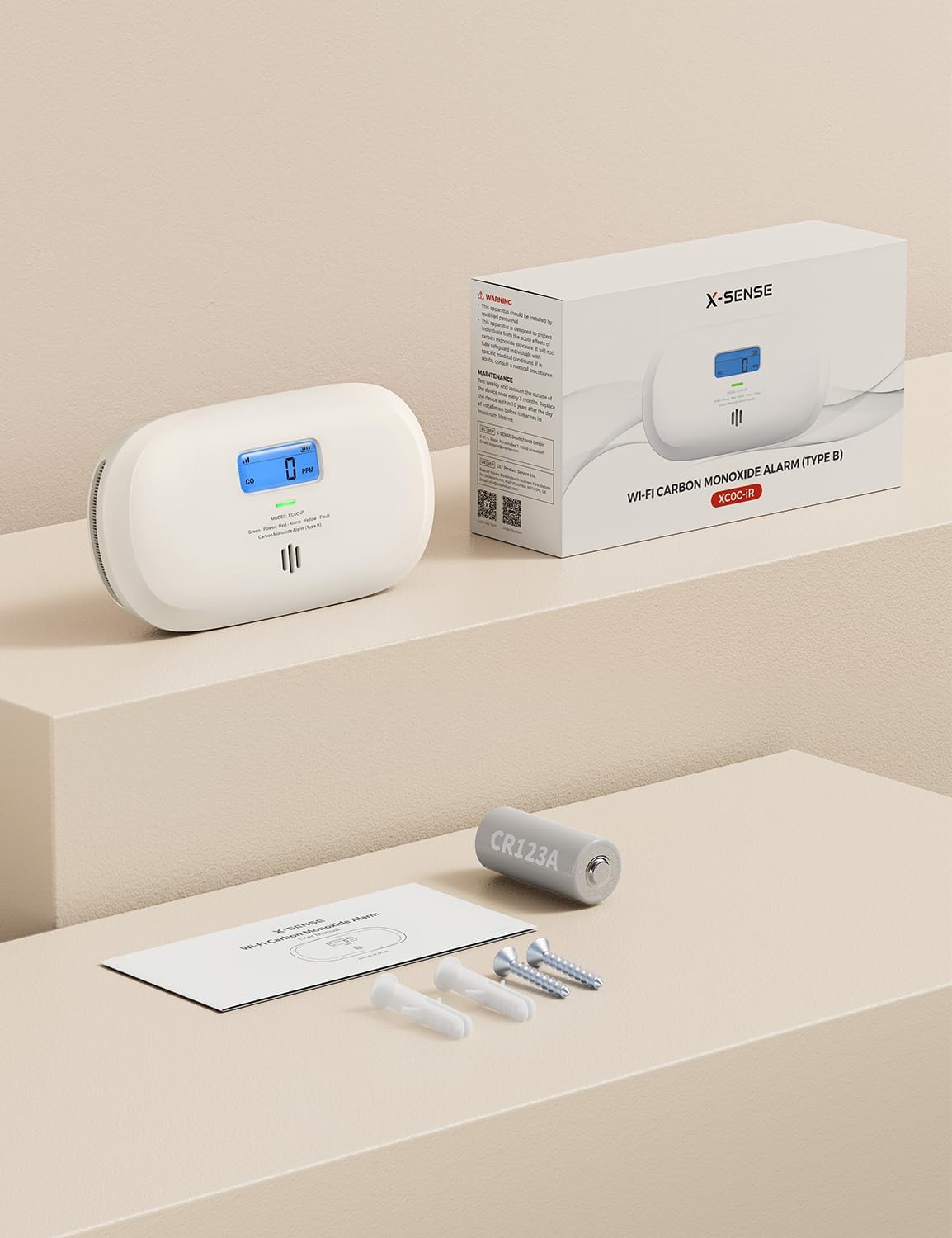
Image: The X-Sense XC0C-iR detector on a table, with a smartphone displaying the X-Sense app and a Wi-Fi connection graphic, indicating direct 2.4 GHz Wi-Fi connectivity.
- Instant Notifications: Receive real-time alerts on your phone for CO alarms, low battery, faults, and suspicious CO levels (preventive alert). Multi-device sharing keeps all family members informed.
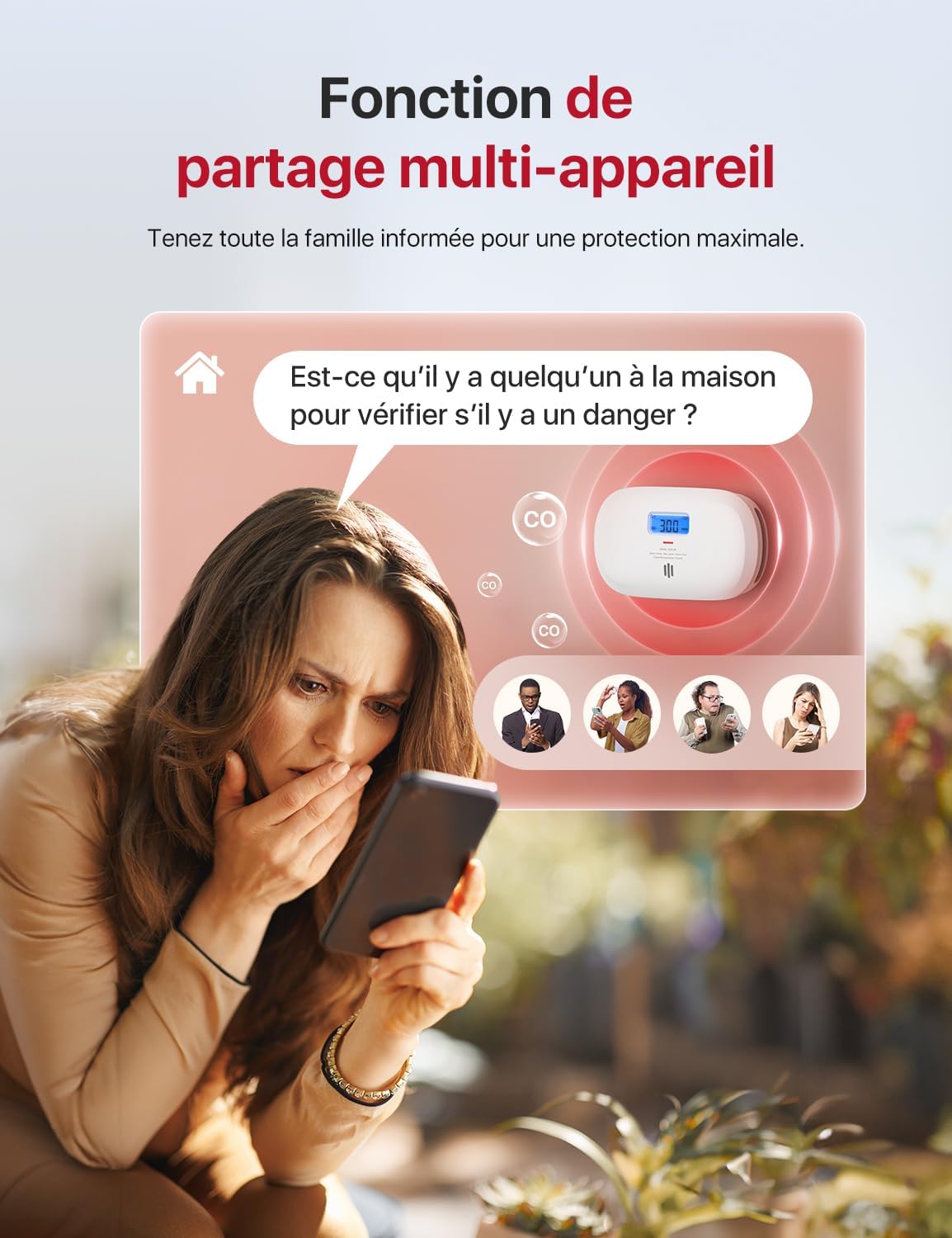
Image: A hand holding a smartphone displaying the X-Sense Home Security App with an urgent red notification indicating a CO alarm has been triggered at 300 PPM in the living room.

Image: A woman looking at her smartphone, which displays an X-Sense app notification asking if someone is home to check for danger, illustrating the multi-device sharing feature.
- One-Click Alarm Deactivation: When an alarm is triggered, the app displays real-time PPM changes. You can deactivate the alarm with a single click in the app once you confirm safety. (Note: Mute function is disabled if CO level exceeds 300 ppm).

Image: A close-up of the X-Sense XC0C-iR detector's test/mute button, with an overlay showing an app notification for a CO alarm and an 'OK' button to deactivate it.
- Flexible Installation: Can be placed on any flat surface or wall-mounted using the provided screws. For best results, install at breathing height and ensure it is unobstructed.
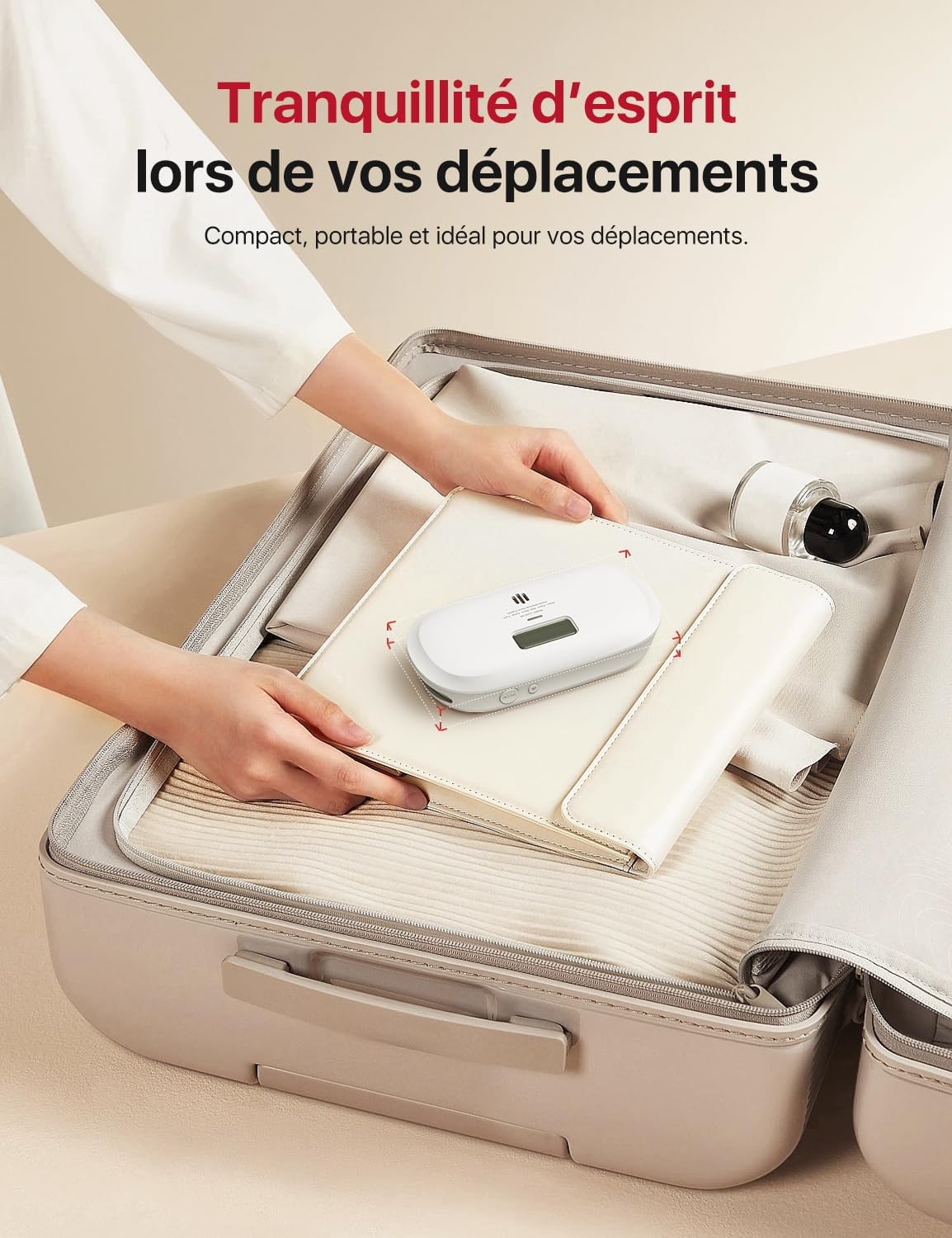
Image: Two X-Sense XC0C-iR detectors, one wall-mounted and one placed on a tabletop, demonstrating flexible installation options.
- Portable Design: Compact (142 x 75 mm) and powered by a replaceable CR123A battery, making it ideal for travel and use anywhere.

Image: A person placing the compact X-Sense XC0C-iR detector into a suitcase, illustrating its portability for travel.
- Easy-to-Use Buttons: Independent buttons allow for easy testing/muting of the alarm or checking maximum CO levels with a single click.

Image: A close-up of the X-Sense XC0C-iR detector's top, highlighting the 'PIC' (Peak) button for checking maximum CO levels and the 'TEST/X' button.
- Clear Status Display: Backlit LCD screen clearly shows the current CO level in PPM. A 4-color LED indicator shows detector status: Red for alarm, Yellow for fault or low battery, Green for normal power, and Blue for pairing mode.
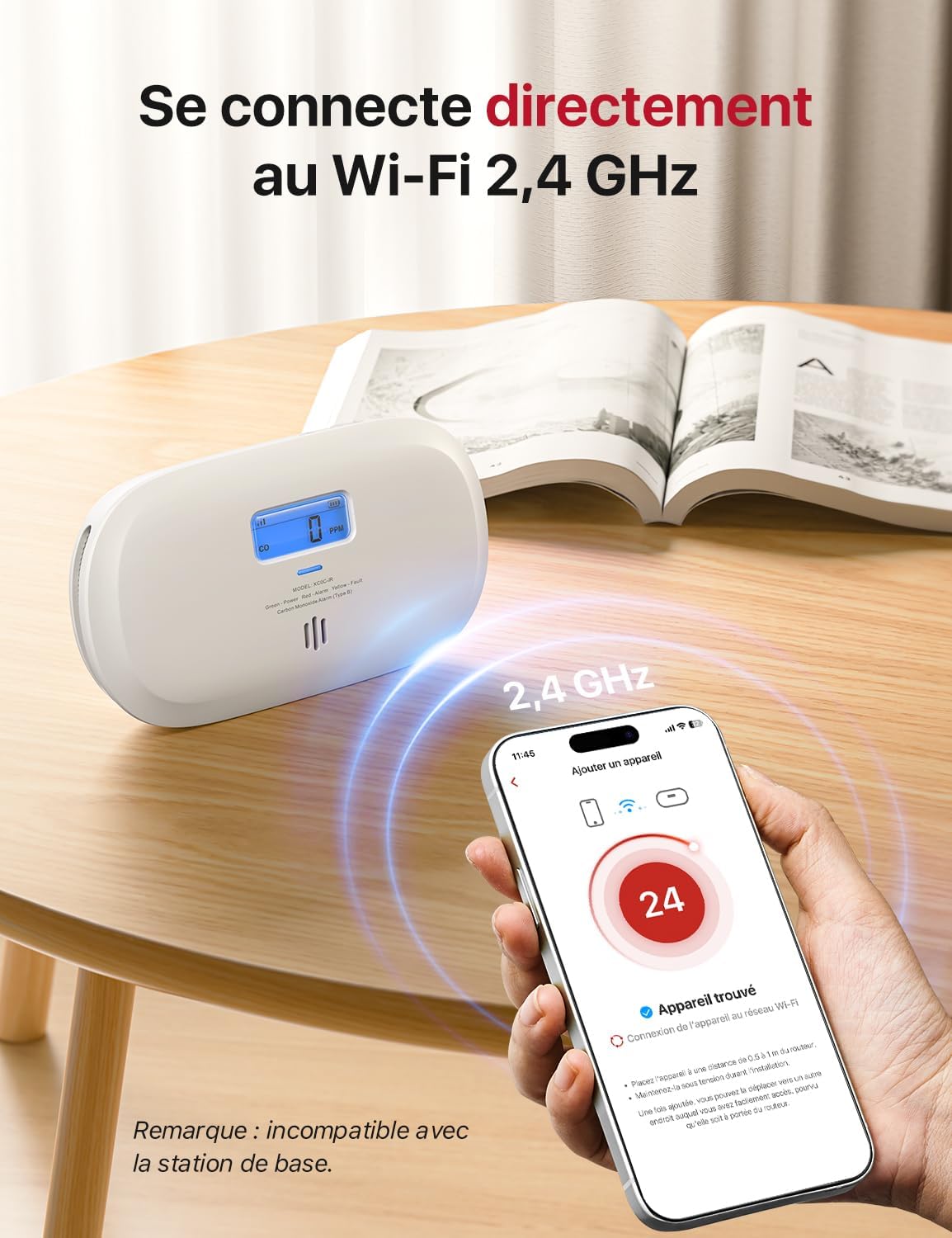
Image: The X-Sense XC0C-iR detector mounted on a wall above a sleeping baby, with a color-coded LED guide (Blue: pairing, Green: normal, Yellow: fault, Red: alarm).
5. Setup and Installation
Follow these steps to set up your X-Sense XC0C-iR detector:
- Battery Installation: The detector comes with 2 AA batteries pre-installed. Ensure the plastic tab is removed to activate the batteries.
- Download the App: Download the "X-Sense Home Security" app from the App Store or Google Play.
- Create an Account: Open the app and follow the on-screen instructions to create an account.
- Add Device: In the app, select "Add Device" and choose the XC0C-iR. Follow the in-app instructions to connect the detector to your 2.4 GHz Wi-Fi network. Ensure your phone is connected to a 2.4 GHz network during pairing.
- Placement: Choose a suitable location. The detector can be placed on a flat surface or wall-mounted. For optimal detection, install it at breathing height (face height) and ensure it is not obstructed by furniture or curtains. Avoid placing it near vents, windows, or in direct sunlight.
- Wall Mounting (Optional):
- Use the provided drilling hole spacing label to mark the screw positions on the wall.
- Drill two holes and insert the anchor plugs.
- Secure the mounting bracket with the screws.
- Attach the detector to the mounting bracket by twisting it clockwise until it locks into place.
- Initial Test: After installation, press the "TEST/X" button on the detector or use the app to perform an initial test. The alarm should sound, and the LCD display should show a CO reading.
6. Operating Instructions
Understanding your detector's indicators and functions:
- LCD Display: Shows the current carbon monoxide concentration in parts per million (PPM). During normal operation, it typically displays "0 PPM".
- LED Indicator:
- Green: Normal operation.
- Blue: Pairing mode.
- Yellow: Fault or low battery.
- Red: CO alarm.
- Test/Mute Button: Press this button to test the alarm. During an alarm, press it to temporarily silence the alarm (mute function). The mute function is disabled if CO levels exceed 300 PPM.
- Peak CO Level Button: Press this button to view the highest CO concentration detected since the last reset or power cycle.
- App Control: The X-Sense Home Security app allows you to:
- Receive instant notifications and preventive alerts.
- View real-time CO levels.
- Deactivate alarms remotely (under 300 PPM).
- Check device status and battery level.
- Share device access with family members.
Video: This short video demonstrates a CO leak scenario in a kitchen, showing the X-Sense XC0C-iR detector quickly identifying dangerous CO levels. It highlights the detector's reliability, responsiveness, and the instant alerts received on a smartphone, allowing users to take immediate action like ventilating the area. The video emphasizes staying protected with the X-Sense detector.
7. Maintenance
Regular maintenance ensures your detector functions correctly:
- Weekly Testing: Press the Test/Mute button once a week to ensure the alarm sounds and the unit is functioning.
- Cleaning: Clean the detector at least once a month. Use a soft, damp cloth to wipe the exterior. Do not use cleaning solvents or chemicals. Gently vacuum around the vents to remove dust.
- Battery Replacement: The detector is powered by a replaceable CR123A battery. When the battery is low, the detector will chirp and the yellow LED will flash, and you will receive a low battery notification via the app. Replace the battery promptly to maintain protection.
8. Troubleshooting
If you encounter issues with your X-Sense XC0C-iR detector, refer to the following common problems and solutions:
| Problem | Possible Cause | Solution |
|---|---|---|
| Detector does not power on. | Batteries not installed or dead. | Ensure batteries are correctly installed and replace if necessary. |
| Alarm sounds without apparent CO source. | False alarm, high humidity, or sensor contamination. | Ventilate the area. Clean the detector. If alarms persist, contact support. |
| Yellow LED flashes/chirps. | Low battery or fault. | Replace batteries. If fault persists, contact support. |
| Cannot connect to Wi-Fi/App. | Incorrect Wi-Fi band (not 2.4 GHz), weak signal, or incorrect password. | Ensure you are on a 2.4 GHz Wi-Fi network. Move detector closer to router. Re-enter password. |
| Alarm mute function not working. | CO level is above 300 PPM. | This is a safety feature. Evacuate immediately and call emergency services. |
9. Specifications
| Feature | Detail |
|---|---|
| Brand | X-Sense |
| Model Number | XC0C-iR |
| Style | Wi-Fi Connect Direct |
| Power Source | Battery Powered (2 × AA pre-installed) |
| Color | White |
| Product Dimensions (D x W x H) | 3.2 x 14.2 x 7.5 cm |
| Item Weight | 148 Grams |
| Alarm Type | Audible |
| Compatible Devices | Smartphone |
| Sensor Type | Electrochemical |
| UPC | 850066548011 |
| Country of Origin | China |
10. Warranty and Support
X-Sense provides a limited warranty for this product. For detailed warranty information, technical support, or assistance with your device, please refer to the warranty card included in your package or visit the official X-Sense website. You can also contact X-Sense customer service directly through the X-Sense Home Security app.


