Introduction
Thank you for choosing the HiFuture Sonic AIR TWS Earbuds. This manual provides essential information for setting up, operating, and maintaining your earbuds to ensure optimal performance and longevity. Please read this manual thoroughly before use.

Image: The HiFuture Sonic AIR TWS Earbuds, black in color, resting inside their open charging case. Both earbuds are visible, showcasing their sleek design.
Package Contents
Ensure all items are present in the package:
- HiFuture Sonic AIR TWS Earbuds (Left and Right)
- Charging Case
- USB-C Charging Cable
- User Manual
- Multiple sizes of ear tips (typically S, M, L)
Setup
1. Initial Charging
Before first use, fully charge the earbuds and the charging case.
- Place both earbuds into the charging case.
- Connect the USB-C charging cable to the charging port on the case and the other end to a USB power adapter (not included).
- The indicator light on the charging case will show charging status. A full charge typically takes approximately 1.5-2 hours.

Image: The sleek, black charging case for the HiFuture Sonic AIR TWS Earbuds, shown in its closed state.
2. Pairing with a Device
The earbuds use Bluetooth 5.3 for fast and stable connections.
- Open the charging case. The earbuds will automatically enter pairing mode, indicated by a flashing light on the earbuds.
- On your device (smartphone, tablet, computer), enable Bluetooth.
- Search for "HiFuture Sonic AIR" in the list of available Bluetooth devices.
- Select "HiFuture Sonic AIR" to connect. Once connected, the indicator light on the earbuds will turn off or show a steady light.
- If pairing fails, place the earbuds back in the case, close the lid, wait a few seconds, and then repeat the steps.

Image: A top-down view of the HiFuture Sonic AIR TWS Earbuds inside their open charging case, ready for pairing.
Operating Instructions
Wearing the Earbuds
Choose the ear tips that provide the best fit and seal for optimal sound quality and comfort. Gently insert the earbuds into your ears and rotate them slightly until they feel secure.

Image: A visual representation highlighting key features of the earbuds, including their internal structure for Environmental Noise Cancellation (ENC), Bluetooth 5.3 connectivity, comfortable fit in the ear, extended playtime, and the audio driver components.
Touch Controls
The HiFuture Sonic AIR TWS Earbuds feature intuitive touch controls:
| Action | Left Earbud | Right Earbud |
|---|---|---|
| Play/Pause | Single Tap | Single Tap |
| Next Track | Double Tap | Double Tap |
| Previous Track | Triple Tap | Triple Tap |
| Answer/End Call | Single Tap | Single Tap |
| Reject Call | Press and Hold (2s) | Press and Hold (2s) |
| Activate Voice Assistant | Press and Hold (3s) | Press and Hold (3s) |
| Toggle ENC Mode | Long Press (2s) | Long Press (2s) |
Environmental Noise Cancellation (ENC)
The earbuds feature 4-microphone ENC technology for crystal clear calls by reducing ambient noise.

Image: A detailed view of one earbud, emphasizing its Environmental Noise Cancellation (ENC) capabilities, designed to provide clear audio during calls.
Battery Life
The earbuds provide up to 25 hours of total playtime with the charging case. A single charge of the earbuds offers several hours of listening.
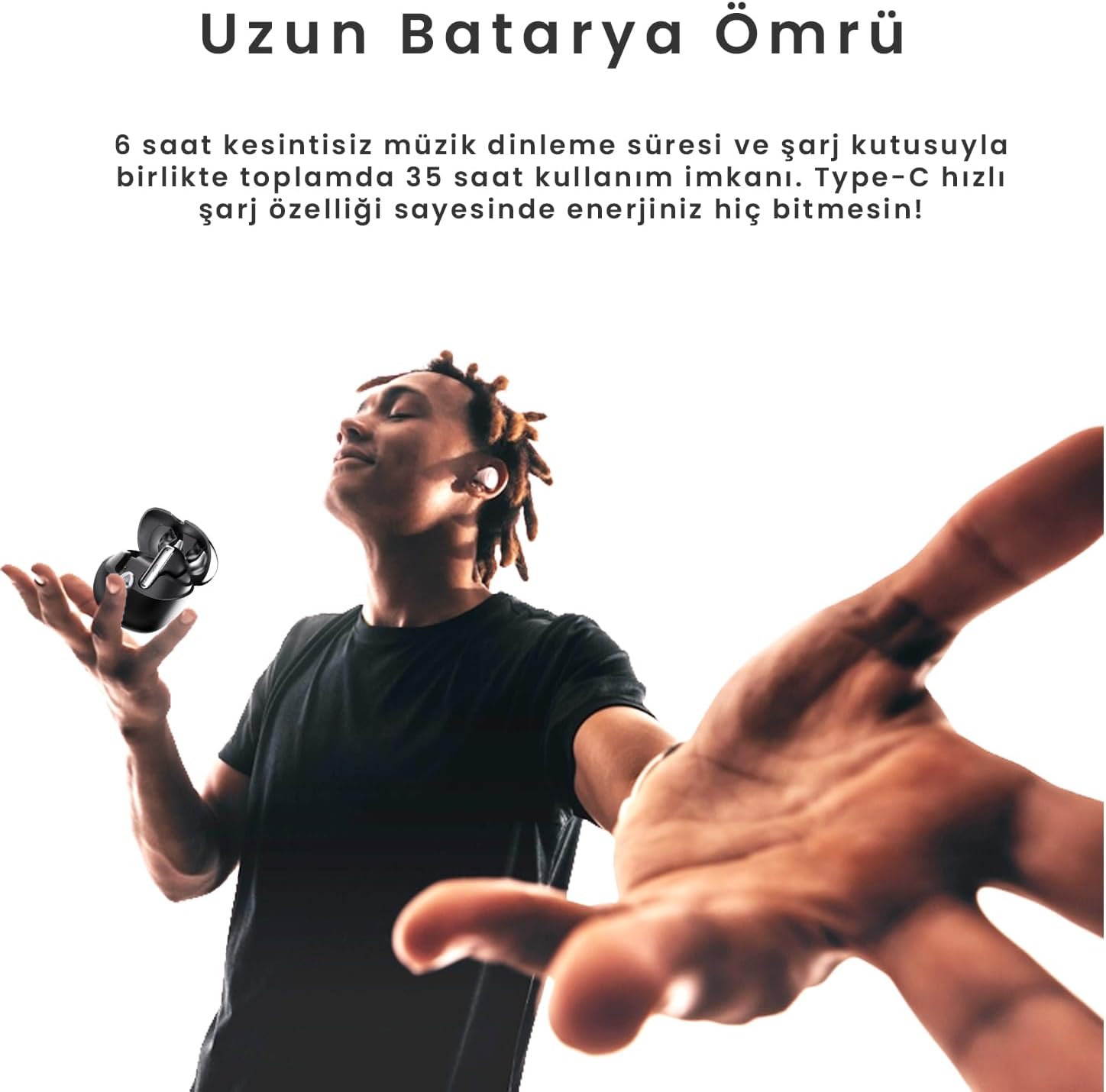
Image: A person enjoying music with the HiFuture Sonic AIR TWS Earbuds, symbolizing the extended battery life that allows for prolonged listening sessions.
Maintenance
Cleaning
- Regularly clean the earbuds and charging case with a soft, dry, lint-free cloth.
- Remove ear tips and clean them with mild soap and water, then dry thoroughly before reattaching.
- Use a cotton swab to gently clean the charging contacts on both the earbuds and the case.
Storage
When not in use, store the earbuds in their charging case to protect them and keep them charged.
Water Resistance (IPX5)
The earbuds are IPX5 sweatproof, meaning they can withstand splashes and sweat. Do not submerge them in water or expose them to heavy rain.

Image: Two HiFuture Sonic AIR TWS Earbuds with water droplets on their surface, visually demonstrating their IPX5 sweatproof and splash-resistant capabilities.
Troubleshooting
| Problem | Possible Solution |
|---|---|
| Earbuds not pairing | Ensure earbuds are charged. Place them back in the case, close, then reopen to re-enter pairing mode. Turn Bluetooth off and on again on your device. |
| Only one earbud working | Ensure both earbuds are charged. Try resetting the earbuds (refer to manual for specific reset instructions if available, otherwise, place both in case, close, and reopen). Re-pair with your device. |
| Low volume or poor sound quality | Adjust volume on your device. Ensure ear tips provide a good seal. Clean ear tips and earbud grilles. |
| Earbuds not charging | Ensure charging cable is securely connected. Clean charging contacts on earbuds and case. Try a different USB-C cable or power adapter. |
| Bluetooth connection unstable | Ensure no strong interference sources nearby. Keep device within Bluetooth range (approx. 10 meters). |
Specifications
- Model: SonicAır-BK
- Bluetooth Version: 5.3
- Noise Control: Environmental Noise Cancellation (ENC)
- Playtime: Up to 25 hours (with charging case)
- Water Resistance: IPX5 (Sweatproof/Splashproof)
- Ear Placement: In Ear
- Form Factor: In Ear
- Color: Black
- Manufacturer: HIFUTURE
- Country of Origin: China
Warranty and Support
Warranty Information
HiFuture products typically come with a limited manufacturer's warranty. Please refer to the warranty card included in your product packaging or visit the official HiFuture website for detailed warranty terms and conditions.
For extended warranty options, such as the "2-Year Extended Warranty by Salama Care" mentioned on the product page, please contact the respective provider.
Customer Support
If you encounter any issues or have questions not covered in this manual, please contact HiFuture customer support through their official website or the retailer where you purchased the product.
You can visit the HiFuture Store on Amazon for more information and support resources.


