
Introduction
Thank you for choosing the BLOW BTX700ANC Bluetooth Headphones. These wireless headphones are designed to provide an immersive audio experience with active noise cancellation (ANC) and versatile connectivity. Please read this manual carefully to ensure proper use and maintenance of your device.
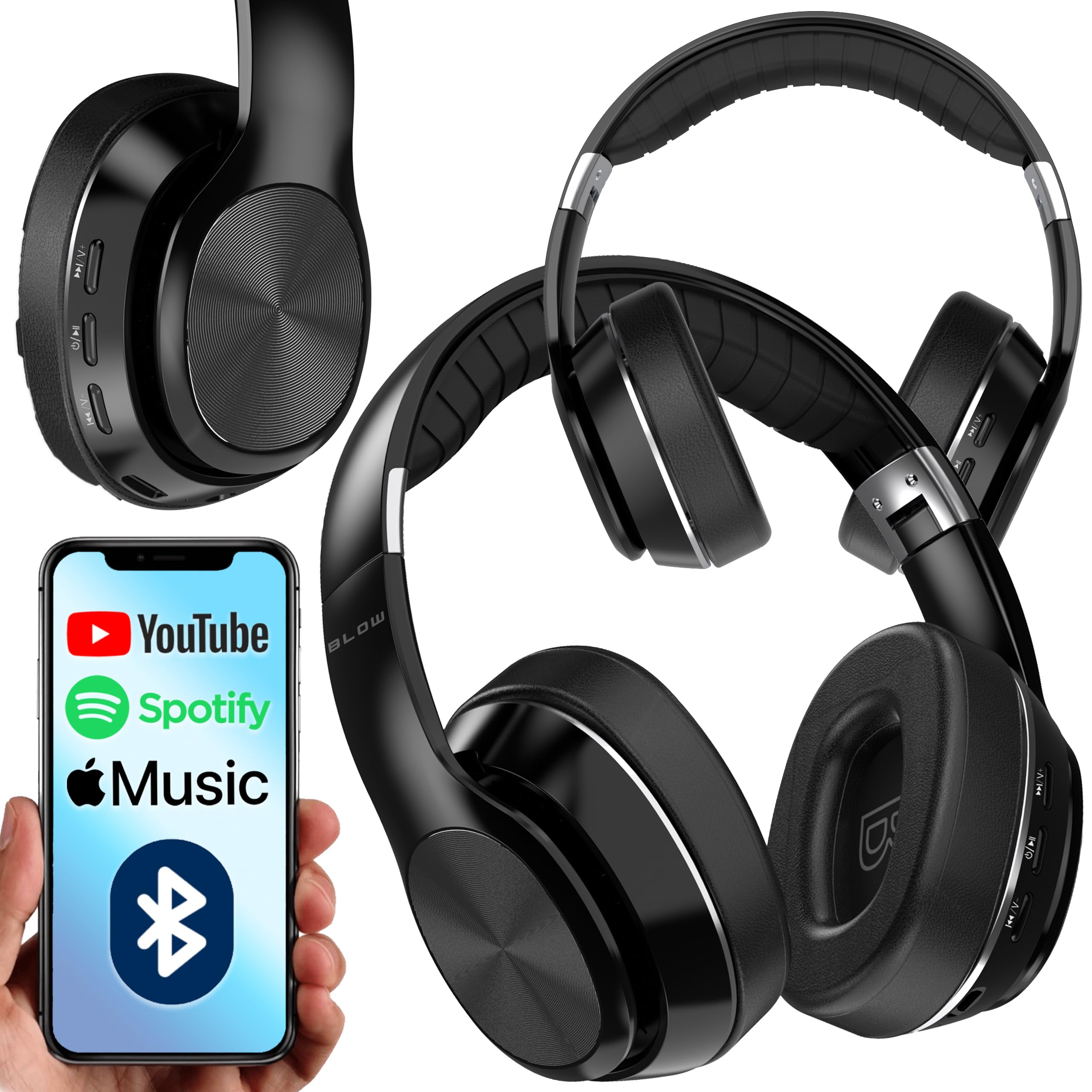
Image: Front-side view of the BLOW BTX700ANC Bluetooth Headphones, showcasing the earcups and headband.
Package Contents
Please check the package for the following items:
- BLOW BTX700ANC Bluetooth Headphones
- USB-C Charging Cable
- 3.5mm to 3.5mm Audio Cable (1m)
Product Overview
Familiarize yourself with the various parts and controls of your headphones.

Image: Close-up view of the right ear cup, showing the control buttons and ports.
Controls and Ports:
- Power Button: Press and hold to power on/off. Short press for play/pause.
- Volume Up/Next Track Button (+): Short press to increase volume. Long press for next track.
- Volume Down/Previous Track Button (-): Short press to decrease volume. Long press for previous track.
- ANC Button: Press to activate or deactivate Active Noise Cancellation.
- USB-C Charging Port: For charging the headphones.
- 3.5mm Audio Jack: For wired connection.
- Microphone: For hands-free calls.
- TF Card Slot: Insert a TF card (up to 32GB) for direct music playback.
Setup
1. Charging the Headphones
- Connect the USB-C charging cable to the charging port on the headphones.
- Connect the other end of the cable to a USB power adapter (not included) or a computer's USB port.
- The LED indicator will show charging status (e.g., red for charging, off or blue for fully charged).
- A full charge takes approximately 2.5 hours.
2. Bluetooth Pairing
- Ensure the headphones are fully charged.
- Press and hold the Power button for approximately 3-5 seconds until the LED indicator flashes blue and red alternately, indicating pairing mode.
- On your device (smartphone, tablet, computer), enable Bluetooth and search for available devices.
- Select "BTX700ANC" from the list of found devices.
- Once successfully paired, the LED indicator will flash blue slowly.
- The headphones will automatically reconnect to the last paired device when powered on, if within range (up to 10 meters).
Operating Instructions
Power On/Off:
- Power On: Press and hold the Power button for 3 seconds.
- Power Off: Press and hold the Power button for 3 seconds.
Music Playback:
- Play/Pause: Short press the Power button.
- Next Track: Long press the "+" button.
- Previous Track: Long press the "-" button.
- Volume Up: Short press the "+" button.
- Volume Down: Short press the "-" button.
Call Management:
- Answer/End Call: Short press the Power button.
- Reject Call: Long press the Power button.
Active Noise Cancellation (ANC):
- Press the dedicated ANC button to activate or deactivate the noise cancellation feature. The LED indicator will light up (e.g., green) when ANC is active.
Wired Mode:
- Connect one end of the 3.5mm audio cable to the headphone's audio jack.
- Connect the other end to your audio source's 3.5mm output.
- In wired mode, the headphones function passively, and battery power is not required for audio playback, though ANC may still require power.
TF Card Playback:
- Insert a TF (microSD) card with MP3 audio files into the TF card slot.
- The headphones will automatically switch to TF card playback mode. Use the music playback controls to manage your audio.
Maintenance
Proper care will extend the life of your headphones.
Cleaning:
- Wipe the headphones with a soft, dry cloth.
- Do not use abrasive cleaners, solvents, or harsh chemicals.
Storage:
- When not in use, fold the headphones for compact storage.
- Store them in a cool, dry place, away from direct sunlight and extreme temperatures.

Image: The BLOW BTX700ANC headphones in their folded position, ready for storage or transport.
Troubleshooting
| Problem | Solution |
|---|---|
| Headphones do not power on. | Ensure the headphones are fully charged. Connect to a power source using the USB-C cable. |
| Cannot pair with device. |
|
| No sound or low volume. |
|
| ANC is not effective. | Ensure the ANC feature is activated by pressing the ANC button. Note that ANC is most effective against low-frequency, constant noise. |
Specifications
| Feature | Detail |
|---|---|
| Model Name | BTX700ANC |
| Model Number | 32-833 |
| Bluetooth Version | 5.3 |
| Operating Distance | Up to 10 meters |
| Frequency Range | 2.402 - 2.480 GHz |
| Driver Size | 40mm |
| Battery Capacity | 500mAh |
| Operating Time | Up to 10 hours |
| Charging Time | Approximately 2.5 hours |
| Impedance | 32 Ohms |
| Weight | 336 Grams |
| Water Resistance | Not waterproof |
| TF Card Support | Max 32GB |
| Compatible Devices | Laptop, Tablet, Mobile Phone |
| Special Features | Active Noise Cancellation (ANC), Foldable Design, Rechargeable Battery |
Safety Information
Please observe the following safety guidelines for safe operation:
- Do not expose the headphones to extreme temperatures, humidity, or liquids.
- Avoid listening at high volumes for extended periods to prevent hearing damage.
- Do not attempt to disassemble or modify the headphones. This will void the warranty.
- Keep out of reach of children.
- Dispose of the product and battery responsibly according to local regulations.
Warranty and Support
BLOW products are designed for reliability and performance. For warranty claims or technical support, please refer to the warranty card included with your purchase or contact your retailer. Information regarding spare parts availability and software updates is not provided in this manual.
For further assistance, please visit the official BLOW website or contact their customer service.
