
REOLINK Argus PT Ultra
REOLINK Home Hub with Argus PT Ultra Security System User Manual
Model: Argus PT Ultra
1. Product Overview
The REOLINK Home Hub with Argus PT Ultra Security System provides comprehensive outdoor surveillance with advanced features. This system includes the central Home Hub, multiple Argus PT Ultra cameras, and accompanying solar panels for continuous power. It is designed for easy setup and offers high-resolution video, flexible viewing angles, and smart detection capabilities to keep your property secure.

Image 1.1: Complete REOLINK Home Hub Security System with three Argus PT Ultra cameras and solar panels.
2. What's Included
Your REOLINK Home Hub with Argus PT Ultra system package contains the following components:
- 1 x REOLINK Home Hub
- 3 x REOLINK Argus PT Ultra Cameras
- 3 x REOLINK 6W Solar Panels
- 1 x 64GB microSD Card (pre-installed in Home Hub)
- Power Adapter for Home Hub
- Mounting Accessories for Cameras and Solar Panels
- USB Charging Cable

Image 2.1: A single REOLINK Argus PT Ultra camera paired with its solar panel.
3. Setup Guide
3.1 Initial Setup and Connection
- Power On the Home Hub: Connect the Home Hub to a power source using the provided power adapter. Ensure it powers on correctly.
- Connect to Internet: For initial setup and camera pairing, connect the Home Hub to your home network via an Ethernet cable.
- Download REOLINK App: Download and install the official REOLINK app on your smartphone.
- Add Home Hub: Open the app, create an account if you don't have one, and follow the on-screen instructions to add your Home Hub by scanning the QR code on the device.
- Pair Cameras: Follow the app's instructions to pair each Argus PT Ultra camera with the Home Hub. This typically involves powering on the camera and allowing the app to detect it.
- Install Cameras and Solar Panels: Once paired, install the cameras in your desired outdoor locations. Connect each camera to its respective 6W solar panel for continuous power. Ensure the solar panel is positioned to receive maximum sunlight.

Image 3.1: Example of a REOLINK Argus PT Ultra camera and solar panel installation, demonstrating cord-free setup.
3.2 App Configuration
After pairing, configure camera settings via the REOLINK app:
- Wi-Fi Connection: The Home Hub creates its own Wi-Fi network (2.4GHz and 5GHz) for direct connection with your phone, allowing local access even without an external internet connection after initial setup.
- Detection Type: Customize motion detection settings to identify specific objects such as persons, vehicles, or animals. This helps reduce false alarms.
- Home Hub Siren: Enable the Home Hub siren to trigger an audible alarm when motion events are detected. You can also customize the alarm ringtone and schedule.
4. Operation
4.1 Video Quality and Coverage
The Argus PT Ultra cameras capture video in 4K UHD resolution, providing clear and detailed images both day and night. The cameras feature 360° pan and tilt functionality (355° pan, 140° tilt) to eliminate blind spots and offer comprehensive coverage of your monitored area. You can control the camera's movement remotely via the app.

Image 4.1: The camera provides vivid 4K UHD details for clear monitoring.

Image 4.2: The camera's pan and tilt function provides a 360° view without blind spots.
4.2 Smart Detection and Alerts
The system utilizes intelligent detection technology to differentiate between persons, vehicles, animals, and general motion. This allows for more accurate alerts, ensuring you are only notified about events that truly matter. When an event is detected, the Home Hub can trigger an alarm, and you will receive notifications on your smartphone.

Image 4.3: Smart detection identifies persons, vehicles, animals, and general motion for precise alerts.
4.3 Local Storage, Live View, and Playback
The Home Hub includes a 64GB microSD card for encrypted local storage, eliminating the need for monthly fees. This provides approximately one year of storage based on two cameras recording 300 seconds of video per day. Storage is expandable up to 512GB x2. You can access live views from your cameras at any time through the REOLINK app and review recorded footage directly from the local storage.

Image 4.4: The Home Hub supports encrypted local storage with an included 64GB microSD card, expandable to 512GB x2.
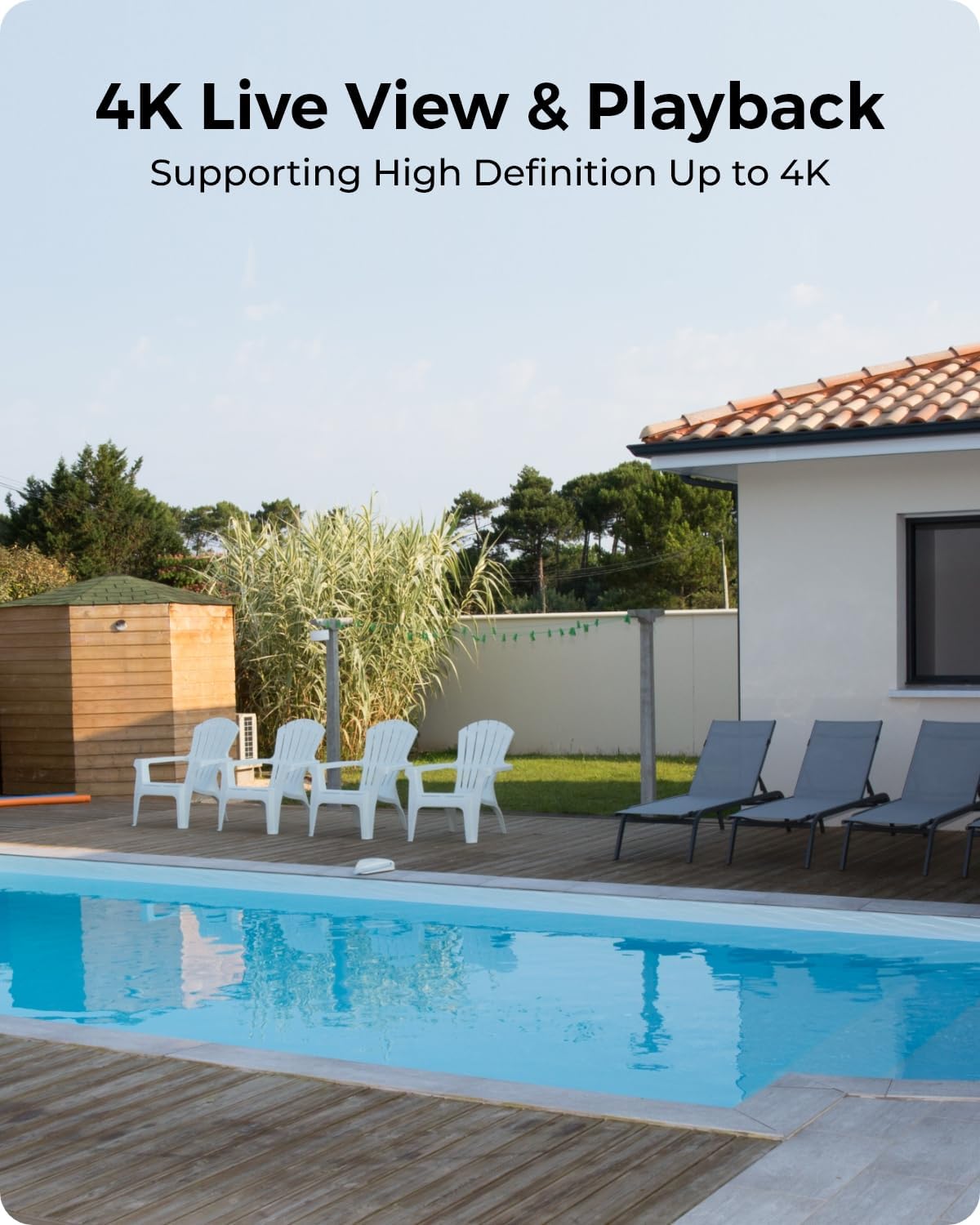
Image 4.5: Enjoy high-definition 4K live view and playback of recorded footage.
5. Maintenance
To ensure optimal performance and longevity of your REOLINK security system, consider the following maintenance tips:
- Clean Lenses: Periodically clean camera lenses with a soft, dry cloth to prevent dust or smudges from affecting image clarity.
- Solar Panel Placement: Regularly check that solar panels are free from obstructions (e.g., leaves, dirt) and are positioned to receive maximum direct sunlight for efficient charging.
- Firmware Updates: Keep your Home Hub and camera firmware updated through the REOLINK app to benefit from the latest features and security enhancements.
- Battery Health: Monitor battery levels of the cameras via the app, especially during prolonged periods of low sunlight or high activity.
6. Troubleshooting
If you encounter issues with your REOLINK Home Hub with Argus PT Ultra system, try the following common troubleshooting steps:
- No Power: Ensure all power connections are secure for both the Home Hub and cameras (via solar panels or direct charging).
- Offline Cameras: Check the Wi-Fi connection between the cameras and the Home Hub. Ensure they are within range and there are no significant signal interferences.
- Poor Video Quality: Verify the camera lens is clean. Check your network connection speed if streaming live view.
- False Alarms: Adjust the motion detection sensitivity and detection zones in the REOLINK app. Ensure the camera is not pointing at frequently moving objects or strong light sources.
- Playback Issues: Ensure the microSD card is properly inserted and not full. If issues persist, try reformatting the card (this will erase all data).
7. Specifications
| Feature | Specification |
|---|---|
| Brand | REOLINK |
| Model Number | Argus PT Ultra |
| Power Source | Solar Powered (12 Volts DC) |
| Video Capture Resolution | 2160p (4K UHD) |
| Connectivity Technology | Wireless (2.4/5 GHz Wi-Fi) |
| Pan & Tilt | 360° View (355° Pan, 140° Tilt) |
| Storage | 64GB microSD Card Included (Expandable up to 512GB x2) |
| Alert Type | Motion, Person, Vehicle, Animal Detection |
| Control Method | App |
| Installation Type | Screw-In |
8. Warranty & Support
REOLINK provides lifetime technical support for this product, directly from the manufacturer. For any inquiries, technical assistance, or warranty claims, please contact REOLINK customer support through their official website or the contact information provided in your product packaging.
For more information and detailed guides, visit the official REOLINK website: www.reolink.com
Related documentsArgus PT Ultra


Ask a question about this manual
Ask about setup, troubleshooting, compatibility, parts, safety, or missing instructions. Manuals+ will review the question and use this page’s manual context to help answer it.