
Altec Lansing IMT8400
Altec Lansing SOUNDROVER PRO 650 Portable Speaker User Manual
Model: IMT8400
Introduction
This manual provides essential information for the safe and efficient operation of your Altec Lansing SOUNDROVER PRO 650 Portable Speaker. Please read this manual thoroughly before using the product and retain it for future reference.
What's in the Box
- Altec Lansing SOUNDROVER PRO 650 Portable Speaker
- Wireless Microphone
- Tripod Stand
- Power Adapter
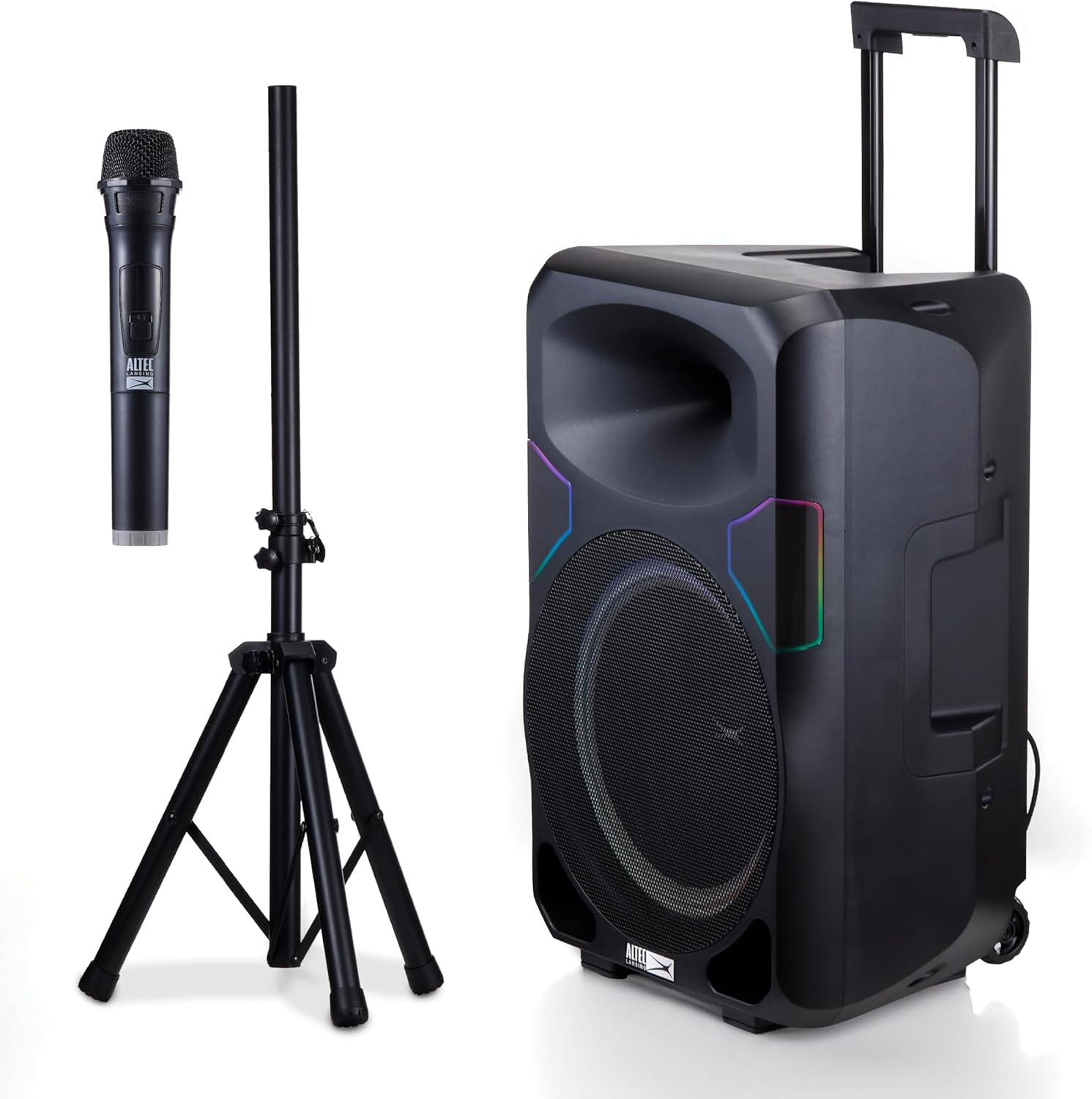
Image: Contents of the Altec Lansing SOUNDROVER PRO 650 package, including the speaker, wireless microphone, and tripod stand.
Setup
Speaker Placement
The SOUNDROVER PRO 650 can be placed directly on a flat surface or mounted on the included tripod stand for optimal sound projection. Ensure the speaker is stable and on a level surface to prevent tipping.

Image: The SOUNDROVER PRO 650 speaker positioned on its tripod stand in an outdoor setting, demonstrating typical setup.
Power Connection
Connect the provided power adapter to the AC input on the rear panel of the speaker and then to a standard wall outlet. The unit is designed for wall-powered operation to deliver maximum output.
Video: Demonstrates connecting the power cable to the speaker and turning on the power switch, highlighting its wall-powered capability for maximum output.
Operating Instructions
Control Panel Overview
The rear panel of the SOUNDROVER PRO 650 features a comprehensive control interface for various audio inputs and adjustments.
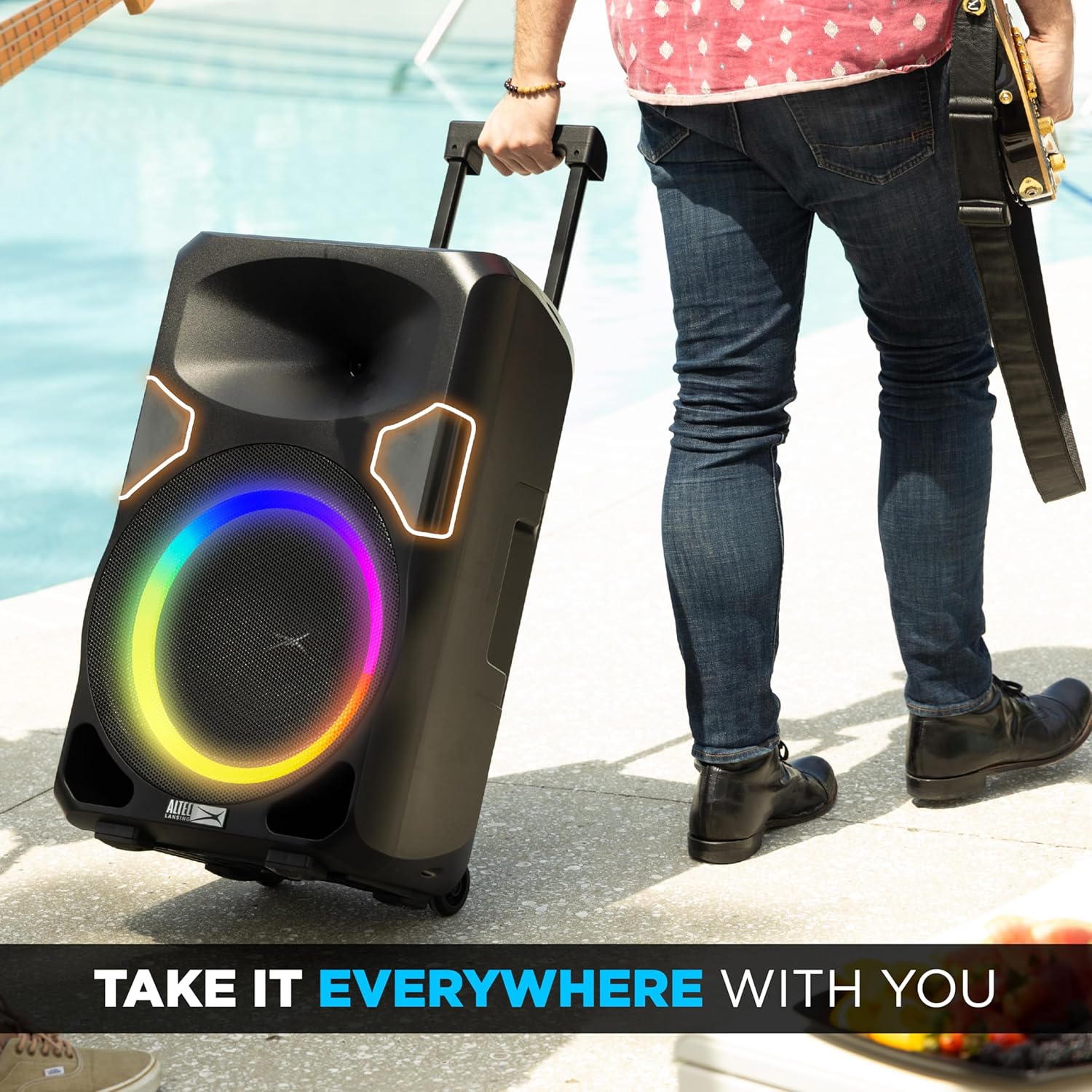
Image: Detailed view of the speaker's control panel, showing inputs for USB/SD media, guitar, microphone, RCA, and XLR/1/4" connectors, along with the graphic equalizer and reverb controls.
- USB/SD Media Playback: Insert USB drives or SD cards for direct audio playback.
- Guitar Input: Connect a guitar using a 1/4" cable.
- Mic Input: Connect a microphone using an XLR or 1/4" cable.
- Graphic EQ: Adjust the frequency response for customized sound.
- RCA 1/8" Input: Connect external audio devices via RCA or 1/8" (3.5mm) auxiliary cable.
- Inputs with Reverb: Apply reverb effect to specific inputs.
- Pro XLR & 1/4" Connectors: Professional-grade inputs for microphones and other audio equipment.
Wireless Microphone Usage
The included wireless microphone can be used for karaoke, announcements, or performances. Ensure the microphone is powered on and paired with the speaker according to the microphone's instructions.

Image: The wireless microphone included with the SOUNDROVER PRO 650 speaker.
Bluetooth Connectivity
To connect a Bluetooth device, ensure the speaker is in Bluetooth mode. Search for "SOUNDROVER PRO 650" on your device's Bluetooth settings and pair. A confirmation sound will indicate successful pairing.
TWS Pairing (True Wireless Stereo)
For an enhanced stereo experience, two SOUNDROVER PRO 650 speakers can be paired wirelessly. Refer to the detailed TWS pairing instructions in the full product manual for specific steps.

Image: Two SOUNDROVER PRO 650 speakers configured for True Wireless Stereo (TWS) pairing, providing a wider soundstage for outdoor events.
LED Lighting Modes
The speaker features dynamic LED lighting with various modes, including chase and beat-sync. Use the dedicated LIGHT button on the control panel to cycle through the available lighting effects.

Image: The SOUNDROVER PRO 650 speaker showcasing its dynamic LED lighting, with callouts for 650W Peak Power, 15" Woofer, Stereo Pairing, 12 Hours Play Time, Mic & Guitar Inputs, Built-in Smartphone Charger, Easy to Take Anywhere, and Multi Light Modes.
Maintenance
- Cleaning: Use a soft, dry cloth to clean the speaker's exterior. Avoid abrasive cleaners or solvents.
- Storage: Store the speaker in a cool, dry place away from direct sunlight and extreme temperatures when not in use.
- Transport: Utilize the built-in carrying handles and durable wheels for easy and safe transport.

Image: A person easily transporting the SOUNDROVER PRO 650 speaker using its extendable trolley handle, demonstrating its portability.

Image: A close-up view of the durable wheels on the SOUNDROVER PRO 650 speaker, designed for easy mobility.
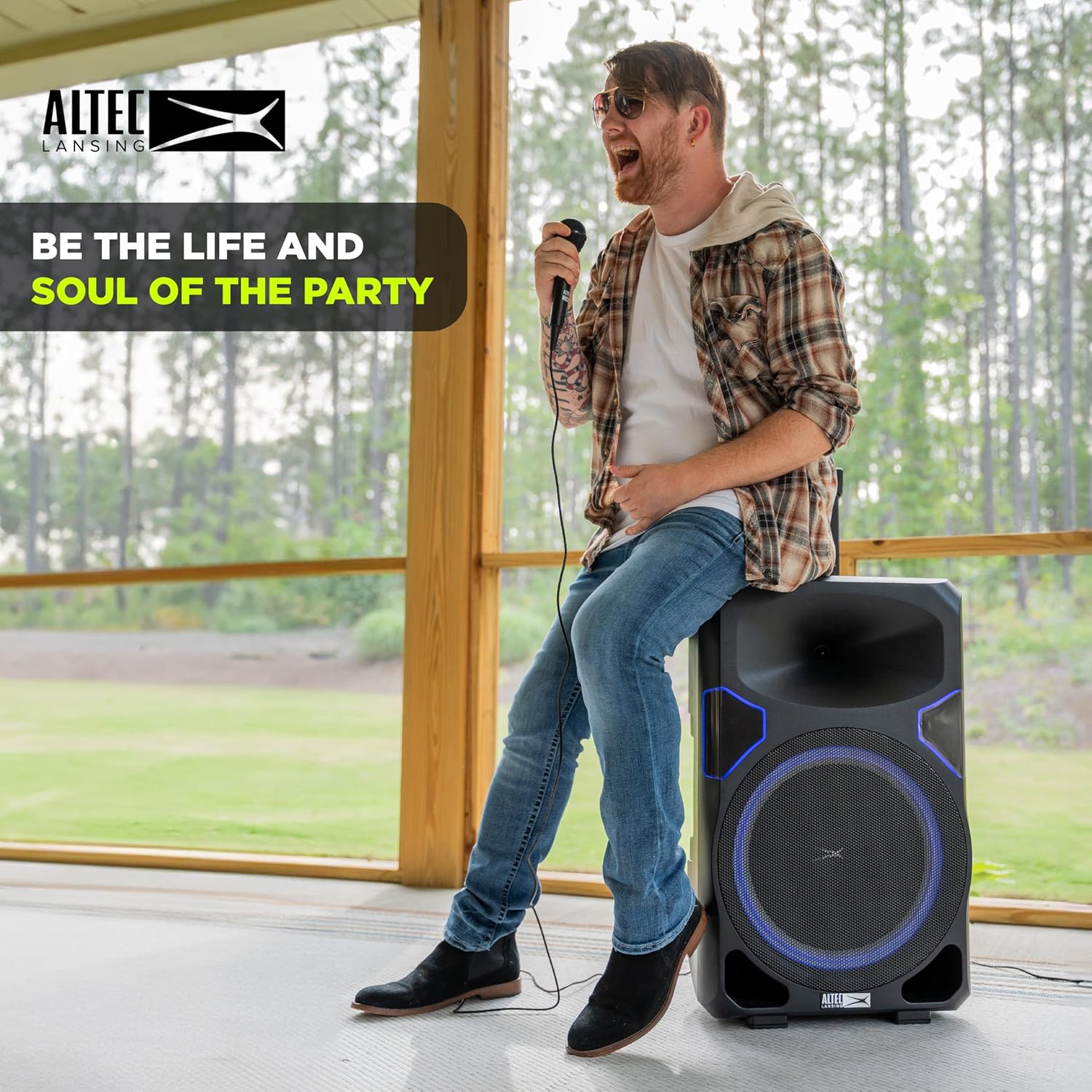
Image: A person carrying the SOUNDROVER PRO 650 speaker using its built-in side handles, showcasing another method of transport.
Troubleshooting
| Problem | Possible Cause | Solution |
|---|---|---|
| No power | Power cable not connected; Power switch off | Ensure power cable is securely connected and power switch is in the ON position. |
| No sound output | Volume too low; Incorrect input selected; Device not paired (Bluetooth) | Increase Master Volume. Select correct input source. Re-pair Bluetooth device. |
| Microphone not working | Microphone off; Battery low; Incorrect input selected | Ensure microphone is powered on. Replace batteries if needed. Select correct microphone input. |
| Distorted sound | Volume too high; EQ settings incorrect | Reduce Master Volume. Adjust Graphic EQ settings. |
Specifications
| Feature | Detail |
|---|---|
| Model Number | IMT8400 |
| Peak Power Output | 650 Watts |
| Woofer Size | 15 inches |
| Tweeter Type | Horn-loaded |
| Power Source | Corded Electric |
| Connectivity Technology | Bluetooth, AUX, USB |
| Audio Inputs | XLR, 1/4", AUX |
| Number of Channels | 2 |
| Item Weight | 42.9 pounds |
| Package Dimensions | 31.25 x 21.62 x 18.5 inches |
| UPC | 021331082251 |
Warranty & Support
For detailed warranty information and customer support, please refer to the documentation included with your product or visit the official Altec Lansing website. Keep your proof of purchase for warranty claims.
Official Altec Lansing Store: Altec Lansing Store on Amazon
Related documentsIMT8400


Ask a question about this manual
Ask about setup, troubleshooting, compatibility, parts, safety, or missing instructions. Manuals+ will review the question and use this page’s manual context to help answer it.