
1. Introduction
Thank you for choosing the isinwheel SK14 Electric Bike for Kids. This manual provides essential information for the safe assembly, operation, and maintenance of your electric bike. Please read it thoroughly before use and retain it for future reference.
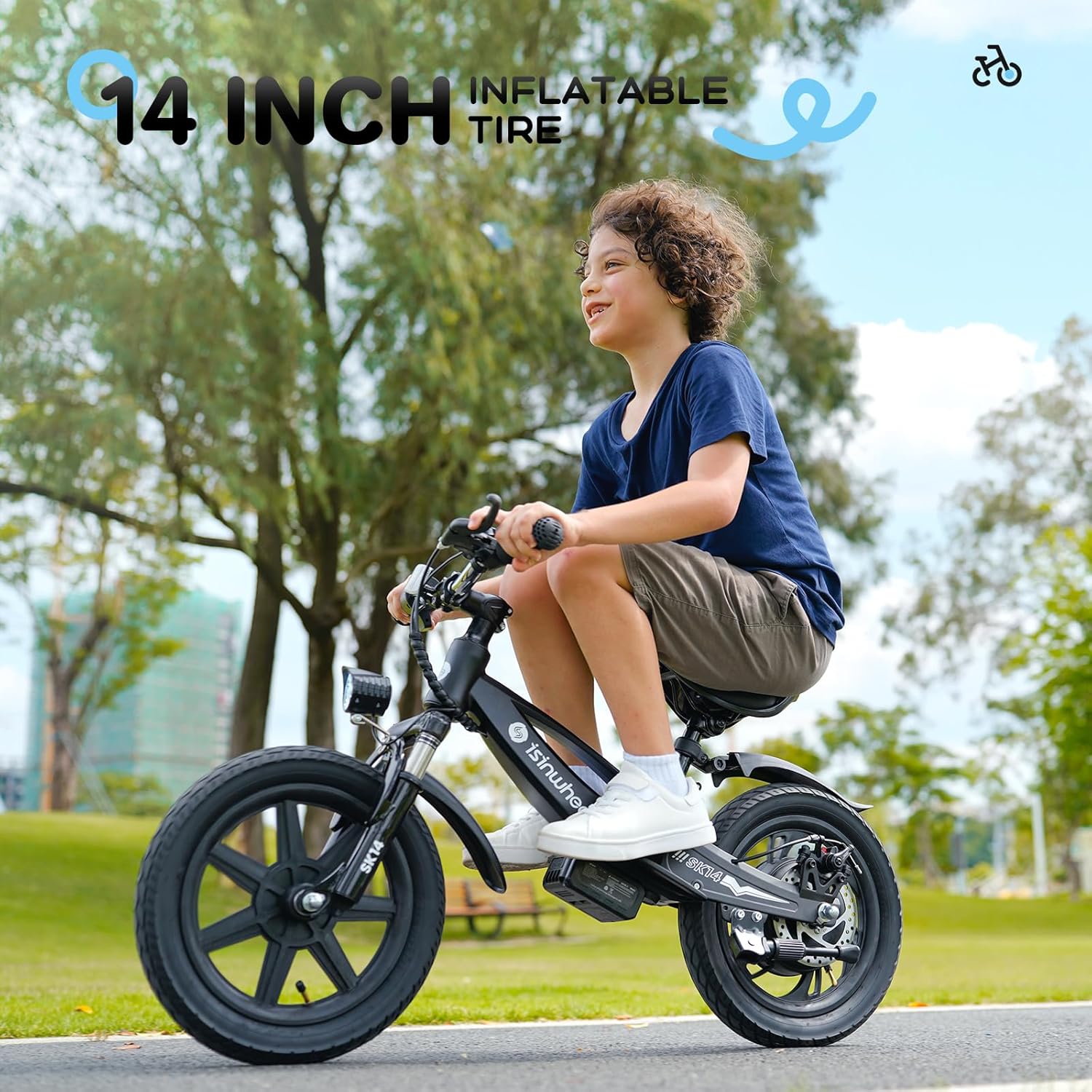
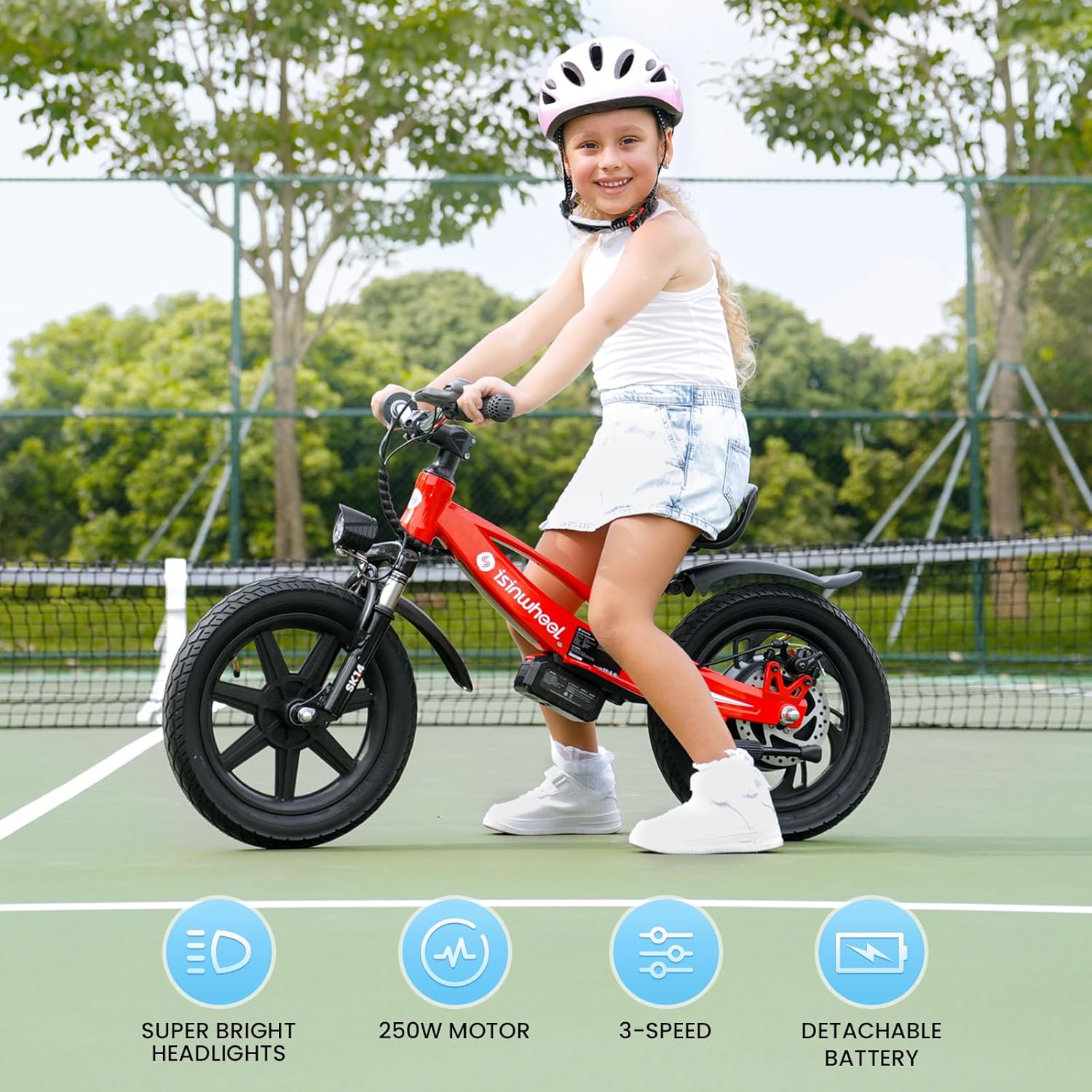
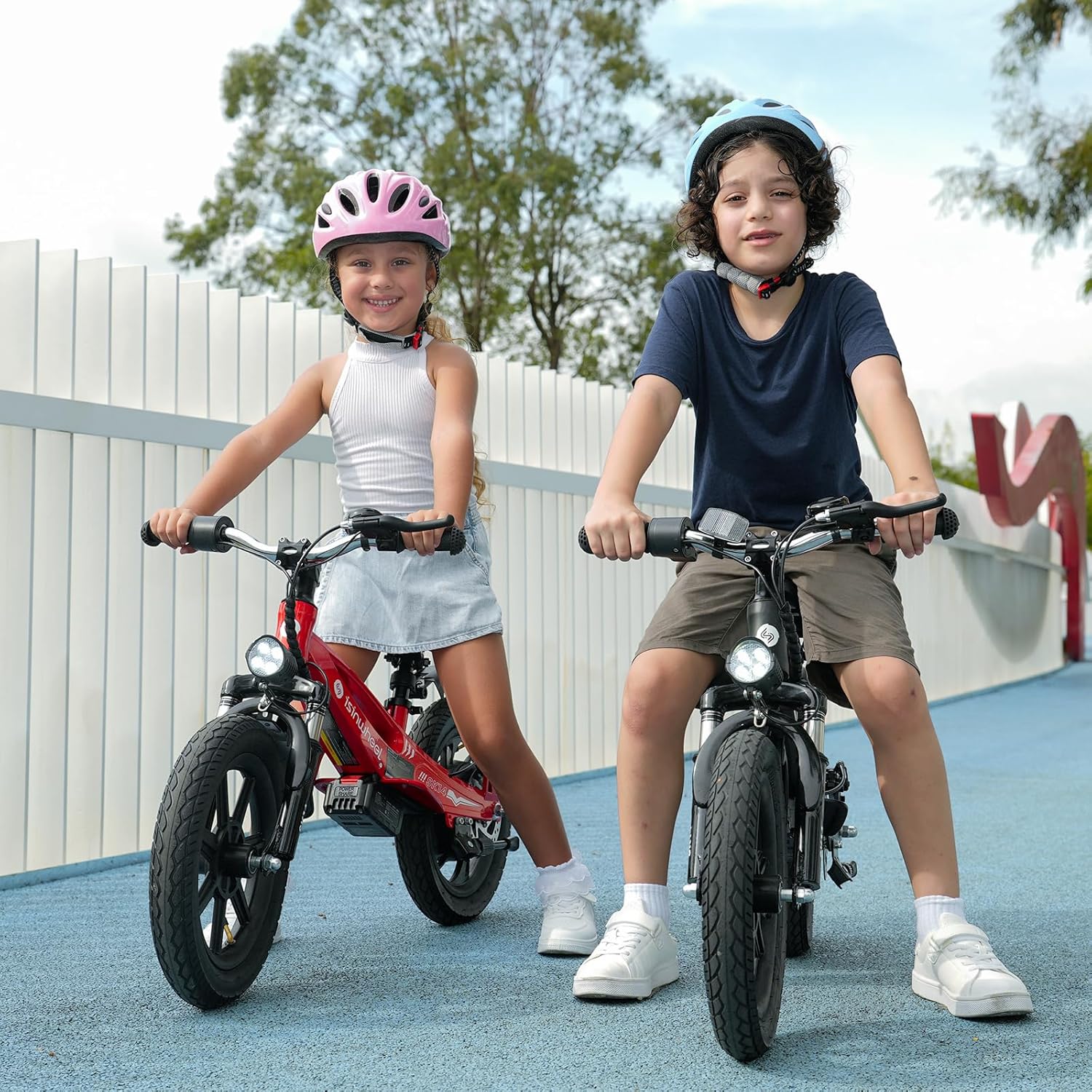
The isinwheel SK14 is designed as a 2-in-1 electric balance bike, featuring a powerful 250W motor, 14-inch inflatable tires, and a swappable battery. It offers three speed settings (3/6/10 mph) and is equipped with both an electronic brake and a disc brake for reliable stopping power. The adjustable seat ensures comfort for growing children, and the advanced shock absorption system provides a smoother ride on various terrains.
2. Safety Information
WARNING: Failure to follow these safety instructions could result in serious injury or death.
- Always wear a helmet and appropriate safety gear (knee pads, elbow pads) when riding.
- Adult supervision is required at all times when a child is operating the electric bike.
- Ensure the rider's age and skill level are appropriate for this product.
- Before each ride, check that all bolts and fasteners are tight, brakes are functioning correctly, and tires are properly inflated.
- Do not ride in traffic, on public roads, or in areas with pedestrians. Use in safe, open environments.
- Avoid riding in wet conditions, on steep inclines, or over large obstacles.
- Keep hands and feet away from moving parts.
- Do not modify the electric bike. Any modifications can compromise safety and void the warranty.
- The maximum weight recommendation for the rider is 154 pounds.
3. What's in the Box
Carefully unpack all components and check against the list below. If any items are missing or damaged, contact customer support immediately.
- isinwheel SK14 Electric Bike Frame
- Instruction Manual
- Brand Card
- Charger
- Hex Key
- Wrench
- Front Axle
- Front Wheel
- Rear Fender
- Seat
- Battery
4. Setup and Assembly
Assembly is required. Please follow these steps carefully. Tools needed (Hex Key, Wrench) are included.
- Install the Front Wheel: Attach the front wheel to the fork using the front axle and secure it with the provided nuts and wrench. Ensure the wheel spins freely and is centered.
- Attach the Handlebars: Insert the handlebar stem into the fork tube and tighten the clamping bolts with the hex key. Ensure the handlebars are straight and secure.
- Install the Seat: Insert the seat post into the frame's seat tube. Adjust the seat height to an appropriate level for the rider, ensuring their feet can comfortably touch the ground. Secure the seat post with the quick-release lever or bolt.
- Install the Rear Fender: Attach the rear fender to the designated mounting points on the frame.
- Charge the Battery: Before first use, fully charge the battery. Refer to the 'Battery Charging' section for detailed instructions.
- Check Tire Pressure: Ensure both tires are inflated to the recommended pressure (usually found on the tire sidewall).

Illustration of battery installation and removal.
5. Operating Instructions
5.1 Battery Charging
The SK14 features a removable battery for convenient charging.
- Remove the battery from the bike by pressing the release latch and sliding it out.
- Connect the charger to a standard wall outlet.
- Connect the charger's output plug to the battery's charging port.
- The indicator light on the charger will show the charging status (e.g., red for charging, green for fully charged).
- Once fully charged (approximately 5 hours), disconnect the charger from the battery and then from the wall outlet.
- Reinstall the battery into the bike, ensuring it clicks securely into place.

The removable battery connected to its charger.
5.2 Powering On/Off and Speed Control
- Power On: Press the power button on the LED display unit. The display will illuminate, showing battery level and current speed mode.
- Speed Modes: The bike has three adjustable speed gears: 3 mph, 6 mph, and 10 mph. Use the buttons on the display unit to switch between these modes according to the rider's skill and environment.
- Throttle Operation: To engage the motor, press the finger paddle throttle. The bike will accelerate based on the selected speed mode.
- Power Off: Press and hold the power button until the display turns off.

The clear LED display shows power and speed information.
5.3 Braking System
The SK14 is equipped with a dual braking system for enhanced safety: an electronic brake and a disc brake.
- To slow down or stop, gently squeeze the brake lever on the handlebars.
- Practice braking in a safe, open area to familiarize the rider with the bike's stopping distance.

The dual braking system provides reliable stopping power.
5.4 Headlight Operation
The super bright headlight ensures visibility and safety, especially during evening rides.
- The headlight can be turned on or off using a dedicated button on the display unit or handlebars, if available. Refer to the specific controls on your bike.

The super bright headlight for improved visibility.
6. Maintenance
Regular maintenance ensures the longevity and safe operation of your isinwheel SK14.
- Cleaning: Wipe the bike with a damp cloth after each ride. Avoid using high-pressure water jets directly on electrical components.
- Tires: Regularly check tire pressure and inflate as needed. Inspect tires for wear, punctures, or damage.
- Brakes: Periodically check brake lever tension and brake pad wear. Adjust or replace as necessary.
- Battery Care: Store the battery in a cool, dry place. If not used for extended periods, charge it every 1-2 months to maintain battery health. Do not expose the battery to extreme temperatures.
- Fasteners: Regularly check all bolts, nuts, and screws to ensure they are tight.
- General Inspection: Inspect the frame, fork, and other components for any signs of damage or wear.
7. Troubleshooting
This section addresses common issues you might encounter with your SK14 electric bike.
| Problem | Possible Cause | Solution |
|---|---|---|
| Bike does not power on. | Battery is not installed correctly or is discharged. | Ensure the battery is fully inserted and charged. Check battery connections. |
| Motor does not engage. | Low battery, throttle issue, or speed mode not selected. | Check battery level. Ensure a speed mode is selected. Contact support if throttle is unresponsive. |
| Brakes feel weak. | Brake pads worn or cable loose. | Inspect brake pads for wear and replace if necessary. Adjust brake cable tension. |
| Tires lose air quickly. | Puncture or valve issue. | Inspect tires for damage. Repair or replace inner tube if punctured. Ensure valve cap is secure. |
If you encounter issues not listed here or require further assistance, please contact isinwheel customer service.
8. Specifications
| Feature | Detail |
|---|---|
| Model Name | SK14 |
| Bike Type | Kids Electric Balance Bike |
| Motor Wattage | 250W Peak Power |
| Wheel Size | 14 Inches |
| Number of Speeds | 3 (3/6/10 mph) |
| Battery | Swappable/Removable |
| Brake Style | E-Brake and Disc Brake |
| Suspension Type | Front |
| Frame Material | Metal |
| Maximum Weight Recommendation | 154 Pounds |
| Assembly Required | Yes |
| Specific Uses | Off-road/Uneven Terrain |
9. Warranty and Support
isinwheel provides a 365-day quality assurance for the SK14 Electric Bike. This warranty covers manufacturing defects and issues with the battery or other accessories. In case of a problem, contact customer service for prompt assistance and potential reissue of parts, avoiding lengthy repair processes.
For any questions, concerns, or support needs, please utilize our 24/7/365 customer services online. Refer to the brand card included in your package for contact details or visit the official isinwheel website.
10. Product Overview



Product Video
Official product video demonstrating features and usage of the isinwheel SK14 Electric Bike.


