
1. Introduction
The AOFAR HX1600 is a high-precision laser rangefinder designed for hunting and shooting enthusiasts. It offers advanced features such as dual-color OLED display, angle compensation, and various measurement modes to provide accurate and reliable distance readings in diverse environments.

Image 1.1: The AOFAR HX1600 Laser Rangefinder, showcasing its compact and ergonomic design.
Key Features:
- OLED Dual-Color & Night Vision: Adjustable OLED display with 95% light transmission, optimized for low-light conditions like dawn, dusk, or dense forests.
- Scan 3.0 Technology & Real-time Data: Measures speed in 1 second, designed for fast-moving targets. Provides millimeter-level precision up to 1463m.
- Angle Compensation & Terrain Adaptation: Automatic angle correction for accurate horizontal distance, ideal for mountainous or dense forest terrains.
- Military-Grade Resistance: Durable aluminum alloy casing with anti-slip grip, IPX4 water-resistant, and operational in temperatures from -20°C to 60°C.

Image 1.2: Overview of the AOFAR HX1600's comprehensive functions, including range, OLED display, measurement time, speed mode, scan mode, horizontal distance, and IPX4 water resistance.
2. What's in the Box
Upon opening your AOFAR HX1600 package, please ensure all the following items are present:
- AOFAR HX1600 Laser Rangefinder
- User Manual
- Carabiner
- CR2 Battery
- Cleaning Cloth
- Carrying Bag
- High-Capacity Rope

Image 2.1: All items included in the AOFAR HX1600 package, neatly arranged.
3. Setup
3.1 Battery Installation
- Locate the battery compartment on the device.
- Open the battery cover by twisting or sliding it according to the indicator.
- Insert one CR2 battery, ensuring the positive (+) and negative (-) terminals align correctly with the markings inside the compartment.
- Close the battery cover securely.
3.2 Powering On/Off
- To Power On: Press the power button (usually marked 'Power' or 'On/Off') briefly. The OLED display will illuminate.
- To Power Off: The device will automatically power off after a period of inactivity to conserve battery. Alternatively, press and hold the power button for a few seconds until the display turns off.
4. Operating Instructions
The AOFAR HX1600 offers multiple modes for various measurement needs. Familiarize yourself with the buttons and display indicators.
4.1 OLED Display and Brightness Adjustment
The dual-color OLED display provides clear readings. You can adjust its brightness:
- Manual Adjustment (M1, M2, M3): Cycle through brightness levels by pressing a specific button (refer to the device's physical buttons, often 'Mode' or a dedicated brightness button).
- Automatic Adjustment: The AI technology automatically adjusts brightness for optimal visibility in varying light conditions (Dusk/Light).

Image 4.1: The dual-color OLED display showing measurement data and brightness adjustment options (M1, M2, M3) and automatic AI adjustment for different light conditions.
4.2 Measurement Modes
Press the 'Mode' button to cycle through the available measurement modes:
- Standard Distance Measurement: For basic point-to-point distance readings.
- Angle Compensation Mode (Horizontal Distance): This mode automatically calculates and displays the true horizontal distance to a target, compensating for uphill or downhill angles. This is crucial for accurate shot placement in varied terrain.

Image 4.2: Illustration of angle compensation, showing both line of sight distance and the calculated horizontal distance, essential for hunting applications.
- Speed Mode: Measures the speed of a moving target. Aim at the moving object and activate this mode; the device will provide a speed reading in meters per second (m/s).
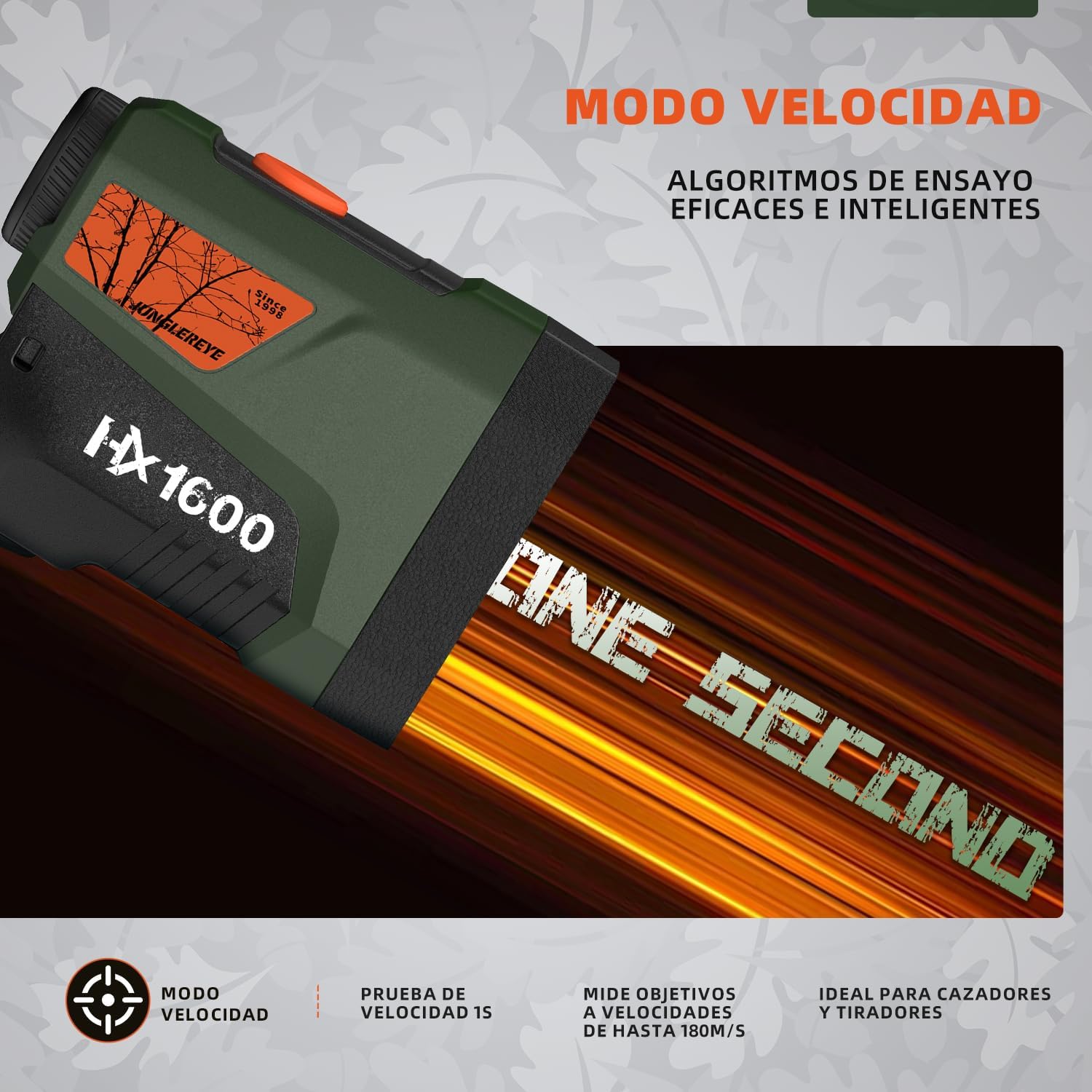
Image 4.3: Visual representation of the speed measurement mode, indicating its ability to measure targets moving up to 180m/s, ideal for hunters and shooters.
- Scan Mode (Scan 3.0): Allows for continuous measurement of multiple targets or a moving target. Press and hold the measurement button while sweeping across the area; the display will update with real-time distances. This is particularly useful for scanning a landscape or tracking an animal.

Image 4.4: Depiction of the Scan Mode 3.0, illustrating its continuous measurement capability for different targets, providing efficient and consistent results.
4.3 Taking a Measurement
- Power on the device.
- Look through the eyepiece and aim the reticle at your desired target.
- Press the measurement button (often the same as the power button) briefly.
- The distance reading will appear on the OLED display.
- If using a specific mode (e.g., Angle Compensation, Speed, Scan), ensure you have selected the correct mode before taking the measurement.
5. Maintenance
5.1 Cleaning
- Lenses: Use the provided cleaning cloth or a soft, lint-free cloth specifically designed for optical lenses. Gently wipe the lens surfaces to remove dust or smudges. Avoid using abrasive materials or harsh chemicals.
- Body: Wipe the body of the rangefinder with a soft, damp cloth. Do not use strong detergents or solvents.
5.2 Storage
- When not in use, store the rangefinder in its carrying bag to protect it from dust, dirt, and physical damage.
- Store in a cool, dry place, away from direct sunlight and extreme temperatures.
- If storing for an extended period, remove the battery to prevent leakage.
5.3 Water Resistance (IPX4)
The AOFAR HX1600 is IPX4 water-resistant, meaning it is protected against splashing water from any direction. It is suitable for use in light rain or wet conditions but should not be submerged in water.

Image 5.1: The AOFAR HX1600 demonstrating its IPX4 water resistance, highlighting its robust aluminum and rubber construction for outdoor adventures.
6. Troubleshooting
If you encounter issues with your AOFAR HX1600, please refer to the following common problems and solutions:
| Problem | Possible Cause | Solution |
|---|---|---|
| No display/Device won't turn on | Low or dead battery; Incorrect battery installation | Replace the CR2 battery; Ensure battery is inserted with correct polarity. |
| Inaccurate readings | Obstruction in line of sight; Target too small/reflective; Environmental factors (fog, heavy rain) | Ensure clear line of sight; Aim at a larger, less reflective part of the target; Re-measure in clearer conditions. |
| Display is dim or hard to read | OLED brightness setting too low; Extreme ambient light | Adjust OLED brightness manually (M1, M2, M3) or allow automatic adjustment. |
| Device powers off unexpectedly | Low battery; Automatic power-off feature | Replace battery; This is normal behavior to conserve power. |
If the problem persists after trying these solutions, please contact AOFAR customer support.
7. Specifications
Detailed technical specifications for the AOFAR HX1600 Laser Rangefinder:
- Model Number: HX1600
- Measurement Range: Up to 1463m (1600 yards)
- Display Type: Dual-Color OLED
- Battery Type: 1 x CR2 (included)
- Water Resistance: IPX4
- Operating Temperature: -20°C to 60°C
- Product Dimensions: 8.05 x 4.65 x 9.85 cm (3.17 x 1.83 x 3.88 inches)
- Product Weight: 0.27 g (0.59 lbs)
- Material: Rubber, Aluminum Alloy
- Color: Military Green
8. Warranty & Support
AOFAR is committed to providing excellent customer service and product reliability.
8.1 Warranty Information
- Lifetime Warranty: AOFAR offers a lifetime warranty on the HX1600 Laser Rangefinder, reflecting confidence in its durability and performance.
- 30-Day Return Policy: You are eligible for a refund or replacement within 30 days of purchase.
8.2 Customer Support
For any technical assistance, questions, or warranty claims, please contact our expert support team:
- Email: service@aofar.com
- Availability: 24/7 Technical Support

Image 8.1: AOFAR's commitment to customer satisfaction, highlighting 24-month warranty, 30-day return policy, and 24-hour technical support.


