
1. Introduction
Thank you for choosing the MagSound MagBeat X1 Bluetooth Speaker with Magnetic Wireless Charger. This portable speaker combines high-quality audio with versatile features, including magnetic attachment, wireless charging, TWS stereo pairing, and IPX7 waterproofing. This manual provides essential information for setting up, operating, and maintaining your device.
2. Package Contents
Please ensure all items are present in the package:
- MagSound MagBeat X1 Bluetooth Speaker
- Power Cable (USB-C)
- Quick Start Guide
- Warranty Card
3. Setup
3.1 Initial Charging
Before first use, fully charge your MagBeat X1 speaker. Connect the provided USB-C power cable to the speaker's charging port and a compatible USB power adapter (not included). The LED indicator will show charging status.
3.2 Power On/Off
- Power On: Press and hold the power button for approximately 3 seconds until the LED indicator lights up.
- Power Off: Press and hold the power button for approximately 3 seconds until the LED indicator turns off.
3.3 Bluetooth Pairing
- Ensure the speaker is powered on and in pairing mode (LED indicator will flash).
- On your mobile device, enable Bluetooth and search for available devices.
- Select "MagBeat X1" from the list to connect. The LED indicator will turn solid when successfully paired.
4. Operating Instructions
4.1 Basic Controls
The MagBeat X1 features intuitive touch controls:
- Play/Pause: Single press the power button.
- Volume Up: Press the '+' button.
- Volume Down: Press the '-' button.
- Next Track: Press and hold the '+' button.
- Previous Track: Press and hold the '-' button.
4.2 Magnetic Wireless Charging
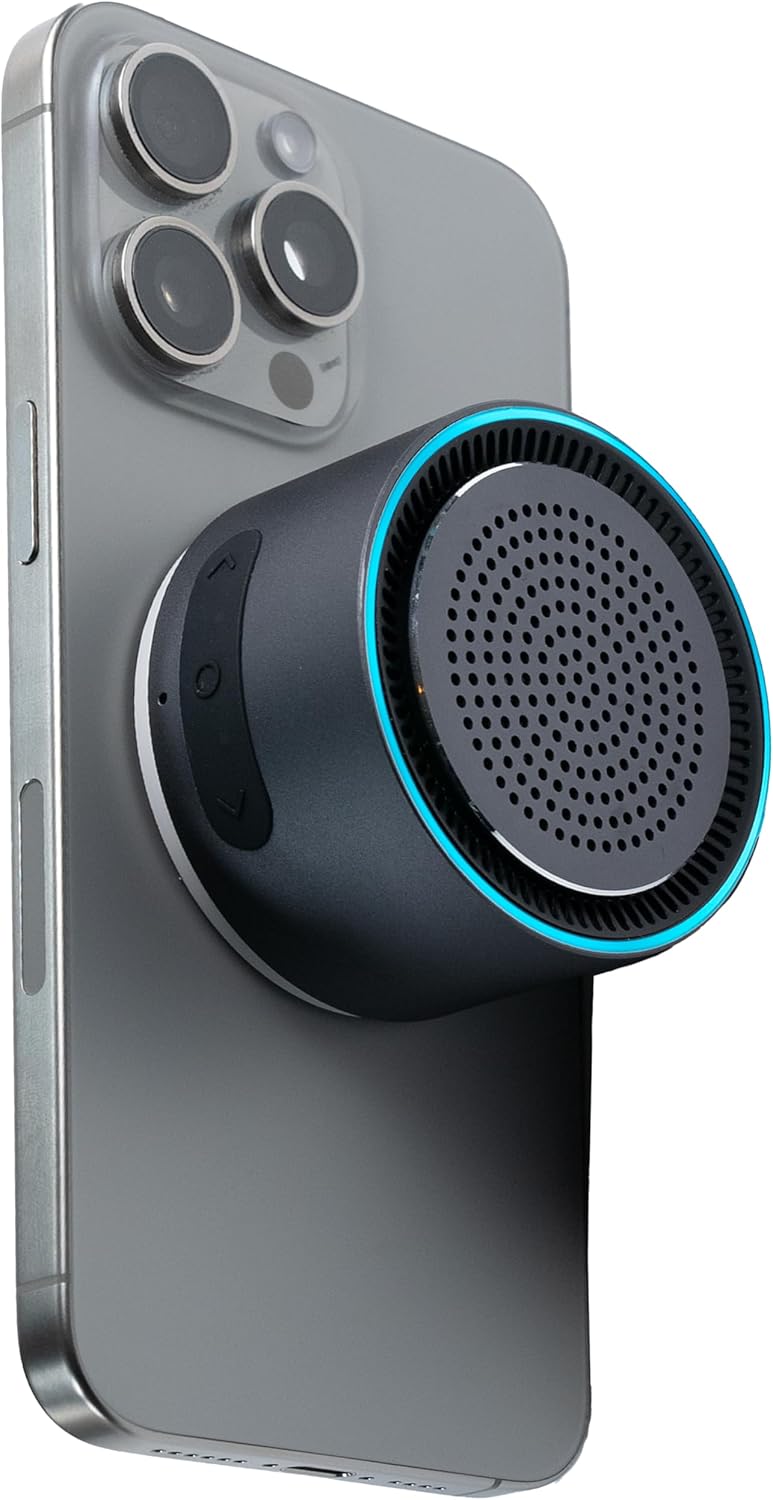
The MagBeat X1 features a built-in magnetic wireless charger compatible with MagSafe-enabled iPhones (12/13/14/15 mini pro Max) and other Qi2 compatible devices. Simply align your phone with the back of the speaker for wireless charging. Note: Wireless charging functions when the speaker is connected to a power source, not as a power bank.

4.3 Hands-Free Functionality
Utilize the magnetic mount to transform the speaker into a convenient phone stand for watching videos, browsing content, or making video calls. The integrated microphone allows for clear hands-free communication.
4.4 TWS Stereo Sync
For an immersive stereo sound experience, two MagBeat X1 speakers can be paired together:
- Ensure both speakers are powered on and not connected to any device.
- Double press the power button on one speaker (this will be the primary speaker). It will enter TWS pairing mode.
- The primary speaker will automatically connect to the second speaker. Once connected, the LED indicators on both speakers will synchronize.
- Connect your mobile device to the primary speaker via Bluetooth.

4.5 LED Equalizer Functions
The MagBeat X1 features a dynamic LED equalizer. Press the LED button to cycle through different light modes:
- Fade colors slowly
- Fade colors quickly
- LED Equalizer (reacts to music)
- Fade Blue
- Fade Green
- Fade Yellow
- Fade Purple
- LED Off
4.6 Audio Quality
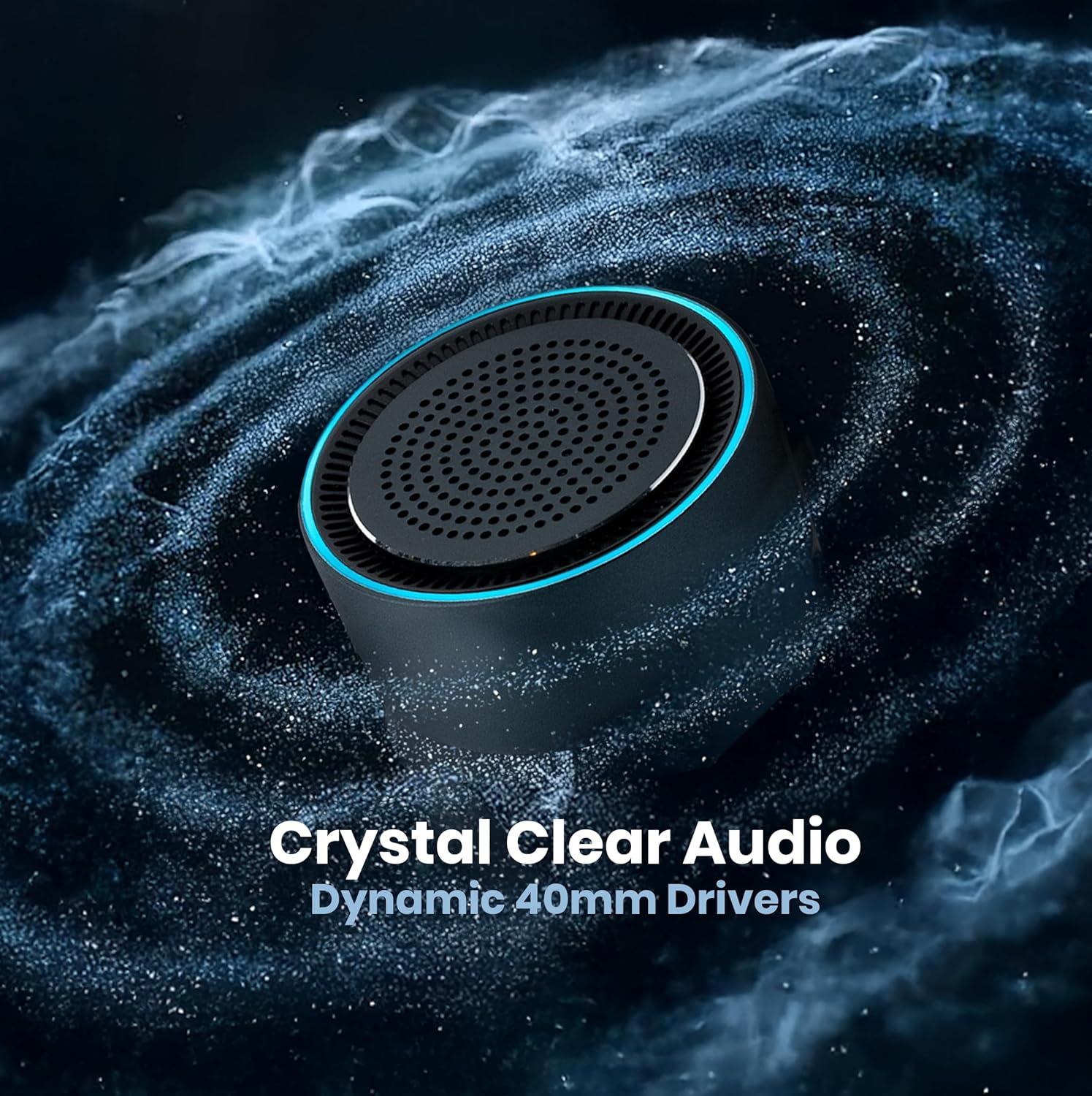
The MagBeat X1 delivers crystal-clear audio with booming bass, powered by dynamic 40mm drivers. Enjoy your music, podcasts, and calls with superior sound quality.
Video 1: A short demonstration of the MagBeat X1's audio capabilities, highlighting its bass performance. (Source: MagSound)
5. Maintenance
5.1 Water Resistance (IPX7)
The MagBeat X1 is IPX7 waterproof, meaning it can be submerged in up to 1 meter of water for 30 minutes. This makes it suitable for use by the pool, at the beach, or in rainy conditions. Ensure the charging port cover is securely closed before exposing the speaker to water.

5.2 Cleaning
To clean your speaker, wipe it with a soft, damp cloth. Do not use abrasive cleaners or solvents. Ensure the speaker is dry before charging.
5.3 Battery Care
To maintain optimal battery health, fully charge the speaker at least once every three months if it is not in regular use.
6. Troubleshooting
- Speaker does not power on: Ensure the battery is charged. Connect the speaker to a power source using the USB-C cable.
- Cannot pair with device:
- Ensure Bluetooth is enabled on your device.
- Make sure the speaker is in pairing mode (LED flashing).
- Move your device closer to the speaker (within 10 meters/33 feet).
- Forget the device from your phone's Bluetooth list and try pairing again.
- Poor sound quality:
- Adjust the volume on both the speaker and your connected device.
- Ensure there are no obstructions between the speaker and your device.
- Move away from potential sources of interference (e.g., Wi-Fi routers, other Bluetooth devices).
- Wireless charging not working:
- Ensure the speaker is connected to a power source.
- Verify your phone is compatible with MagSafe/Qi2 wireless charging.
- Ensure proper alignment of your phone with the charging area on the speaker.
- TWS pairing issues:
- Ensure both speakers are disconnected from any other Bluetooth devices.
- Power off both speakers, then power them on and attempt TWS pairing again.
7. Specifications
| Model Name | MagBeat X1 |
| Brand | MagSound |
| Material | Aluminum |
| Color | Graphite |
| Product Dimensions | 2.3"D x 2.3"W x 1.45"H |
| Item Weight | 5.6 ounces |
| Speaker Type | Outdoor |
| Speaker Size | 2.3 Inches (40mm Dynamic Driver) |
| Speaker Maximum Output Power | 3 Watts |
| Audio Output Mode | Stereo (2.0) |
| Wireless Communication Technology | Bluetooth 5.0 |
| Bluetooth Range | 10 Meters (33 feet) |
| Power Source | Battery Powered |
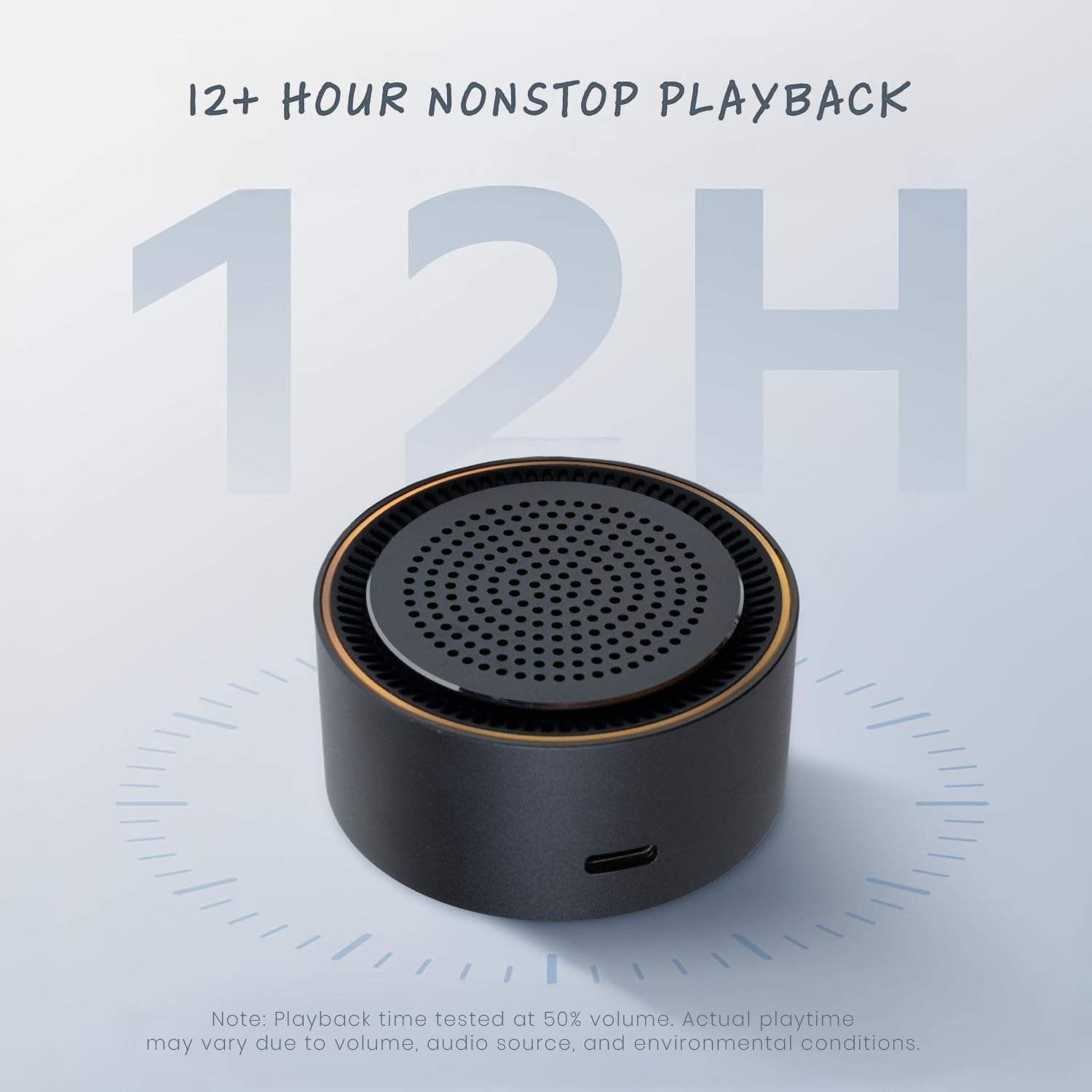
| Battery Life | Up to 10 hours |
| Water Resistance Level | IPX7 (Waterproof) |
| Special Features | Bass Boost, Built-in Microphone, Lightweight, Magnetic, Portable, TWS Stereo Sync, LED Equalizer |
8. Warranty & Support
8.1 Limited Warranty
The MagSound MagBeat X1 comes with a limited warranty. Please refer to the included Warranty Card for detailed terms and conditions. This warranty covers manufacturing defects and ensures your product is free from material and workmanship flaws under normal use.
8.2 Customer Support
For any questions, technical assistance, or warranty claims, please contact MagSound customer support through the official website or the contact information provided on your Warranty Card. Our team is dedicated to providing prompt and helpful service.