
Introduction
This manual provides detailed instructions for the Monster Smart LED Light Bars (MNW7-2024-ICM). These light bars are designed to enhance your entertainment setup with customizable lighting, featuring RGB+IC multi-color technology, dimmable functionality, and sound-reactive capabilities. They offer versatile placement options and can be controlled via the Monster Smart app or voice commands through compatible smart home systems.
Safety Information
Please read and understand all safety instructions before using this product. Failure to follow these instructions may result in electric shock, fire, or other hazards.
- Do not expose the device to water or moisture.
- Do not attempt to disassemble or modify the device.
- Use only the provided power adapter.
- Keep out of reach of children.
- Ensure proper ventilation around the light bars.
Package Contents
Verify that all items are present in the package:
- 2 LED Light Bars
- Power Adapter
- User Manual (this document)
Setup
Follow these steps to set up your Monster Smart LED Light Bars:
- Physical Placement: The light bars can be positioned horizontally or vertically. Choose a stable surface such as a TV stand, desk, or shelf. Ensure the chosen location allows for optimal light dispersion and is within reach of a power outlet.

Image: Two Monster Smart LED Light Bars demonstrating multi-position mounting.
- Power Connection: Connect the power adapter to the light bars and then plug the adapter into a standard electrical outlet. The light bars should illuminate, indicating they are receiving power.
- App Installation: Download the Monster Smart app from your device's app store (available for iOS and Android).
- Wi-Fi Pairing: Open the Monster Smart app and follow the on-screen instructions to add your new light bars. Ensure your mobile device is connected to a 2.4GHz Wi-Fi network during the pairing process. The app will guide you through connecting the light bars to your home Wi-Fi network.
Operating Instructions
Control your Monster Smart LED Light Bars using the Monster Smart app or voice commands.
Monster Smart App Control
The Monster Smart app provides comprehensive control over your light bars:
- Color Selection: Choose from a wide spectrum of colors using the color wheel or preset options. The RGB+IC technology allows for dynamic multi-color effects.
- Brightness Adjustment: Use the dimming slider to adjust the light intensity from 0% to 100%.
- Lighting Modes: Select from various pre-programmed lighting scenes or create custom effects.
- Sound Reactive Mode: Activate this feature to synchronize the light bars with audio from your environment, creating an immersive experience.

Image: Monster Smart LED Light Bars demonstrating sound-reactive lighting.
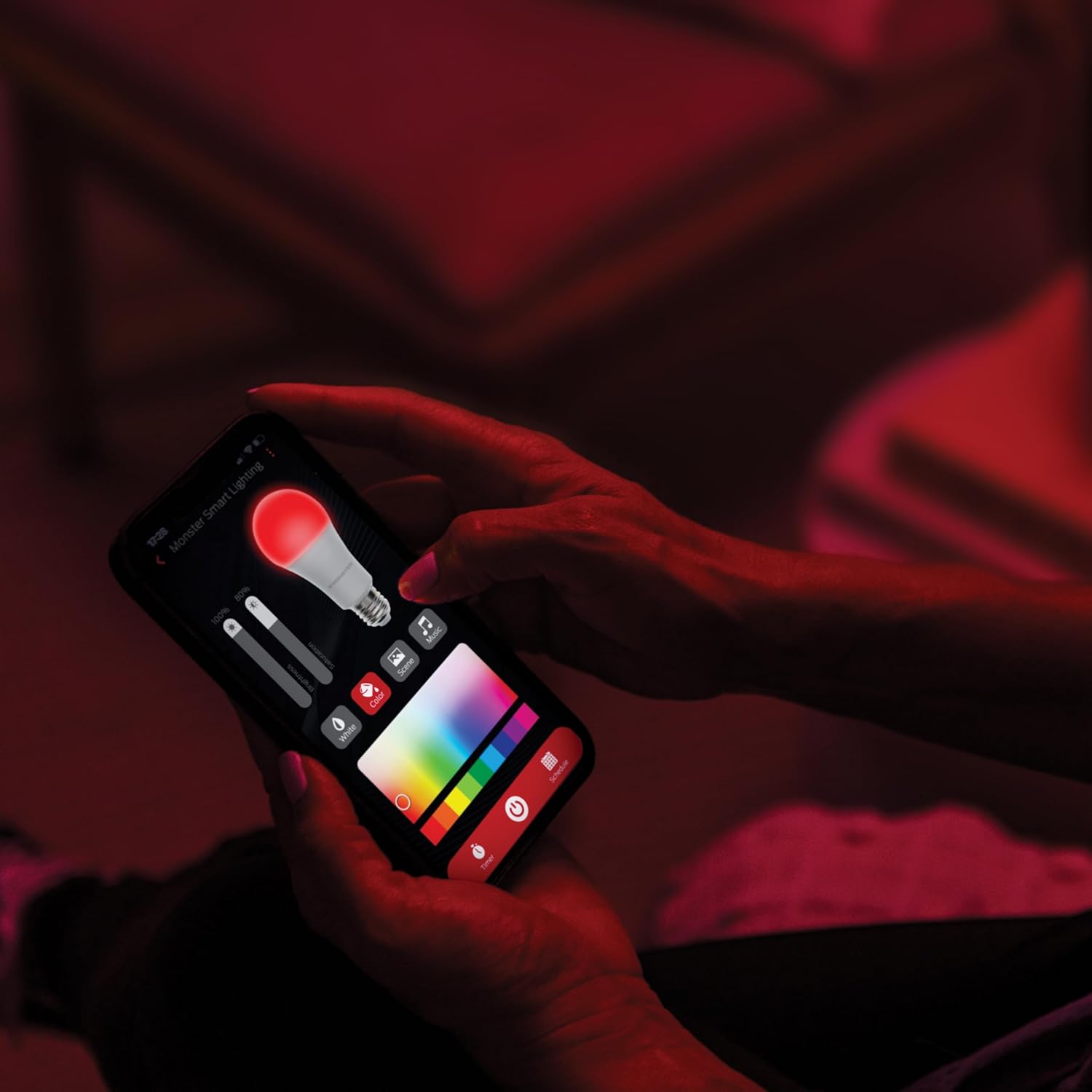
Image: Smartphone displaying the Monster Smart app for light control.
Voice Control
Integrate your light bars with smart home assistants for hands-free control:
- Alexa: Enable the Monster Smart skill in the Alexa app. Then, use commands like, "Alexa, turn on the light bars," or "Alexa, set light bars to blue."
- Google Home: Link your Monster Smart account in the Google Home app. Use commands such as, "Hey Google, dim the light bars to 50%," or "Hey Google, change light bars to red."
- Siri: Create custom Siri Shortcuts within the Monster Smart app to control your light bars with voice commands.
Razer Chroma Integration
For an enhanced gaming experience, the light bars can integrate with Razer Chroma. Follow the instructions within the Monster Smart app or Razer Synapse software to link your devices and synchronize lighting effects with your gaming setup.
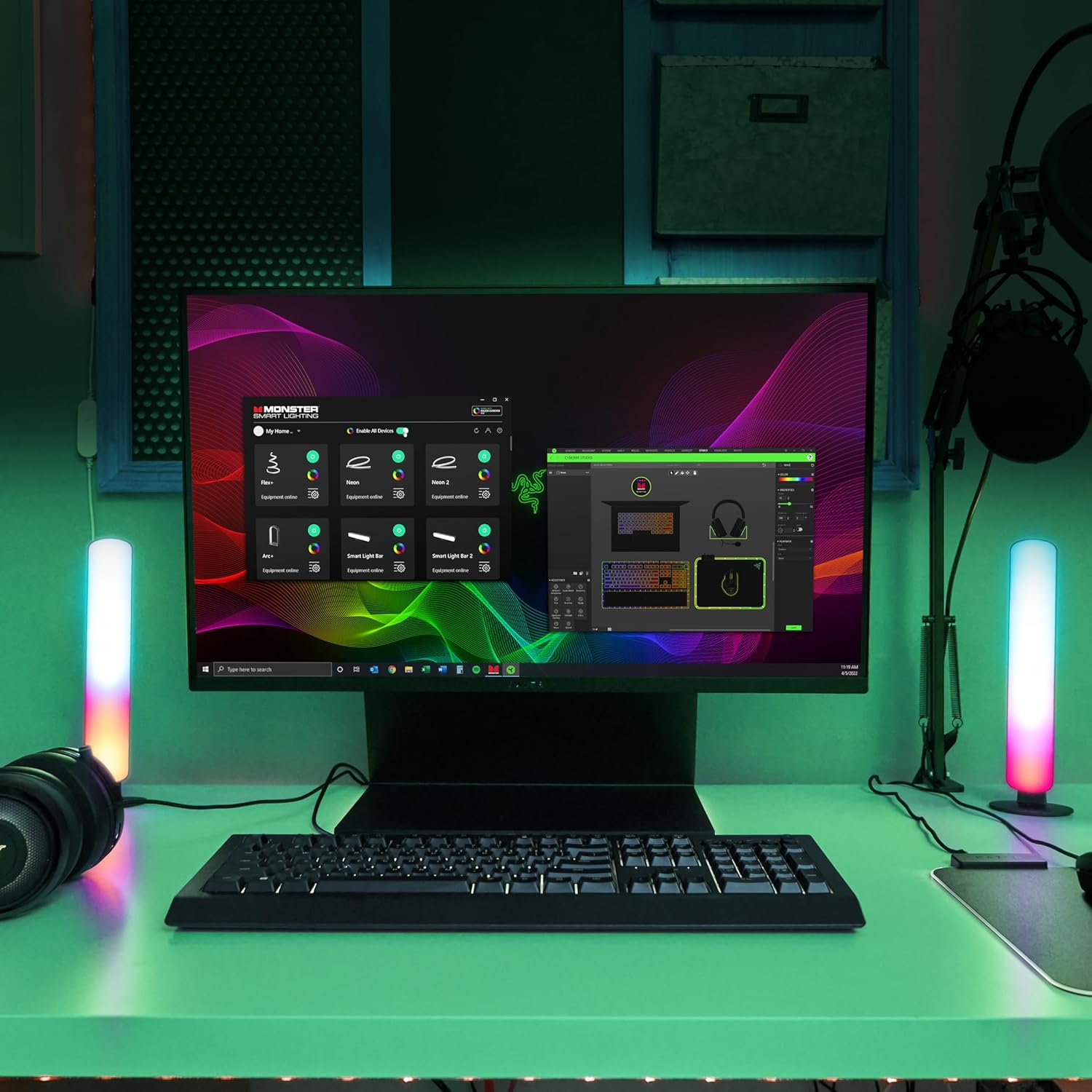
Image: Gaming setup with Monster Smart LED Light Bars integrated with Razer Chroma.
Maintenance
To ensure the longevity and optimal performance of your light bars, follow these maintenance guidelines:
- Cleaning: Gently wipe the surface of the light bars with a soft, dry cloth. Do not use abrasive cleaners, solvents, or harsh chemicals, as these can damage the finish.
- Storage: If storing the light bars for an extended period, disconnect them from power and store them in a cool, dry place.
Troubleshooting
If you encounter issues with your Monster Smart LED Light Bars, refer to the following common solutions:
| Problem | Possible Cause | Solution |
|---|---|---|
| Light bars do not turn on. | No power, loose connection. | Ensure the power adapter is securely plugged into both the light bars and a working electrical outlet. Test the outlet with another device. |
| Cannot connect to Wi-Fi or app. | Incorrect Wi-Fi band, weak signal, incorrect password, app error. | Ensure your router is broadcasting a 2.4GHz Wi-Fi network. Move the light bars closer to the router. Double-check your Wi-Fi password. Restart the app and your mobile device. Reset the light bars (refer to app instructions for reset procedure). |
| Lights are unresponsive or flickering. | Poor Wi-Fi connection, app malfunction. | Check your Wi-Fi signal strength. Close and reopen the Monster Smart app. Power cycle the light bars by unplugging and replugging them after 10 seconds. |
| Voice control not working. | Incorrect setup with smart assistant, naming conflict. | Verify that the Monster Smart skill/service is correctly linked in your Alexa or Google Home app. Ensure the device names are unique and easily recognizable by the voice assistant. |
If the problem persists after attempting these solutions, please contact Monster customer support.
Specifications
| Feature | Detail |
|---|---|
| Model Number | MNW7-2024-ICM |
| Color | Multicolor (RGB+IC) |
| Shape | Rectangular / Linear |
| Material | Plastic |
| Light Source Type | LED |
| Power Source | Corded Electric |
| Voltage | 120 Volts (AC) |
| Bulb Features | Dimmable, Color Changing, Sound Activated, Smart Home Compatible |
| Number of Light Sources | 2 |
| Item Weight | 9.6 ounces |
| Package Dimensions | 9.92 x 5.63 x 1.73 inches |
| UPC | 805106896737 |
Warranty Information
Monster products typically come with a limited warranty. For specific warranty terms and conditions applicable to your Monster Smart LED Light Bars (MNW7-2024-ICM), please refer to the warranty card included in your product packaging or visit the official Monster website.
Support
For further assistance, technical support, or to explore other Monster products, please visit the official Monster website or contact their customer service department.
You can also visit the Monster Store on Amazon for product information and updates.


