
Introduction
This manual provides essential information for the setup, operation, and maintenance of your CUNPU 27-inch FHD 10-Point Touchscreen Monitor. Please read this manual thoroughly before using the product to ensure proper functionality and to prevent damage.
What's in the Box
Verify that all components are present upon unboxing:
- 1x CUNPU 27-inch Touchscreen Monitor
- 1x Monitor Stand
- 1x HDMI Cable
- 1x USB-B Cable (for Touchscreen Function)
- 1x Power Adapter
- 1x User Manual
Setup
1. Stand Assembly and VESA Mounting
The monitor can be used with the included stand or mounted using a VESA-compatible arm (not included). For stand assembly, attach the base to the stand column and then secure the column to the monitor's rear panel. For VESA mounting, follow the instructions below:
- Install the long screws into the VESA low screw holes on the monitor.
- Install the short screws into the VESA high screw holes on the monitor.
- Align the VESA base plate with the installed screws and secure it using the black screw caps.
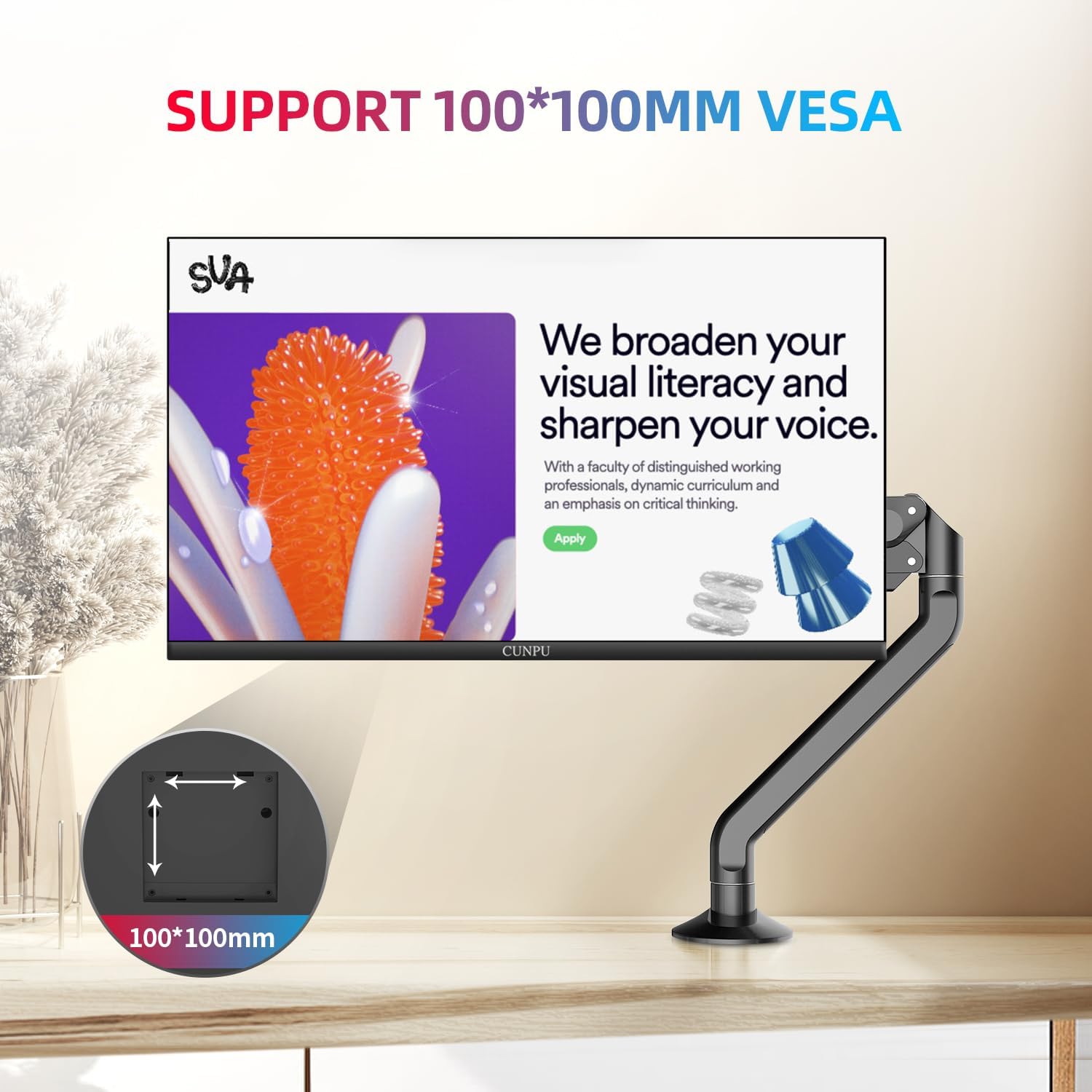
Image: VESA mounting instructions showing screw placement and attachment to a VESA arm.
Video: This video demonstrates the VESA installation process for the monitor, showing how to attach the VESA mount to the monitor's rear panel.
2. Connectivity
Connect the monitor to your device using the appropriate cables:
- Video Input: Use the HDMI cable for high-definition video and audio, or the VGA cable for standard video connections.
- Touch Function: To enable the 10-point touch feature, connect the monitor to your PC using the provided USB-B cable in addition to the HDMI cable.
- Power: Connect the power adapter to the monitor's DC input and then to a power outlet.

Image: Rear view of the monitor highlighting the USB 2.0 (for touch function), HDMI, VGA, and DC power input ports.
Note: macOS is currently not supported for the touch function. For mobile phone connections, a Type-C to HDMI cable is required for screen mirroring, but touch functionality may not be available.
Operating Instructions
1. Basic Display Functions
The CUNPU 27-inch monitor features a Nano IPS screen with a 178° full viewing angle, 60 Hz refresh rate, 1000:1 contrast ratio, 220 cd/m² brightness, and 100% sRGB color gamut, displaying 16.7 million colors. These specifications ensure accurate and vibrant color reproduction suitable for various applications.

Image: The monitor showcasing its true-to-life color capabilities, highlighting Nano IPS technology, 100% sRGB, 300cd/m² brightness, and 8-bit color depth.
2. Touchscreen Operation
The 10-point capacitive touchscreen allows for intuitive interaction with your content. Use multiple fingers for gestures such as zooming in and out, dragging, and making notes directly on the screen. No additional drivers or stylus are required for Windows systems and Chromebooks.

Image: A user demonstrating the smooth 10-point touch experience on the monitor, interacting with a virtual keyboard.
Compatibility: The touch function supports Windows systems and Chromebooks. It does not support Apple devices, gaming devices, or Windows XP systems.

Image: Visual guide to touch gestures and a clear statement on operating system compatibility for the touch function.
3. HDR Technology
The monitor supports HDR10 mode, which enhances visual quality by providing deeper and more realistic colors, improving contrast, and revealing more detail in both bright and dark areas of the image.
4. Eye Care Features
The monitor incorporates blue light reduction and flicker-free technology to minimize eye strain during extended use, ensuring a more comfortable viewing experience.
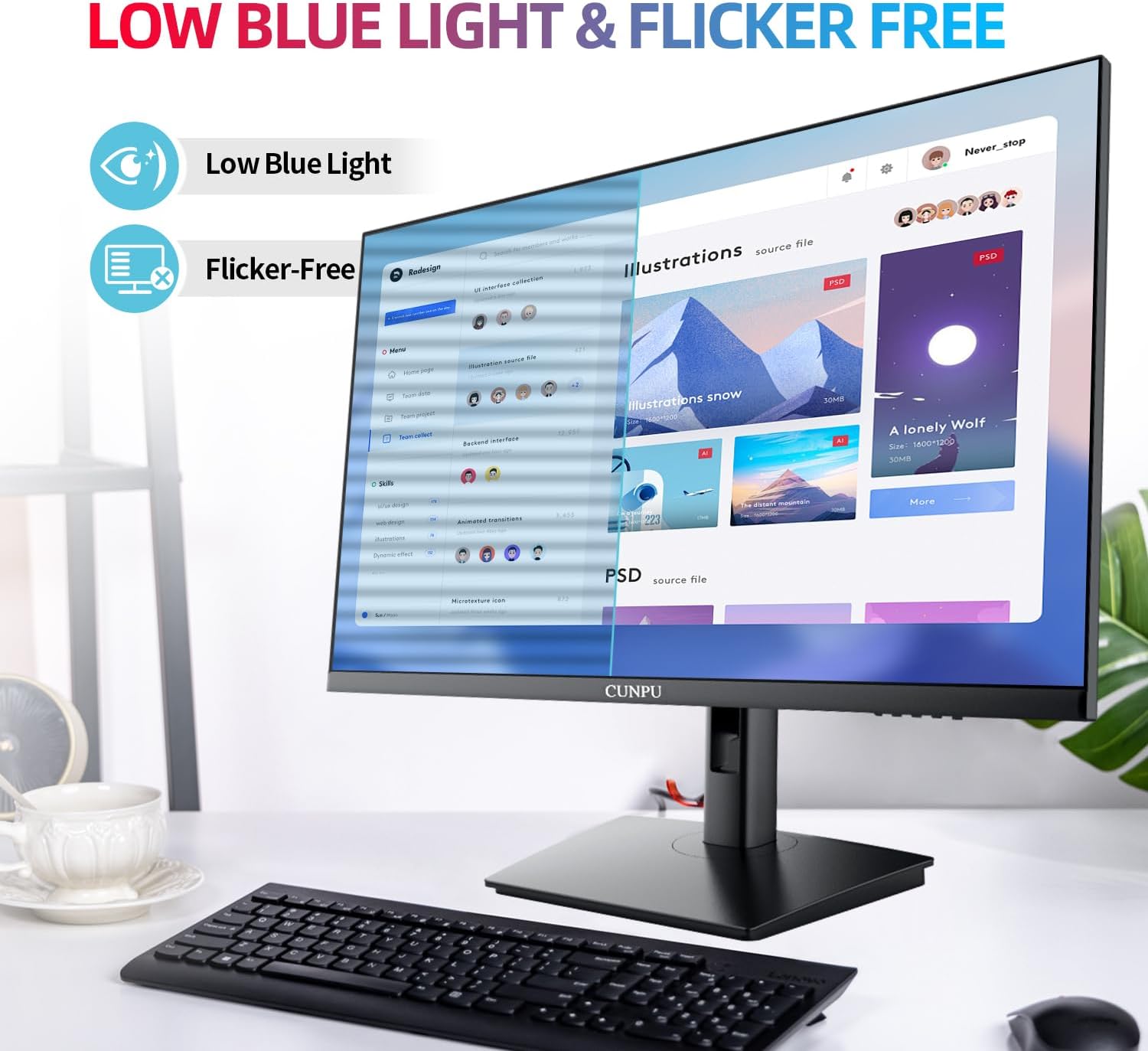
Image: The monitor illustrating its low blue light and flicker-free features designed to reduce eye strain.
Maintenance
To maintain the performance and longevity of your monitor, follow these guidelines:
- Cleaning: Gently wipe the screen with a soft, lint-free cloth. For stubborn marks, dampen the cloth slightly with water or a non-abrasive screen cleaner. Avoid using alcohol-based cleaners or harsh chemicals.
- Handling: Avoid applying excessive pressure to the screen, especially the touchscreen surface.
- Ventilation: Ensure the monitor's ventilation openings are clear and unobstructed to prevent overheating.
- Storage: When not in use for extended periods, store the monitor in a cool, dry place away from direct sunlight.
Troubleshooting
If you encounter issues with your monitor, refer to the following common problems and solutions:
| Problem | Possible Solution |
|---|---|
| No display/Black screen | Ensure all cables (power, HDMI/VGA) are securely connected. Check the power outlet. Verify the correct input source is selected on the monitor. Test with a different HDMI/VGA cable if possible. |
| Touch function not working | Confirm the USB-B cable is connected from the monitor to your PC. Ensure your operating system is Windows or Chrome OS (macOS is not supported). Restart your computer and monitor. |
| Flickering screen | Check cable connections. Ensure the display resolution and refresh rate are set correctly in your device's display settings. |
| Monitor enters deep sleep mode and won't wake | Check power settings on your connected device to ensure it's not sending a sleep signal. Disconnect and reconnect the power cable to the monitor. |
Specifications
Key technical specifications for the CUNPU 27-inch Touchscreen Monitor:
| Feature | Specification |
|---|---|
| Model Number | TUH1AW-7727Y |
| Screen Size | 27 Inches |
| Resolution | FHD 1080p (1920 x 1080 Pixels) |
| Refresh Rate | 60 Hz |
| Panel Type | Nano IPS |
| Touch Technology | 10-Point Capacitive Touch |
| Brightness | 220 cd/m² (typical) / 300 lm |
| Contrast Ratio | 1000:1 |
| Color Gamut | 100% sRGB |
| Viewing Angle | 178° (Horizontal/Vertical) |
| Connectivity | 1x HDMI, 1x VGA, 1x USB 2.0 (for Touch Function) |
| VESA Compatibility | 100 x 100 mm |
| Product Dimensions | 7.16 x 21.25 x 16.02 inches |
| Item Weight | 12.52 pounds |
Warranty and Support
Your CUNPU monitor is covered by a manufacturer's warranty. For specific warranty details, please refer to the warranty card included with your product or contact CUNPU customer support. If you require technical assistance or have questions not addressed in this manual, please reach out to CUNPU customer service through the contact information provided on the product packaging or the official CUNPU website.