
Product Overview
The Edillas Kids Digital Watch is designed for children aged 5-15, offering a blend of durability and functionality. This watch features a clear digital display, colorful LED backlighting, and is built to withstand various outdoor activities with its water-resistant design.
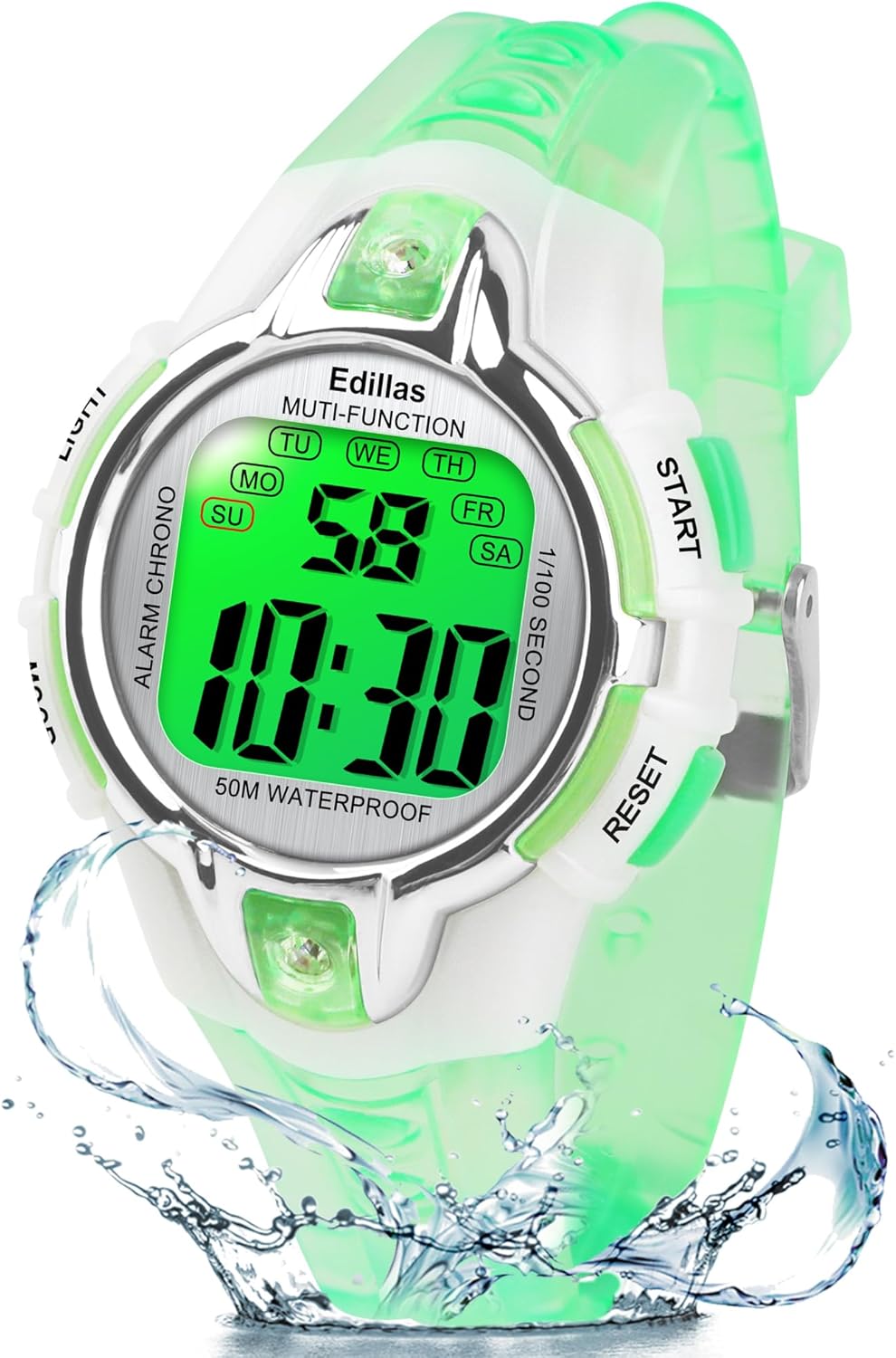
Image: Front view of the Edillas Kids Digital Watch, highlighting its digital display and button layout.
Key Features:
- 5 ATM Water Resistance: Suitable for daily use, hand-washing, rain, splashing, and swimming. Note: Do not press buttons while submerged in water.
- 7-Color LED Backlight: Imported colorful LED lights allow clear time visibility at night. Colors include dark blue, green, red, sky blue, purple, and more.
- Multifunctional Design: Includes alarm clock (non-vibrating), stopwatch, and 12H/24H time format.
- Durable Materials: Features a soft TPU raw material strap for elasticity and flexibility, and a shock-resistant stainless steel case back.
- Accurate Timekeeping: Equipped with a Japan imported movement for precise time and long battery life.
Watch Components and Buttons
Familiarize yourself with the watch's buttons and their functions:

Image: Detailed diagram of the watch face, labeling the LIGHT, MODE, START, and RESET buttons, along with display elements like Week, Hour, Minute, and Second.
- LIGHT Button (Top Left): Activates the LED backlight. Hold for 3 seconds to change LED colors.
- MODE Button (Bottom Left): Cycles through different modes (Time, Alarm, Stopwatch).
- START Button (Top Right): Used to start/stop functions in Stopwatch mode, or adjust settings in setting modes.
- RESET Button (Bottom Right): Used to reset functions in Stopwatch mode, or confirm settings in setting modes.
Initial Setup
Setting Time and Date:
- From the normal time display, press the MODE button repeatedly until the seconds begin to flash. This indicates you are in time setting mode.
- Press the RESET button to cycle through the settings: Seconds → Hour → Minute → Month → Date → Day of Week.
- Use the START button to adjust the flashing value.
- Once all settings are correct, press the MODE button to exit the setting mode and return to the normal time display.
Operating Instructions
Using the LED Backlight:
Press the LIGHT button (top left) to illuminate the display. The backlight will stay on for a few seconds.
To change the LED color, press and hold the LIGHT button for approximately 3 seconds. The color will cycle through the available 7 options. Release the button when your desired color is displayed.

Image: The watch display shown with different LED backlight colors, illustrating the customizable lighting feature.
Using the Stopwatch:
- Press the MODE button until 'CHRONO' or 'ST' appears on the display, indicating Stopwatch mode.
- Press the START button (top right) to begin timing.
- Press the START button again to pause the stopwatch.
- To resume, press the START button.
- To reset the stopwatch to zero, press the RESET button (bottom right) while the stopwatch is paused.
Setting and Using the Alarm:
- Press the MODE button until 'ALARM' or 'AL' appears on the display.
- Press the RESET button to select the hour or minute to set (the value will flash).
- Use the START button to adjust the flashing hour or minute.
- Once the alarm time is set, press the MODE button to exit.
- To activate or deactivate the alarm, press the START button while in Alarm mode. An alarm icon will appear/disappear on the display.

Image: The watch display showing the alarm icon, indicating the alarm function is active.
Activating/Deactivating Hourly Chime:
From the normal time display, press the RESET button and the MODE button simultaneously. This action will toggle the hourly chime on or off. A small icon (often a bell or speaker) on the display will indicate if the hourly chime is active.

Image: The watch display showing the hourly chime icon, indicating the chime function is active.
12H/24H Time Format:
While in time setting mode (seconds flashing), press the START button when the hour is flashing to toggle between 12-hour (with AM/PM indicator) and 24-hour formats.
Care and Maintenance
Water Resistance:
The Edillas Kids Digital Watch is water resistant up to 5 ATM (50 meters), making it suitable for daily use, hand-washing, rain, splashing, and swimming. However, it is crucial to avoid pressing any buttons while the watch is submerged in water, as this can compromise the water seal and lead to damage.
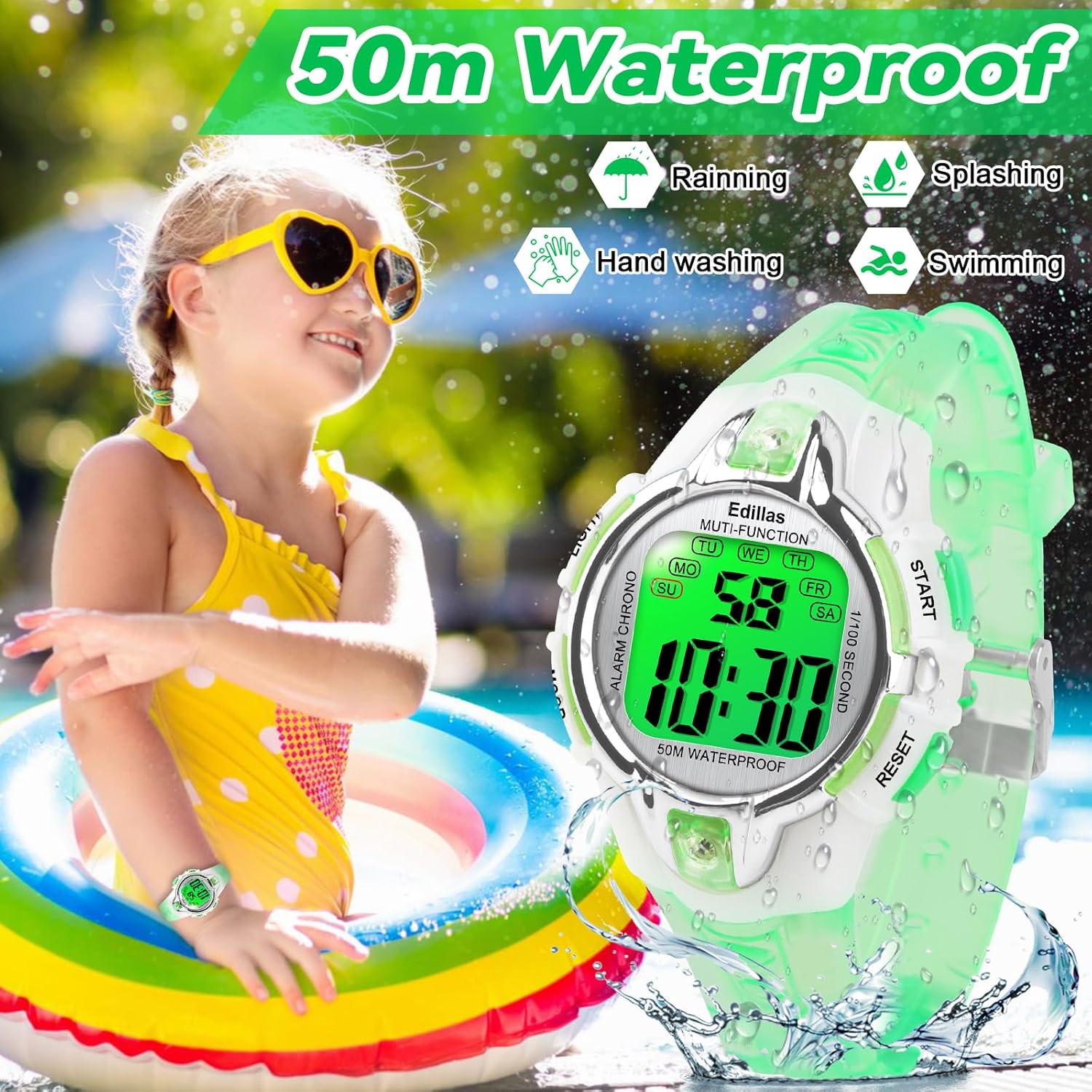
Image: A child enjoying water activities, demonstrating the watch's 50m water resistance for swimming, hand washing, and rain.
General Care:
- Clean the watch regularly with a soft, damp cloth. Avoid using harsh chemicals or abrasive materials.
- Store the watch in a cool, dry place when not in use.
- Avoid exposing the watch to extreme temperatures or direct sunlight for prolonged periods.
Troubleshooting
Watch Not Keeping Time / Display Issues:
If the watch is not displaying time correctly or the display is dim, the battery may need replacement. The watch uses a C battery (included). Edillas can assist with battery and movement issues.
Hourly Chime is On/Off Unexpectedly:
Refer to the "Activating/Deactivating Hourly Chime" section under Operating Instructions. This function is toggled by simultaneously pressing the RESET and MODE buttons.
Difficulty Setting Time/Alarm:
Ensure you are following the steps precisely as outlined in the "Initial Setup" and "Operating Instructions" sections. If you continue to experience difficulties, please contact Edillas customer support for assistance.
Product Specifications

Image: Detailed dimensional drawing of the Edillas Kids Digital Watch, providing measurements for band width, band length, case thickness, case diameter, and wrist fit range.
| Specification | Detail |
|---|---|
| Item Model Number | 856LB |
| Package Dimensions | 3.19 x 3.15 x 2.05 inches |
| Item Weight | 1.12 ounces (30g) |
| Department | Unisex-child |
| Batteries | 1 C battery required (included) |
| Manufacturer | Yadelai |
| Clasp Type | Buckle |
| Water Resistance | 5 ATM (50 meters) |
| Band Width | 16mm / 0.63in |
| Band Length | 22.5cm / 8.83in (overall) |
| Case Thickness | 12mm / 0.47in |
| Case Diameter | 38mm / 1.50in |
| Max Fit Wrist | 20.5cm / 8.07in |
| Min Fit Wrist | 14.5cm / 5.70in |
Warranty and Support
Edillas is committed to product quality and customer satisfaction. All watches come with dedicated sales support. If you encounter any issues with your watch, including battery or movement problems, please do not hesitate to contact the Edillas sales team.
For specific inquiries or to request assistance, please refer to the contact information provided with your purchase or visit the official Edillas store on Amazon.
Contact Information:
- For support regarding setting the watch or other functions, a set video may be available upon request.
- For battery or movement issues, contact the sales team for replacement assistance.


