
BONSEN 12-Sheet Cross Cut Paper Shredder (with LS50 Lubricant Sheets)
BONSEN 12-Sheet Cross Cut Paper Shredder User Manual
Model: 12-Sheet Cross Cut Paper Shredder (with LS50 Lubricant Sheets)
Brand: BONSEN
Introduction
This manual provides essential information for the safe and efficient operation, maintenance, and troubleshooting of your BONSEN 12-Sheet Cross Cut Paper Shredder and accompanying LS50 Lubricant Sheets. Please read this manual thoroughly before using the product to ensure proper function and longevity.

Image: The BONSEN 12-Sheet Cross Cut Paper Shredder shown alongside its box of 50 lubricant sheets, illustrating the complete product package.
Important Safety Instructions
To reduce the risk of injury or damage, please observe the following safety precautions:
- Keep fingers, loose clothing, hair, and jewelry away from the paper entry slot.
- Keep children and pets away from the shredder.
- Unplug the shredder before moving, cleaning, or emptying the waste bin.
- Do not shred metal objects, hard plastic, or adhesive materials not specified as shreddable.
- Do not operate the shredder if the power cord is damaged.
- Do not place the shredder near heat sources or in wet environments.
- Ensure the shredder head is securely placed on the waste bin before operation.
Product Overview
The BONSEN 12-Sheet Cross Cut Paper Shredder is designed for efficient and secure disposal of sensitive documents, credit cards, and CDs. It features a cross-cut mechanism for enhanced security (P-4 level) and a robust motor for continuous operation.

Image: A clear front view of the BONSEN 12-Sheet Cross Cut Paper Shredder, highlighting its compact design and waste bin window.
Key Features:
- 20-Minute Continuous Shredding: Equipped with an advanced cooling system, allowing up to 1,200 sheets per session.
- Smart Jam-Proof System: Features Auto Start/Stop/Reverse sensors and indicator lights for overheating and overload.
- High-Capacity Bin: 5.3-gallon pull-out bin holds up to 300 sheets of shredded waste with a clear viewing window.
- Mobility: 360° smooth-rolling casters for easy movement.
- Security Level: P-4 Cross Cut for enhanced data security.
Setup
- Unpacking: Carefully remove the shredder and all components from the packaging.
- Positioning: Place the shredder on a flat, stable surface.
- Assemble Bin: Ensure the 5.3-gallon pull-out waste bin is correctly inserted into the shredder base. The shredder will only operate if the shredder head and the basket are in correct position.
- Power Connection: Plug the power cord into a standard electrical outlet.
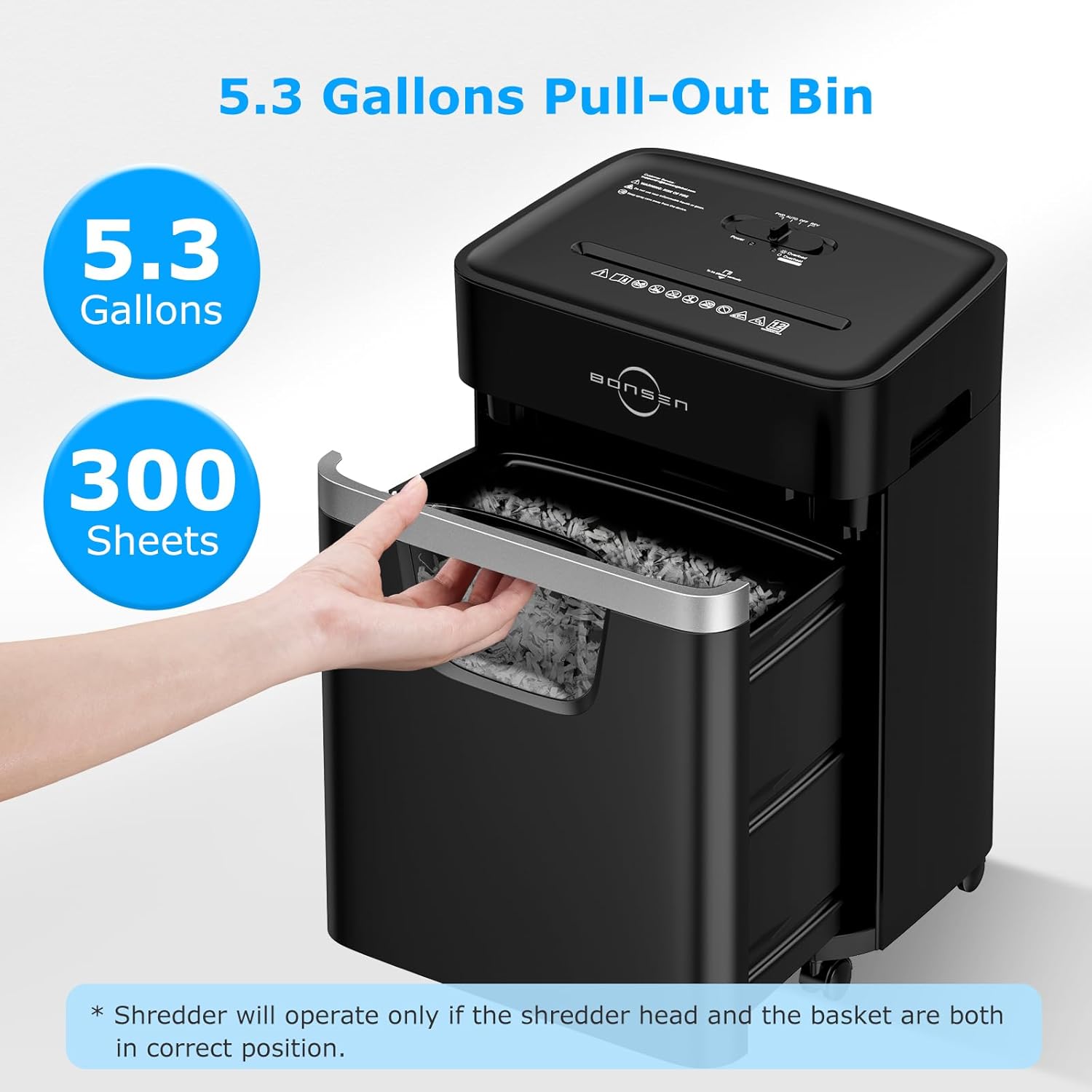
Image: The BONSEN shredder with its 5.3-gallon pull-out bin extended, demonstrating how to access and empty the waste. A note indicates the shredder requires the bin to be correctly positioned for operation.
Operating Instructions
Basic Shredding:
- Power On: Ensure the shredder is plugged in and the power switch is set to "AUTO".
- Insert Material:
- Paper: Insert up to 12 sheets of paper (80gsm) into the paper entry slot. The shredder will automatically start and stop.
- Credit Cards/CDs: Insert one credit card or CD at a time into the dedicated slot.
- Continuous Operation: The shredder can run continuously for up to 20 minutes. After this period, it will enter a 30-minute cooldown mode to protect internal components.
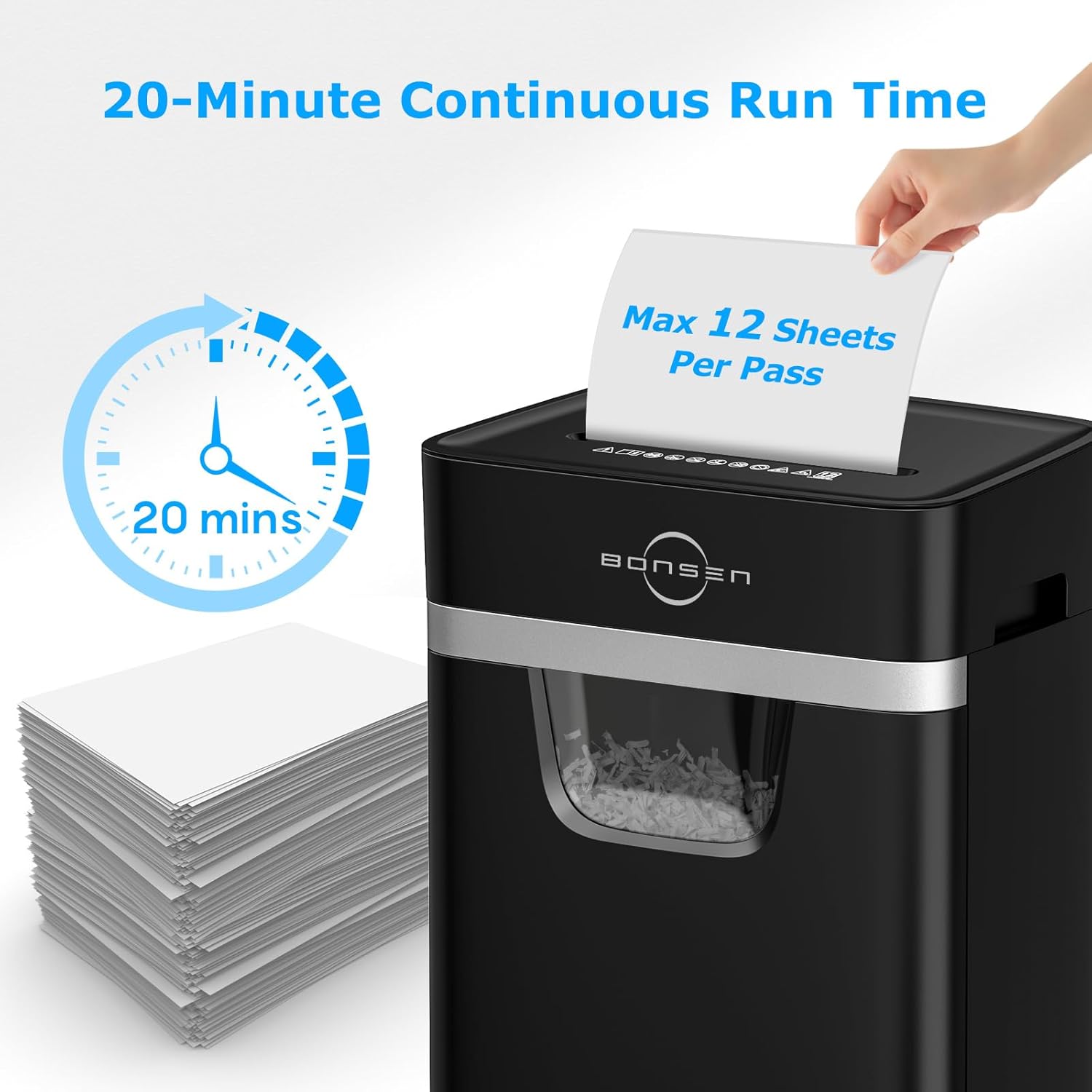
Image: The BONSEN shredder with an overlay indicating its 20-minute continuous run time and a maximum capacity of 12 sheets per pass, demonstrating its efficiency for office or home use.
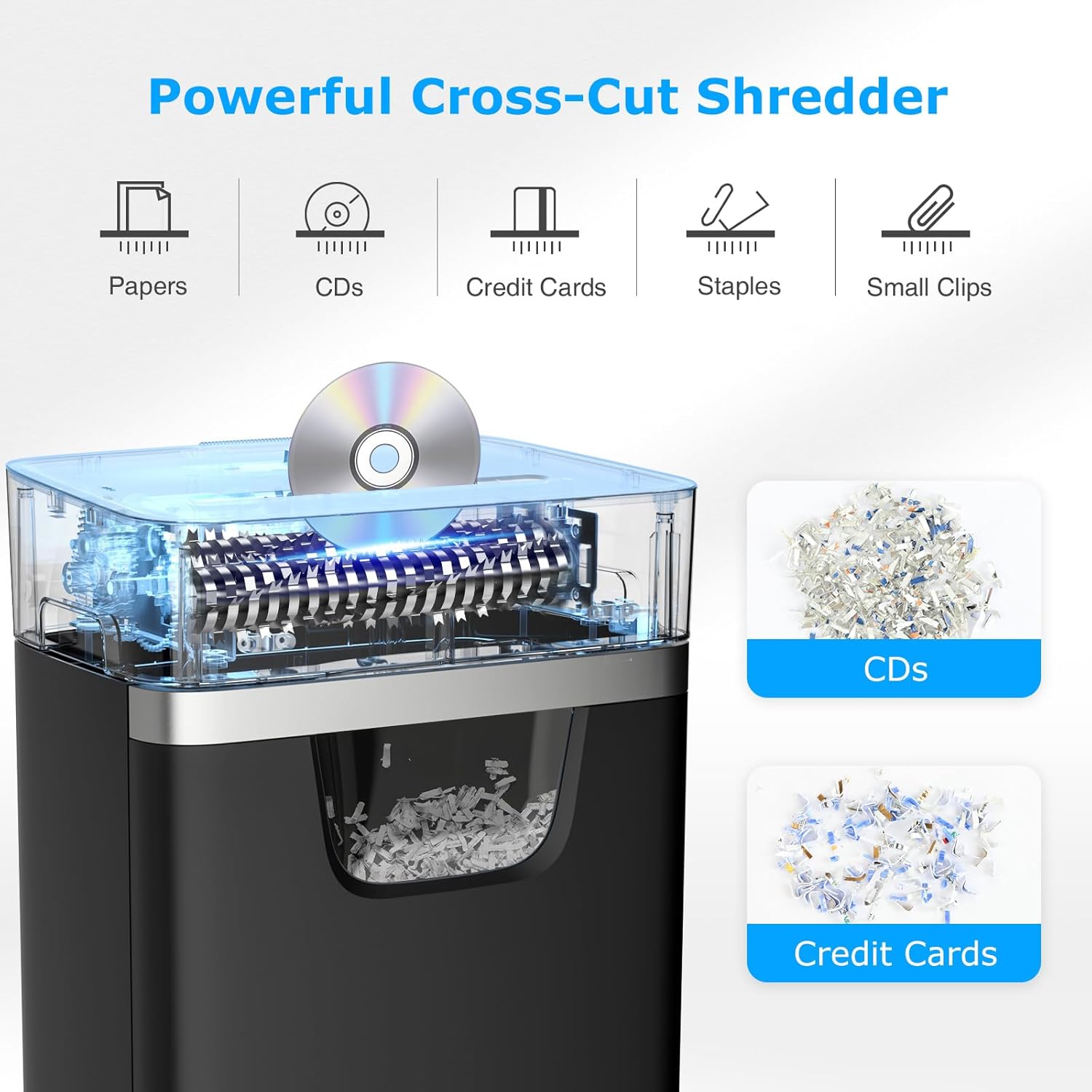
Image: A visual representation of the BONSEN shredder's versatility, showing its ability to shred various materials including papers, CDs, credit cards, staples, and small clips, with examples of shredded CDs and credit cards.
Control Panel and Indicators:
The shredder features indicator lights for overheating and overload, and an Auto Start/Stop/Reverse function for smooth operation.
- AUTO: Shredder is ready to operate automatically when material is inserted.
- REV (Reverse): Used to clear paper jams by reversing the shredding mechanism.
- FWD (Forward): Used for continuous shredding or to force material through.
- Overheat Indicator: Illuminates when the shredder has reached its maximum continuous run time and needs to cool down.
- Overload Indicator: Illuminates when too much material is inserted, indicating a potential jam.
Maintenance
Emptying the Waste Bin:
Regularly check the clear window on the waste bin. When full, pull out the bin, empty the shredded material, and reinsert it securely.
Lubricating the Blades (Using LS50 Lubricant Sheets):
To maintain optimal performance and extend the life of your shredder, lubricate the blades regularly. We suggest using one lubricant sheet every 3-5 shredding cycles.

Image: The packaging for the BONSEN Shredder Lubricant Sheet 50-Pack (Model: LS50), highlighting its benefits for shredder maintenance.

Image: A stack of BONSEN shredder lubricant sheets, showing their individual packaging and the "DO NOT TEAR" instruction.
- Feed Lubricant Sheet: With the shredder in "AUTO" mode, feed one lubricant sheet into the paper entry slot.
- Reverse and Forward: After the sheet has been shredded, switch the shredder to "REV" (Reverse) for 2-3 seconds, then switch to "AUTO/FWD" (Forward) for 2-3 seconds. Repeat this 2-3 times until the lubricant sheet pack is fully shredded. This ensures the lubricant is evenly distributed.
- Important Note: Do not tear or fold the lubricant sheet before shredding. Do not pull out the lubricant pack during the process.

Image: A diagram illustrating the three-step process for using BONSEN shredder lubricant sheets: 1. Feed the sheet, 2. Briefly switch to REV, 3. Switch to AUTO/FWD and repeat to fully shred the lubricant sheet.
Cleaning:
Unplug the shredder before cleaning. Use a soft, dry cloth to wipe the exterior. Do not use abrasive cleaners or solvents.
Troubleshooting
| Problem | Possible Cause | Solution |
|---|---|---|
| Shredder does not turn on. | Not plugged in; power switch off; shredder head not properly seated; bin full. | Check power connection; turn power switch to AUTO; ensure shredder head is secure; empty waste bin. |
| Shredder stops during operation. | Overheating; paper jam; bin full. | Allow shredder to cool down (30 mins); clear paper jam (use REV function); empty waste bin. |
| Paper jam. | Too much paper inserted; material not suitable for shredding. | Switch to REV to clear; remove excess paper; ensure material is shreddable. |
| Shredder is noisy or performance decreases. | Blades need lubrication. | Use a BONSEN LS50 lubricant sheet as per maintenance instructions. |
Specifications
| Feature | Detail |
|---|---|
| Model | 12-Sheet Cross Cut Paper Shredder |
| Shred Type | Cross Cut |
| Security Level | P-4 |
| Shred Size | 13/64" x 63/64" (5 x 25 mm) |
| Sheet Capacity | 12 sheets (80gsm paper) |
| Continuous Run Time | 20 minutes |
| Cooldown Time | 30 minutes |
| Waste Bin Capacity | 5.3 Gallons (approx. 300 sheets) |
| Shreds | Paper, Credit Cards, CDs, Staples, Small Clips |
| Special Features | Jam Proof, Auto Start/Stop/Reverse, Overheat/Overload Indicators, Energy Saving Mode, 360° Casters |
| Color | Black |
| Lubricant Sheets Model | LS50 |
| Lubricant Sheet Size | 6.10" x 8.74" |

Image: A visual comparison showing the small size of shredded paper from the BONSEN shredder (13/64" x 63/64" or 5 x 25 mm), indicating its High-Security Level P-4.
Warranty and Support
For warranty information or technical support, please contact BONSEN customer service.
- Email Support: support@bonsenglobal.com
- Manufacturer: Bonsen Electronics Limited
- Address: No.11-12, Lun Pin Chong Industrial Zone San Tun Community, Hou Jie Town 523941 Dongguan City, Guangdong People's REPUBLIC OF CHINA
- Made in: Vietnam
For additional product information and resources, visit the official BONSEN store on Amazon: BONSEN Store
Related documents12-Sheet Cross Cut Paper Shredder (with LS50 Lubricant Sheets)


Ask a question about this manual
Ask about setup, troubleshooting, compatibility, parts, safety, or missing instructions. Manuals+ will review the question and use this page’s manual context to help answer it.