
1. Introduction
This manual provides detailed instructions for the safe installation, operation, and maintenance of your VOLISUN 72-inch Large Ceiling Fan with Light. This fan is designed for both indoor and outdoor use, featuring a 6-speed reversible motor, a 3 CCT dimmable LED light, and convenient remote control operation. Please read this manual thoroughly before installation and use, and retain it for future reference.
2. Safety Information
- Always turn off power at the circuit breaker before installation or maintenance.
- Ensure all electrical connections comply with local codes and ordinances. If you are unsure, consult a qualified electrician.
- Mount the fan to a ceiling joist or support structure capable of supporting the fan's weight.
- Keep hands and objects clear of the fan blades during operation.
- Do not use the fan with a dimmer switch not specifically designed for ceiling fans.
3. Package Contents
Carefully unpack all components and ensure you have received all items listed below. If any parts are missing or damaged, contact customer service.
- Fan Motor Assembly
- Fan Blades (8)
- Blade Brackets
- LED Light Kit
- Remote Control and Receiver
- Downrods (4-inch, 8-inch, 20-inch)
- Mounting Bracket and Hardware
- User Manual

Figure 3.1: Overview of all included components.
4. Installation
Refer to the detailed installation instructions provided in the user manual for step-by-step guidance. Ensure proper electrical wiring and secure mounting for safe operation.
4.1 Downrod Selection
The fan includes three downrods (4-inch, 8-inch, and 20-inch) to accommodate various ceiling heights (15-33 inches high). Choose the appropriate downrod for your installation location.

Figure 4.1: Downrod options for various ceiling heights and sloped ceilings.
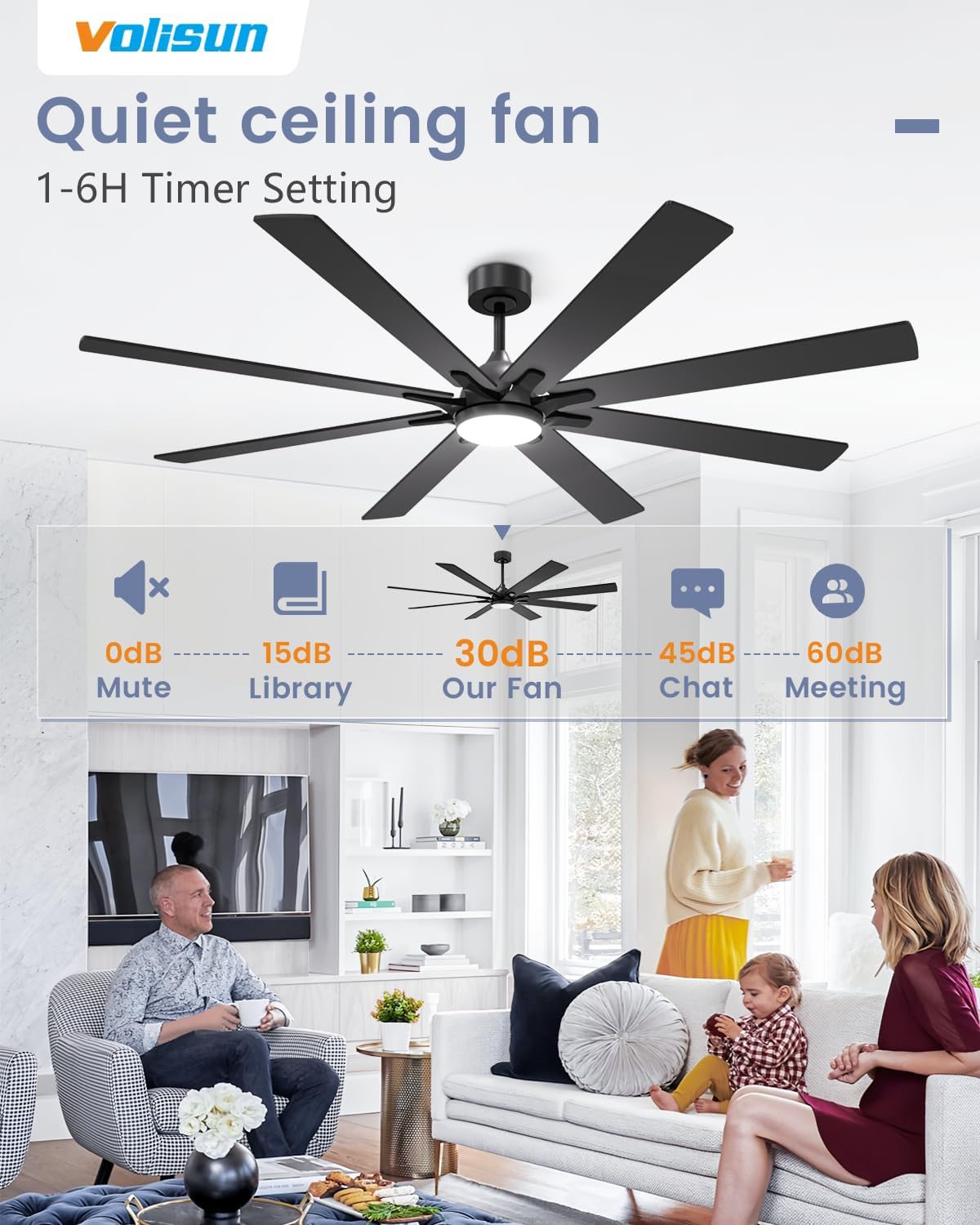
Figure 4.2: Product dimensions and recommended room size for the 72-inch fan.
5. Operating Instructions
Your VOLISUN ceiling fan is equipped with a remote control for convenient operation of all its features.
5.1 Remote Control Functions
The remote control allows you to manage fan speed, light settings, and other features.
- ON/OFF: Turns the fan and light on or off.
- Fan Speed (1-6): Adjusts the fan speed from 1 (lowest) to 6 (highest).
- F/R (Forward/Reverse): Changes the direction of the fan blades for summer or winter mode.
- Light ON/OFF: Toggles the light on or off independently.
- Light Brightness: Adjusts the light intensity (dimmable).
- CCT (Color Temperature): Cycles through 3 color temperatures (Warm, Natural White, White).
- Timer (1/2H): Sets the fan to turn off automatically after a specified time.

Figure 5.1: Remote control for easy operation and multiple functions.
5.2 Light Features: Dimmable and 3 CCT
The integrated LED light offers adjustable brightness from 5% to 100% and three color temperature options: Warm Light (3000K), Natural White (4000K), and White Light (6000K). Use the remote to cycle through these settings.

Figure 5.2: Customize your lighting with 3 CCT and dimming capabilities.
5.3 Memory Function for Light Settings
The fan's light features a memory function. If the light is turned off for more than 10 seconds, it will recall the last brightness and color temperature settings when turned back on. If turned off for less than 10 seconds, the color temperature will switch to the next setting.

Figure 5.3: Light memory function for consistent settings.
5.4 6-Speed Reversible Motor
The fan offers 6 wind speeds for optimal comfort. The reversible motor allows for both summer (downward airflow for cooling) and winter (upward airflow for circulating warm air) modes.

Figure 5.4: 6-Speed reversible function for year-round comfort.

Figure 5.5: Six distinct wind speed settings.
5.5 Timer Setting
Set the fan to automatically turn off after a specified duration using the timer function on the remote control.

Figure 5.6: Timer function for automatic shut-off.
5.6 Dual Finish Blades
The fan blades feature a dual-sided finish, allowing you to choose between a black or wood color to match your interior design.

Figure 5.7: Dual finish blades for versatile styling.
6. Maintenance
Regular maintenance ensures optimal performance and longevity of your ceiling fan.
- Cleaning: Dust the fan blades and motor housing periodically with a soft, damp cloth. Do not use abrasive cleaners or solvents.
- Tightening: Check all screws and connections annually to ensure they are secure.
- Blade Balance: If the fan wobbles, check that all blades are securely attached and balanced. A balancing kit (not included) may be used if necessary.
7. Troubleshooting
If you encounter issues with your fan, refer to the following common problems and solutions:
| Problem | Possible Cause | Solution |
|---|---|---|
| Fan does not start | No power; Loose wiring; Remote control issue | Check circuit breaker; Verify wiring connections; Replace remote batteries or re-pair remote. |
| Light does not work | Loose wiring; LED module failure; Remote control issue | Check wiring; Contact customer service for LED replacement; Replace remote batteries or re-pair remote. |
| Fan wobbles | Loose blades; Unbalanced blades; Loose mounting bracket | Tighten blade screws; Use a balancing kit; Ensure mounting bracket is secure. |
| Remote not responding | Low batteries; Remote not paired; Obstruction | Replace batteries; Follow pairing instructions in manual; Remove obstructions between remote and receiver. |
8. Specifications
| Feature | Detail |
|---|---|
| Brand | VOLISUN |
| Model Name | Large Ceiling Fan with Light |
| Item Model Number | CF1711 |
| Size | 72 INCH |
| Color | Black |
| Material | Acrylonitrile Butadiene Styrene, Aluminum |
| Indoor/Outdoor Usage | Indoor, Outdoor |
| Power Source | Corded Electric |
| Installation Type | Flush Mount |
| Control Method | Remote |
| Light Source Type | LED |
| Voltage | 110 Volts |
| Brightness | 1500 lumen |
| Light Color | 3 CCT (Warm, Natural White, White) |
| Item Weight | 22.4 Pounds |
| Product Dimensions | 72"L x 72"W x 16"H |
9. Warranty and Support
VOLISUN proudly offers a full 2-year service for this ceiling fan. This warranty covers any defects or malfunctions that may occur within two years from the date of purchase. For technical support, warranty claims, or any questions regarding your product, please contact VOLISUN customer service.