
Brookstone 802875304883
Brookstone Cable Lock Instruction Manual
Model: 802875304883
Product Overview
The Brookstone Cable Lock is a TSA-approved 3-digit resettable combination lock designed for securing luggage and personal items. Its keyless convenience eliminates the need for physical keys, offering numerous combination possibilities for enhanced security. The durable design ensures reliable protection for your belongings during travel and daily use.

Image: Two Brookstone Cable Locks, showcasing their design and compact size.
Setup and Initial Combination Setting
Your Brookstone Cable Lock comes pre-set with the combination 0-0-0. To set your personal combination, follow these steps:
- Ensure the lock is set to the current combination (initially 0-0-0).
- Locate the reset button on the side of the lock (often a small, recessed button).
- Using a pen or a pointed object, press and hold the reset button firmly until it is recessed.
- While holding the reset button, rotate the dials to your desired 3-digit combination. Make sure the numbers are clearly aligned with the indicator line.
- Release the reset button. Your new combination is now set.
- Scramble the numbers to lock the device. Test your new combination to ensure it opens the lock correctly.
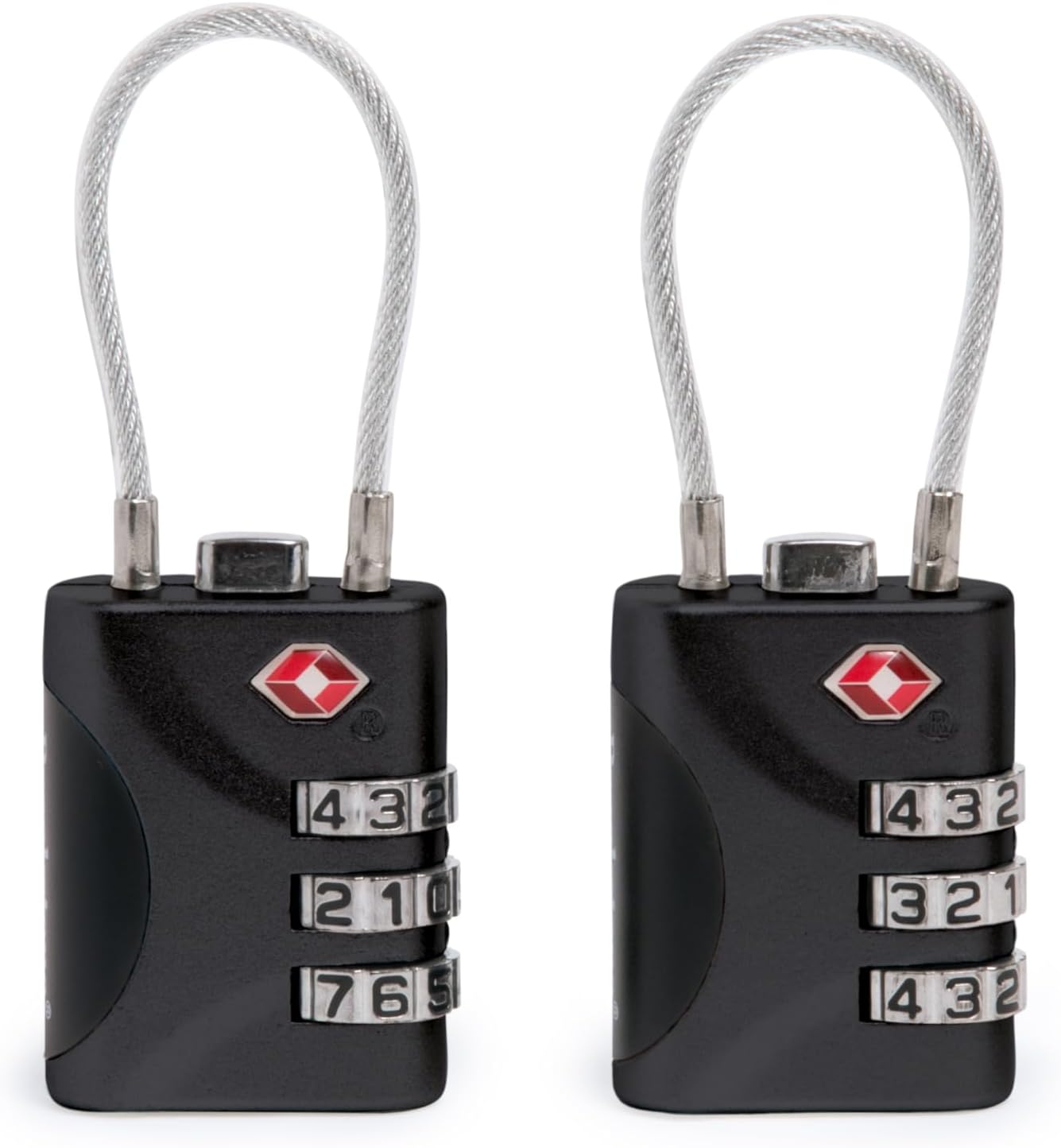
Image: Detail of the combination dials and the TSA-approved keyhole on the lock.
Operating Instructions
To open the lock, align the dials to your set combination. Once aligned, press the release button (usually on the top or side) to free the cable. To close, insert the cable end back into the lock body and scramble the numbers to secure it.
Securing Your Luggage
- Align the zippers of your luggage that you wish to secure.
- Open the Brookstone Cable Lock by entering your combination and releasing the cable.
- Thread the flexible cable through the zipper pulls of your luggage.
- Insert the free end of the cable back into the lock body until it clicks securely into place.
- Scramble the combination dials to lock your luggage. Your belongings are now secured.
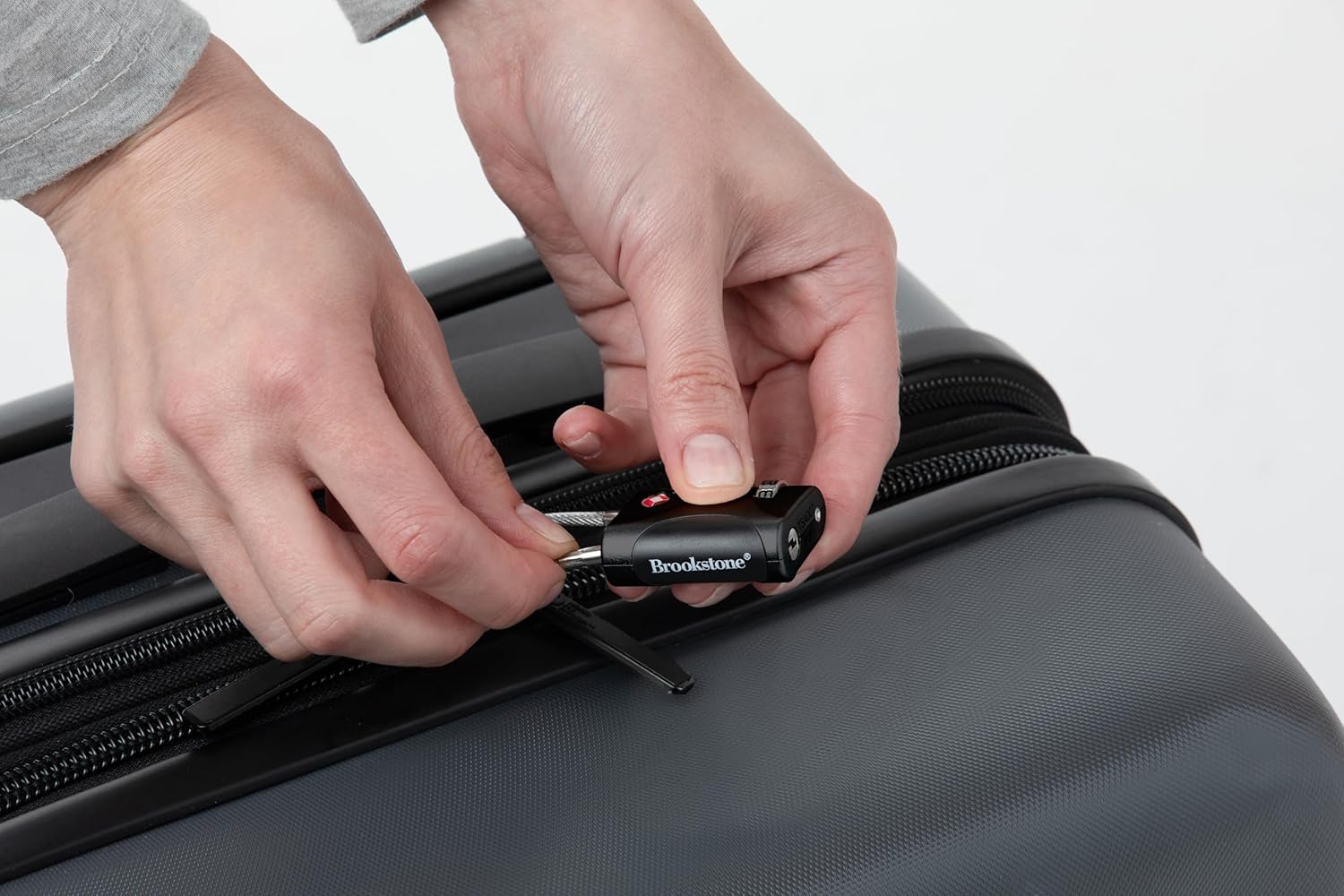
Image: Attaching the cable lock to luggage zippers for security.
Maintenance
To ensure the longevity and smooth operation of your Brookstone Cable Lock, keep it clean and free from debris. Wipe with a soft, dry cloth. Avoid using abrasive cleaners or harsh chemicals, as these may damage the finish or internal mechanisms. Store the lock in a dry place when not in use.
Troubleshooting
Lock Not Opening
- Incorrect Combination: Double-check that you have entered the correct 3-digit combination. Ensure each number is precisely aligned with the indicator line.
- Dials Not Aligned: Sometimes the dials may not be perfectly aligned. Gently wiggle each dial to ensure it settles into its correct position for the combination.
- Cable Jammed: Ensure the cable is not jammed or bent. Try to gently pull and re-insert the cable if it feels stuck.
Forgetting Your Combination
Unfortunately, if you forget your combination, there is no master key or backdoor to open the lock. The only way to regain access is to try all 1,000 possible combinations (000-999). It is highly recommended to record your combination in a secure, memorable location.
Product Specifications
| Feature | Detail |
|---|---|
| Brand | Brookstone |
| Lock Type | Combination Lock |
| Special Feature | Keyless, Resettable |
| Material | Alloy Steel, Aluminum |
| Color | Black |
| Item Dimensions (L x W x H) | 5 x 4 x 1 inches |
| Item Weight | 4.8 ounces |
| Included Components | 2 locks |
| Recommended Uses | Travel luggage, personal items, secure storage solutions |
Official Product Videos
No official seller videos are available for this product at this time.
Warranty and Support
For warranty information or product support, please refer to the packaging or contact Brookstone customer service directly. Contact details can typically be found on the official Brookstone website or on the product's retail page.
Ask a question about this manual
Ask about setup, troubleshooting, compatibility, parts, safety, or missing instructions. Manuals+ will review the question and use this page’s manual context to help answer it.