
RingConn BOR-01
RingConn Gen 1 Smart Ring User Manual
Your comprehensive guide to setting up, operating, and maintaining your RingConn Smart Ring.
Introduction
The RingConn Gen 1 Smart Ring is an advanced wearable device designed for continuous health monitoring. It tracks various vital signs including sleep, activity, heart rate, stress, and blood oxygen saturation, providing valuable insights into your well-being without any subscription fees.
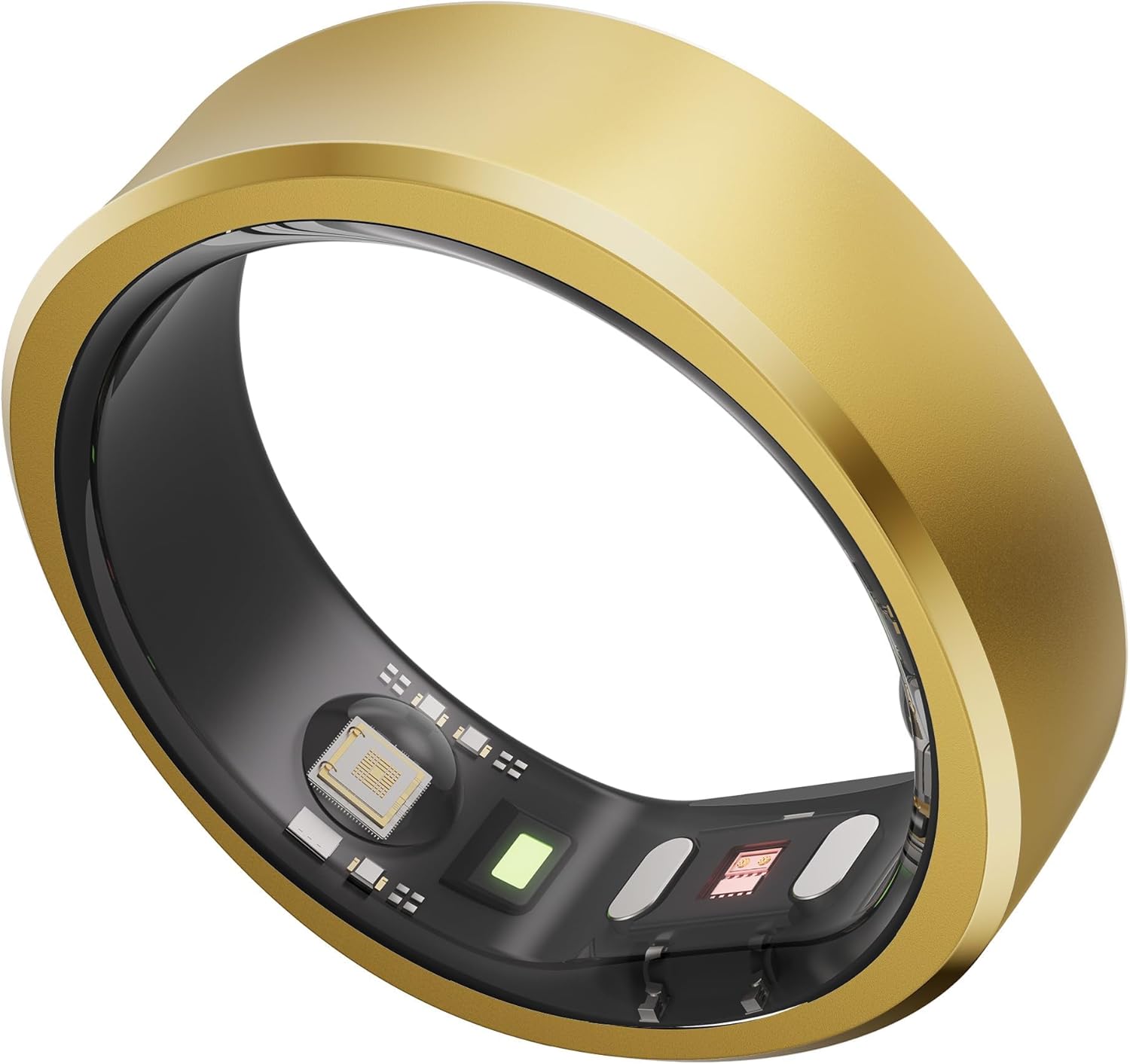
Image: The RingConn Gen 1 Smart Ring in gold, showcasing its sleek design and internal sensors.
What's Included
Your RingConn Smart Ring package includes the following items:
- RingConn Smart Ring
- Intelligent Charging Case
- Type-C Cable (1m/3.3ft USB-C to USB-C)
- Quick Start Guide and User Manual
Getting Started
1. Confirming Your Size
Before purchasing your RingConn Smart Ring, it is highly recommended to acquire the RingConn Sizing Kit to determine the most comfortable and accurate size for your finger.

Image: A visual guide showing the three steps: purchasing the sizing kit, buying the ring, and downloading the app.
Wear the sizing kit snugly without rotation for 24 hours to find the perfect fit.

Image: A collection of colorful sizing rings from the RingConn Sizing Kit.
2. Charging Your Ring
The RingConn Smart Ring comes with a unique magnetic charging case. Place the ring inside the case to charge. A full charge provides up to 7 days of battery life, and the case can recharge the ring 18-20 times, extending usage up to 150 days.

Image: The RingConn Smart Ring charging inside its magnetic charging case, illustrating its extended battery life.
3. App Download and Pairing
Download the RingConn Smart Health Monitoring App from your device's app store. The app integrates seamlessly with over 40 popular apps, including Apple Health and Google Health Connect.

Image: A smartphone screen displaying the RingConn app interface with health data.
Follow the in-app instructions to pair your RingConn Smart Ring with your smartphone via Bluetooth.
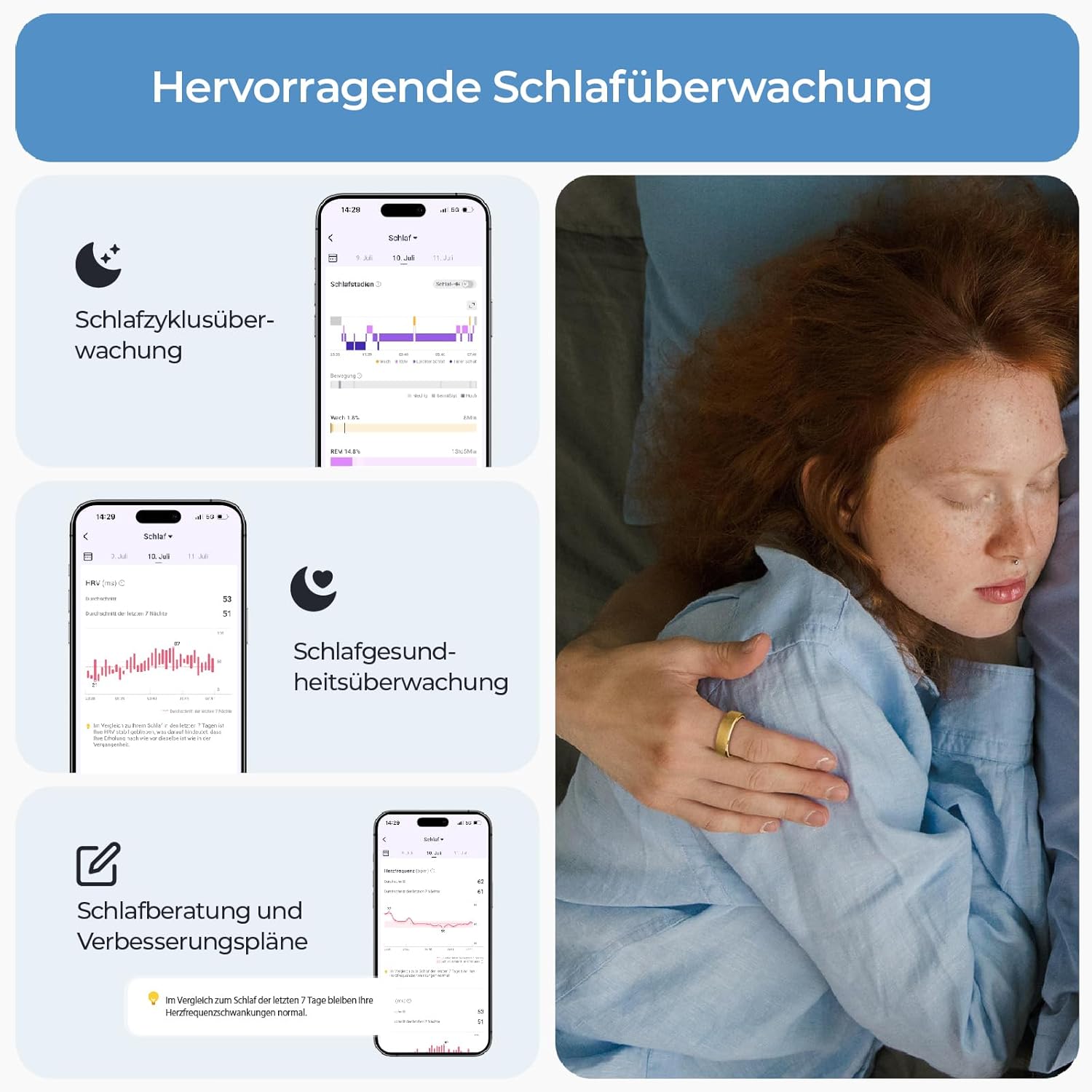
Image: A person holding a smartphone displaying the RingConn app, with the smart ring visible on their finger.
Operating Your RingConn Smart Ring
Wearing the Ring
Wear the ring on your non-dominant hand with the sensors facing downwards, securely at the base of your finger. This ensures accurate data collection.

Image: Diagram illustrating the correct way to wear the RingConn Smart Ring on the finger with sensors facing down.
24/7 Health Monitoring
The RingConn Smart Ring continuously monitors various health metrics:
- Sleep Analysis: Tracks sleep cycles, stages (REM, light, deep), and provides a sleep score. It also records naps separately.
- Activity Tracking: Monitors steps, calories burned, and activity intensity. While it tracks general activity, specific workout modes (cycling, running) need to be manually initiated.
- Heart Rate & HRV: Provides real-time heart rate data and Heart Rate Variability (HRV) for insights into your relaxation status.
- Stress Index: Calculates a daily stress index based on various metrics.
- Blood Oxygen Saturation (SpO2): Measures blood oxygen levels.
- Skin Temperature: Monitors skin temperature changes.

Image: A person sleeping with the RingConn Smart Ring, showing the app interface with detailed sleep cycle monitoring.
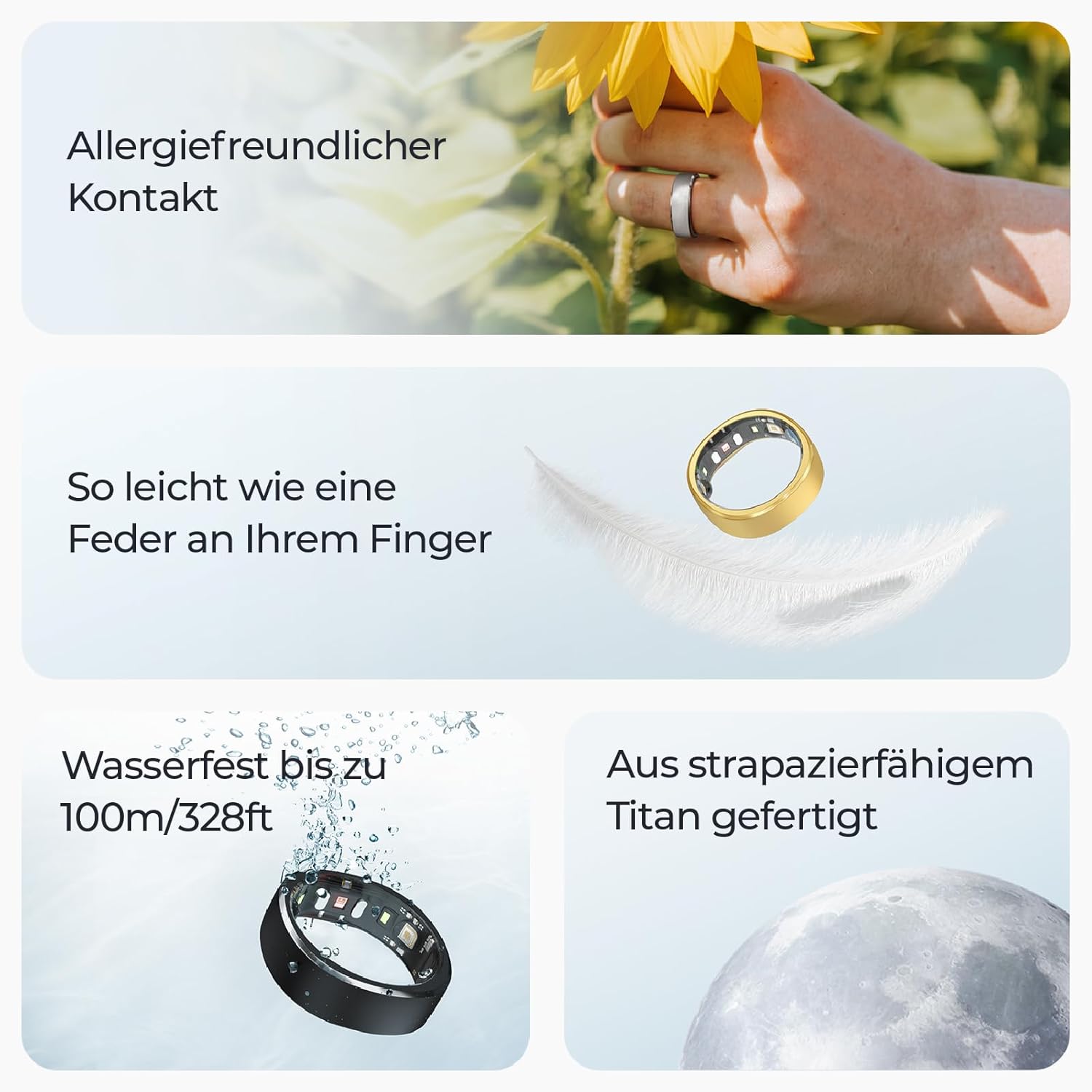
Image: A person running on a treadmill, with the RingConn Smart Ring visible, and an overlay showing activity data like distance, duration, and heart rate.

Image: A person checking their heart rate on the RingConn app, showing a graph of heart rate over time.

Image: A person looking stressed at a desk, with an overlay showing a daily stress index graph.

Image: A person napping, with an overlay showing nap duration, heart rate, HRV, SpO2, and skin temperature.

Image: An overview of the RingConn app's 24/7 health monitoring features, including health timeline, heart rate, sleep analysis, activity tracking, stress index, and women's health.
Exclusive Features
- Timeline Function: Allows you to record significant life moments, acting as a digital diary.
- Women's Health: Provides cycle and ovulation predictions.

Image: A person's hand with the RingConn Smart Ring, showing the app interface with menstrual cycle and ovulation predictions.
Care and Maintenance
Water Resistance
The RingConn Smart Ring is IP68 certified, making it highly water-resistant up to 100m/328ft. You can wear it while washing hands, showering, or in the rain without concern.

Image: The RingConn Smart Ring submerged in water, demonstrating its IP68 water resistance.
Cleaning
To clean your RingConn Smart Ring, wipe it gently with a soft, damp cloth. Avoid using harsh chemicals or abrasive materials.
Troubleshooting
Connectivity Issues
If your ring is not connecting to the app, ensure Bluetooth is enabled on your phone and the ring is charged. Try restarting both the app and your phone. If issues persist, unpair and re-pair the device.
Inaccurate Readings
Ensure the ring is worn correctly on your non-dominant hand with sensors facing down and a snug fit. Environmental factors or improper wearing can affect accuracy. If you suspect consistent inaccuracies, contact customer support.
Technical Specifications
| Feature | Specification |
|---|---|
| Model Number | BOR-01 |
| Brand | RingConn |
| Battery Type | Lithium-Polymer |
| Battery Capacity | 22 Milliamperestunden (mAh) |
| Battery Life | Up to 7 days (ring), up to 150 days (with charging case) |
| Connectivity | Bluetooth |
| Water Resistance | IP68 certified (up to 100m/328ft) |
| Material | Titanium |
| Operating System | AsteroidOS |
| Special Feature | Activity Tracker |
| GPS | No GPS |
| Dimensions (Packaging) | 25.8 x 11.3 x 4.4 cm |
| Weight (Packaging) | 390 Grams |
| Country of Origin | China |
Warranty and Customer Support
The RingConn Smart Ring comes with a 24-month warranty. For any product-related inquiries, technical support, or warranty claims, please contact RingConn customer service.
Contact information can typically be found on the official RingConn website or through your purchase platform.
Related documentsBOR-01


Ask a question about this manual
Ask about setup, troubleshooting, compatibility, parts, safety, or missing instructions. Manuals+ will review the question and use this page’s manual context to help answer it.