
1. Introduction
The Hotmoon Mona Pro Smart White Noise Sound Machine is designed to create a peaceful and conducive environment for sleep, relaxation, and focus. It features a wide array of sounds, customizable light settings, and smart functionalities to enhance your daily routine. This manual provides detailed instructions for setup, operation, and maintenance of your device.

Image 1: Hotmoon Mona Pro Smart White Noise Sound Machine. This image shows the primary grey fabric model of the sound machine with its top control panel illuminated.
2. Safety Information
Always use the Hotmoon Mona Pro with a USB power supply. This device is not a toy and should be kept out of reach of children. It is not intended for prolonged, high-volume use, which may cause hearing damage. Ensure the device is placed on a stable, flat surface away from water or excessive heat sources.
3. Product Features
- Extensive Sound Library: Features 40 unique sounds, including 10 nature sounds, 10 baby melodies, 10 noise sounds (e.g., white noise), and 10 fan sounds.
- Memory Function: The device remembers your last used light, sound, and volume settings for convenience.
- Adjustable Light Settings: Offers 8 light modes, including 2 warm light modes, 5 static color light modes, and 1 color gradient light mode. Button backlights automatically turn off after 30 seconds of inactivity.
- Precise Volume Control: Provides 32 levels of volume adjustment.
- Sleep Timer Options: Set the device to turn off automatically after 45 minutes, 90 minutes, 8 hours, or enable continuous playback.
- USB Powered: Operates via USB power supply (batteries not included).
- 3.5mm Headphone Jack: Built-in jack for private listening (headphones not included).
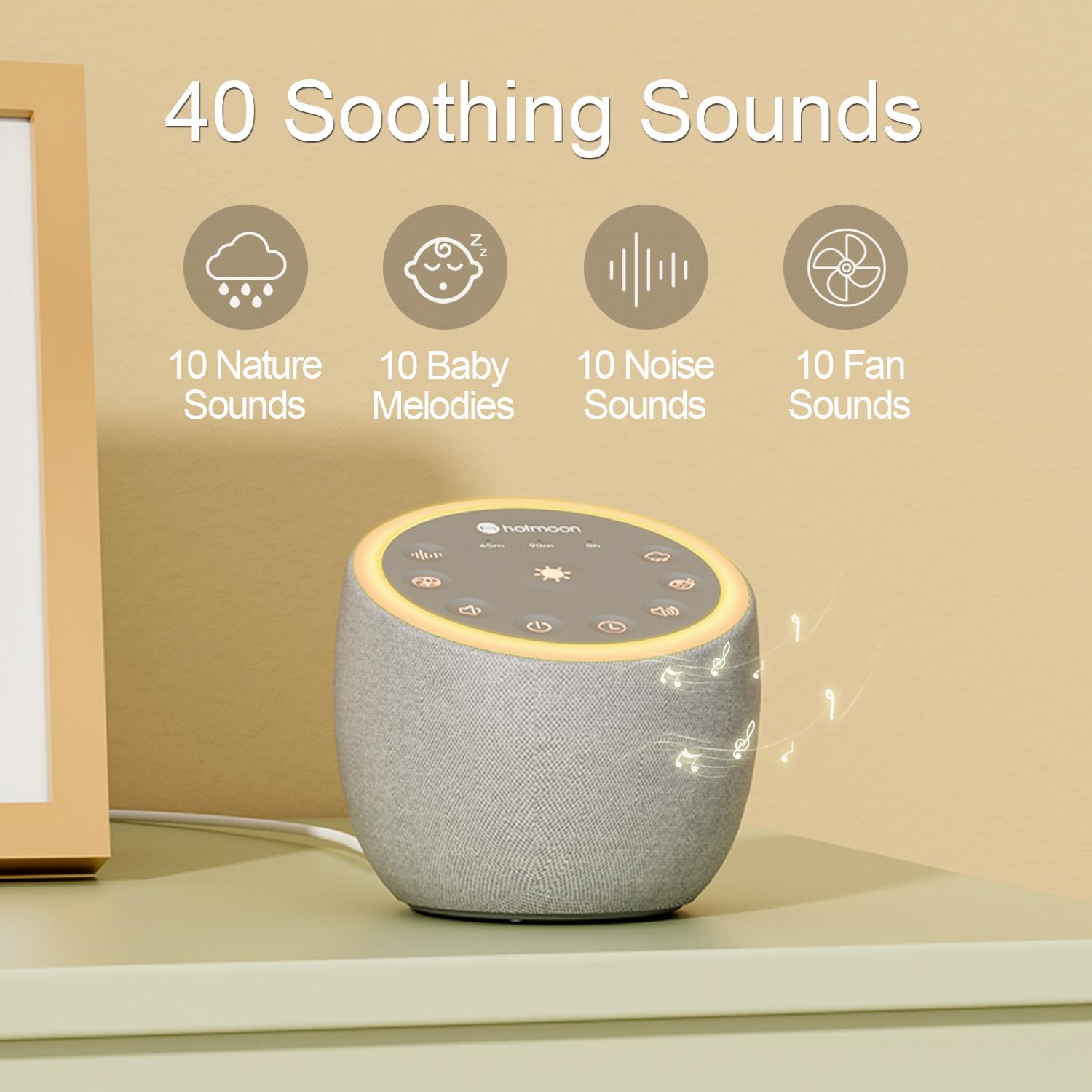
Image 2: Illustration of the 40 soothing sounds available on the Hotmoon Mona Pro, categorized into nature, baby melodies, noise, and fan sounds.
4. Setup
- Power Connection: Connect the device to a standard USB power supply using the provided cable. The device does not operate on batteries.
- Placement: Place the sound machine on a stable, flat surface in your desired location, such as a bedside table or desk.

Image 3: Close-up view of the Hotmoon Mona Pro's top control panel, showing buttons for power, volume, sound selection, light, and timer.
5. Operating Instructions
5.1 Power On/Off
- Press the power button (⏻) located on the top panel to turn the device on or off.
5.2 Sound Selection and Volume Adjustment
- Sound Selection: Use the sound button (often depicted with musical notes or sound waves) to cycle through the 40 available sounds. These include nature sounds, baby melodies, various noises, and fan sounds.
- Volume Adjustment: Use the volume up (+) and volume down (-) buttons to adjust the sound level. There are 32 levels of volume control.
5.3 Light Settings
- Press the light button (often depicted as a sun or lightbulb) to cycle through the 8 available light modes. These include 2 warm light modes, 5 static color light modes, and 1 color gradient light mode.
- The backlight of all buttons will automatically turn off after 30 seconds of no interaction.

Image 4: Visual representation of the customizable night light feature, showing options for light library, brightness adjustment, DIY color, and static/breath modes.
5.4 Sleep Timer
- Press the timer button (often depicted as a clock or timer icon) to set the automatic shut-off time. Options include 45 minutes, 90 minutes, 8 hours, or continuous playback.
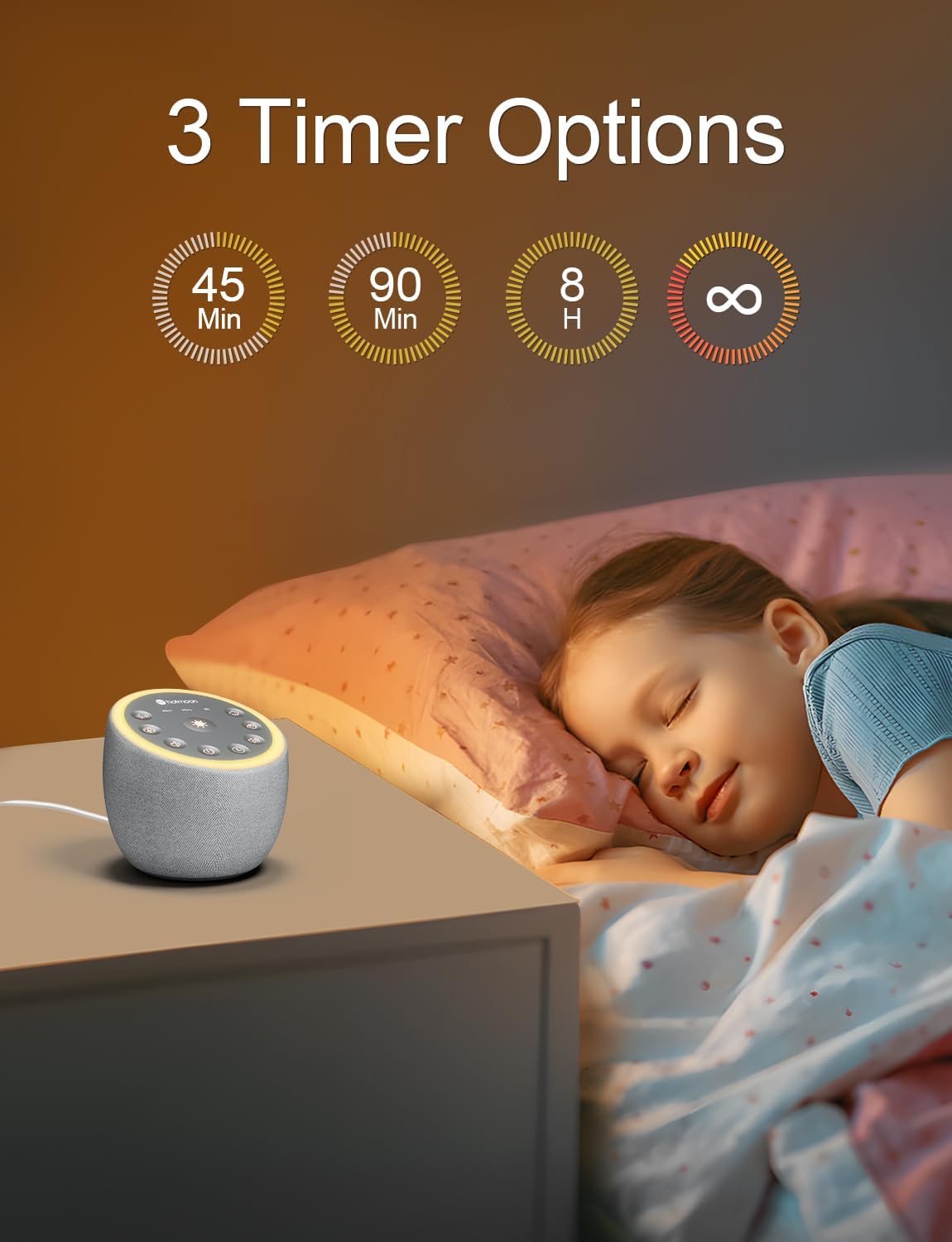
Image 5: Graphic illustrating the three primary timer options: 45 minutes, 90 minutes, and 8 hours, in addition to continuous play.
5.5 Using the Headphone Jack
- A 3.5mm headphone jack is located on the device for private listening. Simply plug in your headphones (not included) to enjoy the sounds without disturbing others.
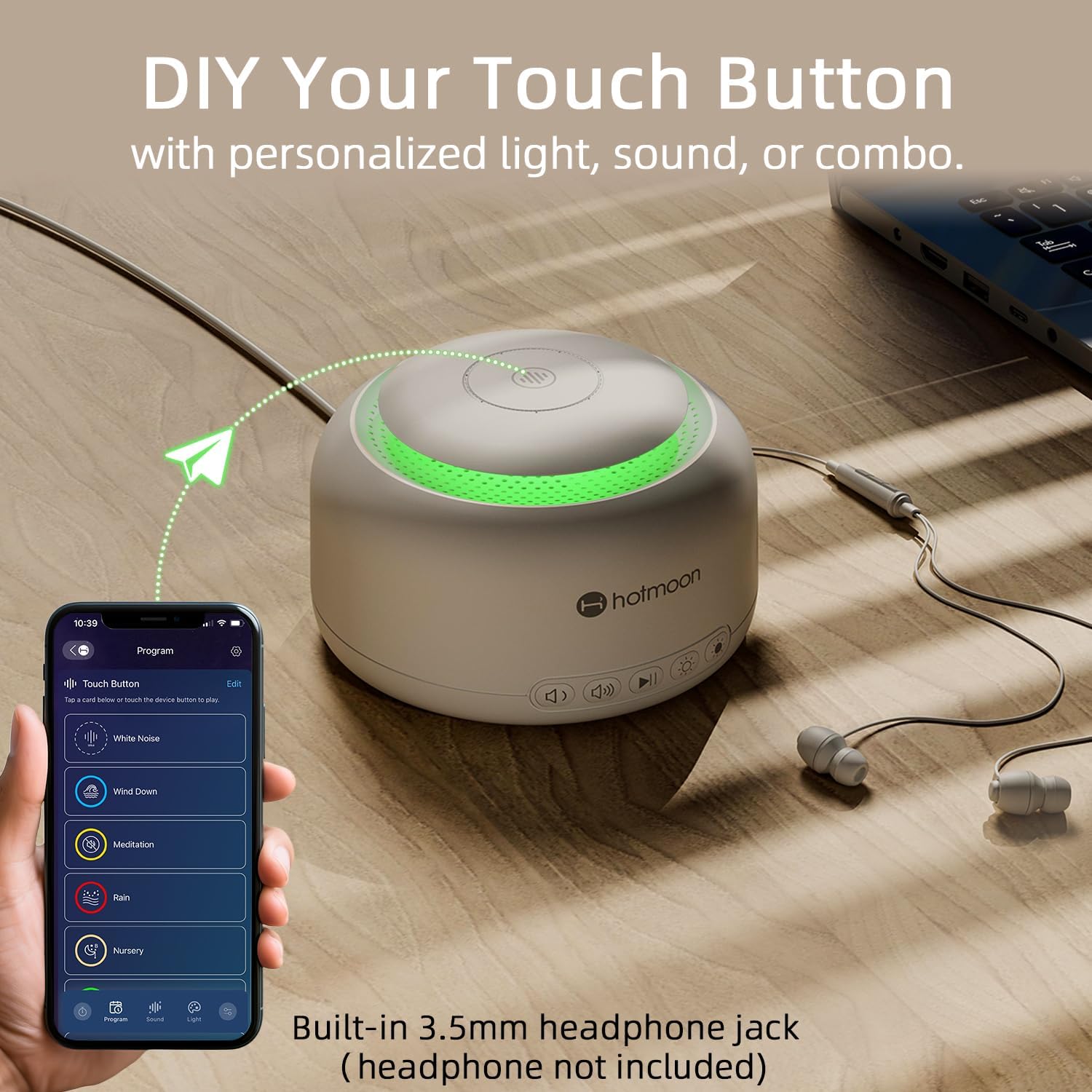
Image 6: The Hotmoon Mona Pro (white model) shown with a connected headphone and a smartphone displaying the companion app interface for customizing touch buttons.
6. Maintenance
To ensure the longevity and proper functioning of your Hotmoon Mona Pro Smart White Noise Sound Machine, follow these maintenance guidelines:
- Cleaning: Wipe the device with a soft, dry cloth. Do not use liquid cleaners or abrasive materials, as they may damage the surface or internal components.
- Storage: When not in use for extended periods, store the device in a cool, dry place away from direct sunlight and extreme temperatures.
- Avoid Obstructions: Ensure that the speaker grille and any ventilation openings are not blocked to prevent overheating.
7. Troubleshooting
If you encounter any issues with your Hotmoon Mona Pro, please refer to the following common troubleshooting steps:
- Device Not Turning On:
- Ensure the USB cable is securely connected to both the device and a working USB power supply.
- Try a different USB port or power adapter.
- No Sound:
- Check the volume level and increase it if necessary.
- If headphones are plugged in, sound will only come through the headphones. Unplug them to enable the built-in speaker.
- Lights Not Working:
- Ensure the device is powered on.
- Cycle through the light modes using the light button.
- Buttons Unresponsive:
- Disconnect and reconnect the power supply to reset the device.
If the problem persists after trying these steps, please contact Hotmoon customer service for further assistance.
8. Specifications
| Feature | Detail |
|---|---|
| Brand | Hotmoon |
| Model | Mona Pro Smart White Noise Sound Machine |
| Color | White (also available in Grey) |
| Material | Plastic |
| Power Source | USB Powered (no batteries included) |
| Sound Types | 40 (10 Nature, 10 Baby Melodies, 10 Noise, 10 Fan) |
| Volume Levels | 32 |
| Light Modes | 8 (2 Warm, 5 Static Color, 1 Gradient) |
| Timer Options | 45min, 90min, 8h, Continuous |
| Connectivity | 3.5mm Headphone Jack |
| Manufacturer | Hotmoon |
| First Available Date | July 29, 2024 |
9. Warranty and Customer Support
Hotmoon is committed to providing high-quality customer service. If you have any questions or encounter any inconveniences while using your Hotmoon Mona Pro Smart White Noise Sound Machine, please do not hesitate to contact us. We have professional engineers available to assist you with any product-related issues.
For support, please visit the official Hotmoon store on Amazon or contact us through the platform where you purchased the product. Hotmoon is dedicated to ensuring your satisfaction.