
1. Product Overview
The AUNMAS Embedded Desktop USB Type-C Charging Port is designed to provide convenient and integrated power access for your electronic devices. This compact unit features both a USB-A and a USB-C interface, allowing for simultaneous charging of multiple devices directly from your desk or furniture.
It is ideal for various settings including meeting rooms, offices, homes, hotels, and electric sofas, offering a clutter-free charging solution by eliminating the need for long cables or wall chargers.
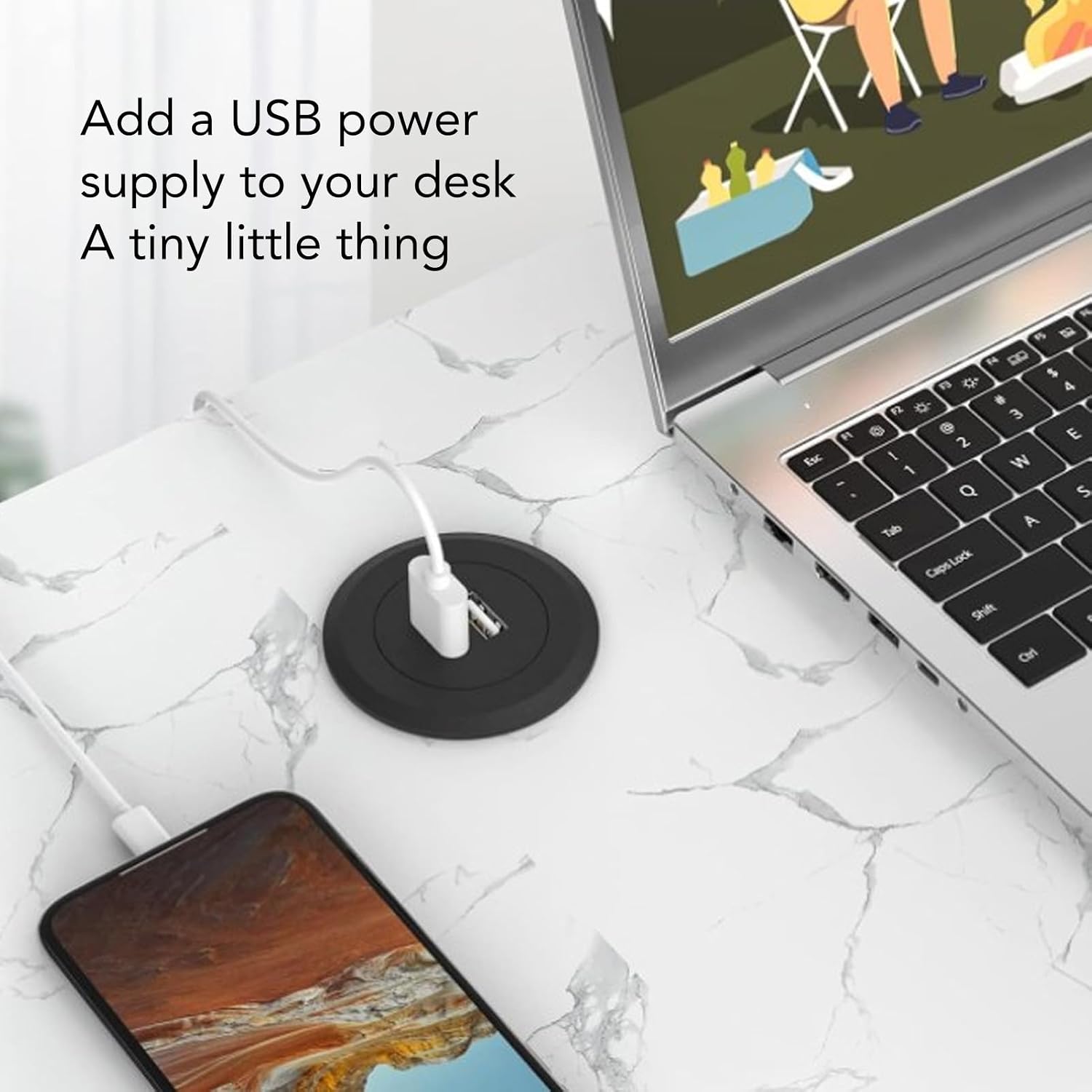
Figure 1.1: Embedded Charging Port in use on a desktop, providing power to a smartphone.
2. Package Contents
Please verify that all items are present and in good condition upon opening the package.
- 1 x AUNMAS Embedded Desktop USB Type-C Charging Port (with integrated USB-A and USB-C interfaces and attached power cable)

Figure 2.1: The AUNMAS Embedded Charging Port and its integrated cable.
3. Setup and Installation
This charging port is designed for easy DIY installation. The required hole diameter is approximately 45 mm (1.8 inches).
Required Tools:
- Drill
- Hole saw (45 mm / 1.8 inches diameter)
Installation Steps:
- Select Location: Choose a suitable location on your desk, table, or furniture where you wish to embed the charging port. Ensure there is enough space underneath for the cable and connections.
- Drill Hole: Using a drill and a 45 mm (1.8 inch) hole saw, carefully drill a circular hole through the chosen surface.
- Insert Charging Port: Gently insert the AUNMAS Embedded Charging Port into the drilled hole. The flange of the port should sit flush with the surface.
- Connect Power: Route the attached USB cable to an available USB power adapter or a powered USB port. Ensure the power source is capable of providing sufficient current for your devices.
- Verify Installation: Once installed, ensure the port is stable and the cable is not pinched or damaged.

Figure 3.1: Example of the charging port installed on a desk.
4. Operating Instructions
Using the AUNMAS Embedded Desktop USB Type-C Charging Port is straightforward:
- Ensure Power: Confirm that the charging port's integrated USB cable is securely connected to a powered USB port or a USB power adapter.
- Connect Device: Plug your device's charging cable into either the USB-A port or the USB-C port on the embedded unit.
- Begin Charging: Your device should begin charging automatically. The charging speed will depend on your device's requirements and the power output of the connected USB power source.

Figure 4.1: Connecting a device to the charging port.
5. Maintenance
To ensure the longevity and proper function of your charging port, follow these simple maintenance guidelines:
- Cleaning: Disconnect the power before cleaning. Use a soft, dry cloth to wipe the surface of the charging port. Avoid using abrasive cleaners, solvents, or harsh chemicals.
- Port Inspection: Periodically inspect the USB-A and USB-C ports for any dust, debris, or damage. Use a soft brush or compressed air to gently clear any obstructions.
- Cable Care: Ensure the integrated USB cable is not bent sharply, twisted, or placed under heavy objects, which could damage the internal wiring.
6. Troubleshooting
If you encounter issues with your AUNMAS Embedded Desktop USB Type-C Charging Port, refer to the following common problems and solutions:
| Problem | Possible Cause | Solution |
|---|---|---|
| Device not charging. |
|
|
| Slow charging. |
|
|
| Port feels loose after installation. |
|
|
7. Specifications
| Brand | AUNMAS |
| Model Number | AUNMAS8asc16bdko |
| Material | ABS |
| Interfaces | 1 x USB-A, 1 x USB Type-C |
| Required Hole Diameter | Approx. 45 mm (1.8 inches) |
| Weight | Approx. 110 g (3.88 oz) |

Figure 7.1: Detail of the USB-A and USB-C interfaces.