
Introduction
The Portronics Power Pebble is a compact and lightweight 5000mAh power bank designed to keep your devices charged on the go. It features 20W fast charging capabilities, a built-in foldable Type-C input/output pin, and an LED battery indicator for convenience. This manual provides essential information for the safe and efficient use of your power bank.
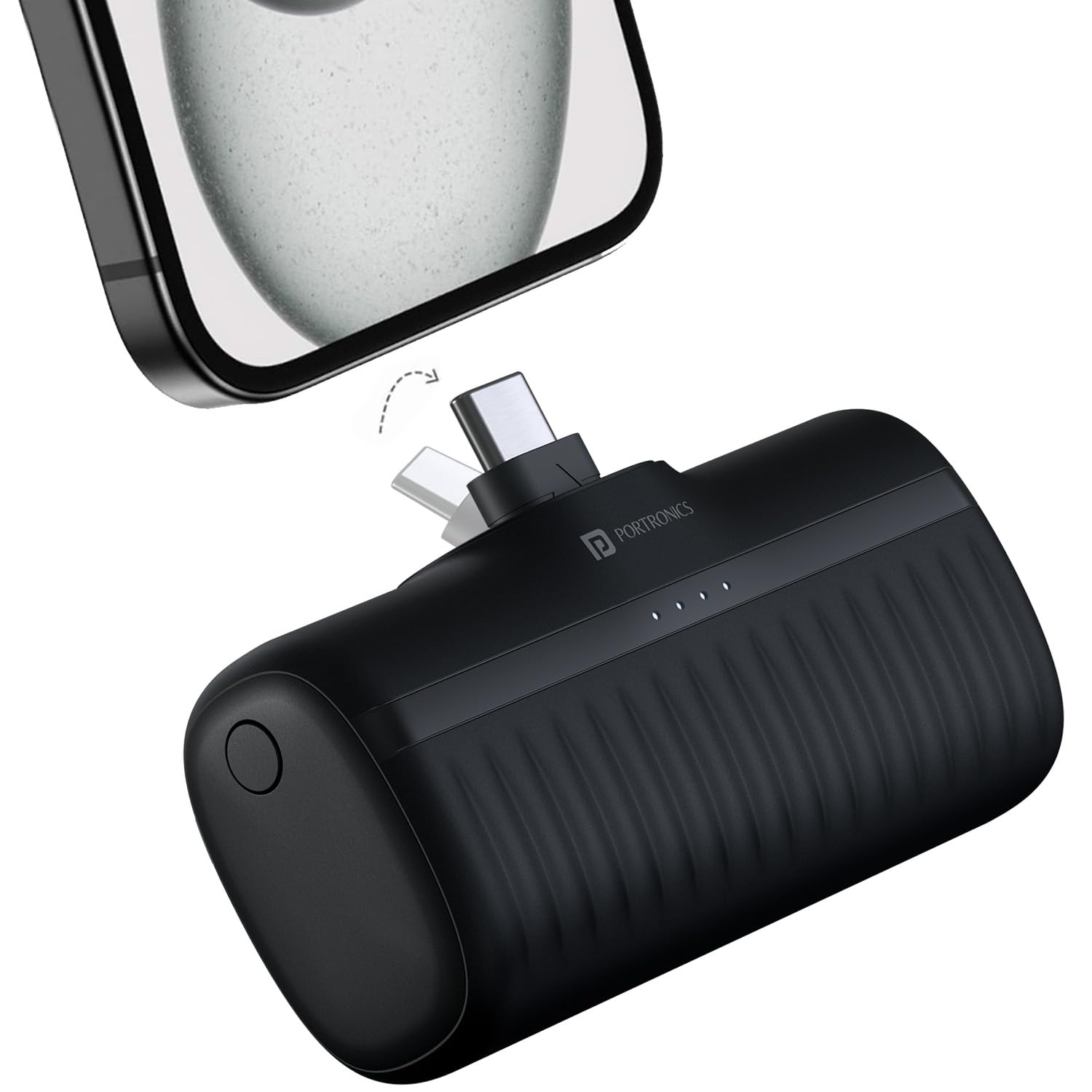
Image: The Portronics Power Pebble 5000mAh power bank connected to a smartphone, illustrating its charging capability and compact size.
Key Features:
- 5000mAh High Capacity Battery: Provides sufficient power for daily use.
- 20W Fast Charging: Delivers rapid power to compatible devices.
- Built-in Foldable Type-C Pin: Offers direct charging without extra cables and protects the connector when not in use.
- Type-C Input/Output Port: Versatile port for charging the power bank and other devices.
- LED Battery Indicator: Displays the remaining battery level.
- Lightweight and Portable Design: Weighs approximately 92 grams, making it easy to carry.
Setup and Initial Charging
Before using your Portronics Power Pebble for the first time, it is recommended to fully charge it.
- Unpack the Device: Carefully remove the power bank from its packaging.
- Initial Charge:
- Connect a compatible Type-C charging cable to the power bank's Type-C input port.
- Alternatively, use the built-in foldable Type-C pin by extending it and plugging it into a Type-C wall adapter or a device with a Type-C port that supports power input.
- Connect the other end of the cable to a power source (e.g., a wall adapter, computer USB port).
- The LED indicators on the power bank will illuminate to show the charging status. A full charge is indicated when all LEDs are solid.

Image: The Portronics Power Pebble demonstrating its foldable Type-C pin in both extended and retracted positions, highlighting its convenience and portability.
Operating Instructions
Charging Your Devices:
- Connect Device:
- For devices with a Type-C port, extend the built-in foldable Type-C pin and plug it directly into your device's charging port.
- For other devices requiring a Type-C cable, connect one end of the cable to the power bank's Type-C output port and the other end to your device.
- Initiate Charging: The power bank should automatically begin charging your device. If not, press the "Wake Up" button (if present) on the power bank to activate charging.
- Monitor Charging: The LED indicators will show the power bank's remaining charge. Your device's screen will indicate its charging status.
- Disconnect: Once your device is charged, disconnect it from the power bank. Retract the foldable Type-C pin into its housing for protection.

Image: A detailed view of the Portronics Power Pebble, highlighting the LED battery indicators and the "Wake Up" button for activating charging.
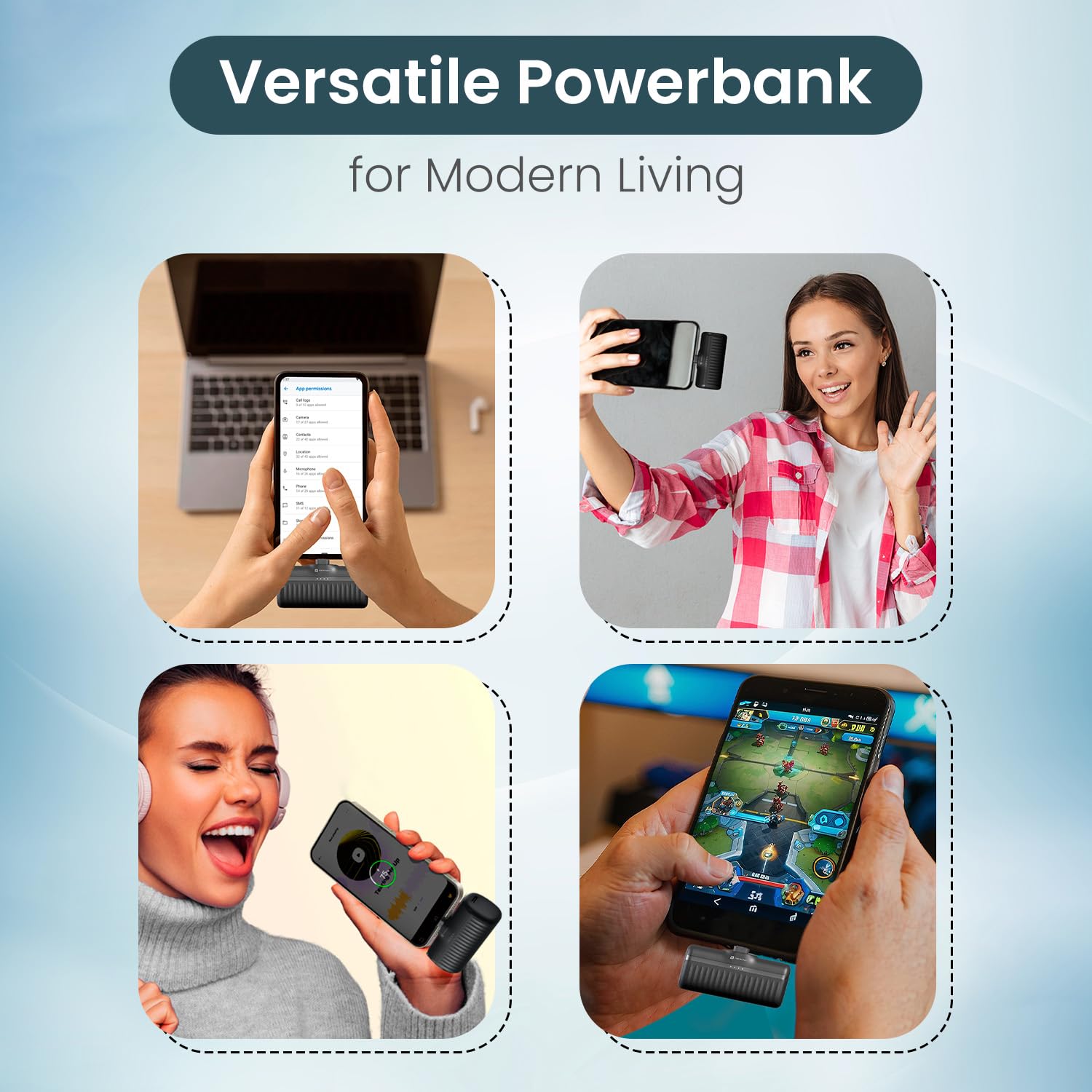
Image: A collage illustrating the versatile applications of the Portronics Power Pebble, showing it charging a laptop, a smartphone for selfies, a device for music, and a gaming device.
Care and Maintenance
- Storage: Store the power bank in a cool, dry place away from direct sunlight and extreme temperatures.
- Cleaning: Use a soft, dry cloth to clean the exterior of the power bank. Do not use liquid cleaners or abrasive materials.
- Avoid Drops: Protect the device from drops and impacts, which can damage internal components.
- Regular Use: To maintain battery health, use and recharge the power bank at least once every three months if not in regular use.
- Water Exposure: Keep the power bank away from water and other liquids.
Troubleshooting
| Problem | Possible Solution |
|---|---|
| Power bank is not charging. |
|
| Device is not charging from the power bank. |
|
| LED indicators are inconsistent or blinking erratically. | This can sometimes occur during charging or discharging. If the device continues to function normally, it may not indicate a fault. If charging or discharging stops, refer to the above solutions. |
| Power bank heats up during use. | It is normal for power banks to generate some heat during fast charging or discharging. If the heat is excessive or accompanied by unusual smells, discontinue use and contact support. |
Product Specifications
| Model Name | PowerPebble |
| Model Number | POR-2262 |
| Battery Capacity | 5000 mAh |
| Rapid Charging Performance | 20 Watts |
| Connector Type | USB Type C (Built-in foldable pin and additional port) |
| Number of Ports | 1 (Type C input/output) |
| Battery Cell Type | Lithium Polymer |
| Item Weight | 100 Grams |
| Item Dimensions (L x W x Thickness) | 8L x 3W x 5Th Centimeters |
| Compatible Devices | Smartphones, Tablets, iPhone (with appropriate Type-C to Lightning cable) |
| Color | Black |
| Manufacturer | Portronics |
Warranty and Support
Your Portronics Power Pebble comes with a 1-year warranty from the date of purchase. For any assistance, please contact Portronics customer support.
Contact Information:
- Email: help@portronics.com
- Phone/WhatsApp: +91 9555-245-245 (10 AM - 6 PM)
- Support Portal: https://support.portronics.com
- Manufacturer Address: Portronics Digital Pvt ltd, First Floor Property No D 8 Upper Basement Sector 8 Noida Uttar Pradesh 201301

Image: Portronics Port-Care details, outlining personalized support, 1-year warranty, dedicated human support, and easy pickup & quick exchange services.