
ZWP BWA17AA005
User Manual for ZWP R7115S Replacement Remote Control
Compatible with Blackweb BWA17AA005 CD Player Stereo Audio System
1. Introduction
Thank you for choosing the ZWP R7115S Replacement Remote Control. This remote is designed to be fully compatible with the Blackweb BWA17AA005 CD Player Stereo Audio System, providing seamless control over your audio experience. It is made of high-quality, wear-resisting ABS material for comfortable handling and durability. This manual provides essential information for setting up, operating, maintaining, and troubleshooting your new remote control.

Image 1: ZWP R7115S Replacement Remote Control. This image shows the front view of the dark-colored remote control with all its buttons clearly visible, including power, volume, playback controls, and preset EQ.
2. Setup
2.1 Battery Installation
The ZWP R7115S remote control requires button batteries (not included). Follow these steps to install them:
- Locate the battery compartment on the back of the remote control.
- Gently slide the battery cover open in the direction indicated by the arrow or 'OPEN' label.
- Insert the button batteries, ensuring the positive (+) and negative (-) terminals align correctly with the markings inside the compartment.
- Close the battery cover securely until it clicks into place.

Image 2: Battery Installation. This image displays the back of the remote control with the battery compartment open, next to a 3V lithium button battery, illustrating where the battery should be placed.
2.2 Initial Use
This replacement remote control requires no programming or pairing. Once the batteries are correctly installed, it is ready to operate your Blackweb BWA17AA005 CD Player Stereo Audio System immediately.
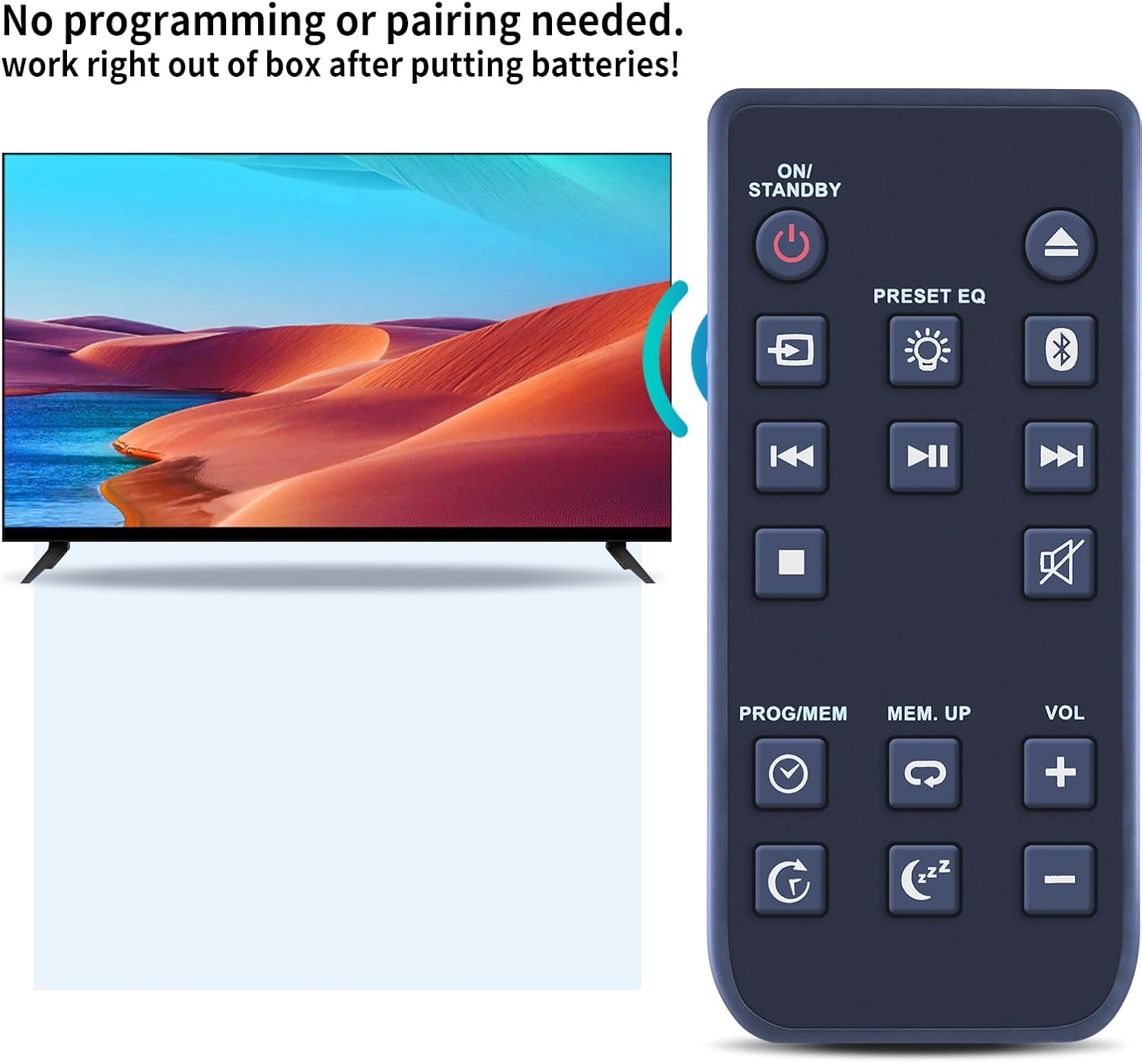
Image 3: No Programming Needed. This image shows the remote control positioned next to a television screen, with text indicating that no programming or pairing is required for operation.
3. Operating Instructions
To operate your Blackweb BWA17AA005 CD Player Stereo Audio System, point the remote control directly at the system's infrared receiver. Ensure there are no obstructions between the remote and the audio system.
3.1 Button Functions
The remote control features standard buttons for common audio system functions:
- ON/STANDBY: Powers the system on or puts it into standby mode.
- PRESET EQ: Cycles through various equalizer presets (e.g., Rock, Pop, Jazz, Classic).
- VOL + / -: Increases or decreases the volume level.
- Mute: Silences the audio output.
- Playback Controls (Play/Pause, Stop, Skip Forward/Backward): Controls CD playback.
- PROG/MEM: Used for programming tracks or storing radio station presets.
- MEM. UP: Navigates through stored memory presets.
- Bluetooth Button: Activates or switches to Bluetooth mode.
- Source/Input Button: Changes the audio input source (e.g., CD, FM, Bluetooth, AUX).
- Sleep Timer Button: Sets a timer for the system to automatically turn off.
- Repeat Button: Repeats the current track or album.
3.2 Optimal Range
The remote control utilizes infrared technology for precise control. It can effectively operate the audio system from a distance of up to 10 meters (approximately 33 feet), provided there is a clear line of sight.
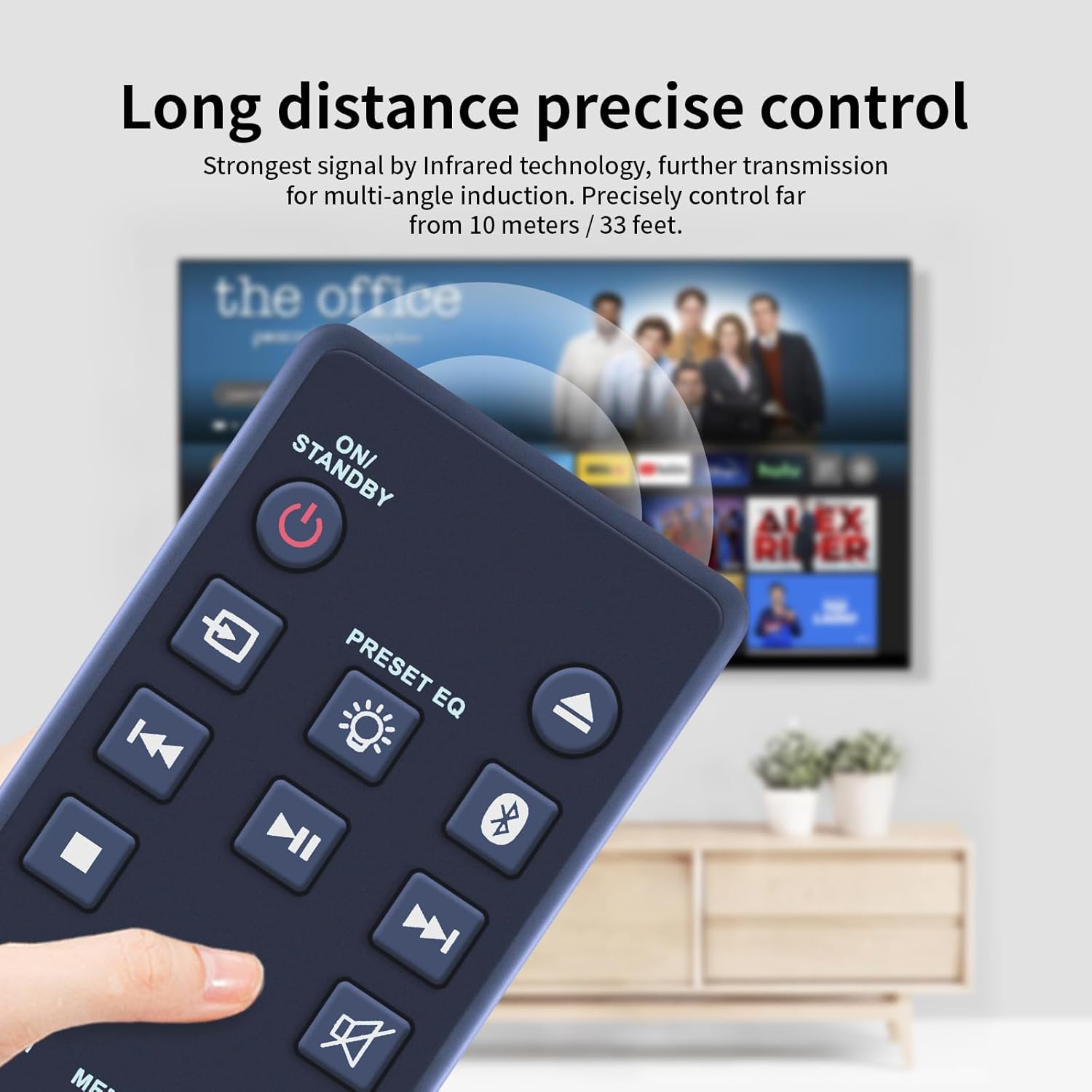
Image 4: Long Distance Control. This image illustrates the remote control being used to operate a device from a distance, highlighting its effective range of up to 33 feet.
4. Maintenance
4.1 Cleaning
To clean the remote control, use a soft, dry cloth. For stubborn dirt, slightly dampen the cloth with water or a mild, non-abrasive cleaner. Do not use harsh chemicals or abrasive materials, as they may damage the remote's surface or buttons.
4.2 Battery Replacement
Replace the batteries when the remote control's response becomes sluggish or it stops functioning. Refer to Section 2.1 for battery installation instructions. Always dispose of used batteries responsibly according to local regulations.
5. Troubleshooting
If you experience issues with your remote control, please refer to the following common problems and solutions:
| Problem | Possible Cause | Solution |
|---|---|---|
| Remote control not working. | Dead or incorrectly installed batteries. | Check battery orientation or replace with new batteries. |
| Remote control has limited range or intermittent response. | Obstruction between remote and audio system; weak batteries. | Ensure clear line of sight. Replace batteries if they are old. |
| Specific buttons not responding. | Dirt or debris under the button; internal malfunction. | Clean the remote surface. If problem persists, contact support. |
6. Specifications
Below are the technical specifications for the ZWP R7115S Replacement Remote Control:
| Feature | Detail |
|---|---|
| Model Number | R7115S (Compatible with BWA17AA005) |
| Brand | ZWP |
| Compatible Devices | Blackweb BWA17AA005 CD Player Stereo Audio System |
| Color | Black |
| Material | High-quality ABS |
| Item Weight | 2.4 ounces |
| Package Dimensions | 10 x 3 x 1 inches |
| Power Source | Button Batteries (not included) |
| Special Feature | Ergonomic design |

Image 5: Remote Control Dimensions. This image provides a detailed view of the remote control, showing its length (3.54 inches), width (1.57 inches), and thickness (0.39 inches).
7. Warranty and Support
For any questions, concerns, or issues regarding your ZWP R7115S Replacement Remote Control, please do not hesitate to contact the seller directly. We are committed to helping you resolve any problems you may encounter.
Please refer to your purchase documentation or the seller's information on the platform where you purchased the product for specific warranty details and contact methods.
Ask a question about this manual
Ask about setup, troubleshooting, compatibility, parts, safety, or missing instructions. Manuals+ will review the question and use this page’s manual context to help answer it.