
1. Product Overview
The SUNLINKCO 10FT RGB+IC LED Neon Rope Strip Light is a flexible and waterproof lighting solution designed for various indoor and outdoor decorative applications. It features advanced RGB+IC technology, allowing for segmented dynamic lighting with 16 million colors and 20 customizable segments. Control is available via a dedicated mobile application, remote control, or voice commands. The light also includes music synchronization and a timer function for enhanced user experience.
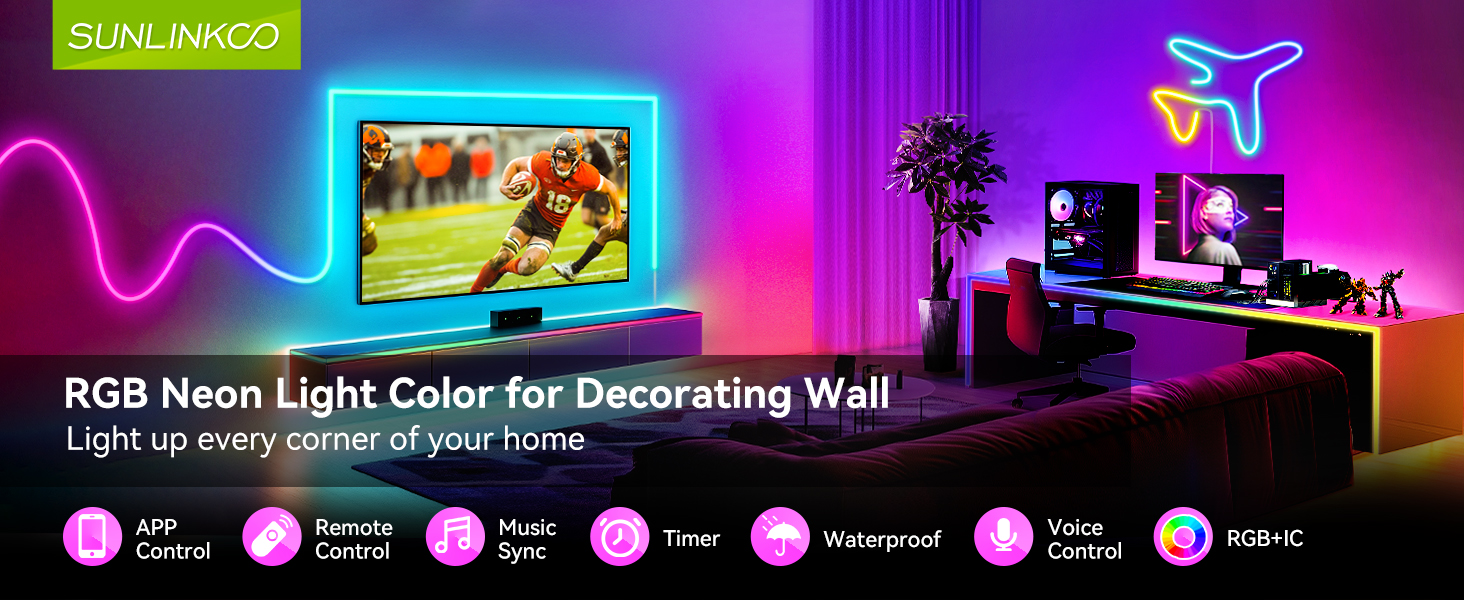
Image: The RGB+IC LED Neon Rope Light offers segmented dynamic lighting and full brightness, unlike standard RGB LED strips.
Video: Official product video demonstrating the features and flexibility of the LED Neon Rope Strip Light.
2. What's in the Box
- 10FT RGB+IC LED Neon Rope Light
- Power Adapter (AC/DC)
- Remote Control
- Mounting Clips
- Screws
- Adhesive Tape
3. Specifications
| Feature | Detail |
|---|---|
| Model Number | 706001113 |
| Length | 10 feet |
| Light Source | RGB+IC LED (72 LED chips per meter) |
| Color Options | 16 Million Colors |
| Control Methods | Smart Life APP, Remote Control, Voice Control (via Alexa/Google Home) |
| Scene Modes | 44 Preset Scene Modes |
| Special Features | Segmented Dynamic Lighting, Music Sync, Timer Function |
| Water Resistance | IP67 Waterproof |
| Material | Silicone |
| Power Source | DC 24V (via AC/DC adapter) |
| Connectivity | Bluetooth |
4. Setup and Installation
Follow these steps to properly install your LED Neon Rope Strip Light:
- Prepare the Surface: Clean the desired installation surface thoroughly and ensure it is dry and smooth.
- Plan Your Design: Before securing, lay out the rope light to visualize your desired shape or pattern. The flexible silicone material allows for bending into various forms.
- Secure the Light: Use the provided mounting clips and screws to fix the rope light securely in place. Alternatively, use the adhesive tape for temporary or lighter applications. Ensure the light is firmly attached to prevent sagging.
- Connect Power: Connect the rope light to the power adapter, then plug the adapter into a standard electrical outlet.

Image: Visual guide for the installation process.
For creative shapes, gently bend the rope light. Avoid sharp folds or excessive force that could damage the internal wiring.
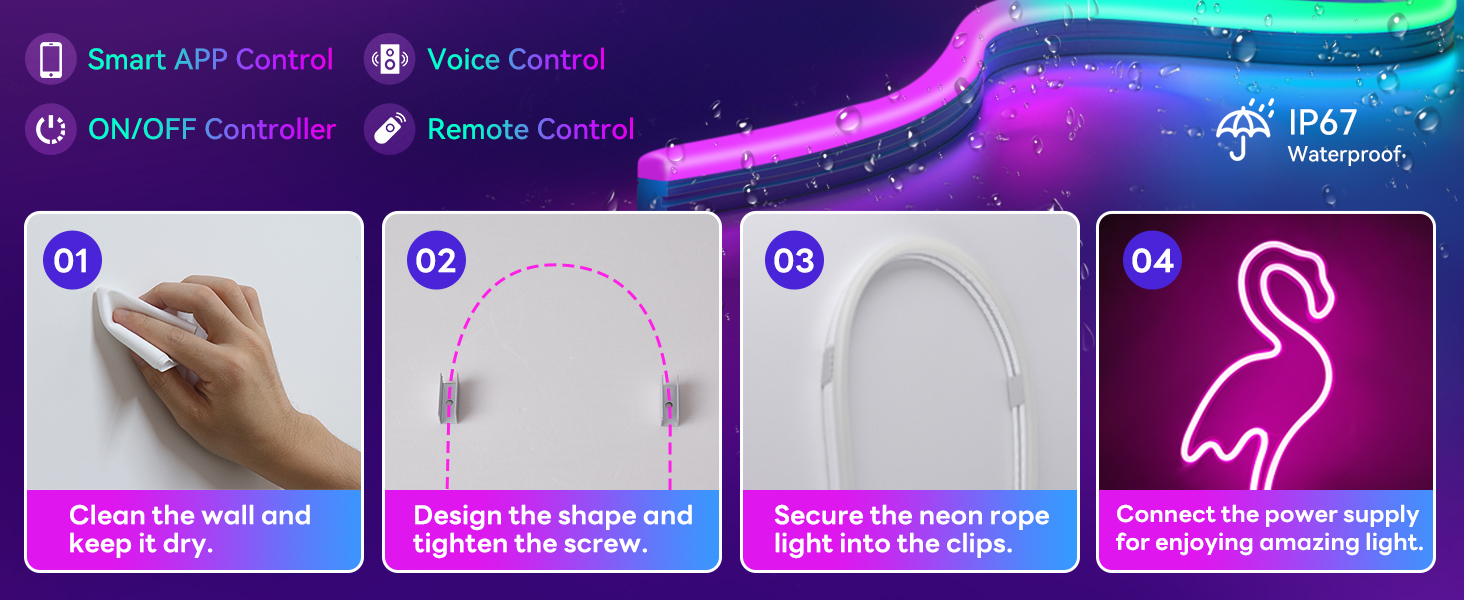
Image: Examples of creative light shapes.
5. Operating Instructions
5.1. Smart Life App Control
Download the 'Smart Life' application from your smartphone's app store. Follow the in-app instructions to pair your LED Neon Rope Light. The app provides comprehensive control over color, brightness, speed, and dynamic modes. You can customize individual segments for unique lighting effects.
5.2. Remote Control
The included remote control allows for basic adjustments. Point the remote directly at the IR receiver connected to the light strip for optimal response. Use the buttons to change colors, adjust brightness, and cycle through preset modes.
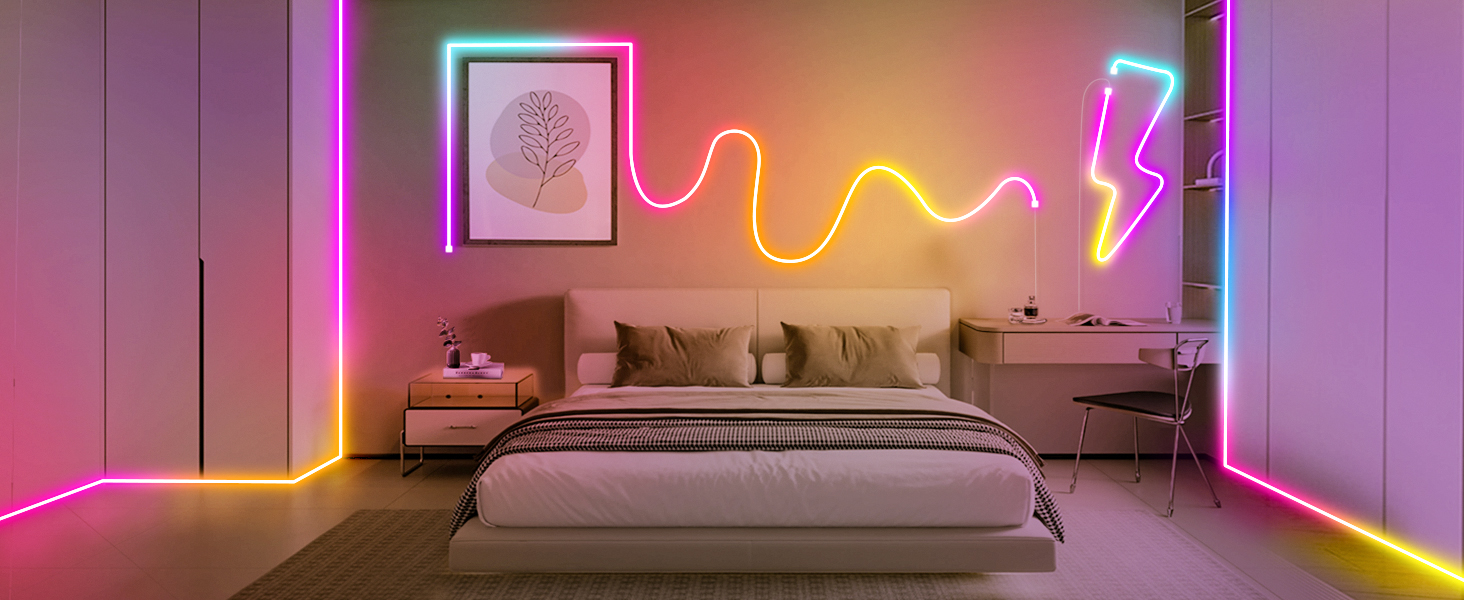
Image: Dual control methods: Smart Life App and Remote Control.
5.3. Music Sync Mode
Activate the music sync feature via the Smart Life app. The built-in microphone in the light's controller will detect ambient sound or music, causing the lights to change color and rhythm in response. This creates an immersive audio-visual experience.
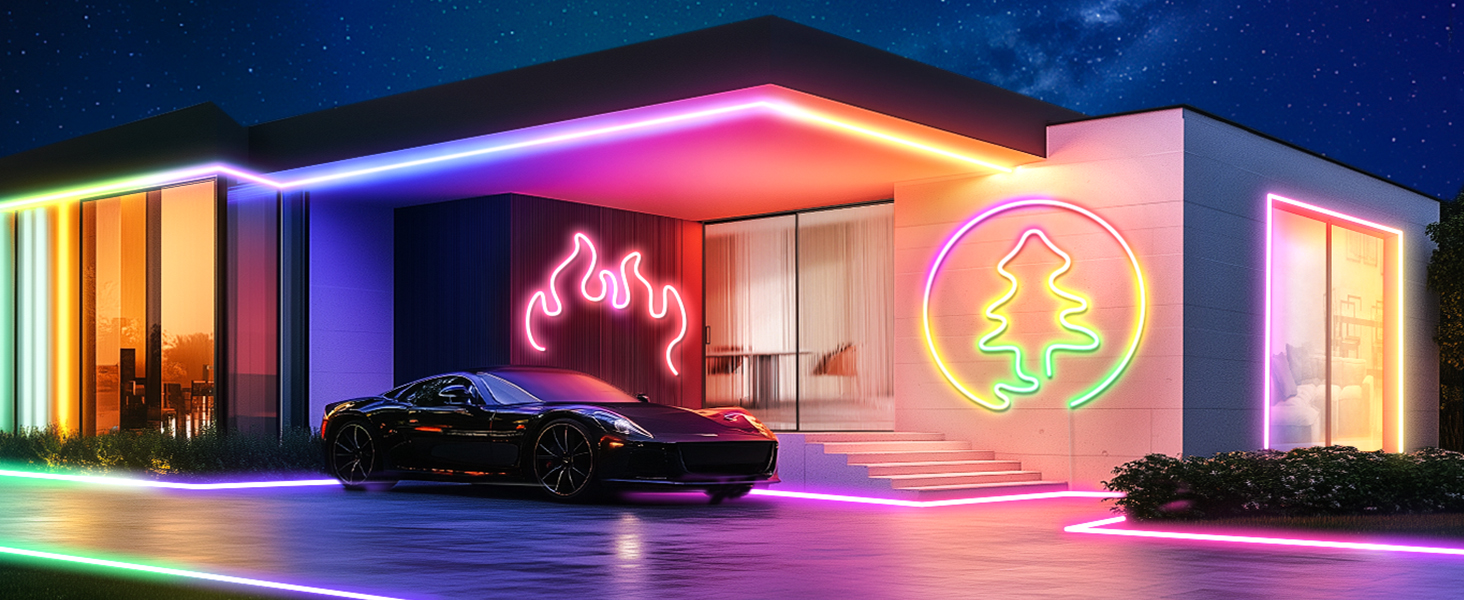
Image: Music Sync Lighting feature in action.
5.4. Voice Control
The light supports intelligent voice services through integration with platforms like Amazon Alexa and Google Home via the Smart Life app. Once connected, you can use voice commands to turn the lights on/off, change colors, or adjust brightness.
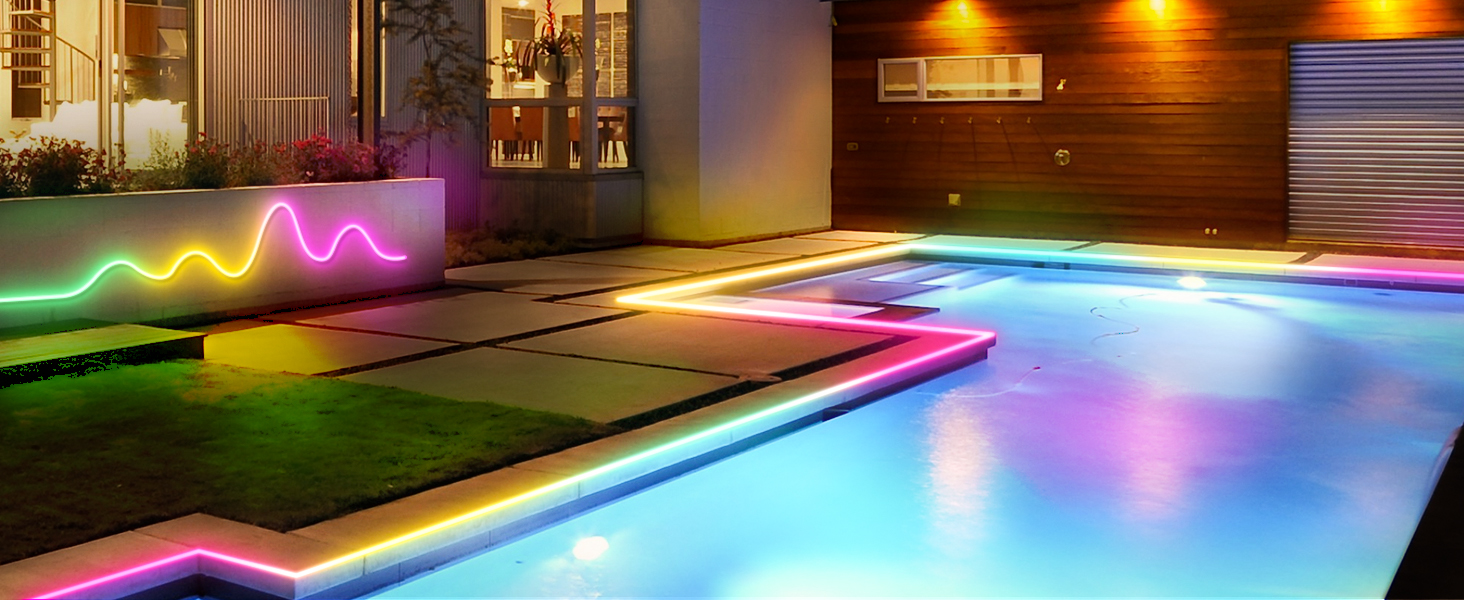
Image: Hands-Free Voice Control with smart assistants.
5.5. Preset Scene Modes
The light features 44 preset scene modes accessible via the app or remote. These modes offer various dynamic lighting effects suitable for different moods and occasions, such as parties, gaming, or relaxation.
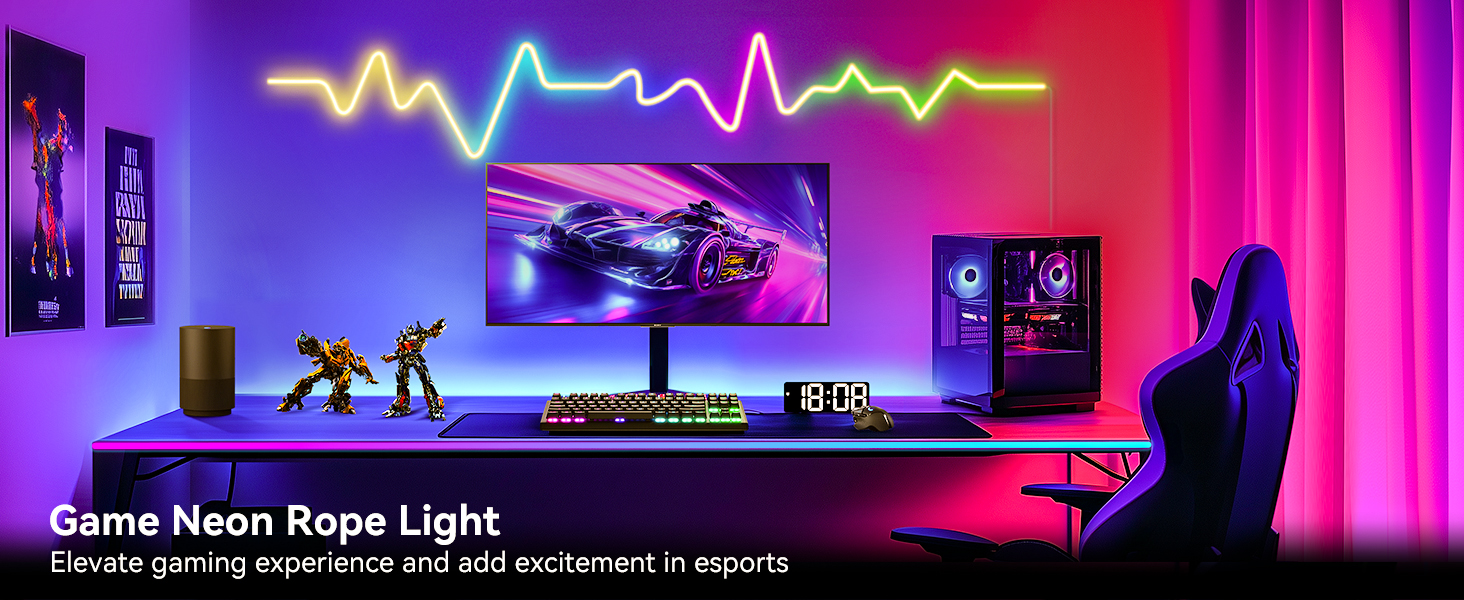
Image: Segmented Dynamic Color Effects in a gaming room.
5.6. Timer Function
Utilize the timer function through the Smart Life app to schedule automatic on/off times for the light. You can also set specific modes to activate at preset times, enhancing convenience and energy efficiency.
6. Maintenance
To ensure the longevity and optimal performance of your LED Neon Rope Strip Light, follow these simple maintenance guidelines:
- Cleaning: Gently wipe the surface of the rope light with a soft, dry cloth. For stubborn dirt, a slightly damp cloth can be used, but ensure the light is unplugged and completely dry before reconnecting power. Avoid harsh chemicals or abrasive cleaners.
- Inspection: Periodically check the light strip and connections for any signs of damage, wear, or loose fittings. Ensure all mounting clips are secure.
- Storage: If storing the light, coil it loosely to prevent kinks or damage to the internal components. Store in a cool, dry place away from direct sunlight.
7. Troubleshooting
If you encounter issues with your LED Neon Rope Strip Light, refer to the following common problems and solutions:
- Light does not turn on:
- Ensure the power adapter is securely connected to both the light strip and the power outlet.
- Verify the power outlet is functional.
- Check if the light is turned on via the app or remote control.
- Remote control not working:
- Ensure the remote is pointed directly at the IR receiver.
- Replace the remote control battery if necessary.
- Try controlling the light using the Smart Life app as an alternative.
- Lights are not bright enough:
- Adjust the brightness settings via the Smart Life app or remote control.
- Consider the placement of the light; direct exposure may appear brighter than indirect or accent lighting.
- App control issues:
- Ensure your smartphone's Bluetooth is enabled and the light is within range.
- Check your Wi-Fi connection if the app requires it for certain features.
- Restart the Smart Life app and/or your smartphone.
- Unplug and replug the light strip to reset it.
- Light is not flexible enough for desired shape:
- The rope light is designed to be flexible but has a certain thickness. Avoid forcing it into extremely tight angles, which can cause damage.
- Use mounting clips at closer intervals to help maintain desired curves.
8. Warranty and Support
The SUNLINKCO LED Neon Rope Strip Light comes with a 1-year warranty. This warranty covers manufacturing defects and ensures free return and refund policies for eligible issues.
For any questions, technical assistance, or warranty claims, please contact SUNLINKCO customer support. Refer to the product packaging or the official SUNLINKCO website for contact details.