
Hasuit LB-02
Hasuit Twin Size Loft Bed with U-Shaped Desk, Charging Station & LED Lights Instruction Manual
Model: LB-02
1. Introduction
Thank you for choosing the Hasuit Twin Size Loft Bed. This manual provides essential information for the safe assembly, operation, and maintenance of your new loft bed. Please read all instructions carefully before beginning assembly and retain this manual for future reference.
1.1 Important Safety Information
- This product has a maximum weight recommendation of 400 pounds.
- The bed is designed with high guardrails and includes an anti-tipping device for added safety. Ensure these are properly installed and secured.
- It is intended for children's use, so adult supervision is recommended.
- Always follow proper assembly instructions to prevent instability or collapse.
- Be aware of potential pinch points or sharp edges during assembly and use.
- Only use mattresses up to 6 inches thick on the loft bed.
2. Package Contents
Before assembly, verify that all components listed below are present. If any parts are missing or damaged, please contact Hasuit customer support.
- Loft Bed Frame Components (metal beams, slats, guardrails, ladders)
- U-shaped Desk Components
- Open Storage Shelves
- RGB LED Lights Kit
- Integrated Charging Station
- Installation Manual
- Installation Tools and Hardware (screws, bolts, nuts, Allen wrench)
- Anti-Tipping Device
- Non-slip Pads
3. Assembly Instructions
Assembly typically requires two adults. Each part is numbered to facilitate quick and accurate assembly. Follow the step-by-step diagrams provided in the included installation manual.
3.1 General Assembly Steps
- Unpack and Identify Parts: Carefully remove all components from the packaging. Lay them out and compare them against the parts list in the separate installation manual to ensure everything is present and undamaged.
- Assemble the Main Frame: Begin by connecting the main vertical and horizontal metal beams according to the diagrams. Ensure all connections are secure but do not fully tighten bolts until the frame is stable.
- Attach Guardrails: Install the high guardrails around the top bunk. These are crucial for safety.
- Install Ladders: Secure both double ladders to the designated positions on the bed frame.
- Assemble and Install U-shaped Desk: Construct the U-shaped desk and attach it to the bed frame. Ensure it is level and firmly secured.
- Mount Storage Shelves: Install the open storage shelves as indicated in the manual.
- Install Charging Station: Integrate the charging station into the designated slot on the desk surface. Connect its power cord.
- Apply Non-slip Pads: Attach the non-slip pads to the bottom of the bed legs to protect your floor and increase stability.
- Secure Anti-Tipping Device: Install the anti-tipping device to anchor the bed to a wall, preventing accidental tipping.
- Install RGB LED Lights: Follow the separate instructions for installing the LED light strip under the bed frame.
- Final Tightening: Once all components are in place and aligned, systematically tighten all bolts and screws. Do not overtighten.

Image: Overview of the Hasuit Twin Loft Bed with U-shaped desk and integrated shelves, illustrating the overall structure.

Image: Detailed view of safety features, including the 12-inch high guardrails, the anti-toppling device for wall attachment, and non-slip pads on the bed legs.

Image: The loft bed featuring two square-shaped ladders, designed for convenient and secure climbing.
4. Operating Instructions
4.1 U-shaped Desk and Storage
The integrated U-shaped desk provides a spacious area for study, work, or entertainment. Two open storage shelves are available to display items or store essentials, helping to maximize the space under the bed.
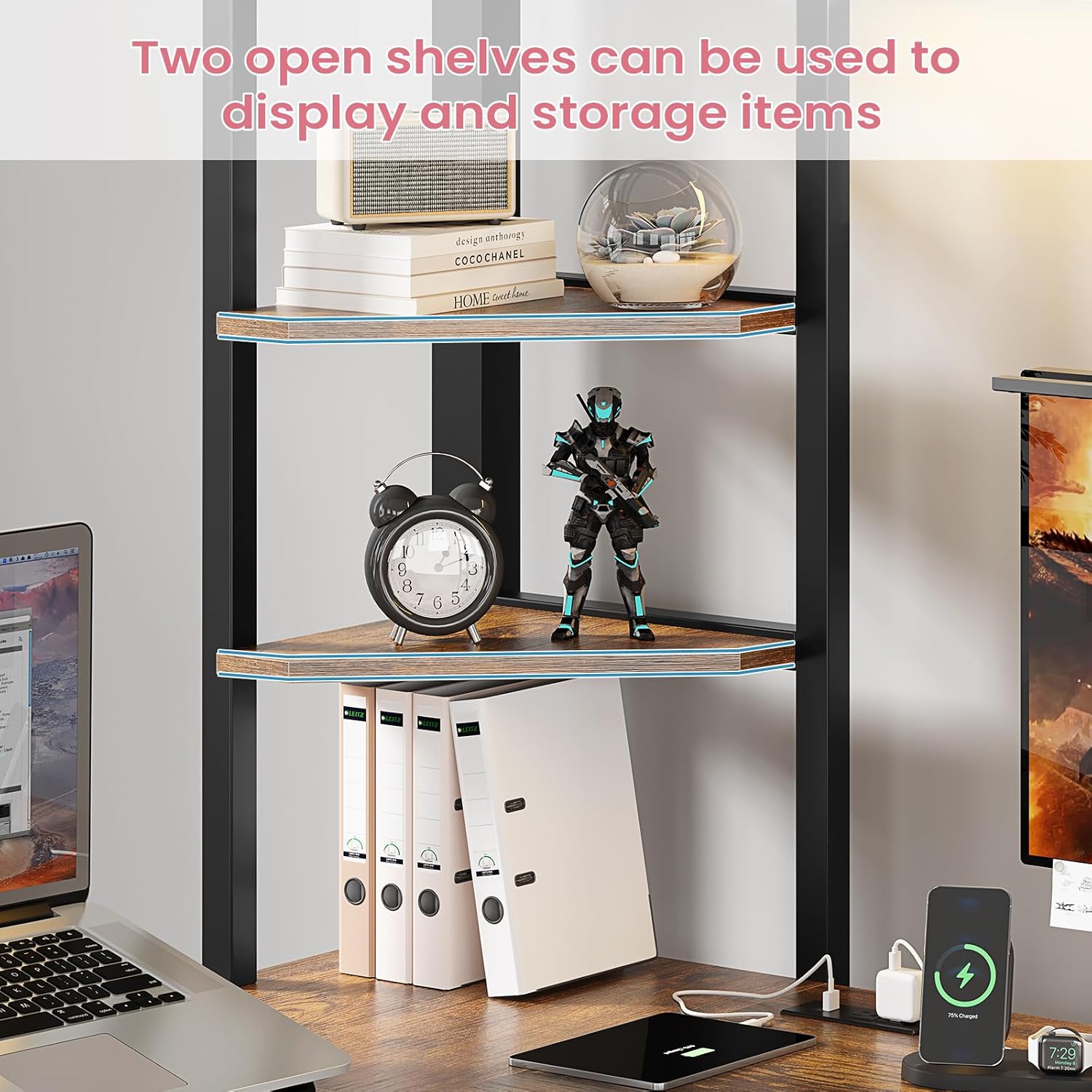
Image: A close-up view of the two open storage shelves, suitable for displaying decorative items or organizing books and supplies.
4.2 Charging Station
The built-in charging station on the desktop offers convenient power access for your electronic devices. It includes two 125V/12A AC outlets and two 5V/2.1A USB ports, connected via a 5.2-foot power cord.

Image: A detailed view of the built-in charging station, showing two AC outlets and two USB ports, ready for device charging.
4.3 RGB LED Lights
The integrated RGB LED lights enhance the ambiance of your space. They can be controlled via a key control unit or a dedicated mobile application, offering over 60,000 colors and multiple flashing modes. Features include music mode, mic mode, timing function, brightness adjustment, and custom styles.

Image: The loft bed illuminated by RGB LED lights, showcasing the various control options including app and key control, and features like music mode and custom styles.
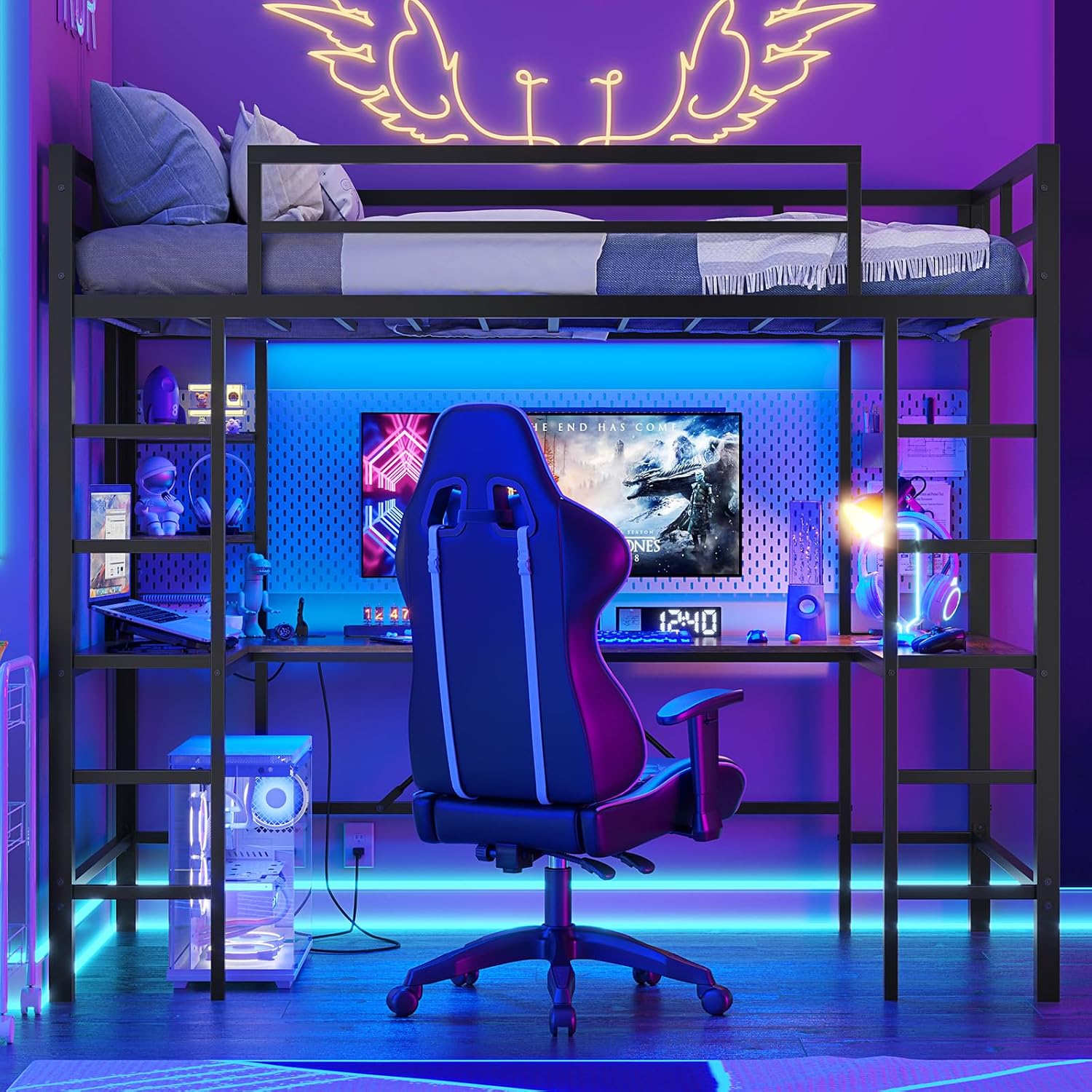
Image: The loft bed with its RGB LED lights activated, displaying a colorful and dynamic lighting effect in a room setting.
5. Maintenance
Regular maintenance helps prolong the life and appearance of your loft bed.
- Cleaning: Wipe metal and wood surfaces with a soft, damp cloth. Avoid harsh chemicals or abrasive cleaners that may damage the finish.
- Fasteners: Periodically check all bolts and screws to ensure they remain tight. Retighten as necessary to maintain structural integrity.
- LED Lights: If the LED lights become dusty, gently wipe them with a dry, soft cloth. Do not immerse the light strip or control unit in water.
6. Troubleshooting
If you encounter issues with your Hasuit Loft Bed, refer to the following common problems and solutions:
- Bed feels wobbly: Ensure all bolts and screws are fully tightened. Verify the anti-tipping device is securely installed and anchored to the wall.
- LED lights not working: Check if the power adapter is properly connected to a working outlet. Ensure the LED strip is correctly plugged into the control unit. If using the app, confirm Bluetooth connection.
- Charging station not providing power: Confirm the charging station's power cord is securely plugged into a live wall outlet. Test the outlet with another device.
- Missing parts during assembly: Double-check all packaging. If parts are genuinely missing, contact Hasuit customer support immediately.
7. Specifications
| Feature | Detail |
|---|---|
| Model Number | LB-02 |
| Size | Twin |
| Product Dimensions (L x W x H) | 77.4" x 43.32" x 72.24" |
| Item Weight | 94.7 pounds |
| Color | Black |
| Finish Type | Painted |
| Material | Thickened Steel Frame, Wood Desk/Shelves |
| Maximum Weight Capacity | 400 pounds |
| Compatible Mattress Size | Twin (up to 6 inches thick) |
| Charging Station | 2 AC Outlets (125V/12A), 2 USB Ports (5V/2.1A), 5.2-foot power cord |
| LED Lights | RGB, 60,000+ colors, App/Key control, Music/Mic mode, Timing, Brightness adjustable |

Image: Detailed product dimensions, including length, width, height, and specific measurements for the desk and shelves.
8. Product Overview Video
Watch this video for a visual overview of the Hasuit Twin Metal Loft Bed with U-shaped Desk, highlighting its features and design.
Video: An official product video from Hasuit Direct showcasing the Twin Metal Loft Bed with U-shaped Desk, its features, and design elements.
9. Warranty and Support
Hasuit is committed to providing quality products and customer satisfaction. While specific warranty details are not provided in this manual, if you have any questions, require assistance with assembly, or need to report missing/damaged parts, please contact Hasuit customer support. Refer to your purchase documentation or the Hasuit brand store on Amazon for contact information.
"If you have any questions, please feel free to contact us, Hasuit will serve you wholeheartedly."
Ask a question about this manual
Ask about setup, troubleshooting, compatibility, parts, safety, or missing instructions. Manuals+ will review the question and use this page’s manual context to help answer it.