
1. Introduction
This manual provides comprehensive instructions for the installation, operation, and maintenance of your BrickSoul LED Light Kit for the LEGO Back to The Future Time Machine 10300 building set. This lighting kit is designed to enhance your model with adjustable lighting modes and integrated sound effects, transforming it into a dynamic display piece. Please read this manual thoroughly before beginning installation to ensure proper setup and optimal performance.
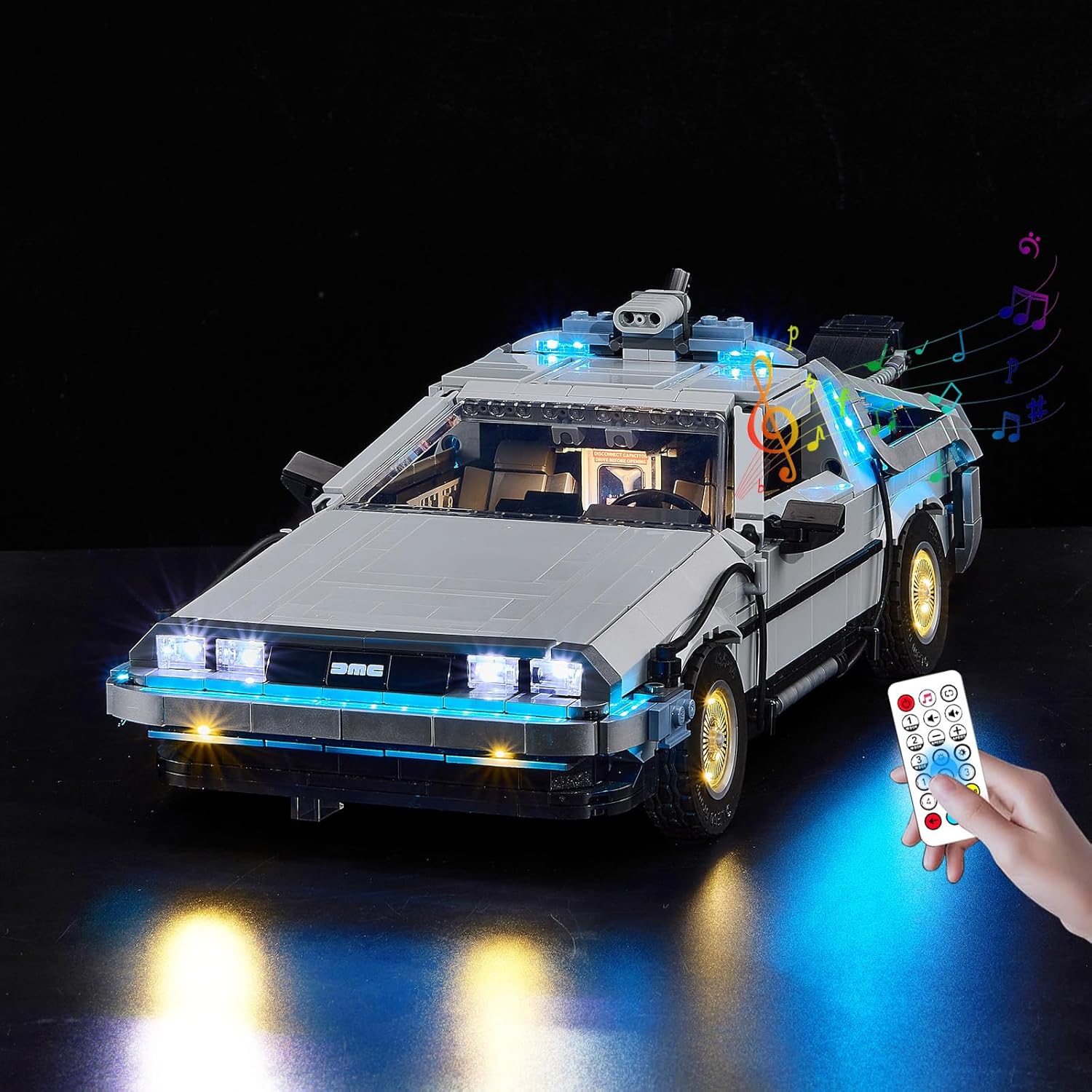
Image 1.1: The BrickSoul LED Light Kit illuminating the LEGO Back to The Future Time Machine 10300 model.
2. Package Contents
Please verify that all components listed below are present in your package. If any items are missing or damaged, please contact BrickSoul customer support.
- LED Light Kits (various components)
- Remote Control
- Battery Box (AAA batteries not included)
- USB Power Cable
- Service Guide / Installation Guide (referencing digital instructions)
Note: The LEGO Back to The Future Time Machine 10300 building set is NOT included with this lighting kit.
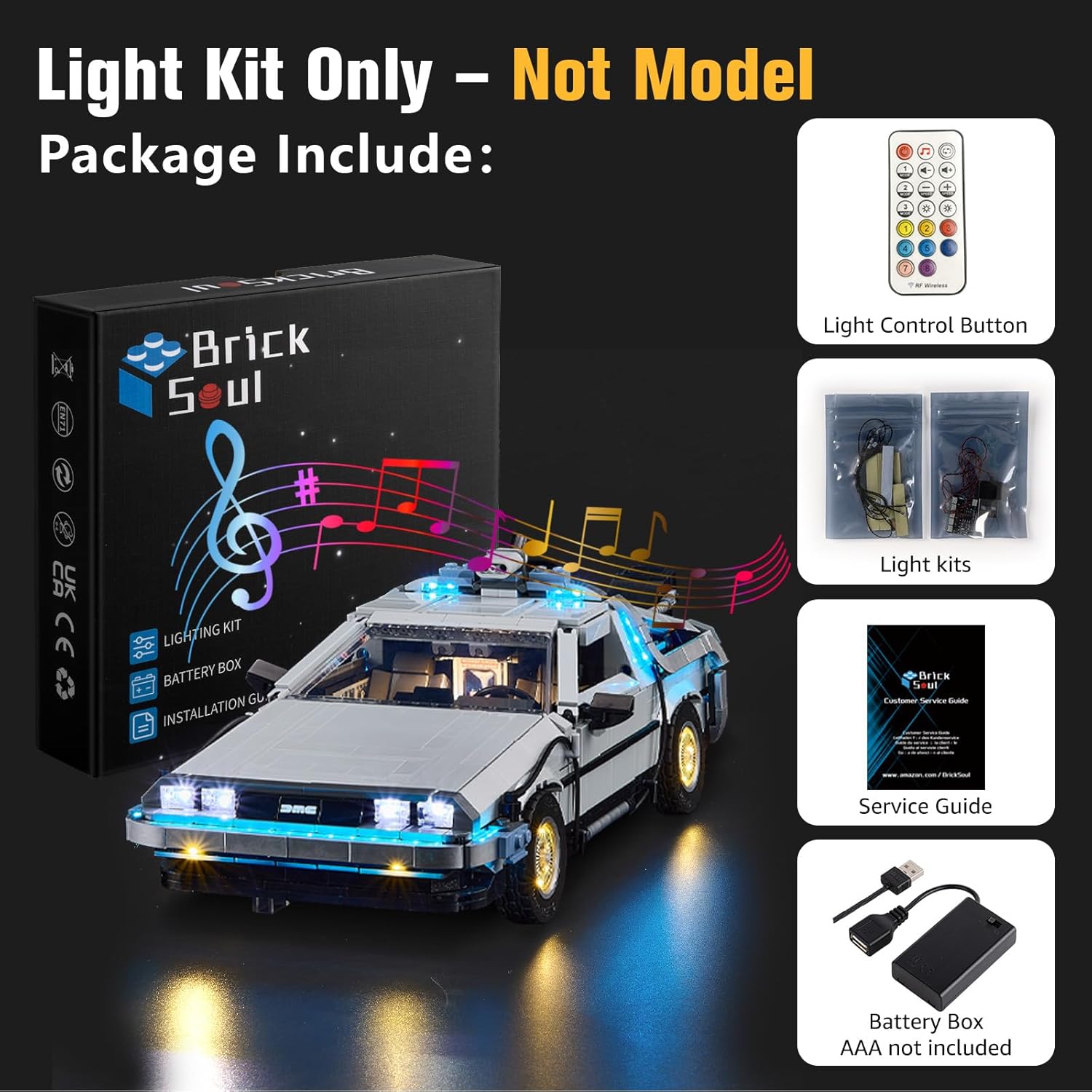
Image 2.1: Overview of the BrickSoul LED Light Kit package contents.
3. Safety Information
Observe the following safety precautions to prevent damage to the product or injury to yourself:
- Keep small parts away from children to avoid choking hazards.
- Do not expose the LED components or wiring to excessive force, heat, or moisture.
- Ensure proper polarity when inserting batteries into the battery box.
- Use only a safe 3-5V USB power source.
- Disconnect power before performing any maintenance or adjustments.
4. Setup Instructions
The BrickSoul LED kit is designed for integration with your LEGO model. Detailed, step-by-step installation guides are provided digitally to ensure a smooth setup process. These guides include both video and PDF formats.
4.1 Accessing Digital Instructions
To access the digital installation guide:
- Locate the QR code or link provided in your physical Service Guide.
- Scan the QR code with your smartphone or tablet, or navigate to the provided URL.
- Input your product model number (10300) into the search query on the website.
- Preview and follow the PDF or video instructions for your specific kit.
Important: It is often easier to install the light kit during the initial construction of your LEGO model. If your model is already assembled, you may need to carefully disassemble certain sections to integrate the wiring and LED components.

Image 4.1: Digital instructions are available via QR code or website.
4.2 Wiring and Component Placement
The kit is designed for a seamless fit and clean wiring. Follow the digital guide carefully to ensure wires are neatly tucked away and components are securely placed without damaging your model.

Image 4.2: Detailed views of integrated lighting components.

Image 4.3: Examples of detailed lighting integration.
5. Operating Instructions
Your BrickSoul LED Light Kit features an upgraded remote control for convenient operation of lighting and sound functions.
5.1 Remote Control Functions
The remote control allows you to:
- Power On/Off: Turn the lights and sound on or off.
- Adjust Brightness: Fine-tune the intensity of the lights (e.g., 0%, 25%, 70%, 100%).
- Switch Lighting Modes: Select from multiple flash modes or static lighting.
- Control Sound: Activate or deactivate integrated sound effects.

Image 5.1: Remote control functions for light adjustment.

Image 5.2: The upgraded smart remote control in use.
5.2 Powering the Kit
Connect the USB power cable from the battery box to a compatible USB power source (e.g., a USB wall adapter, power bank, or computer USB port). Ensure AAA batteries are correctly installed in the battery box if using battery power.
5.3 Demonstration Video
Watch this video for a demonstration of the BrickSoul LED Light Kit's features, including various lighting modes and sound effects.
Video 5.3: Demonstration of the BrickSoul LED Light Kit for LEGO 10300, showcasing lighting and sound features controlled by the remote.
6. Maintenance
To ensure the longevity and optimal performance of your BrickSoul LED Light Kit:
- Cleaning: Gently wipe LED components and wires with a dry, soft cloth. Avoid using liquids or abrasive cleaners.
- Storage: If storing the model for an extended period, remove batteries from the battery box to prevent leakage.
- Handling: Handle the model and integrated lights with care to avoid dislodging wires or damaging LEDs.
7. Troubleshooting
If you encounter issues with your BrickSoul LED Light Kit, refer to the following common problems and solutions:
| Problem | Possible Cause | Solution |
|---|---|---|
| Lights do not turn on. | No power, loose connection, dead batteries. | Check USB power source. Ensure all connectors are securely plugged in. Replace batteries in the battery box. |
| Some lights are not working. | Loose connection, damaged wire/LED. | Inspect individual connections for the affected lights. If a wire or LED appears damaged, contact customer support for replacement. |
| Remote control is unresponsive. | Remote batteries dead, obstruction, out of range. | Replace batteries in the remote control. Ensure no obstructions between the remote and the receiver. Operate within recommended range. |
| Sound effects are not playing or are distorted. | Sound module connection issue, volume setting. | Check connections to the sound module. Adjust volume using the remote control. |
If you are unable to resolve an issue using the troubleshooting guide, please contact BrickSoul customer support.
8. Specifications
- Brand: BrickSoul
- Model: 10300 Upgrade RC Adjustable Lighting Mode Lights
- Compatible with: LEGO Back to The Future Time Machine 10300 Building Set
- Power Input: USB (3-5V)
- Material: Durable ABS plastic and copper wire
- Item Weight: 1.92 ounces
- Package Dimensions: 6 x 5.1 x 1.4 inches
- Recommended Age: 14 years and up
9. Warranty and Support
BrickSoul offers a worry-free warranty and dedicated customer support to ensure your satisfaction.
- Replacements: Quick, hassle-free replacements are available for accidental damage, such as bent connectors or broken wires.
- Support Team: The BrickSoul support team is available to assist with any questions or issues you may encounter during installation or operation.
- Contact: Refer to the Service Guide included in your package for contact information or visit the official BrickSoul website.
