
Introduction
This manual provides comprehensive instructions for the setup, operation, and maintenance of your ZWP RC-880M Replacement Remote Control. Designed as a direct replacement, this remote offers seamless compatibility with specified Onkyo AV Receiver models without requiring complex programming.
Please read this manual thoroughly before using the remote control to ensure proper functionality and to maximize your user experience.
Package Contents
- 1 x ZWP RC-880M Replacement Remote Control
Note: AAA batteries are not included and must be purchased separately.
Setup
1. Battery Installation
The RC-880M remote control requires two (2) 1.5V AAA batteries for operation.
- Locate the battery compartment on the back of the remote control.
- Press down on the tab and slide the battery cover downwards to open.
- Insert two AAA batteries, ensuring the positive (+) and negative (-) terminals align correctly with the markings inside the compartment.
- Slide the battery cover back into place until it clicks securely.
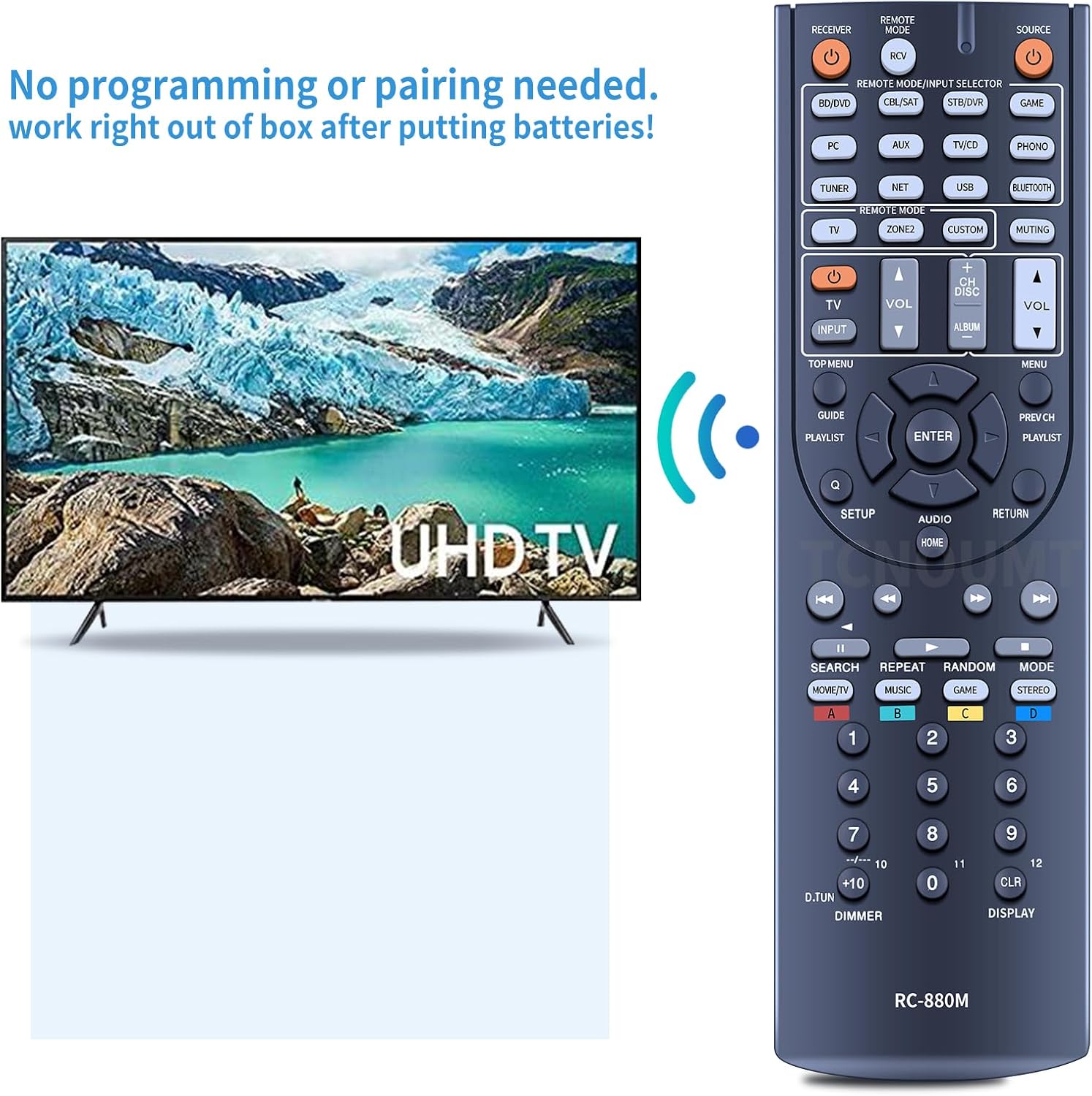
Figure 1: Battery installation for the RC-880M remote control. Ensure correct polarity when inserting batteries.
2. Initial Use (No Programming Required)
The ZWP RC-880M is a pre-programmed replacement remote control. No additional programming or pairing steps are required. Once batteries are installed, the remote is ready for immediate use with compatible Onkyo AV Receiver models.

Figure 2: The RC-880M remote control is ready to use out of the box after battery insertion, requiring no programming.
Operating Instructions
The RC-880M remote control replicates the functions of the original Onkyo remote. Familiarize yourself with the button layout for optimal control of your AV receiver.

Figure 3: Front view of the RC-880M remote control, displaying all functional buttons.
Key Functions Overview
| Button/Section | Function |
|---|---|
| RECEIVER / RCV | Powers the AV receiver On/Off. |
| SOURCE | Selects the input source. |
| BD/DVD, CBL/SAT, STB/DVR, GAME, PC, AUX, TV/CD, PHONO, TUNER, NET, USB, BLUETOOTH | Direct input selection buttons. |
| TV, ZONE2, CUSTOM, MUTING | Remote mode and specific function controls. |
| VOL +/- | Adjusts the master volume level. |
| CH DISC +/- | Channel or disc navigation. |
| Navigation Pad (Up, Down, Left, Right, ENTER) | Navigates menus and confirms selections. |
| TOP MENU, GUIDE, PLAYLIST, SETUP, AUDIO, HOME, RETURN, PREV CH, MENU | Menu and system control buttons. |
| Playback Controls (Rewind, Play, Fast Forward, Skip Back, Stop, Skip Forward, Pause) | Controls media playback. |
| SEARCH, REPEAT, RANDOM, MODE | Additional playback and mode controls. |
| Number Pad (0-9, +10, CLR, DISPLAY) | Direct input for channels, tracks, or settings. |
| DIMMER | Adjusts display brightness on the receiver. |
Operating Range
The RC-880M remote control operates using infrared (IR) technology. Ensure a clear line of sight between the remote and the AV receiver's IR sensor. The effective operating range is approximately 10 meters (33 feet).
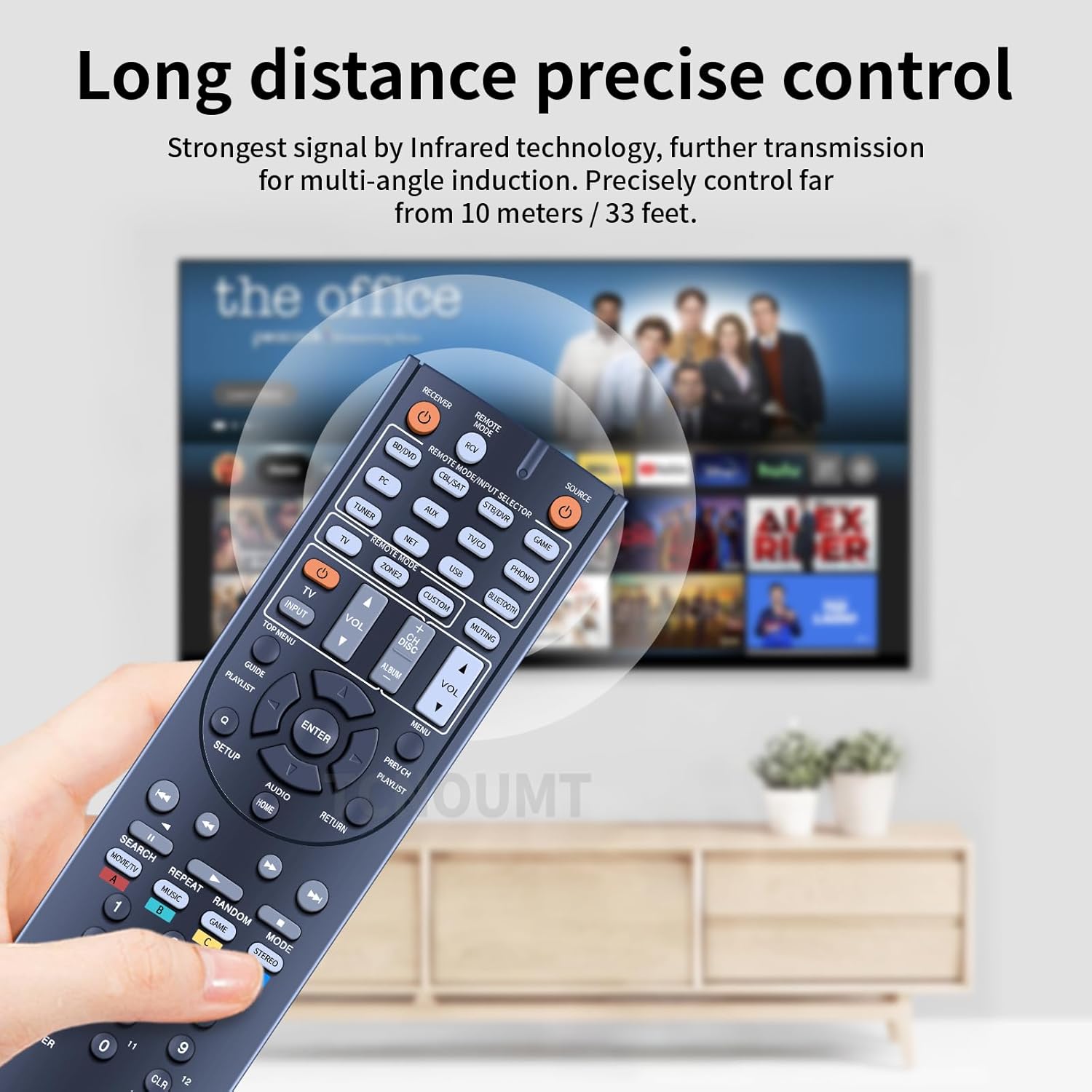
Figure 4: The RC-880M remote offers long-distance precise control via infrared technology, up to 33 feet.
Maintenance
- Cleaning: Use a soft, dry cloth to clean the remote control. Do not use abrasive cleaners, solvents, or alcohol, as these may damage the surface or internal components.
- Battery Replacement: Replace batteries when the remote's response becomes sluggish or stops functioning. Always replace both batteries at the same time with new ones of the same type (AAA).
- Storage: If the remote control will not be used for an extended period, remove the batteries to prevent leakage and potential damage to the remote.
- Avoid Exposure: Keep the remote control away from direct sunlight, high temperatures, humidity, and liquids.
Troubleshooting
| Problem | Possible Cause | Solution |
|---|---|---|
| Remote not responding. | Dead or incorrectly inserted batteries. | Check battery polarity. Replace batteries with new ones. |
| Remote has limited range or intermittent response. | Weak batteries; Obstruction between remote and receiver; Remote too far from receiver. | Replace batteries. Remove any obstructions. Move closer to the receiver. |
| Specific buttons not working. | Button stuck or damaged; Remote mode incorrect (e.g., trying to control TV when in Receiver mode). | Gently press the button multiple times. Ensure the remote is in the correct mode for the desired function (e.g., "RECEIVER" button pressed for receiver functions). |
| Remote works but does not control the intended device. | Incorrect device selected on the remote. | Press the appropriate source button (e.g., BD/DVD, CBL/SAT) to select the correct device input on your Onkyo AV Receiver. |
Specifications
- Model: RC-880M
- Brand: ZWP
- Compatibility: Onkyo AV Receiver models HT-RC660, HT-S7700, HT-R693, TX-NR636
- Power Source: 2 x 1.5V AAA Batteries (not included)
- Material: High-quality ABS
- Color: Black
- Dimensions: Approximately 10 x 3 x 1 inches (25.4 x 7.6 x 2.5 cm)
- Item Weight: Approximately 2.4 ounces (68 grams)
- Control Technology: Infrared (IR)
- Special Feature: Ergonomic design

Figure 5: Dimensions of the RC-880M remote control.
Warranty and Support
For any questions or issues regarding your ZWP RC-880M Replacement Remote Control, please contact the seller directly through the platform where you made your purchase. They will assist you with troubleshooting or warranty claims as per their policy.
"Any question, Please do not hesitate to contact us before leaving Feedback, We will help you resolve it, Thank you." - ZWP-STORE
Please refer to your purchase documentation for specific warranty terms and contact information.

