
1. Introduction
This manual provides essential instructions for the proper setup, operation, and maintenance of your ZWP Replacement Remote Control. This remote is designed to provide seamless control for compatible Omni Breeze Tower Fan models.
2. Compatibility
This ZWP Replacement Remote Control is compatible with the following Omni Breeze Tower Fan models:
- SFY.22
- 3333004
- DC2018
3. Key Features
- Material: Constructed from high-quality, wear-resistant ABS for durability and a comfortable grip.
- No Programming Required: Ready to use immediately after battery installation.
- Operational Range: Effective control within a 5-meter (approximately 16 feet) range.
- Responsive Design: Engineered for quick signal transmission and response.
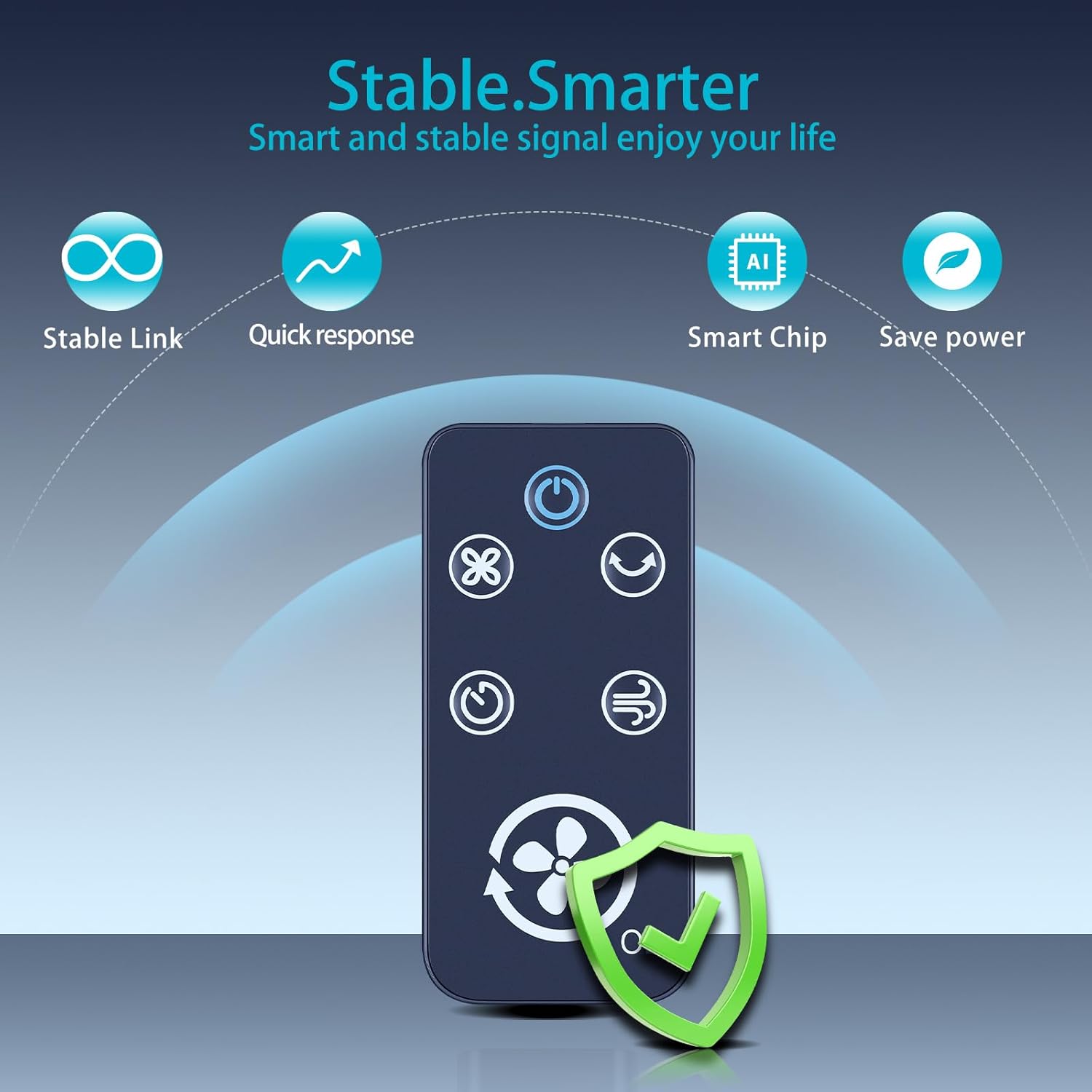
Image 3.1: Features of the ZWP Replacement Remote Control, including stable link, quick response, smart chip, and power saving capabilities.
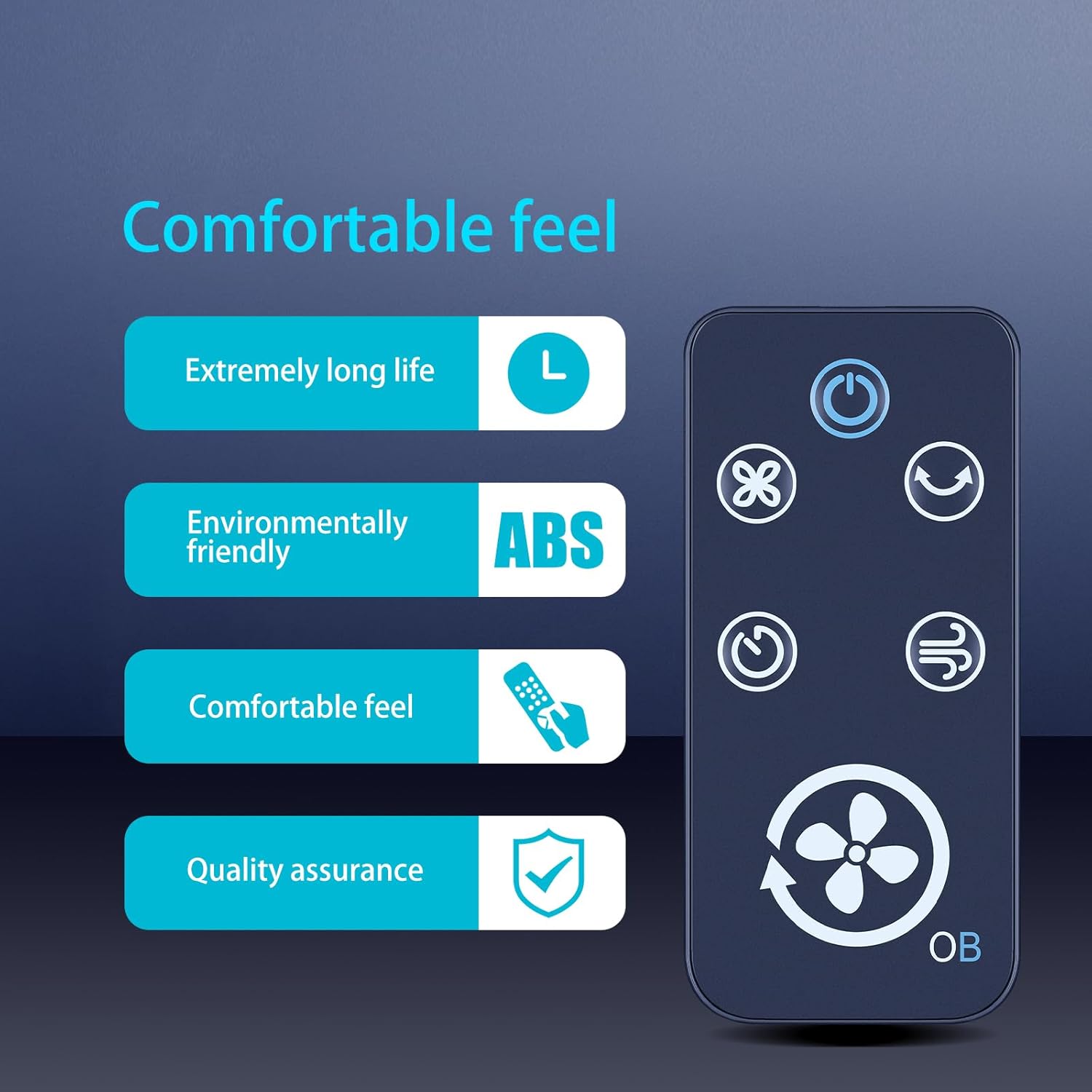
Image 3.2: Additional features emphasizing the comfortable feel, extended lifespan, use of environmentally friendly ABS material, and quality assurance.
4. Setup: Battery Installation
The remote control requires one CR2025 3V Lithium button battery (not included).
- Locate the battery compartment on the back of the remote control.
- Gently push the tab marked 'PUSH' and slide the battery tray out.
- Insert one CR2025 3V Lithium battery into the tray with the positive (+) side facing up, as indicated by the diagram.
- Slide the battery tray back into the compartment until it clicks securely into place.

Image 4.1: Detailed view of the remote control's dimensions and the battery compartment, indicating the CR2025 battery type and installation method.
Image 4.2: Illustration of the battery installation process, showing the remote's battery slot and the required CR2025 3V Lithium battery.
5. Operating Instructions
Once batteries are installed, the remote control is ready for use. Point the remote directly at your Omni Breeze Tower Fan to operate. The effective operational distance is approximately 5 meters.

Image 5.1: Front view of the remote control, displaying the power, oscillation, speed, timer, and mode buttons.
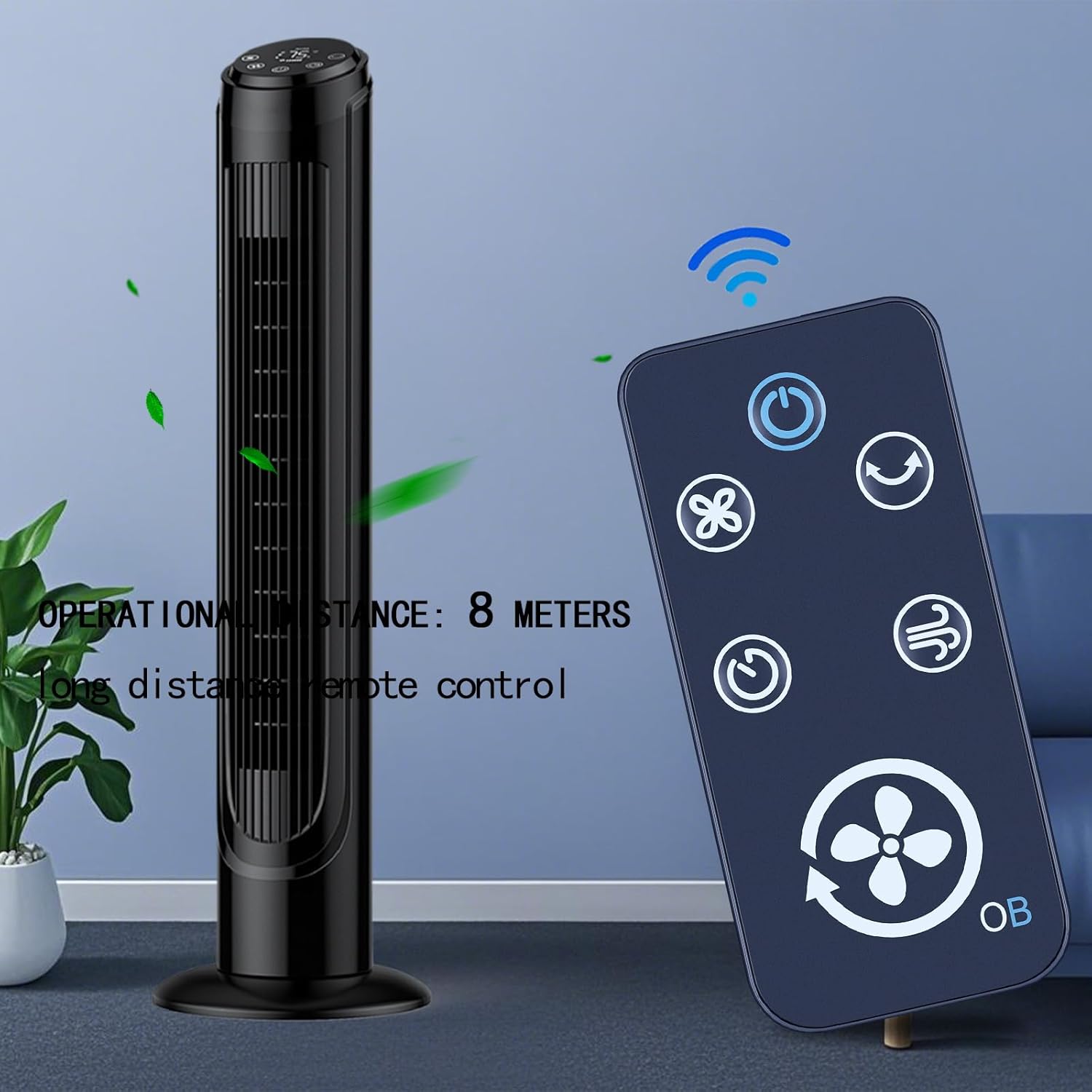
Image 5.2: The remote control in use with a tower fan, illustrating its effective operational range.
Button Functions:
- ⏻ (Power Button): Turns the fan ON or OFF.
- ❌ (Oscillation Button): Activates or deactivates the fan's oscillation function.
- ⭪ (Speed Button): Adjusts the fan speed (e.g., low, medium, high).
- ⏱ (Timer Button): Sets the fan's operating timer.
- ↷ (Mode Button): Cycles through different fan modes (e.g., normal, natural, sleep).
- 💨 (Fan/Breeze Button): Activates or adjusts the fan's breeze function.
6. Maintenance
- Cleaning: Wipe the remote control with a soft, dry cloth. Do not use liquid cleaners or abrasive materials.
- Battery Replacement: Replace the CR2025 battery when the remote's response becomes sluggish or it stops functioning. Ensure correct polarity during installation.
- Storage: Store the remote in a cool, dry place away from direct sunlight and extreme temperatures. If storing for extended periods, remove the battery to prevent leakage.
7. Troubleshooting
| Problem | Possible Cause | Solution |
|---|---|---|
| Remote not responding | Dead or incorrectly installed battery. | Replace the CR2025 battery, ensuring correct positive (+) and negative (-) orientation. |
| Remote works intermittently or requires squeezing | Poor battery contact or loose battery. | Ensure the battery is firmly seated in the tray. If the issue persists, gently clean the battery contacts in the compartment and on the battery itself. |
| Limited operational range | Weak battery or obstruction between remote and fan. | Replace the battery. Ensure there are no objects blocking the line of sight between the remote and the fan's receiver. |
| Remote buttons unresponsive | Internal malfunction or button damage. | If battery replacement and contact cleaning do not resolve the issue, the remote may require replacement. |
8. Specifications
- Brand: ZWP
- Model Number: 3333004
- Compatible Models: SFY.22, 3333004, DC2018
- Material: ABS
- Color: Black
- Power Source: 1 x CR2025 3V Lithium Battery (not included)
- Item Weight: Approximately 1.58 ounces (45 grams)
- Package Dimensions: Approximately 4 x 2.5 x 0.2 inches (10.16 x 6.35 x 0.51 cm)
9. Warranty and Support
Specific warranty information for this ZWP Replacement Remote Control is not provided in the product details. For any questions or support regarding this product, please refer to the seller's contact information or the platform where the purchase was made.