
1. Introduction and Overview
The Energizer LightxPower Cube Camping Lantern X1000 is a versatile and robust lighting solution designed for various situations, from outdoor adventures to emergency preparedness. This LED lantern provides powerful 360-degree area lighting, doubles as a power bank for charging devices, and includes internal storage. Its hybrid power capability ensures reliable illumination when you need it most.

Figure 1: The Energizer LightxPower Cube Camping Lantern X1000, showcasing its compact design and included accessories.
2. Product Features
- Powerful Illumination: Delivers 1,000 lumens of bright, 360-degree area light on high setting.
- Multifunctional Design: Functions as a lantern, power bank, and storage unit.
- Dual USB Ports: Equipped with two USB ports to charge your electronic devices.
- Removable Puck Light: The lid detaches to become a separate puck light with a built-in handle and hook for hands-free use.
- Hybrid Power: Operates on a rechargeable lithium-ion battery or 3 AA batteries, offering power source flexibility.
- Multiple Light Modes: Switch between high and low modes, or press and hold to dim for precise lighting control.
- Durable Construction: Features a wide base for stability, IPX4 water resistance, and impact resistance up to 1 meter.
- Internal Storage: Provides space inside the cube for extra batteries, charging cables, or small essentials.
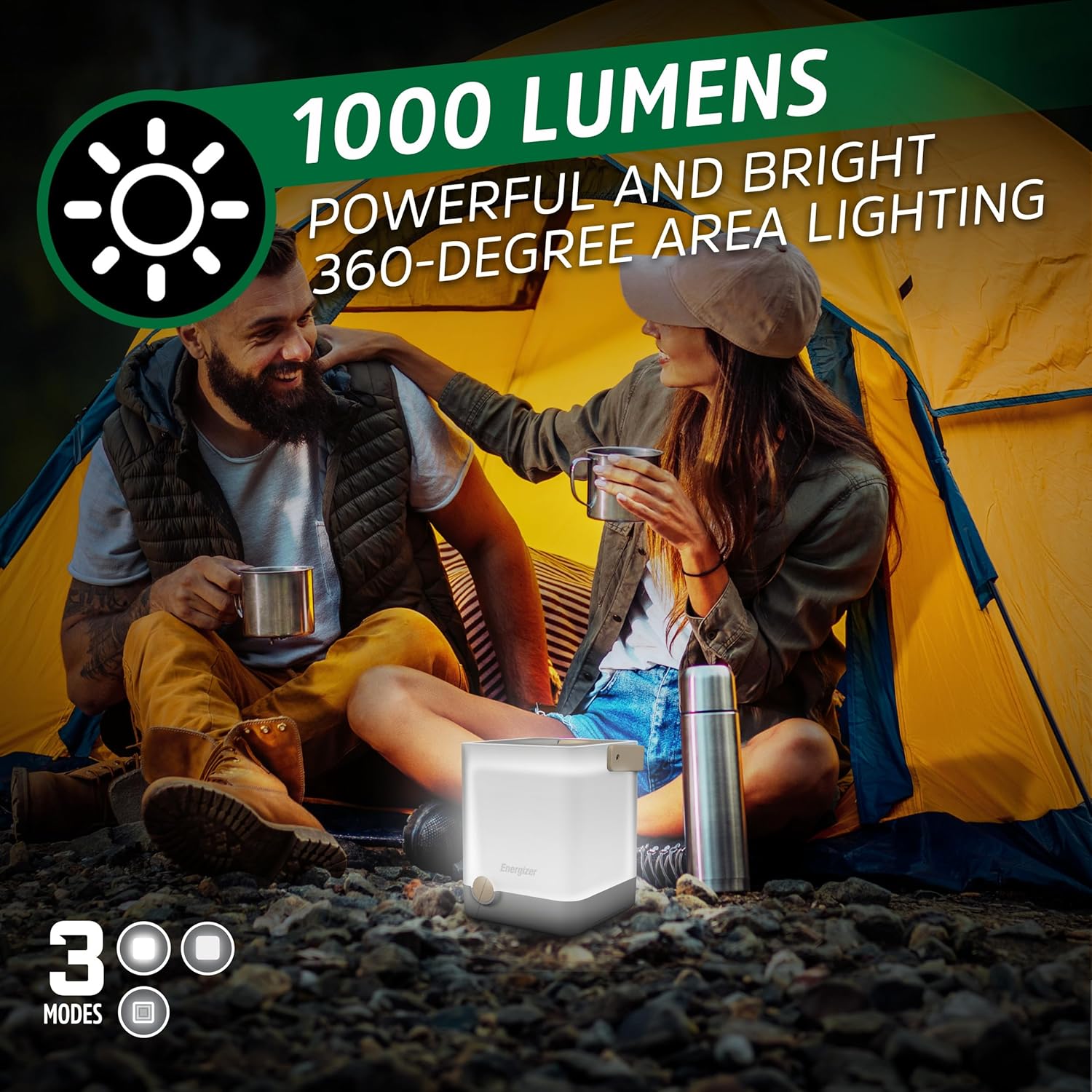
Figure 2: The lantern's powerful 1000 lumens providing ample light for a camping area.
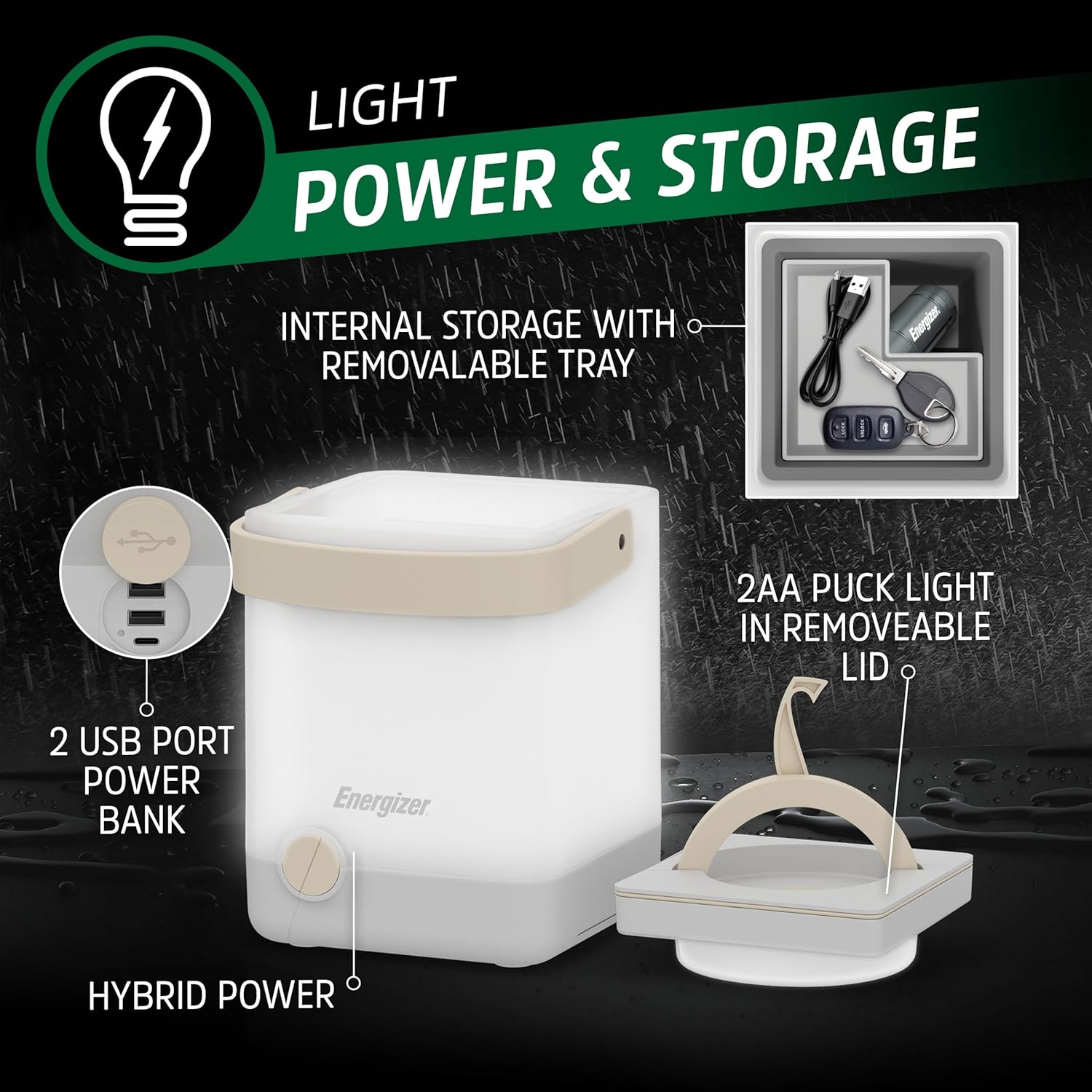
Figure 3: Illustration of the lantern's internal storage, dual USB power bank, and the removable puck light.
3. Package Contents
Upon unboxing your Energizer LightxPower Cube Camping Lantern X1000, please ensure all the following items are present:
- 1 x Energizer LightxPower Cube Camping Lantern
- 1 x Puck Light (integrated into the removable lid)
- 1 x USB Charging Cable
- 5 x Energizer MAX AA Batteries (3 for the main lantern, 2 for the puck light)
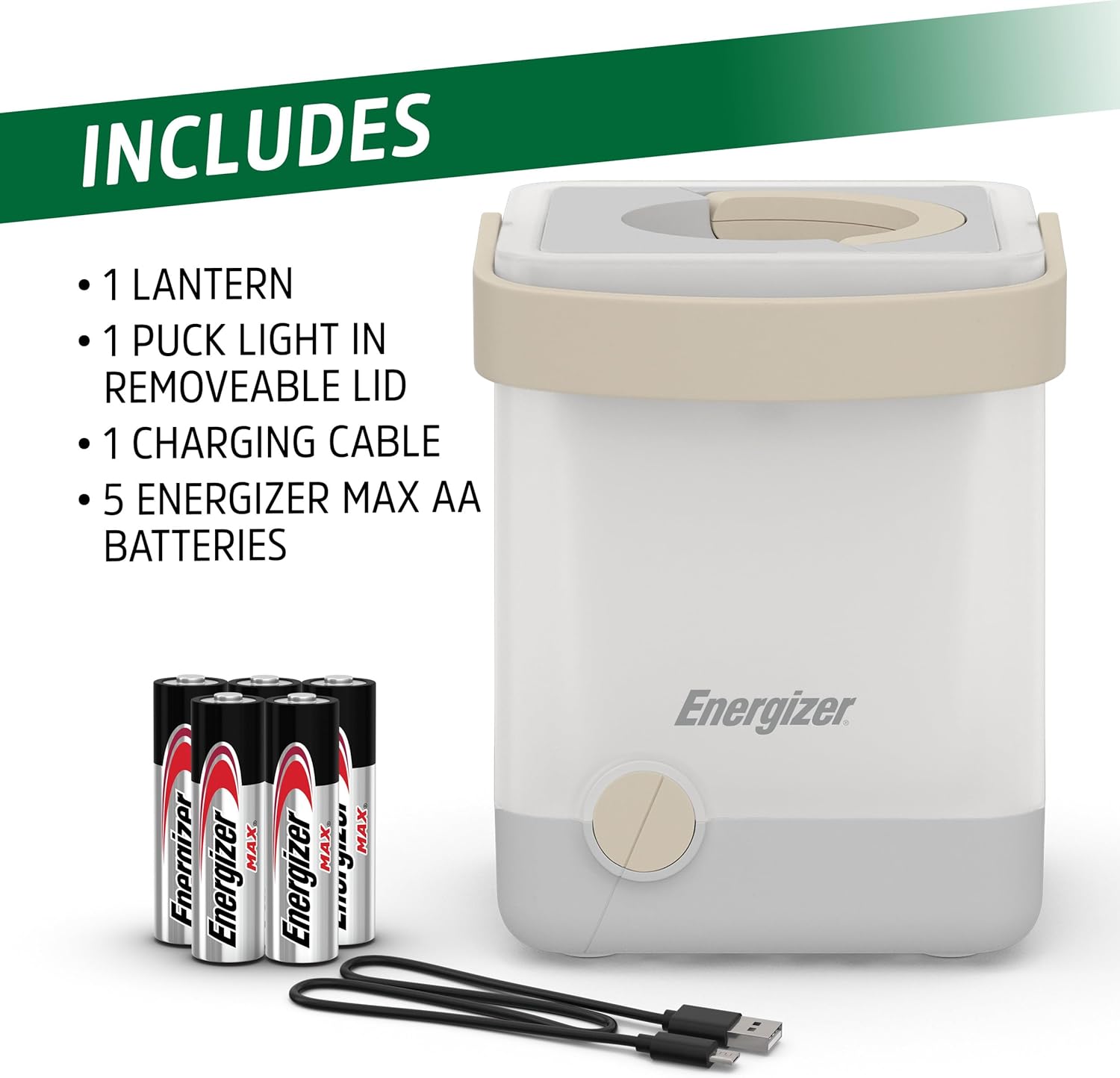
Figure 4: All components included in the Energizer LightxPower Cube Camping Lantern package.
4. Setup
4.1 Battery Installation (AA Batteries)
- Locate the battery compartment at the bottom of the main lantern unit.
- Twist the bottom cover counter-clockwise to unlock and remove it.
- Insert 3 AA batteries into the designated slots, ensuring correct polarity (+/-).
- Replace the bottom cover and twist clockwise to secure it.
- For the puck light, gently twist the lid to separate it from the main unit. The battery compartment for the 2 AA batteries is located on the underside of the puck light. Insert batteries with correct polarity.
4.2 Charging the Rechargeable Battery
The lantern features a built-in rechargeable lithium-ion battery. To charge:
- Locate the USB charging port on the side of the lantern (refer to Figure 3).
- Connect the provided USB charging cable to the lantern's charging port.
- Connect the other end of the USB cable to a compatible USB power source (e.g., wall adapter, computer USB port, power bank).
- The charging indicator light will illuminate to show charging status.
Video 1: Official Energizer Power Cube Lantern Video demonstrating features including charging and usage.
5. Operation
5.1 Powering On/Off and Light Modes
The lantern is operated by a single button located on the front of the unit.
- To Turn On/Off: Press the button once to turn the lantern on. Press it again to cycle through modes (High, Low) and then off.
- To Dim: When the lantern is on, press and hold the button to continuously dim the light. Release the button when the desired brightness is reached.
5.2 Using the Removable Puck Light
The lid of the lantern functions as a separate puck light.
- Gently twist the lid counter-clockwise to detach it from the main lantern unit.
- The puck light has its own power button and operates independently.
- Utilize the built-in handle and hook on the puck light for hanging in tents, on branches, or for carrying.

Figure 5: The lantern's versatility, showing the main unit providing ambient light and the puck light illuminating the inside of a tent.
5.3 Using as a Power Bank
The lantern can charge other electronic devices via its dual USB ports.
- Ensure the lantern's internal rechargeable battery has sufficient charge.
- Locate the two USB output ports on the side of the lantern (refer to Figure 3).
- Connect your device's charging cable to one of the USB ports on the lantern.
- Connect the other end of the cable to your electronic device. Charging will begin automatically.
6. Maintenance
6.1 Cleaning
To maintain the performance and appearance of your lantern:
- Wipe the exterior with a soft, damp cloth.
- Do not use abrasive cleaners or solvents.
- Ensure all ports are dry before charging or using as a power bank.
6.2 Storage
When storing the lantern for extended periods:
- Remove AA batteries if not using the lantern for several weeks or months to prevent leakage.
- Store the lantern in a cool, dry place away from direct sunlight and extreme temperatures.
- Ensure the rechargeable battery is partially charged (around 50%) before long-term storage to preserve battery life.
7. Troubleshooting
- Lantern Not Turning On:
- Check if the rechargeable battery is charged.
- If using AA batteries, ensure they are inserted correctly with proper polarity and are not depleted.
- Light is Dim or Flickering:
- The battery level may be low. Recharge the internal battery or replace the AA batteries.
- Devices Not Charging via USB:
- Ensure the lantern's internal rechargeable battery has sufficient power.
- Check the USB cable connection to both the lantern and your device.
- Verify your device is compatible with USB charging from a power bank.
- Puck Light Not Working:
- Check the 2 AA batteries inside the puck light for correct insertion and charge level.
8. Specifications
| Feature | Specification |
|---|---|
| Product Dimensions | 5.83"L x 5.94"W x 8.78"H |
| Brightness | 1000 lumens (on high) |
| Battery Type | Rechargeable Lithium-Ion, 5 AA batteries (included) |
| Battery Life (Main Lantern) | Up to 22 hours (on low) |
| Water Resistance Level | IPX4 (Water Resistant) |
| Impact Resistance | Up to 1 meter |
| Voltage | 4.5 Volts |
| Item Weight | 2.72 pounds |
| Material | Plastic |
| Light Source Type | Light Emitting Diode (LED) |
9. Warranty Information
The manufacturer's specifications indicate: None.
For specific warranty details or to inquire about product support, please refer to the product packaging or contact Energizer customer service directly.
10. Support and Contact
For further assistance, technical support, or to provide feedback, please visit the official Energizer website or contact their customer service department. Keep your purchase receipt and product model information handy when seeking support.
Energizer is a registered trademark. All rights reserved.


