
Introduction
This manual provides detailed instructions for the installation, operation, and maintenance of your CINOTON Permanent Outdoor Lights. These smart RGBW+IC eaves lights are designed for year-round outdoor use, offering a wide range of customizable lighting options and smart control features. Please read this manual thoroughly before installation and use to ensure proper functionality and safety.
What's in the Box
Verify that all components are present before beginning installation:
- Outdoor String Lights (6 segments, 90 LED beads)
- ETL Adapter (1)
- Control Box (1)
- Remote Control (1)
- 12ft Extension Cable (1)
- Accessory Clips (1 bag)
- Screws (1 bag)
- User Manual (1)
- Quick Installation Guide (1)

The package contains the main light strings, power adapter, control box, remote, an extension cable, and mounting hardware including clips and screws, along with documentation.
Setup and Installation
1. Preparation
Before installation, ensure the mounting surface is clean, dry, and free of dust, grease, or grime. This is crucial for the adhesive strips to bond effectively. Use a clean cloth to wipe down the eaves or desired installation area. For optimal adhesion on certain surfaces, glass cleaner or rubbing alcohol may be used.

This image shows the lights being installed along the roofline, highlighting the need for a stable ladder and careful placement.
2. Mounting the Lights
The lights come with pre-attached 3M adhesive strips on the back of each LED bead. Peel off the protective film from the adhesive and firmly press each light onto the cleaned surface. For long-term stability and in areas exposed to harsh weather, use the provided clips and screws to secure the lights. It is recommended to install the lights 2-4 inches from the wall for optimal triangular lighting effects.
This image provides a detailed look at the individual light units and how they are mounted, emphasizing the discreet design.
3. Connecting Light Segments and Power
The 150ft light string consists of multiple segments. Connect these segments by aligning the arrows on the connectors and twisting to secure them. Use the 12ft extension cable if additional length is needed between light segments or to reach the power source. Connect the entire light string to the control box, and then connect the control box to the ETL adapter. Finally, plug the adapter into a 120V AC power outlet.

This diagram illustrates how the light segments connect and how the system can be controlled via Wi-Fi or local connection.
Video: This video provides an overview of the installation process, including tips on using extension cords and mounting.
Operating Instructions
1. Control Methods
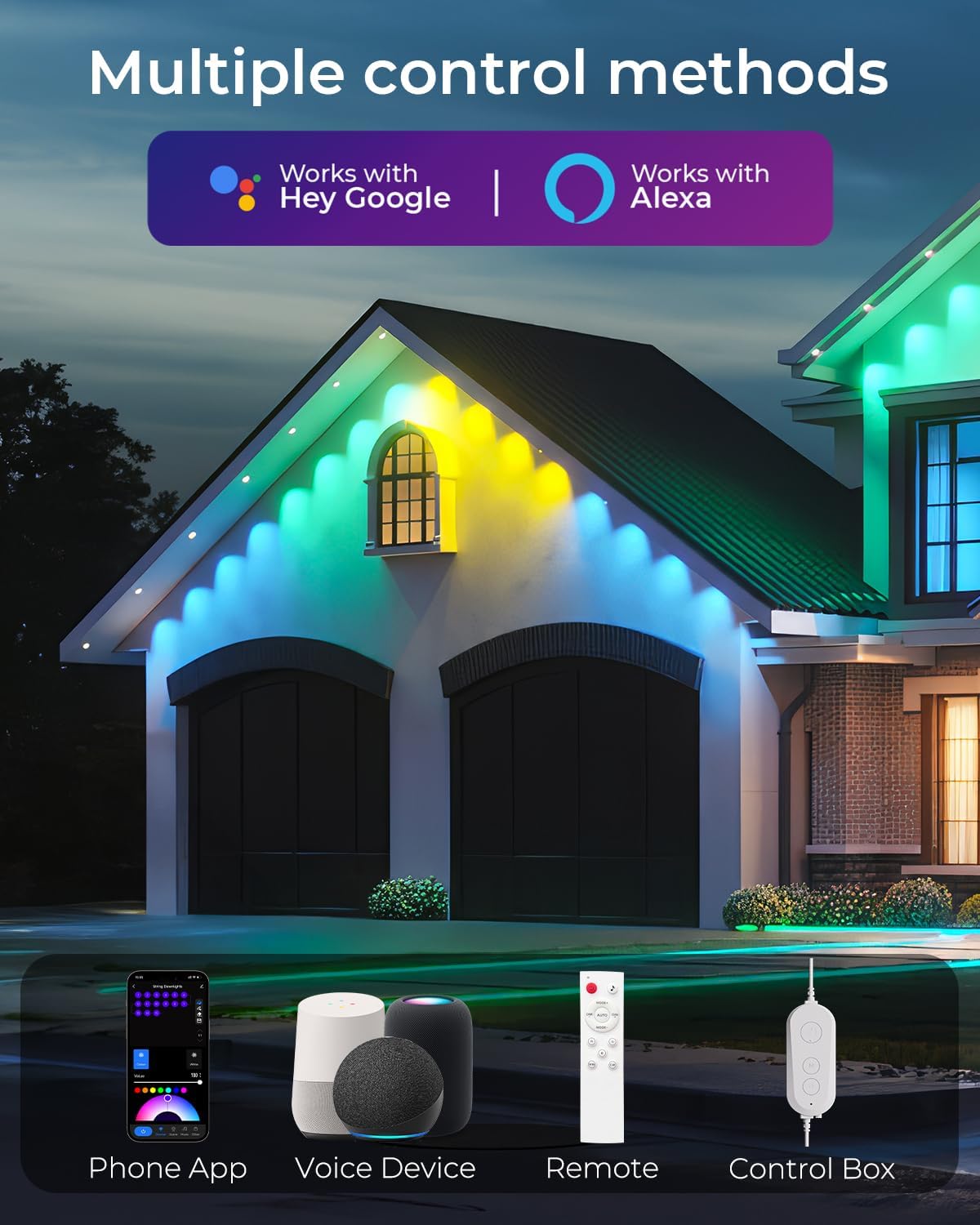
Your CINOTON Permanent Outdoor Lights can be controlled using multiple methods:
- Remote Control: Use the included multi-functional remote to change colors, dim lights, and select basic modes.
- Smart Life APP: Download the Smart Life app for comprehensive control, including access to 111 preset scenes, DIY customization, music sync, and scheduling.
- Voice Control: Pair the lights with Amazon Alexa or Google Assistant for convenient voice commands.
- Control Box: The physical control box on the light string allows for basic on/off and mode changes.

This image highlights the versatility of controlling the lights through a phone app, voice commands via smart devices, the included remote, or the integrated control box.
Video: An overview of the CINOTON Permanent Outdoor Lights, demonstrating various features and control options.
2. Color and Brightness Adjustment
Through the Smart Life app, you can select from 16 million colors to create your desired ambiance. The lights also feature 2700K warm white and 50 lumen LEDs for daily accent lighting. Stepless dimming is available via the app or remote control, allowing you to adjust brightness from 1% to 100%.
Video: This video demonstrates the 16 million color options and the 100-1% dimmable feature of the lights.
3. Scene Modes and DIY Customization
Explore 111 preset scenes designed for various occasions and holidays. You can also create and save your own custom lighting effects using the DIY mode in the Smart Life app, allowing for personalized light displays.
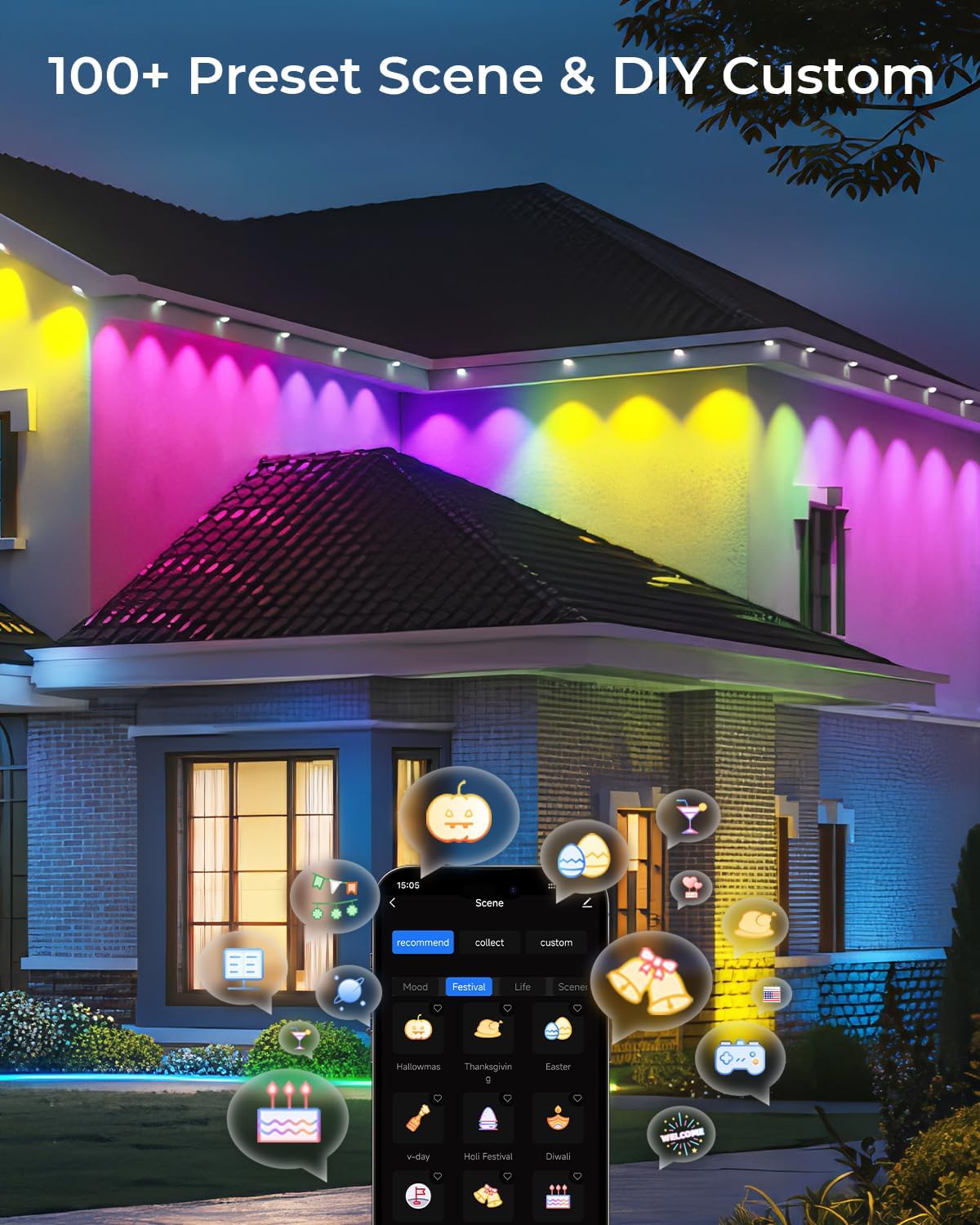
This image displays a house with dynamic lighting, highlighting the extensive range of 100+ preset scenes and DIY customization possibilities.
4. Music Sync Function
The lights feature a built-in microphone that allows them to synchronize with music, creating dynamic light shows that react to the rhythm and beat of your audio. This feature is accessible through the Smart Life app.
This image shows individuals enjoying an outdoor setting where the lights are reacting to music, illustrating the built-in microphone's music sync capability.
5. Timer Function
Set schedules to automatically turn the lights on or off at specific times using the Smart Life app. This allows for convenient automation of your lighting, ensuring they operate according to your daily routine.
Video: This video demonstrates the timer function, showing how to set schedules for the lights to turn on and off automatically.
Maintenance
1. Weather Resistance
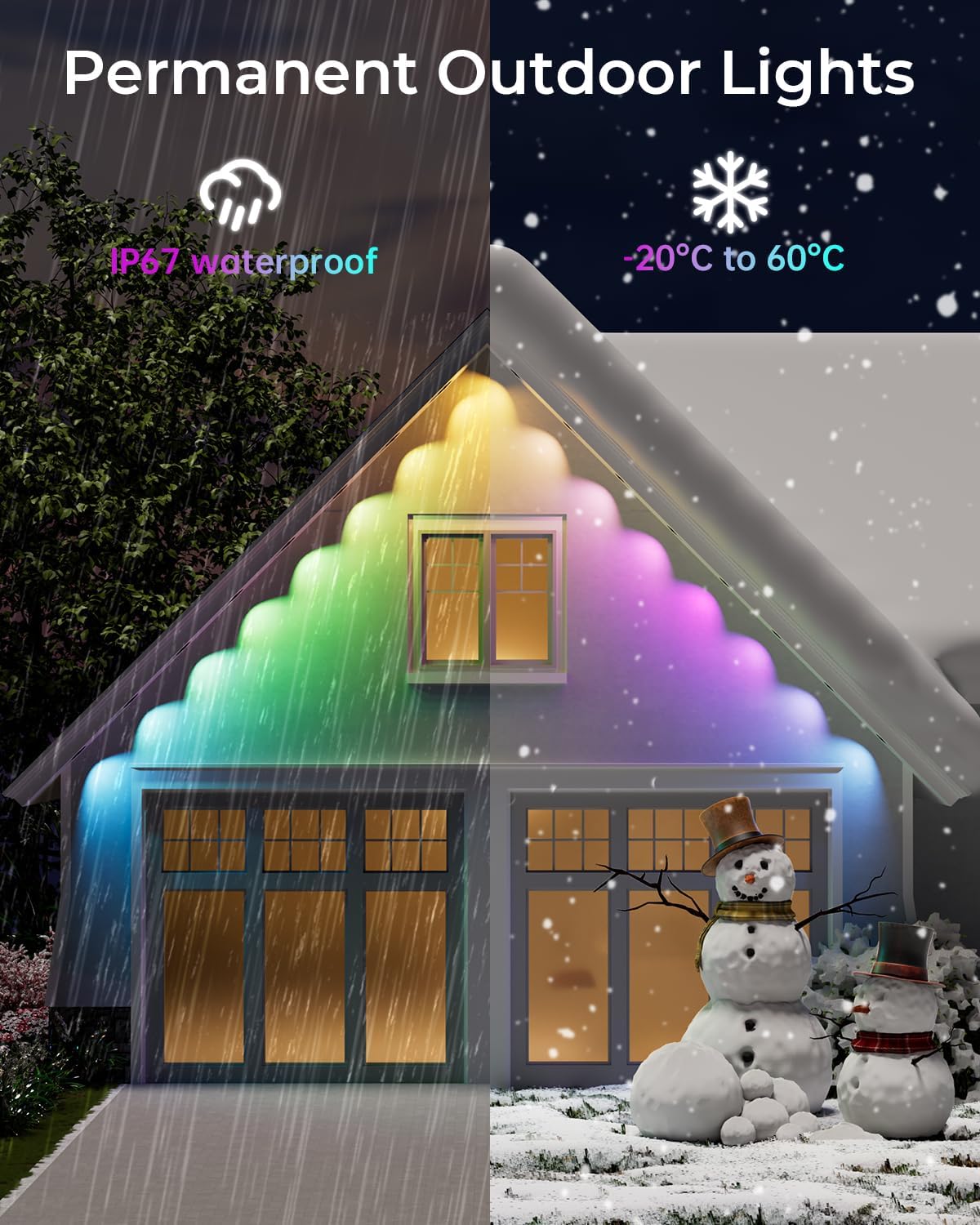
The CINOTON Permanent Outdoor Lights are designed with IP67 waterproof string lights and an IP65-rated control box and adapter, making them suitable for outdoor use in various weather conditions, including rain, sun, and snow. They can withstand temperatures from -4°F to 140°F (-20°C to 60°C).

This image illustrates the lights' ability to withstand diverse weather conditions, emphasizing their permanent outdoor design and robust construction.
2. Cleaning
Periodically clean the light surfaces with a soft, damp cloth to remove any accumulated dust or debris. Avoid using harsh chemicals or abrasive cleaners that could damage the lights or their waterproof coating.
Troubleshooting
- Lights not turning on: Ensure all connections are secure and the power adapter is properly plugged into a working outlet. Check the control box for any indicator lights.
- App connectivity issues: Verify your Wi-Fi network is stable and the lights are within range. Restart the app and try pairing again.
- Lights are uncuttable: Please note that the permanent outdoor lights are designed as a continuous string and cannot be cut. Attempting to cut the lights will void the warranty and may cause malfunction.
- Uneven light effects: Ensure the lights are installed 2-4 inches from the wall for the best triangular lighting effect. Lights placed too far or too close may result in less potent or uneven illumination.
- Test before installation: It is highly recommended to test all light segments and functions indoors before permanent outdoor installation to identify any potential issues early.
Specifications
| Feature | Detail |
|---|---|
| Brand | CINOTON |
| Model Number | C5107-D |
| Length | 150ft |
| Light Source Type | LED (RGBW+IC) |
| Number of Light Sources | 90 |
| White Brightness | 50 Lumens |
| Color Temperature | 2700 Kelvin (Warm White) |
| Waterproof Rating | IP67 (String Lights), IP65 (Control Box & Adapter) |
| Operating Temperature | -4°F to 140°F (-20°C to 60°C) |
| Control Methods | App Control, Remote Control, Voice Control (Alexa, Google Assistant) |
| Special Features | 111 Preset Scenes & DIY, Dimmable, Music Sync, Timer |
| Voltage | 36 Volts (via ETL Adapter) |
| Wattage | 72 watts |
Support
For further assistance, technical support, or warranty inquiries, please refer to the contact information provided in your product packaging or visit the official CINOTON website.