Introduction
Thank you for choosing the Deco Chef 33LB Countertop Ice Maker. This appliance is designed to provide you with chewable, soft nugget ice quickly and efficiently. With its compact design and automatic operation, it is ideal for home use, small gatherings, or even portable applications like RVs. This manual provides essential information for the safe and effective use, maintenance, and troubleshooting of your new ice maker.
Important Safety Information
Please read all instructions carefully before operating the appliance. Retain this manual for future reference.
- Ensure the power supply voltage matches the rating label on the appliance.
- Do not immerse the power cord, plug, or any part of the appliance in water or other liquids.
- Unplug the ice maker from the outlet when not in use, before cleaning, or during maintenance.
- Do not operate the appliance with a damaged cord or plug, or if it malfunctions or has been damaged in any manner.
- Keep children away from the appliance during operation.
- Place the ice maker on a stable, level surface, away from direct sunlight or heat sources.
- Ensure adequate ventilation around the appliance. Maintain at least 4 inches of clearance from walls or other objects.
- Use only potable water in the water reservoir.
- Do not insert fingers or other objects into the ice maker during operation.
Parts and Features

Figure 1: Deco Chef 33LB Countertop Ice Maker with ice and scoop.
Key Components
- Transparent Lid: Allows viewing of ice-making progress.
- Ice Basket: Removable basket for collecting and storing ice.
- Water Reservoir: Internal tank for water supply.
- Control Panel: Features indicator lights and operation button.
- Ice Scoop: Included for hygienic ice retrieval.
- Drain Plugs: Located at the bottom for water drainage during cleaning.
Control Panel Indicators

Figure 2: Control Panel with indicator lights.
- Ice Full: Illuminates when the ice basket is full, indicating ice production will pause.
- Add Water: Illuminates when the water reservoir needs refilling.
- Ice/Clean Button: Press to start/stop ice making or activate self-cleaning mode.
Setup
Unpacking
- Carefully remove the ice maker from its packaging.
- Remove all packing materials, including tape, foam, and any protective films.
- Check for any damage during transit. If damage is present, do not operate the appliance and contact customer support.
Placement
- Place the ice maker on a flat, stable, and heat-resistant surface.
- Ensure the appliance is positioned in a well-ventilated area, away from direct sunlight or heat-generating appliances (e.g., ovens, radiators).
- Allow at least 4 inches (10 cm) of space around the unit for proper air circulation.
Initial Cleaning
Before first use, it is recommended to clean the ice maker.
- Remove the ice basket.
- Clean the interior with a soft cloth dampened with warm water and a mild detergent.
- Rinse thoroughly and drain any remaining water through the drain plugs.
- Wipe the exterior with a soft, damp cloth.
- Allow the unit to air dry completely before use.
Operating Instructions
Making Ice
- Ensure the ice maker is plugged into a grounded electrical outlet.
- Open the transparent lid and remove the ice basket.
- Fill the water reservoir with potable water up to the MAX fill line. Do not overfill.
- Replace the ice basket and close the lid.
- Press the Ice/Clean button to begin the ice-making cycle. The indicator light will illuminate.
- The ice maker will automatically produce nugget ice. The first batch may take slightly longer.
- When the "Ice Full" indicator illuminates, ice production will pause. Remove ice from the basket to resume production.
- When the "Add Water" indicator illuminates, refill the water reservoir.
- To stop ice production at any time, press the Ice/Clean button again.
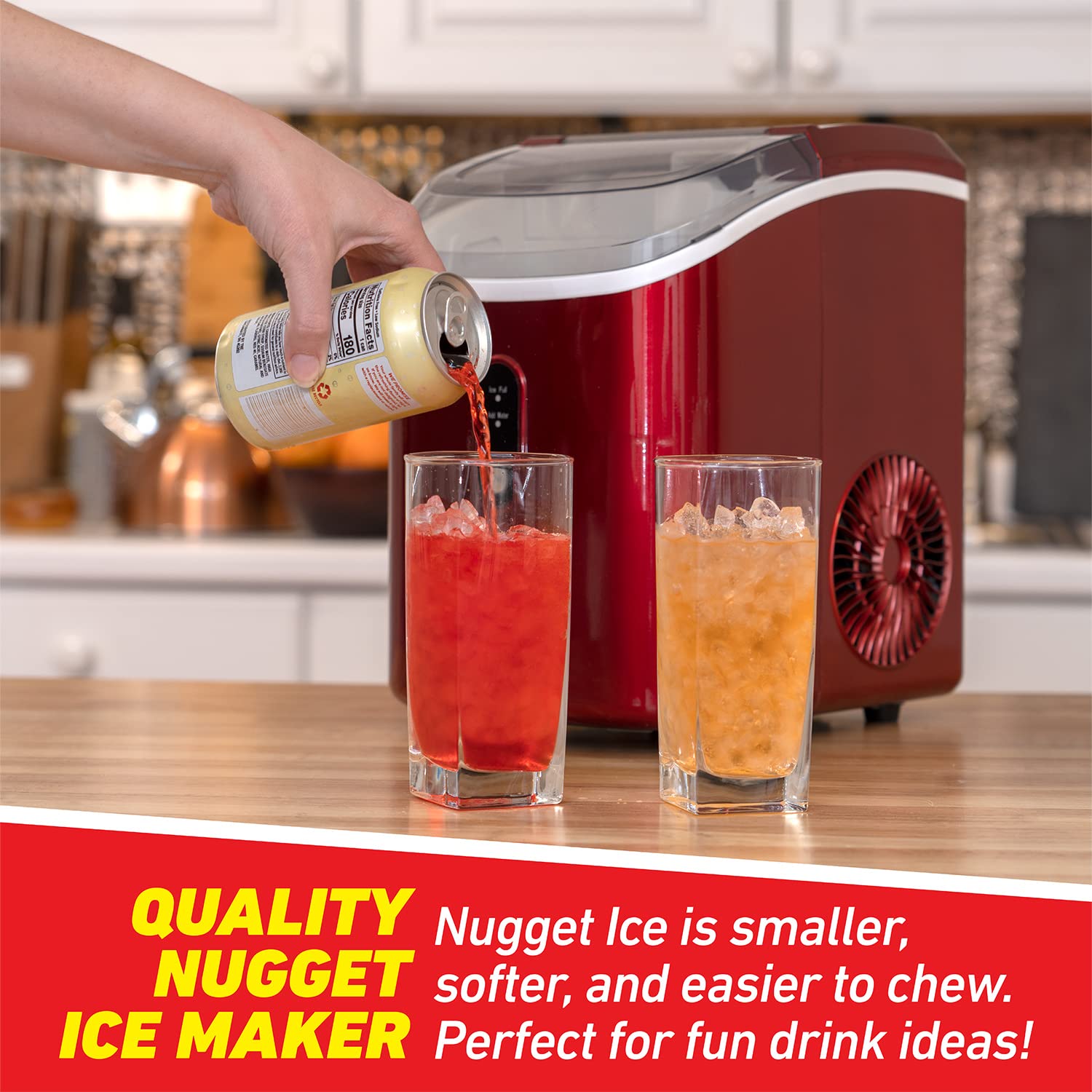
Figure 3: Enjoying beverages with freshly made nugget ice.

Figure 4: Easy access to the ice basket through the lifting lid.
Maintenance
Regular Cleaning
Regular cleaning helps maintain ice quality and extends the life of your appliance.
- Self-Cleaning Mode: With the unit plugged in and water in the reservoir, press and hold the Ice/Clean button for 3-5 seconds until the indicator light flashes. The unit will run a self-cleaning cycle for approximately 20 minutes.
- After the self-cleaning cycle, unplug the unit and drain the water by removing the drain plugs at the bottom.
- For a more thorough cleaning, remove the ice basket and wipe down the interior with a soft cloth and a solution of water and mild vinegar (1:10 ratio).
- Rinse the interior thoroughly with clean water and drain completely.
- Clean the exterior with a soft, damp cloth. Do not use abrasive cleaners or solvents.
Storage
If the ice maker will not be used for an extended period:
- Perform a thorough cleaning cycle as described above.
- Ensure all water is drained from the reservoir and internal components.
- Allow the unit to air dry completely to prevent mold or mildew growth.
- Store the ice maker in a cool, dry place, away from direct sunlight and extreme temperatures.
Troubleshooting
Before contacting customer service, please refer to the following table for common issues and solutions.
| Problem | Possible Cause | Solution |
|---|---|---|
| Ice maker not working. | No power. | Check if the unit is plugged in and the outlet is functional. |
| "Add Water" indicator is on. | Water reservoir is empty or low. | Fill the water reservoir with potable water. |
| "Ice Full" indicator is on. | Ice basket is full. | Remove ice from the basket. |
| Ice production is slow or ice is not forming. | Ambient temperature is too high. / Poor ventilation. / Water temperature is too high. | Move the unit to a cooler location. Ensure adequate clearance around the unit. Use colder water. |
| Unusual noise during operation. | Normal operation sounds (compressor, water pump). / Unit not level. | Some operational noise is normal. Ensure the unit is on a flat, stable surface. |
| Ice has an unusual taste or odor. | Unit needs cleaning. / Stale water. | Perform a thorough cleaning cycle. Use fresh, potable water. |
Specifications

Figure 5: Product Dimensions.
| Feature | Value |
|---|---|
| Model Number | FBADG26NIMRED |
| Brand | Deco Chef |
| Product Dimensions (D x W x H) | 8.7" x 11.3" x 12.7" |
| Weight | 21.9 Pounds |
| Ice Production Capacity | Up to 33 lbs per day |
| Ice Storage Capacity | Up to 1.8 lbs |
| Wattage | 1100 watts |
| Ice Type | Nugget Ice |
Warranty and Support
Deco Chef stands behind the quality of its products. This ice maker comes with a Full 1 Year Manufacturer’s Limited Protection Plan.
For warranty claims, technical support, or any questions regarding your Deco Chef 33LB Countertop Ice Maker, please contact Deco Chef customer service or visit the official Deco Chef store online. Please have your model number (FBADG26NIMRED) and purchase information ready when contacting support.
You can visit the Deco Chef Store for more information: Deco Chef Store


